Oppo Find X6 Pro review
Android 13 with ColorOS 13.1
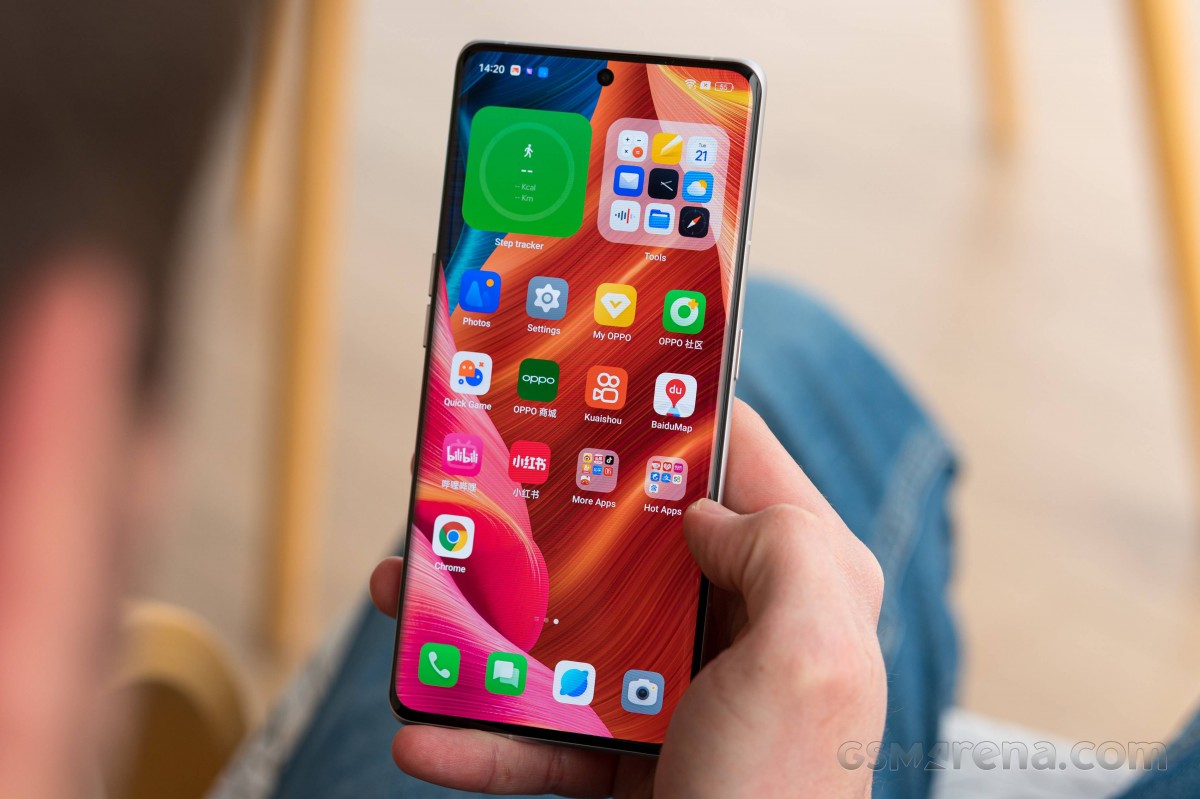
The Oppo Find X6 Pro runs Android 13, with an in-house layer of ColorOS on top (also v.13).
At the phone's launch event, Oppo promised 4 years of major updates and 5 years of security patches, which sounds great.
We are using the Chinese model of the Find X6 Pro, which has Google Services, but uses its own App Market. We installed the Google Play Store hassle-free.
Be aware that some Android features you may be used to may never work on a Chinese ROM even after you install the Google PLay services - these include Android Auto, Nearby Share, Google backup, and even the Google location history.
As far as bloatware is concerned - well, there is plenty, and ads (okay, recommendations) are available in many places. The good news is that most of the Chinese apps can be uninstalled, and most "recommendations" can be disabled.
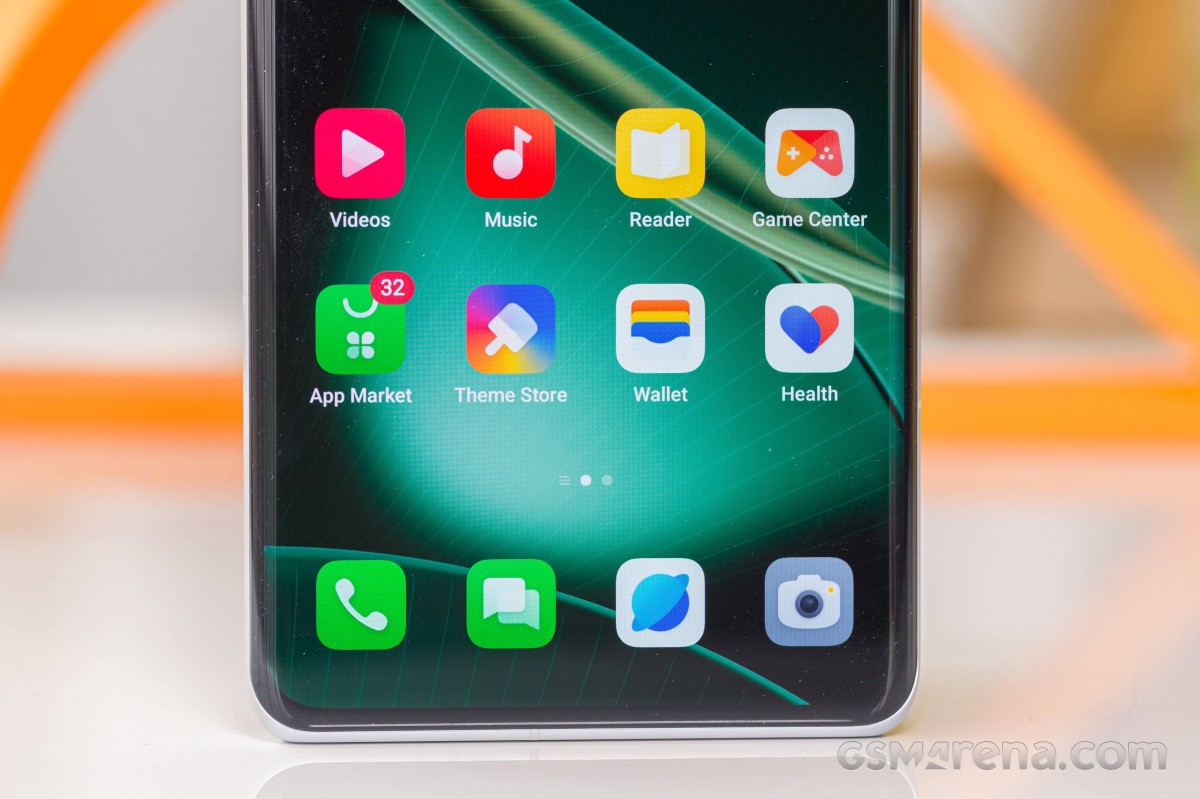
Always-on display is supported on the Find X6 Pro - it can be power-saving, always-on, or scheduled. And there's a lot of customization possible here, plus you can download more from the (Chinese) Theme Store.
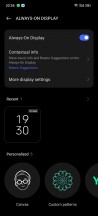
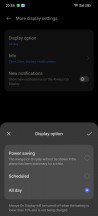
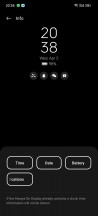
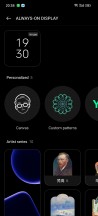
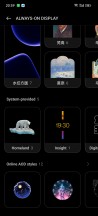
Always-on display
Customizability is a common theme across all of ColorOS, really. There is an entire Wallpapers & style page in Settings, where in addition to the AoD settings, you can change wallpapers (live and static), switch to different icon packs, different quick toggles icon shapes, change fonts (there's an 'exclusive' Oppo sans), and choose completely different colors that will change the entire UI look. You can turn on/off Edge Lighting, which is independent of the Always-On Display.
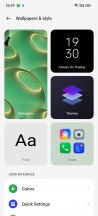
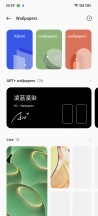
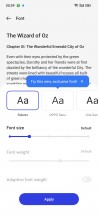
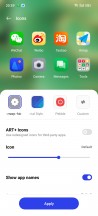
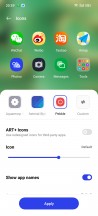
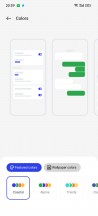
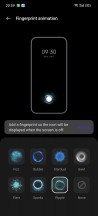
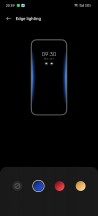
Personalization options
The launcher has no-nonsense homescreens, a simplistic and clean notification/toggles area, and an easy-to-use task switcher. An optional App drawer is available, too, and it is as clutter-free as one could hope for. Quick Glance is the leftmost widget pane here instead of Google Discover.

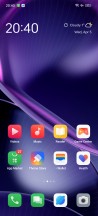
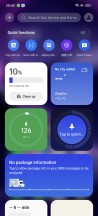
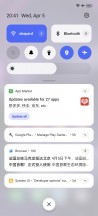
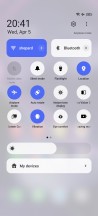
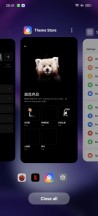
ColorUS fundamentals: Lockscreen • Homescreen • Quick Glance • Notifications • Quick toggles
The new launcher adds support for Large Folders and Dynamic Widgets. Any folder can be enlarged or shrunk.
Dark Mode is available, and it does offer three different dark styles.

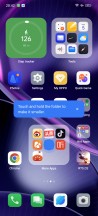
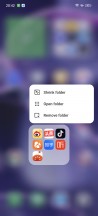
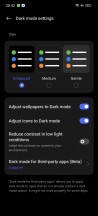
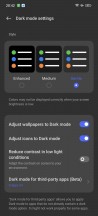
Large folders • Large folders • Large folders • Dark Mode
There are many powerful tools within the settings menu if you want full control over your Find X6 Pro. The features are wide-ranging but generally carried over from previous ColorOS versions. A host of screen-on and screen-off gestures are available; the Smart Sidebar is a handy pane of shortcuts you pull from the side, and split-screen and Flexible windows are available.
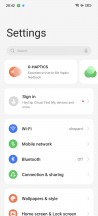
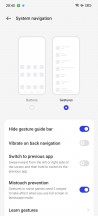
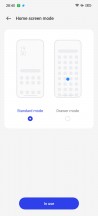
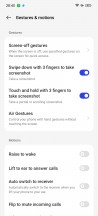
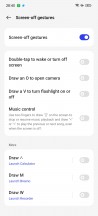
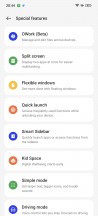

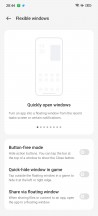
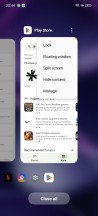
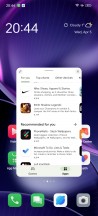

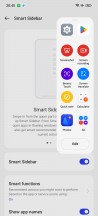
Assorted features
Multimedia apps such as Photos, Music, and Videos all come courtesy of ColorOS. There is also a revamped File Manager and a Phone Manager app to keep track of battery, storage, app permissions, and whatnot.



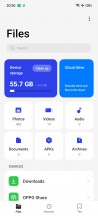
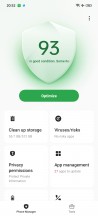
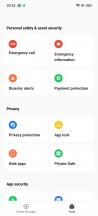
Photos • Music • Videos • File Manager • Phone Manager
The online services in Music and Videos can be disabled from their Settings.
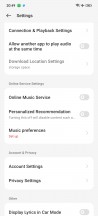
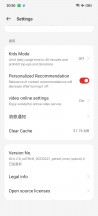
Music • Video
IR Remote app is also available, so you can make use of the IR blaster right out of the box.

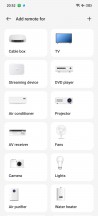
IR remote
Performance and benchmarks
The Oppo Find X6 Pro uses the Snapdragon 8 Gen 2 chipset - Qualcomm's most current flagship hardware. It is coupled with LPDDR5X RAM and UFS4.0 storage chips.
The Snapdragon 8 Gen 2 packs an octa-core processor with one prime core, four performance ones (2+2), and three efficient cores, a.k.a. 1+2+2+3 configuration. This means the CPU contains 1x3.2GHz Cortex-X3 + 2x2.8 GHz Cortex-A715 & 2x2.8GHz Cortex-A710 & 3x2.0GHz Cortex-A510 CPU cores.
Then there is the Adreno 740 GPU - currently the most capable mobile GPU on the market.
The Find X6 Pro supports Wi-Fi 7, Bluetooth 5.3, NFC, and dual-SIM 5G. There is even an IR port.
Our unit has 16GB RAM + 512GB storage - the most beefed up one. There are also two 256GB versions - one with 12GB RAM and one with 16GB RAM.
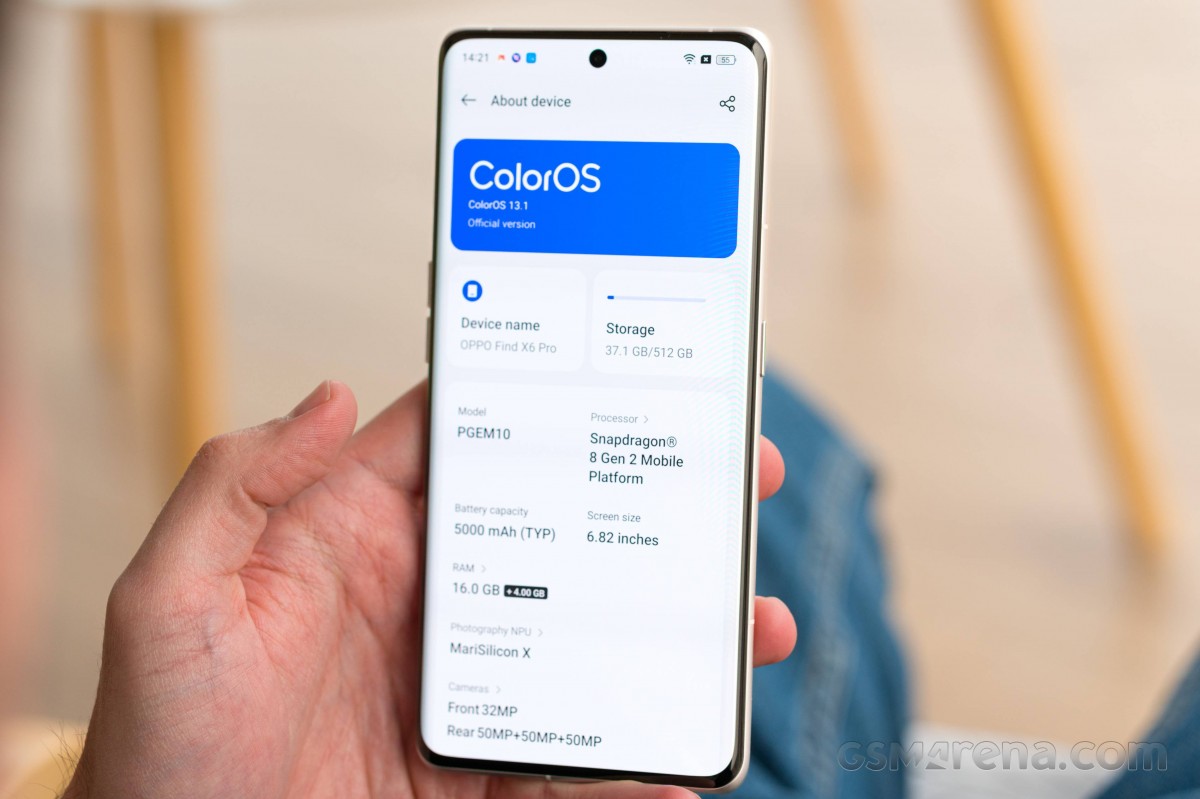
The Oppo Find X6 Pro has this High Performance battery mode, which allows the Prime CPU core to reach higher temperatures and thus offers faster performance when it matters. We tried all sorts of benchmarks, and we found out that only the Prime CPU core seems to be affected by this mode.
Let's start with the Geekbench tests. They show that the Snapdragon 8 Gen 2 has the best mobile processor on the market right now.
GeekBench 5 (multi-core)
Higher is better
-
Xiaomi 13 Pro
5087 -
Galaxy S23 Ultra
4927 -
OnePlus 11
4899 -
Oppo Find X6 Pro (Performance)
4791 -
Oppo Find X6 Pro
4759 -
Honor Magic5 Pro
4378 -
Xiaomi 12S Ultra
4300 -
vivo X90 Pro
4273 -
Huawei Mate 50 Pro
3839 -
Oppo Find X5 Pro
3433 -
Xiaomi Mi 11 Ultra
3191
GeekBench 6 (multi-core)
Higher is better
-
Xiaomi 13 Pro
5323 -
Oppo Find X6 Pro (Performance)
5226 -
Honor Magic5 Pro
5096 -
Oppo Find X6 Pro
5082 -
Galaxy S23 Ultra
5077 -
OnePlus 11
5043 -
Huawei Mate 50 Pro
4378 -
Xiaomi Mi 11 Ultra
3564
Looking at the single-core charts we can see the thermal constraints for the Find X6 Pro and the OnePlus 11, while other phones like the Xiaomi 13 Pro and S23 Ultra featuring similar hardware had no such limitations.
GeekBench 5 (single-core)
Higher is better
-
Galaxy S23 Ultra
1537 -
Oppo Find X6 Pro (Performance)
1496 -
Xiaomi 13 Pro
1490 -
vivo X90 Pro
1387 -
Xiaomi 12S Ultra
1324 -
Huawei Mate 50 Pro
1277 -
Oppo Find X6 Pro
1166 -
OnePlus 11
1150 -
Honor Magic5 Pro
1130 -
Xiaomi Mi 11 Ultra
1126 -
Oppo Find X5 Pro
1002
GeekBench 6 (single-core)
Higher is better
-
Xiaomi 13 Pro
1987 -
Oppo Find X6 Pro (Performance)
1952 -
Honor Magic5 Pro
1943 -
Galaxy S23 Ultra
1913 -
Oppo Find X6 Pro
1532 -
OnePlus 11
1527 -
Xiaomi Mi 11 Ultra
1472 -
Huawei Mate 50 Pro
1396
The offscreen GPU tests clearly show the Find X6 Pro has the best mobile GPU.
GFX Car Chase ES 3.1 (offscreen 1080p)
Higher is better
-
Xiaomi 13 Pro
127 -
Oppo Find X6 Pro
126 -
OnePlus 11
126 -
Galaxy S23 Ultra
126 -
vivo X90 Pro
105 -
Xiaomi 12S Ultra
104 -
Huawei Mate 50 Pro
101 -
Oppo Find X5 Pro
94 -
Xiaomi Mi 11 Ultra
69
GFX Manhattan ES 3.0 (offscreen 1080p)
Higher is better
-
OnePlus 11
327 -
Xiaomi 13 Pro
326 -
Oppo Find X6 Pro
324 -
Galaxy S23 Ultra
311 -
vivo X90 Pro
287 -
Xiaomi 12S Ultra
268 -
Huawei Mate 50 Pro
264 -
Oppo Find X5 Pro
244 -
Xiaomi Mi 11 Ultra
174
Unfortunately, the Oppo Find X6 Pro, being a BBK phone, has no native support for High Frame Rate gaming and benchmarks. This means all games and GPU tests are locked at 60fps unless a game is specifically optimized for this phone in partnership with Oppo.
GFX Car Chase ES 3.1 (onscreen)
Higher is better
-
vivo X90 Pro
74 -
Huawei Mate 50 Pro
68 -
Galaxy S23 Ultra
67 -
Xiaomi 13 Pro
64 -
Oppo Find X6 Pro
60 -
OnePlus 11
57 -
Xiaomi 12S Ultra
51 -
Oppo Find X5 Pro
44 -
Xiaomi Mi 11 Ultra
34
GFX Manhattan ES 3.0 (onscreen)
Higher is better
-
Xiaomi 13 Pro
121 -
vivo X90 Pro
120 -
Huawei Mate 50 Pro
120 -
Galaxy S23 Ultra
119 -
Xiaomi 12S Ultra
118 -
Xiaomi Mi 11 Ultra
96 -
Oppo Find X6 Pro
60 -
OnePlus 11
60
The Oppo Find X6 Pro posted the best score we've seen on the AnTuTu test so far, but it's good to know that the moment we launched AnTuTu, a pop-up appeared to warn us that this app benefits from various optimizations (a polite way to say cheating, we guess).
AnTuTu 9
Higher is better
-
Oppo Find X6 Pro
1294797 -
Xiaomi 13 Pro
1281666 -
Galaxy S23 Ultra
1241531 -
vivo X90 Pro
1228735 -
OnePlus 11
1140661 -
Xiaomi 12S Ultra
1039412 -
Oppo Find X5 Pro
1012896 -
Huawei Mate 50 Pro
979921 -
Xiaomi Mi 11 Ultra
794016
Finally, we tested the stability and the sustained performance, as usual.
The Find X6 Pro scored 70% on the CPU Throttle test, which is fine for a smartphone with passive cooling. The phone kept about 90% of its maximum processor performance during the first 20 minutes and then dropped down to 70% for the remainder of the test.
The GPU sustained performance is, unfortunately, rather bad. The Find X6 Pro scored 40% stability on the 3D Mark stress test, which runs 20x 1-minute loops. The smartphone did alright for the first 8 loops, and then it throttled the performance to prevent it from overheating.
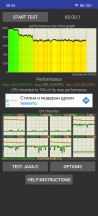
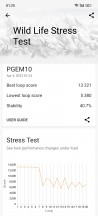
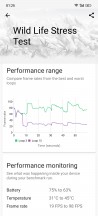
CPU test • GPU test
The Oppo Find X6 Pro became warm during the tests but never uncomfortably hot, which is nice.
Of course, in real life, things are a bit different - we have never felt the phone throttling under any circumstances - be it gaming, video editing, or multi-tasking. And that's what really matters for most people.
The Oppo Find X6 Pro runs on the most powerful chipset, which is sort of a must for a flagship. Its passive cooling solution is not the best on the market judging by the thermal constraints applied by default and when running at peak GPU performance. And while this is quite common, we've seen phones do better here (like the Xiaomi 13 Pro).
Game Assistant is available as a sidebar in games, and it offers three modes - Low Power, Balanced and Gaming (Pro). It says these control the image quality, plus you can turn on/off the High Refresh Rate and Ultra Touch response for each of these modes. This alone means High Refresh Rate gaming has been baked into the software, but Oppo needs to whitelist titles specifically which is not ideal.

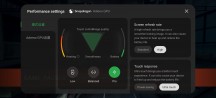
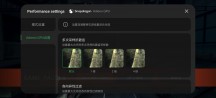
Game Assistant
Long story short, even with the throttling, we would have still given the Find X6 Pro an Excellent mark. But considering the lack of High Frame Rate gaming right out of the box, and then the throttling itself, we'd rate it as Very Good.


Tip us
2.1m 180k
RSS
EV
Merch
Log in I forgot my password Sign up