Motorola Moto G62 review
Clean Android 12 with a handful of extra features
Motorola phones always had the appeal of clean Android. People not liking the extreme overhaul of the Android OS that most manufacturers adopt typically have nice words to say about Motos' UI. The more lightweight approach has its upsides and performance is perhaps the most notable one.
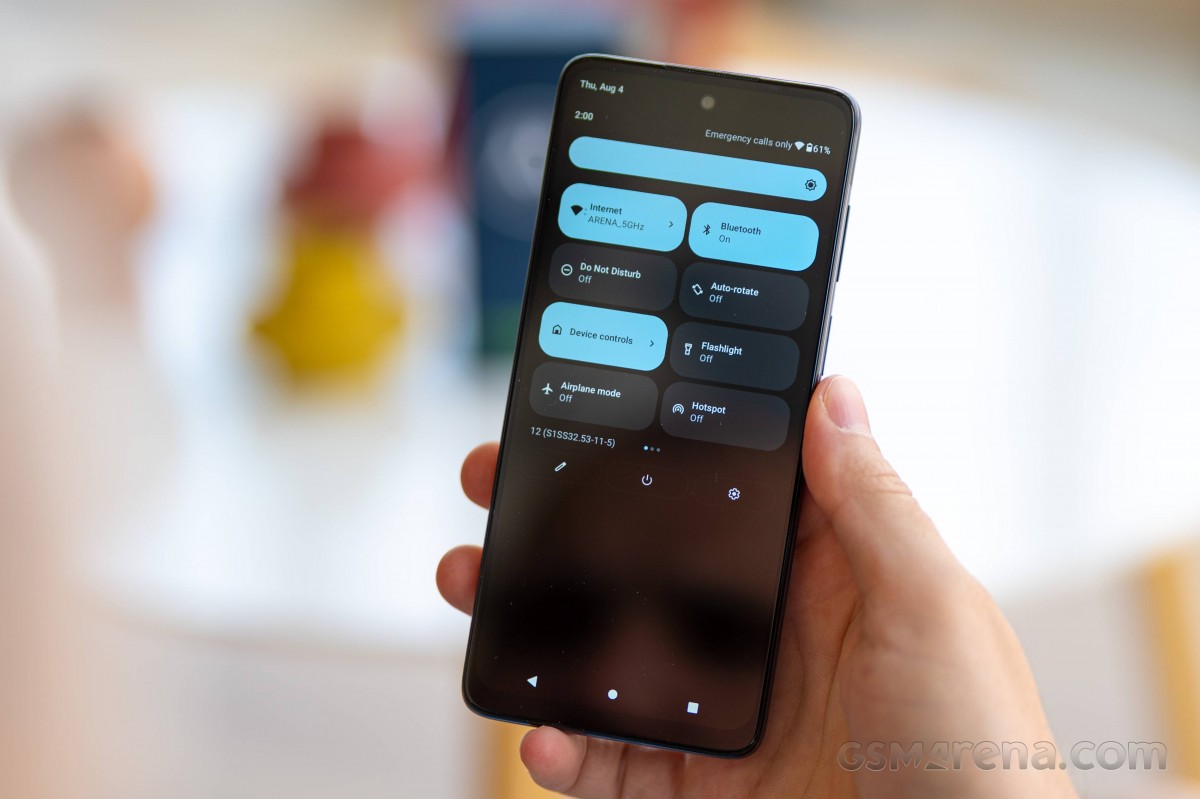
Even with the Snapdragon 480+ on board, the device runs well with little to no hiccups and slow-downs. The phone ships with the latest availableAndroid 12, as Android 13 is still in beta.
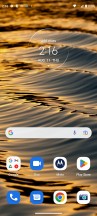
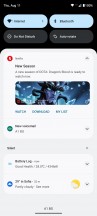
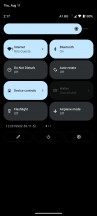
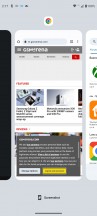
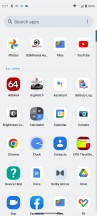
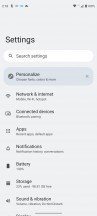
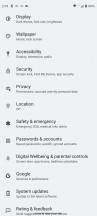
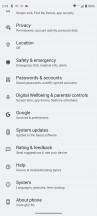
Home screen, recent apps, notification shade, settings menu
The UI and overall appearance are close to stock Android. That includes the new pill-shaped quick toggles in the notification shade. And once again, it does not include the toggle for automatic brightness and you have to dig deep into the settings menu to enable or disable the feature.
No change in the recent apps menu that displays apps in a carousel formation and no change in the app drawer as well. The iconography in the general Settings menu has been revamped, though, so it might take some time to get used to.



Moto features
As is usually the case Motorola has added a handful of useful extras. They are all placed in a Moto settings app that lists them in categories. The first one is Personalization and allows you to tinker with fonts, app icons layout, accent colors, icon shape and themes.

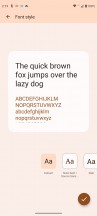
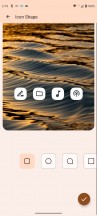
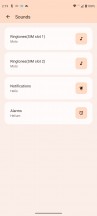
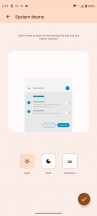
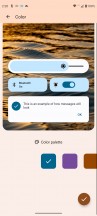
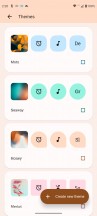

Personalization options
The more useful additions, however, involve gestures. The iconic ones - karate chop for turning on the flashlight or twist your wrist to open up the camera app are here. There's also the Power touch (double tap on the power button) that brings out an additional app panel from the right edge of the display. It works exactly how the smart sidebar does in other Android skins.
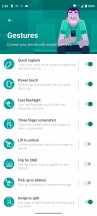
Gestures
The Attentive display keeps the screen on when the front camera detects a face looking at it so the display won't go dark when you are halfway through an article. Peek display lights up the lockscreen once the device senses you are close and you pick up the phone. It uses the proximity sensor and the accelerometer to detect motion. And in case there's a notification, you can just tap and hold on to the notification icon to see a quick preview of the text.


Attentive display and Peek display
Last but not least, the volume rocker keys can be used to change tracks by holding down the volume up or down key.
A relatively new feature is the Overcharge protection toggle in the Battery menu. It will cut off charging once it detects that the phone hasn't been unplugged for three days straight and keep the battery charged at a much healthier 80%.
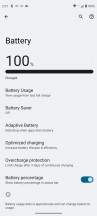
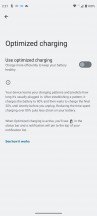
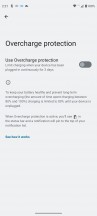
Battery features
Lastly, we can't miss mentioning the fast and responsive fingerprint reader. Even with this low-end chipset, the device unlocks with a light and a brief touch of the scanner. As we've already pointed out in the Design section of the review, our only complaint is the high positioning of the reader.
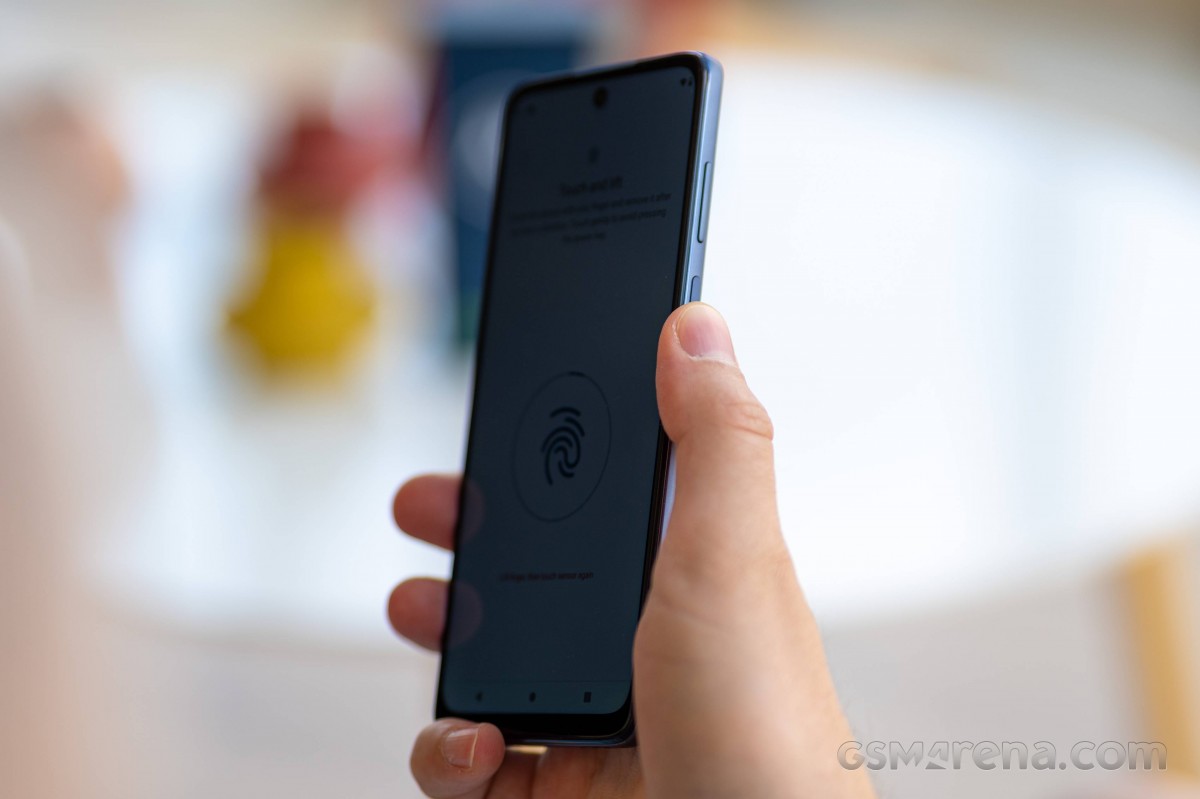
We didn't even notice any big slowdowns outside of launching some heavier apps, which took a bit longer than usual. The UI doesn't feel heavy on the eye, nor does it take a toll on the hardware with excessive effects or animations.
Performance
If you go by Qualcomm's numbers you might think that compared the Moto G60, the G62 offers a significantly downgraded SoC - Snapdragon 480+ vs. Snapdragon 732G. However, the two chips have very similar octa-core CPUs with two main Kryo 460 Gold Cortex-A76 derivative cores running at 2.2 GHz (vs 2.3Ghz on the SD732G), while the other six energy-efficient Kryo 460 Silver cores (Cortex-A55 derivatives) tick at 1.8 GHz (matching the SD732G). The Moto G62's Adreno 619 GPU should also be pretty close to the Adreno 618 from the G60. The two chipsets are even built on the same 8nm process.
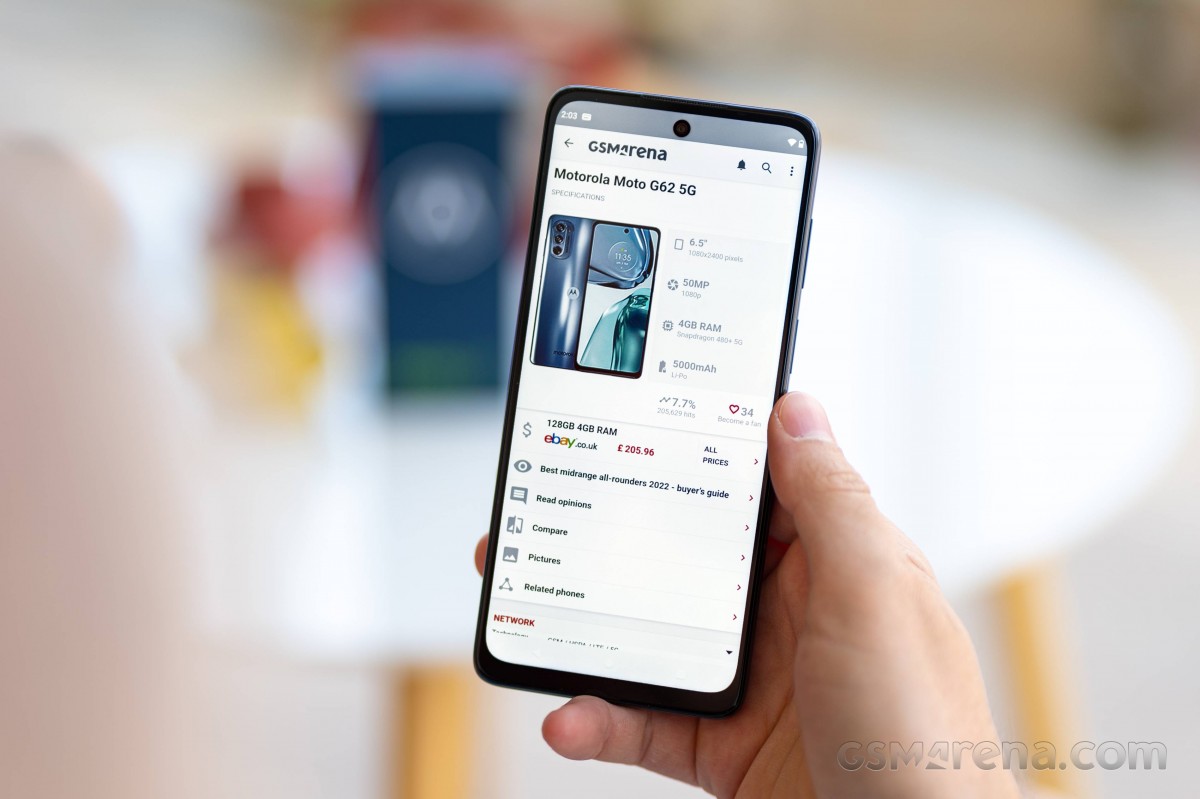
There's just one memory option and that's 4GB/128GB. As we mentioned you can always expand the storage with a microSD card though.
The Indian variant of the Motorola G62 runs on a more powerful Snapdragon 695, so we've included phones with the said chipset to see the difference between the Snapdragon 480+ and the Snapdragon 695. It also gets more RAM - either 6GB or 8GB.
GeekBench 5 (multi-core)
Higher is better
-
Xiaomi Redmi Note 11 Pro 5G
2063 -
Poco X4 Pro 5G
2063 -
Realme 9 Pro
2020 -
Samsung Galaxy A33 5G
1900 -
OnePlus Nord N10 5G
1848 -
Poco M4 Pro
1836 -
Xiaomi Redmi Note 11S 5G
1820 -
Poco M4 Pro 5G
1797 -
Motorola Moto G62
1697 -
Motorola Moto G51 5G
1696 -
Realme 9i
1581
GeekBench 5 (single-core)
Higher is better
-
Samsung Galaxy A33 5G
742 -
Realme 9 Pro
694 -
Xiaomi Redmi Note 11 Pro 5G
688 -
Poco X4 Pro 5G
687 -
OnePlus Nord N10 5G
608 -
Poco M4 Pro 5G
597 -
Xiaomi Redmi Note 11S 5G
588 -
Motorola Moto G62
543 -
Motorola Moto G51 5G
543 -
Poco M4 Pro
523 -
Realme 9i
384
AnTuTu 9
Higher is better
-
Realme 9 Pro
401894 -
Samsung Galaxy A33 5G
394918 -
Poco X4 Pro 5G
384646 -
Xiaomi Redmi Note 11 Pro 5G
382902 -
Xiaomi Redmi Note 11S 5G
360255 -
Poco M4 Pro 5G
353663 -
Poco M4 Pro
318444 -
Motorola Moto G62
303072 -
Motorola Moto G51 5G
302859
GFX Car Chase ES 3.1 (onscreen)
Higher is better
-
Samsung Galaxy A33 5G
20 -
Xiaomi Redmi Note 11 Pro 5G
17 -
Poco X4 Pro 5G
17 -
Realme 9 Pro
16 -
Motorola Moto G51 5G
15 -
Motorola Moto G62
14 -
Poco M4 Pro 5G
13 -
Xiaomi Redmi Note 11S 5G
13 -
OnePlus Nord N10 5G
13 -
Poco M4 Pro
12 -
Realme 9i
7.3
GFX Car Chase ES 3.1 (offscreen 1080p)
Higher is better
-
Samsung Galaxy A33 5G
23 -
Poco X4 Pro 5G
20 -
Xiaomi Redmi Note 11 Pro 5G
19 -
Realme 9 Pro
19 -
Motorola Moto G62
16 -
Motorola Moto G51 5G
16 -
Poco M4 Pro 5G
16 -
Xiaomi Redmi Note 11S 5G
16 -
Poco M4 Pro
14 -
OnePlus Nord N10 5G
14 -
Realme 9i
8.2
GFX Manhattan ES 3.1 (offscreen 1080p)
Higher is better
-
Samsung Galaxy A33 5G
38 -
Realme 9 Pro
35 -
Xiaomi Redmi Note 11 Pro 5G
34 -
Poco X4 Pro 5G
34 -
Motorola Moto G51 5G
29 -
Motorola Moto G62
28 -
Poco M4 Pro 5G
26 -
Xiaomi Redmi Note 11S 5G
26 -
OnePlus Nord N10 5G
26 -
Poco M4 Pro
24 -
Realme 9i
23
GFX Manhattan ES 3.1 (onscreen)
Higher is better
-
Samsung Galaxy A33 5G
35 -
Xiaomi Redmi Note 11 Pro 5G
30 -
Poco X4 Pro 5G
30 -
Realme 9 Pro
29 -
Motorola Moto G62
26 -
Motorola Moto G51 5G
26 -
Poco M4 Pro 5G
23 -
Xiaomi Redmi Note 11S 5G
23 -
OnePlus Nord N10 5G
23 -
Poco M4 Pro
21 -
Realme 9i
14
3DMark Wild Life Vulkan 1.1 (offscreen 1440p)
Higher is better
-
Samsung Galaxy A33 5G
2260 -
Poco M4 Pro 5G
1232 -
Xiaomi Redmi Note 11S 5G
1231 -
Poco X4 Pro 5G
1211 -
Realme 9 Pro
1211 -
Xiaomi Redmi Note 11 Pro 5G
1204 -
Poco M4 Pro
1099 -
Motorola Moto G62
971 -
Motorola Moto G51 5G
970 -
OnePlus Nord N10 5G
811 -
Realme 9i
452
3DMark SSE ES 3.1 (offscreen 1440p)
Higher is better
-
Realme 9 Pro
2946 -
Motorola Moto G62
2457 -
Motorola Moto G51 5G
2453 -
OnePlus Nord N10 5G
2166 -
Realme 9i
1339
3DMark SSE Vulkan 1.0 (offscreen 1440p)
Higher is better
-
Realme 9 Pro
2773 -
Motorola Moto G51 5G
2290 -
Motorola Moto G62
2287 -
OnePlus Nord N10 5G
2012 -
Realme 9i
1291
The benchmark results are in line with other Snapdragon 480+ phones, suggesting that Motorola has done well to use all of the chipset's potential. However that's still slightly behind its direct competitor - the MediaTek Dimensity 810, which edges out in the CPU-intensive and combined tasks and trades blows with Qualcomm's chip in GPU-intensive workloads. And digging just a bit deeper in your pockets can net you a decent performance boost.
Sustained performance
Even though the Snapdragon 480+ isn't a demanding chip we ran the usual CPU stress test to see how the system manages prolonged heavy workloads. The upside of having limited power is the lower heat generation and in turn less need for throttling.
The two graphs below show good performance retention in the first 30 minutes or so as well as stable graph without sudden drops in performance. After a full hour, the chipset maintained 83% of its maximum performance, which is a great result.
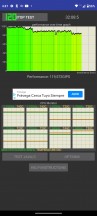
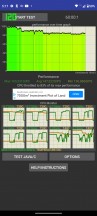
CPU throttle test: 30 min • 60 min


Tip us
2.1m 180k
RSS
EV
Merch
Log in I forgot my password Sign up