Ever changing
Xiaomi Mi 5s review: Ever changing
MIUI 8 on sweet Marshmallow
The Xiaomi Mi 5s comes with Android Marshmallow and MIUI 8.0. MIUI is one of the most comprehensive customizations of Android to date. It has a big following in China where Google services are not accessible so Xiaomi refocused the ecosystem away from Mountain View's services. For those living elsewhere, the official and not-so-official importers are providing various international (global) ROMs, which come stripped from the Chinese services, in favor of Google's.
We are reviewing the Mi 5s with 64GB storage and 3GB RAM, which means the phone lacks pressure sensitive screen. The feature is exclusive to the 128GB/4GB RAM flavor only, so we can't explore MIUI's take on 3D Touch.
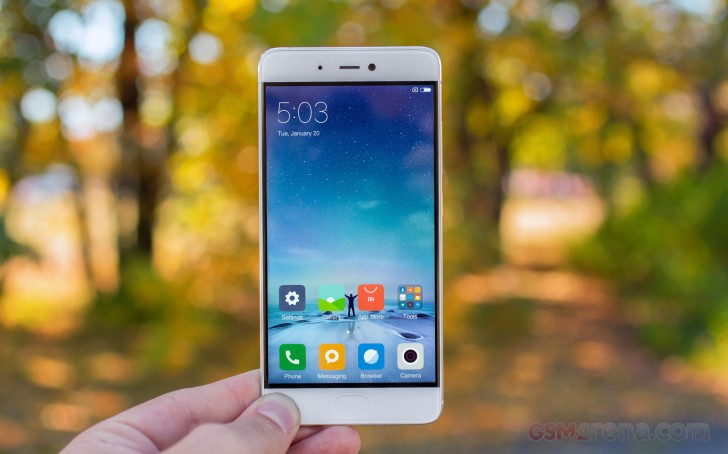
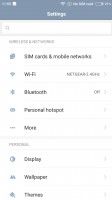
MIUI 8 starts off with a fresh overhaul on the visuals but the new icons, color scheme, and animations are more of a refinement rather than a departure. But the looks are just a minor part of the way MIUI is different from stock Android.
MIUI 8
The highlights of the new features are Dual Apps and dual spaces. Dual Apps means you can have two instances of the same app on your device, so you can, for example, have two WhatsApp accounts on the same phone, one for each SIM, something you couldn't do before.
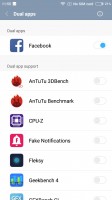

Dual apps settings • Dual apps - the second instance is market with a special icon
Any app can become a dual-app - you just need to enable it from settings. The second instance has a yellow indication on its app icon, so you'll always know which instance you are opening.
Dual spaces lets you have two different workspaces on your device, each with its own set of apps, customizations, and image gallery, and you can enter a custom passcode or a different fingerprint to enter either of the space.
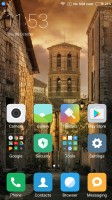
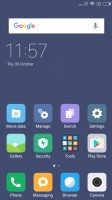
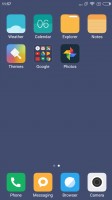
Space 1 • Space 1 • Space 2 • Space 2
Configuring a second space is very easy and straightforward. After setting a different PIN and/or fingerprint, you can import and share photos, files, and apps between the two spaces, or choose to keep those entirely separated. You can also opt to view notifications from the other space, so you won't miss anything.
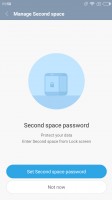
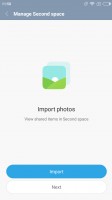
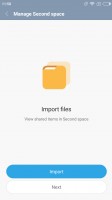
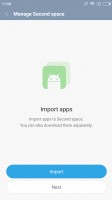
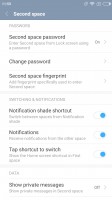
Configuring Two Spaces
Switching between those spaces is hassle-free (you even get a Switch shortcut in the notification drawer), and it's lightning-fast thanks to the Snapdragon 821 chip and the 3 (or 4) gigs of RAM.
There are more novelties in MIUI 8. The Phone app and Caller ID are smarter than before now. There is also a brand new Gallery app, a new Notes app, new advanced image and video editors, and a new Quick Ball function that puts a hovering circle on the side of the display that houses quick shortcuts to various functions.
Touching Quick Ball pops up to 5 shortcuts and you can put here pretty much anything - from Android actions to app shortcuts. The Ball can also hide automatically on chosen apps, and move aside when you are running a fullscreen app.
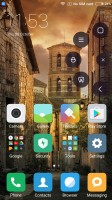
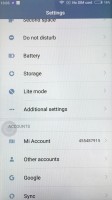
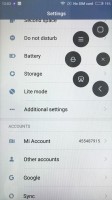
Quick Ball
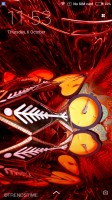
The lockscreen is fairly standard (time, notifications, a couple of shortcuts), but once you set up the fingerprint reader, you'll rarely see it anyway. Still, the Wallpaper Carousel can put beautiful images on the lockscreen every 15 minutes.
The always-on fingerprint sensor proved quite accurate and can take the phone from sleep to homescreen pretty quickly (the lockscreen is bypassed). It's as fast as some of the latest flagship implementations, which is quite a treat.
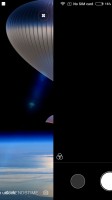
The lockscreen
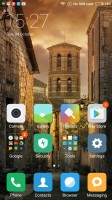
MIUI has a simple philosophy - every shortcut, plus widgets of your choosing, are dropped on the homescreen. You get a docked menu for the most commonly used apps, of course. The homescreen also supports wallpaper carousel, you can enjoy different beautiful wallpapers all the time.
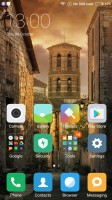
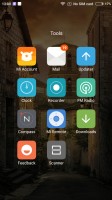
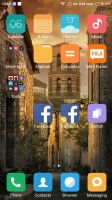
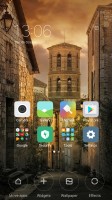
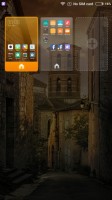
The Homescreen
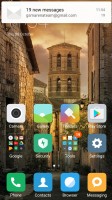
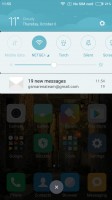
The notification drawer sees the biggest visual change, with a consolidated list of quick toggles, notifications, and a weather panel at the top that changes color and animation according to the weather.

The notification drawer
The app switcher feels like it came out of iOS - apps are either represented by their icons, in a single horizontal row, or by appropriate thumbnails in the same manner.
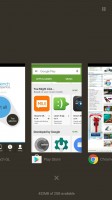
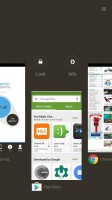


The Task Switcher
Themes are fully supported and several are available out of the box. You can download more - they change wallpapers, lockscreen style, system icons and font, sounds too.
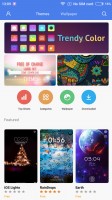
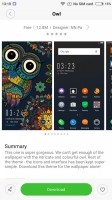

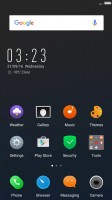
Theme store • downloading a theme • a new theme
Finally, MIUI 8 supports scrolling screenshots - the feature lets you take a screenshot of an entire page by scrolling and combining multiple images into one long screenshot that you can then crop to your liking.
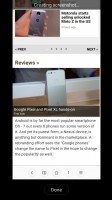

Creating a scrolling screenshot • the result


Tip us
2.1m 180k
RSS
EV
Merch
Log in I forgot my password Sign up