vivo X Fold6 review
Android 17 with Origin OS 7 Fold on top
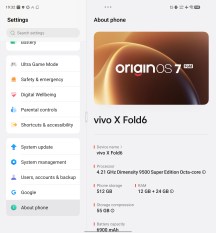
Software is probably the biggest practical difference between the original Chinese version of the X Fold6 and the global version we have for review today. The Chinese variant (model code V2545A) came out running Android 16 and OriginOS 6 Fold on top. In fact, as far as we know, it has yet to receive an OTA to the newer software. In contrast, the global X Fold6 (code V2559) launches with Android 17 and OriginOS 7 Fold on top.
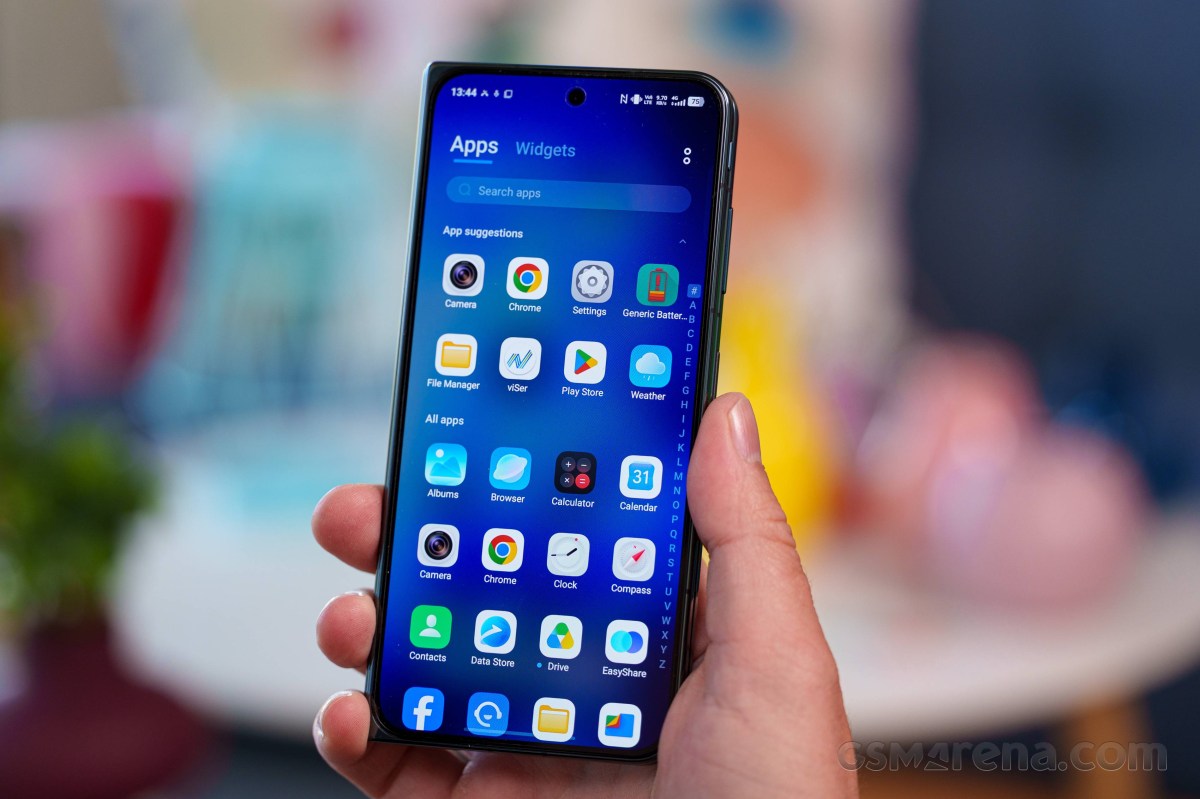
Of course, the global version also comes with Google Play services pre-loaded, along with the usual Google app stack.
The global X Fold6 comes with a formal promise of five major Android updates and seven years of security patches. While not an industry-leading support window, it is still pretty great. Plus, vivo did not "cheat" by launching on the older OS and technically delivered its first major update right off the bat.
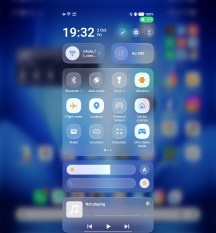
There is nothing particularly special on the surface of Origin OS 7. Everything is right where you would expect. vivo has also adopted the "liquid glass" aesthetic that is trending lately, so everything is semi-transparent. It doesn't look bad per se, but it is getting a bit repetitive at this point.
There are plenty foldable-specific nice touches, like the fact that the notification shade and quick toggles menu drops down from the left, right or middle of the main display, depending on where you pull it down from. Small things like that really show great attention to detail.
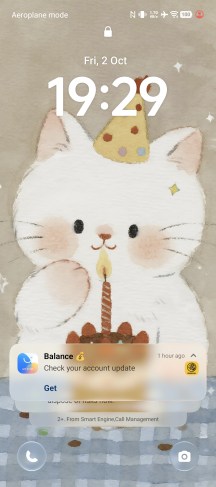
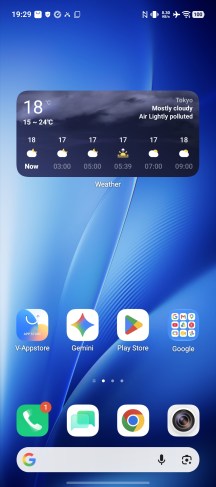
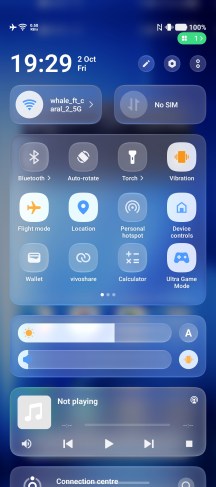
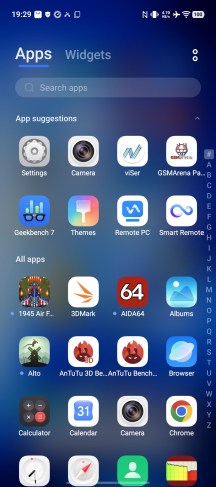
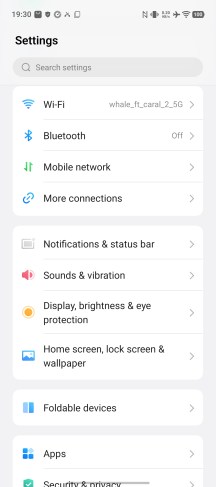
Origin OS 7 Fold UI
And then there are the larger things. The Fold bit of "Origin OS 7 Fold" signifies that this particular device software sits on a different branch and has plenty of added features specifically to maximize the usability of the foldable form factor better and make the most of it.
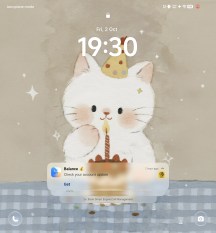
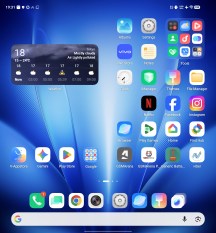
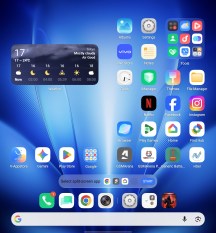
Origin OS 7 Fold UI
Origin OS 7 Fold has a tremendous multitasking system. There is a Multi-Split Screen interface that can show you up to four apps on screen at the same time. These remain fully active; for instance, if you have a video playing, it will continue. And you can adjust the split freely. Most apps actually work just fine with this system.
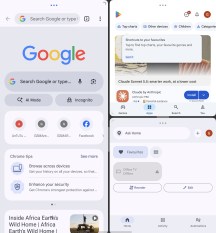
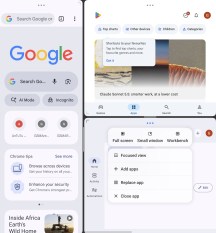
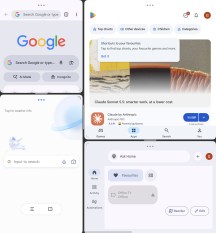
Multi-Split Screen
Then there is Origin Workbench, which works a bit differently. After enabling it in settings, you can launch it by swiping inward from the bottom right corner of the screen. It has one big active app and up to four additional apps on the side. Those are kind of active, but not exactly; you can't, for instance, leave a video playing there. What you can do is really quickly switch the active app, which is very convenient.
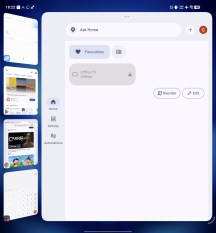
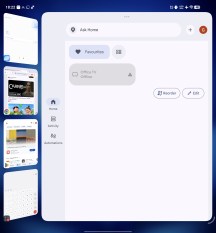
Origin Workbench
Once you are in Origin Workbench, you can switch to Multi-Split Screen and back very quickly by either swiping up with three fingers or slightly folding the display. It takes some getting used to, but we can see how it can be quite powerful once mastered.
Swiping up from the home screen lets you select up to four apps and quickly launch Multi-Split Screen. You can also recall your previous multi-app arrangements in both systems from the quick launch bar on the home screen. There is even the Fan-Shaped App Launcher that lists the last few app combos for you. You can also save a quick shortcut to frequently used combos.
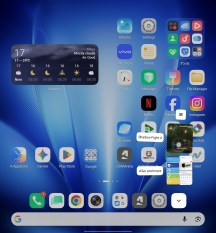
More multi-tasking
Overall, it seems vivo really thought about everything when it comes to effective multi-tasking. There is even a system-level setup for advanced cross-app productivity. You can drag text or images across apps and into an input field. The OS recognizes things like text in an image and can automatically OCR it and place it inside an input field. It can directly translate it in the process as well, with current support for 16 languages. There is also OS-level recognition for business card information that can be sent straight to a new or existing contact or the phone dialer.
There is yet another potential productivity boost if you connect the phone to your Windows PC, Mac or even iPad. You do need to download the vivo Office Kit app and go through an initial setup, which is a bit of a hassle, but once you do, pretty much any kind of collaboration both ways becomes possible. Remote PC or phone control, seamless file transfer, display casting and even display extension, multi-device control with a single mouse and keyboard, syncing notes and clipboard contents. There is even a way to quickly use your phone's cameras as a USB cam/webcam on your PC.
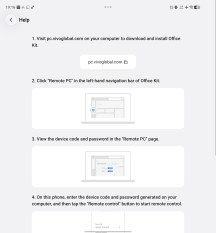
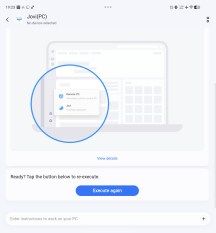
vivo Office Kit
The thing that kind of really blew us away, however and we kind of hate to admit it since this AI craze is really getting out of hand, is the multi-device AI integration. Once you get Office Kit set up on your PC, it technically has its own vivo Jovi AI assistant and, if given permission, can do some OS-level operations for you, like look up a file or part of it, pull up some info form say a couple of place, cobble it together and then email the final result to someone.
The really clever bit is that vivo made it so that you can start a task in Jovi on your phone, even dictate what you are trying to achieve. Even if you left the file you need for the task on your PC as long as its Office Kit is logged into the same account, your phone's Jovi can hand off the task to the PC Jovi and have it do what it has to and report back to the phone. You can even schedule one-time or recurring tasks on your phone or PC and have Jovi report progress. This is so in-depth that we are almost surprised to be getting it for free.
Beyond Jovi you are free to load third-party AI models now. The free model quotas are pretty liberal too.
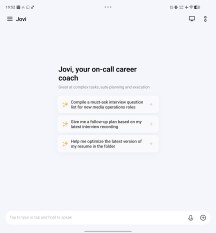
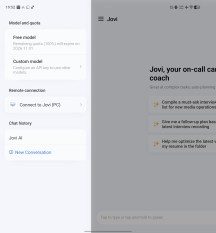
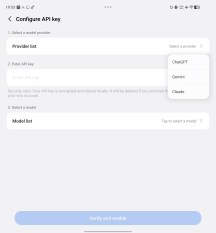
Jovi AI
Google's Gemini is also pre-installed, and Circle to Search is integrated at the OS level.
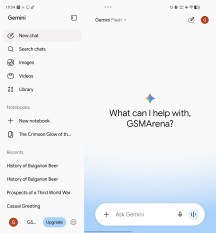
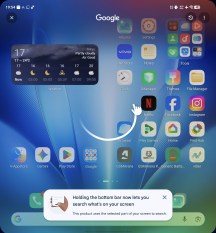
Gemini • Circle to Search
And, of course, there is a lot of AI features available in the image editor. vivo also has an AI-based OCR feature that promises over 85% and 95% recognition accuracy for reading printed text and handwriting from a photo, respectively. It works in the Notes app and promises to even preserve the original document structure and rich-text aspects.
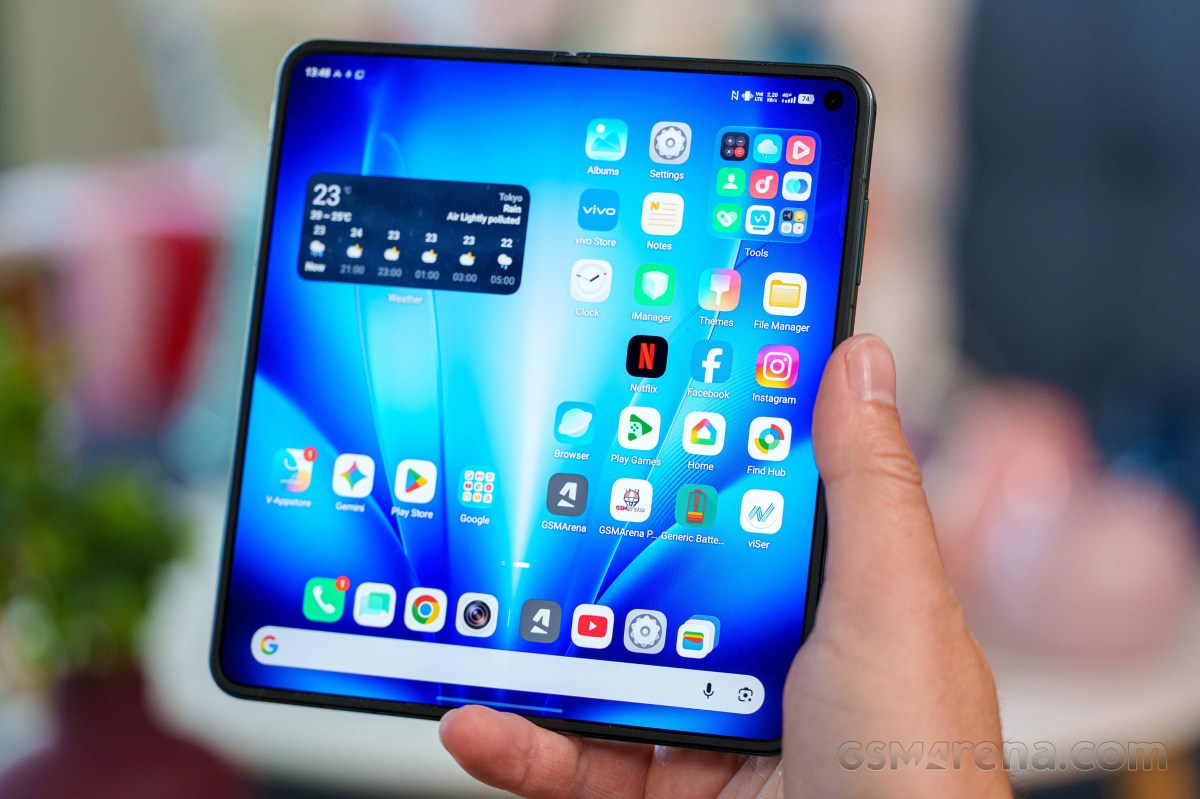
Finally, Origin OS 7 also plays nice with Apple products. We already mentioned that you can pretty seamlessly integrate your iPad and the X6 Fold via Office Kit. There's also support for Apple AirPods - pair in one step, display battery life and even support vivo Spatial Audio. Apple Watch is also supported and you can get calls, messages and notifications, import steps, heart rate, sleep and workouts into vivo Health and even control the phone's camera and music playback. Plus, there is iCloud integreation in the File Manager.
Benchmarks and performance
After equipping both the X Fold5 and the X Fold3 Pro with the Snapdragon 8 Gen 3 chipset, vivo decided to go a completely different route with the X Fold6. It is based on the MediaTek Dimensity 9500 Super chipset. That is no longer the latest or greatest chip MediaTek has on offer, as its successor came out before the X Fold6 managed to escape China.
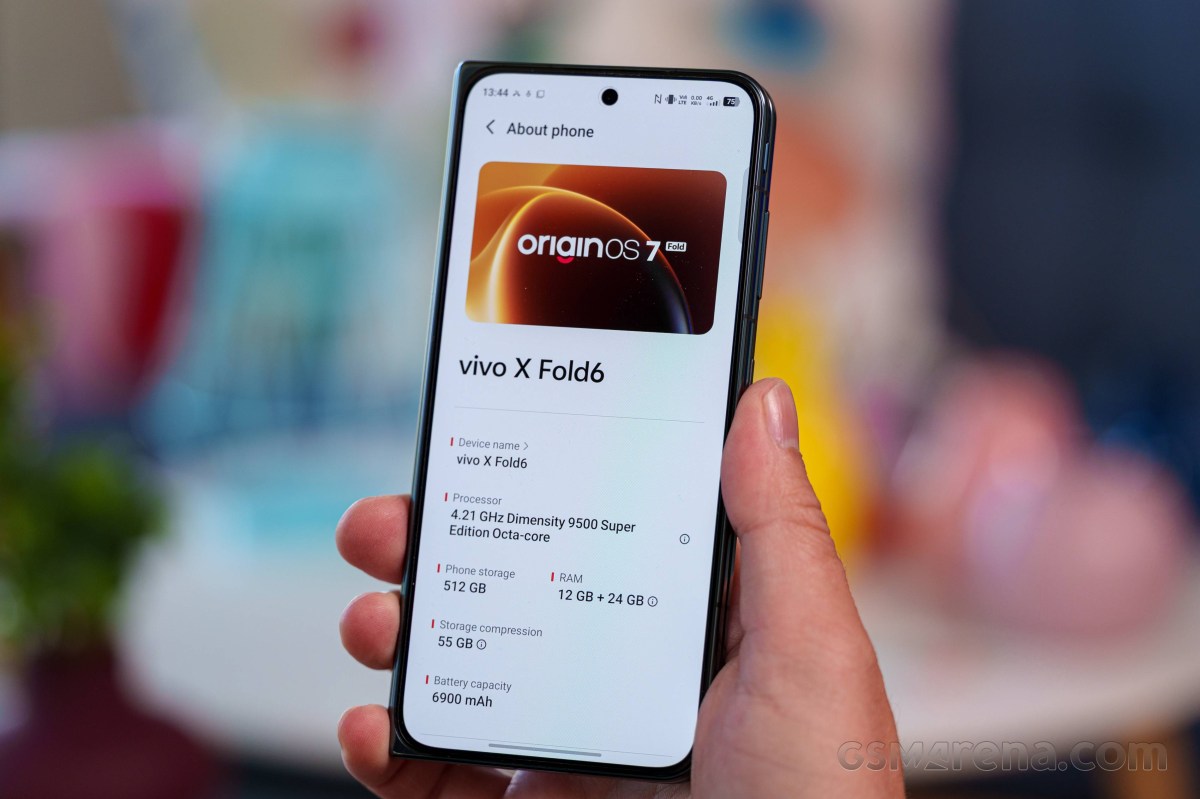
The Dimensity 9500 is still a great chip, but what does the "Super" badge mean?
There are seemingly no hardware differences between that and the regular model whatsoever. The chip is made on a 3 nm (TSMC N3P) node. The CPU configuration consists of one prime ARM C1-Ultra core, clocked at up to 4.21 GHz, three C1-Premium cores, working at up to 3.5 GHz and another four C1-Pro units, going up to a modest 2.7 GHz. The GPU setup is a Mali-G1 Ultra MC12. That means it's the full 12-core variant, as opposed to the MediaTek 9500M which only gets 11 cores. Other known specs for the chipset include a MediaTek Imagiq 1190 ISP, which should be well capable of up to 8K@60 video capture or 4K@120 with HDR. There is also a MediaTek NPU 990 on board.
The Dimensity 9500 uses fast LPDDR5X quad-channel (5333 MHz) RAM. The global X6 Fold is only available in a single 12GB and 512GB version with the storage chips of the UFS 4.1 variety.
Looking at some benchmark figures here, the Dimensity 9500 Super sits somewhere between the Snapdragon 8 Elite and the Snapdragon 8 Elite Gen 5 in terms of both single-core and multi-core performance. We don't typically run benchmarks using a system "performance boost" mode, since these tend to have unpredictable and sometimes odd behavior. This is definitely true of the X Fold6 as well, and particularly AnTuTu 11, but that aside, the "Boost" mode does indeed seem to offer a nice little uptick in both CPU and GPU scores, in case you are chasing numbers.
Speaking of AnTuTu, we will note that the latest AnTuTu 12 outright crashed the phone fully when running on the main display (not even a restart, just fully off, black screen) consistently until we installed it for a third time and ran a successful test on the cover display first. Incredibly odd behavior, so we can't say we are willing to trust those particular results.
GeekBench 6
- Single-core
- Multi-core
 Galaxy Z Fold8 Ultra
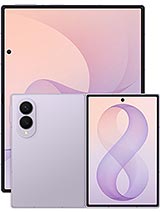 Galaxy Z Fold8
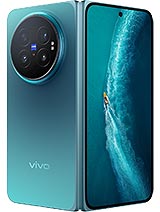 vivo X Fold6 (Boost)
vivo X Fold6 (cover)
vivo X Fold6
vivo X Fold6 (Boost)
vivo X Fold6 (cover)
vivo X Fold6
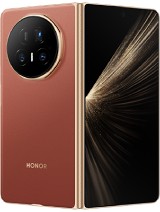 Honor Magic V5
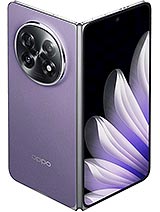
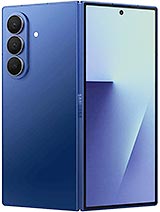
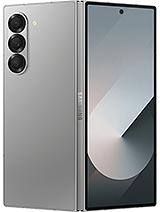
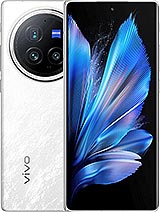
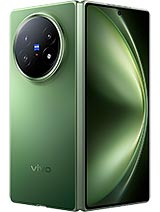

 Huawei Mate X6 (cover)
AnTuTu
- v10
- v11
vivo X Fold6
vivo X Fold6 (Boost)
vivo X Fold6 (cover)
 Oppo Find N6 (unfolded)
Huawei Mate X6
Oppo Find N6 (unfolded)
Huawei Mate X6
 Pixel 9 Pro Fold (Cover display)
Pixel 9 Pro Fold
Pixel 9 Pro Fold (Cover display)
Pixel 9 Pro Fold
3DMark
- Wild Life Extreme (Highest)
- Wild Life Extreme (Lowest)
- Solar Bay (Ray Tracing)
Oppo Find N6 (unfolded)
vivo X Fold6 (Boost)
Galaxy Z Fold8 Ultra
 Motorola Razr Fold
vivo X Fold6
vivo X Fold6 (cover)
Motorola Razr Fold
vivo X Fold6
vivo X Fold6 (cover)
 Honor Magic V3
Huawei Mate X6
Honor Magic V3
Huawei Mate X6
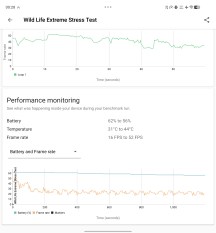
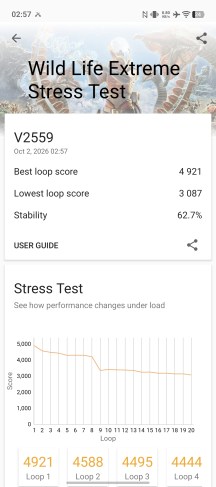
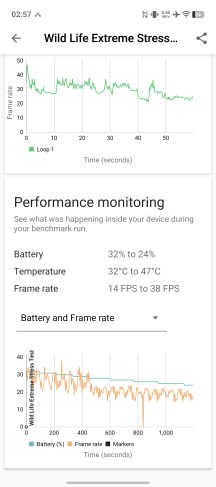
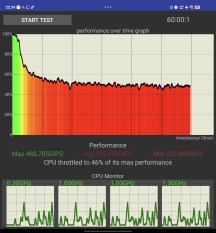
Thermal-throttling
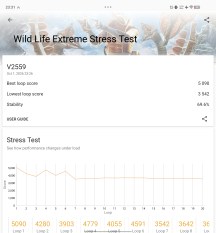
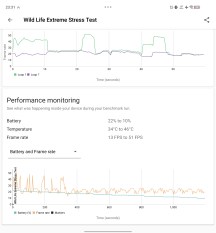
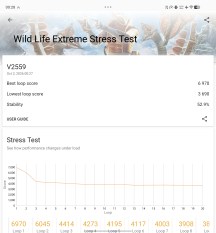
Seeing how the X Fold6 is a thin modern foldable running a powerful chipset, it is kind of expected that it will thermal-throttle rather aggressively under load, and it definitely does. But it's not as bad as we expected and it even outdoes some traditional bar phones.
In its default "balanced" performance profile, the X Fold6 loses about 30% of its maximum performance according to 3DMark, which again, is not bad. This is with the phone fully open in an air-conditioned room, but that's how we test all phones. In "Boost" mode under the same conditions naturally results in quicker heat accumulation, a choppier performance graph and almost 50% performance loss - about in line with, say, a Snapdragon 8 Elite Gen 5. Closing the phone naturally diminishes its ability to dissipate heat (a lot of that happens through the large display surface). That results in about 40% performance loss.
Thermal-throttling
Thermal-throttling
The X Fold6 does get quite hot, especially on its metal middle frame while torture-testing. Of course, that is not really a realistic use case. Plus, even then, it never got uncomfortable to hold.


Tip us
2.1m 180k
RSS
EV
Merch
Log in I forgot my password Sign up