Samsung Galaxy M52 5G review
Tried and tested OneUI 3 on top of Android 11
The Galaxy M52 5G runs OneUI 3.1, Samsung's second to latest take on Android, over v.11 of Google's OS. Since the phone was launched in the fall of 2021 and it's hardly a flagship (hence not on top of the update schedule list), we weren't expecting OneUI 4 and Android 12 just yet. The old stuff is pretty okay as is, however.
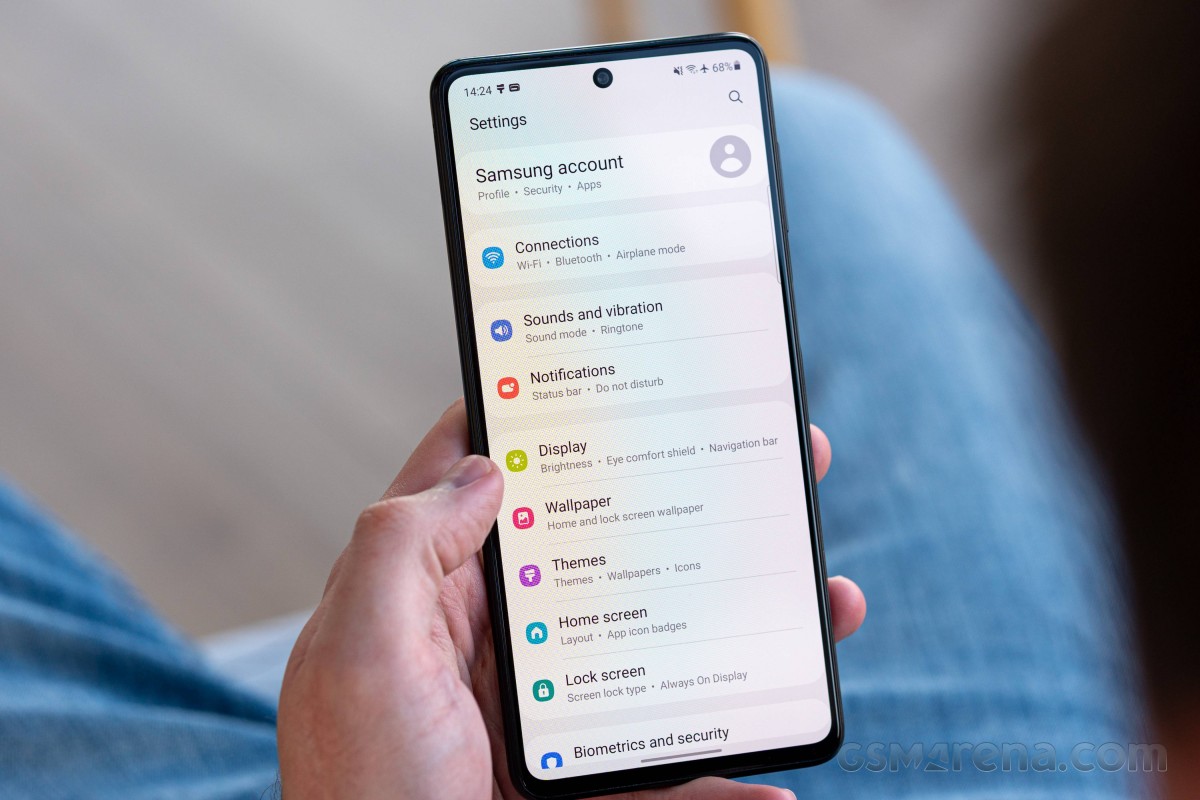
The general UI is essentially no different than any other Samsung of late. There's a standard lockscreen with dialer and camera shortcuts and the usual widget options. You can have an always-on display here as well.

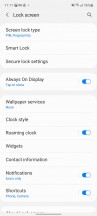
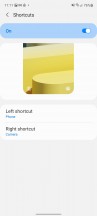
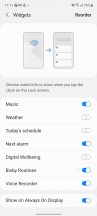
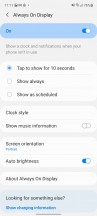
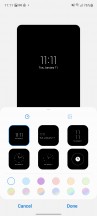
Lockscreen • Lockscreen settings • Shortcuts • Widgets • Always on display
For unlocking, the side-mounted fingerprint sensor is the most obvious choice. It takes a few taps to set up, and from then it's quick and reliable to unlock, whether it's your right thumb or left index finger operating it.
As with other such implementations, you run the risk of triggering the sensor by any skin contact by simply holding the phone in your pocket, resulting in a locked phone and an inoperable sensor once you do pull it out to use it. If you happen to suffer from that more often than you'd like, you can have the sensor only engage with a press on the button - otherwise, a click isn't required.
Alternatively, you can set up face unlock which works with the front camera only and is thus less secure.
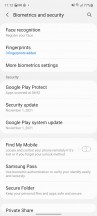

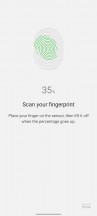


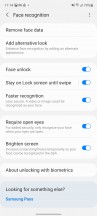
Biometrics and security
Pulling the notification shade covers the entire screen underneath, even if there's just one notification card or none at all, which some might call inefficient use of space. Notification history is part of OneUI since Android 11, as are Bubbles, the chat-head style visualization of instant messenger apps.
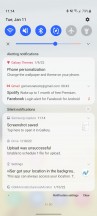
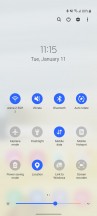

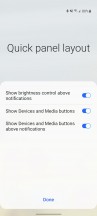
Notification shade • Quick toggles • Quick toggles settings
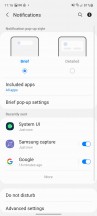
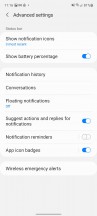
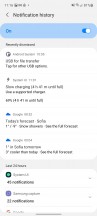

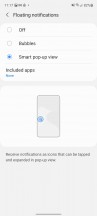
Notification settings
Android 11's refined multimedia controls are implemented in OneUI as well - you get a stack of the active audio playback apps right below the quick toggles and swiping to the side switches between the apps. The volume control panel with its four vertical sliders lets you tweak different volumes, while Music Share allows you to play music through Bluetooth accessories connected to a friend's Samsung phone.
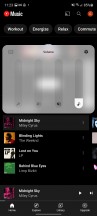
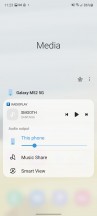

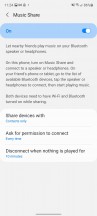
Media controls
Yet another of the native Android 11 improvements that Samsung also includes in One UI 3 is the ability to pin apps to the top of the sheet with Share options. Permission handling, as introduced with A11 and implemented in One UI 3 serves you a new prompt for permissions every time an app requests it, letting you deny permission, allow it only while using the app, or just for this one time, with a fourth option for 'always allow' available in the settings menu.



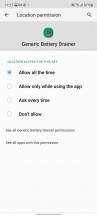

Share options pinning • Share options pinning • Permissions handling • Permissions handling • Settings UI
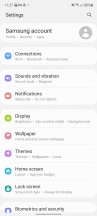
Samsung's excellent theme support and rich online selection are present, as well, if you're into customization. System navigation options are available, with a few tweaks and layouts available for gestures, as well as old-school button controls, even the really-old original style, with the back button on the right side.



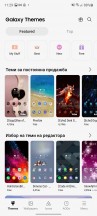
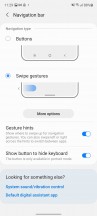
Homescreen • Folder view • App drawer • Themes • Navigation options
There is also the Edge panels interface, Bixby and full integration of the SmartThings platform. The Game launcher is the hub for all your games, along with options for limiting distraction while playing.
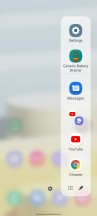



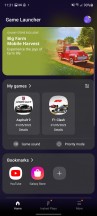
Additional software features
Synthetic benchmarks
The Galaxy M52 5G relies on the Snapdragon 778G 5G chipset to do its number-crunching, and Qualcomm's popular 5G-enabled upper-midrange offering has proven to be able to crunch well enough. The octa-core Kryo 670 CPU (4x Cortex-A78-based cores and 4x Cortex-A55 ones clocked at up to 2.4GHz and 1.8GHz respectively) and Adreno 642L GPU can handle most things you throw at them, and even in base 6GB/128GB trim you shouldn't be strapped for RAM or storage.
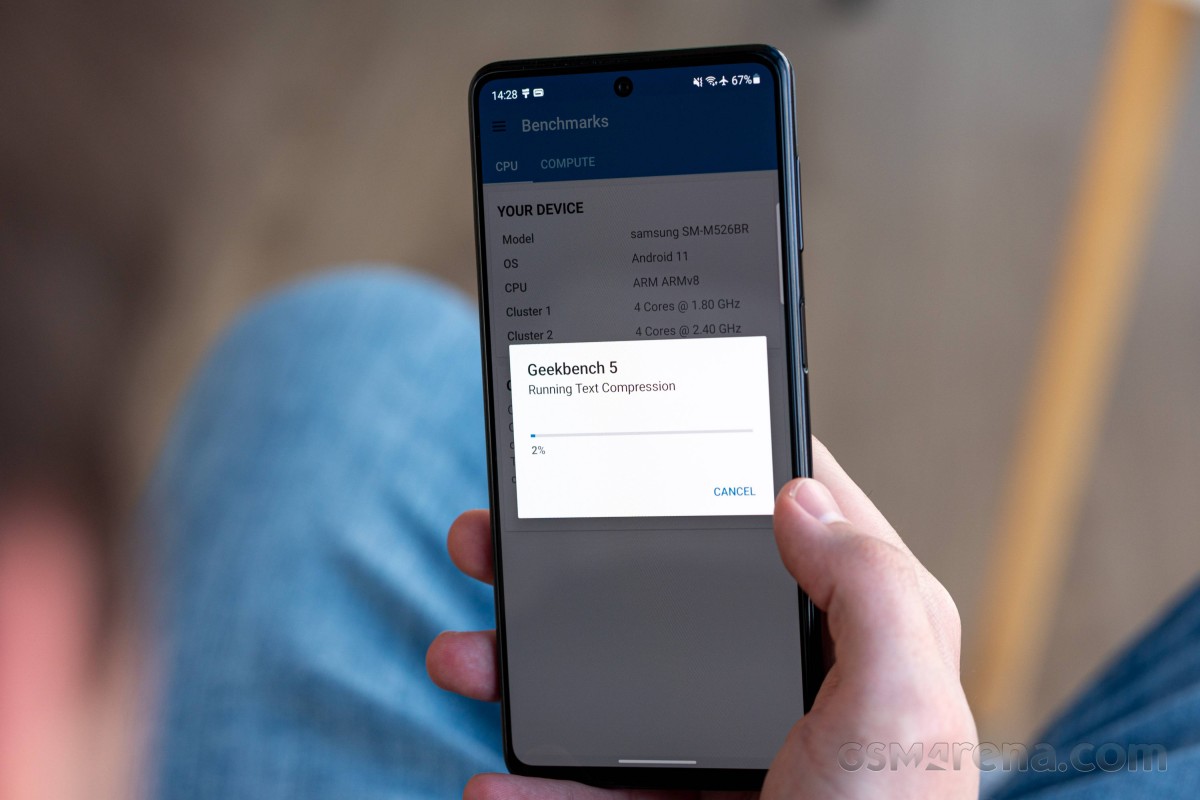
We ran the usual set of benchmarks on the Galaxy M52 5G and got more or less the results we expected, having seen the A52s 5G and other models with the same chipset. GeekBench scores were very similar between the two and, similarly, the Galaxies are somewhat underperforming when it comes to single-core results - other SD778G devices can achieve 25 to 30% higher scores. Differences are less pronounced under multi-threaded loads.
GeekBench 5 (multi-core)
Higher is better
-
Realme GT 5G
3555 -
Huawei nova 9
2973 -
Realme GT Master
2917 -
Xiaomi Mi 11 Lite 5G
2909 -
Xiaomi 11T
2834 -
Xiaomi 11 Lite 5G NE
2832 -
Samsung Galaxy A52s 5G
2801 -
Samsung Galaxy M52 5G
2796 -
OnePlus Nord 2
2792 -
Motorola Edge 20
2550 -
Oppo Reno6 5G
2131 -
Samsung Galaxy A52 5G
1820 -
Samsung Galaxy A52
1577
GeekBench 5 (single-core)
Higher is better
-
Realme GT 5G
1139 -
OnePlus Nord 2
814 -
Xiaomi Mi 11 Lite 5G
803 -
Xiaomi 11 Lite 5G NE
787 -
Realme GT Master
785 -
Huawei nova 9
784 -
Samsung Galaxy A52s 5G
771 -
Motorola Edge 20
762 -
Xiaomi 11T
742 -
Oppo Reno6 5G
722 -
Samsung Galaxy A52 5G
636 -
Samsung Galaxy M52 5G
603 -
Samsung Galaxy A52
525
In Antutu, the M52 5G places around the middle of the SD778G pack, ahead of the Nova 9 and the Edge 20, and behind the Xiaomi 11 Lite 5Gs. The Nord 2 and the Xiaomi 11T with their Dimensity 1200s do show an advantage thanks largely to their more powerful GPUs. As in GeekBench, here the M52 5G proves that it offers a significant leap in performance over the SD750-equipped A52 (non-S) 5G.
AnTuTu 9
Higher is better
-
Realme GT 5G
810433 -
OnePlus Nord 2
598022 -
Xiaomi 11T
590837 -
Realme GT Master
529263 -
Xiaomi 11 Lite 5G NE
527663 -
Xiaomi Mi 11 Lite 5G
522490 -
Samsung Galaxy A52s 5G
506432 -
Samsung Galaxy M52 5G
504424 -
Motorola Edge 20
488574 -
Huawei nova 9
469798 -
Oppo Reno6 5G
430765 -
Samsung Galaxy A52 5G
386474
In graphics benchmarks, the M52 does reasonably well, though it's significantly outperformed by Dimensity 1200 handsets you can get for similar money. Still, its SD778G is no slouch and can put out respectable numbers, in line with similarly equipped competitors.
GFX Manhattan ES 3.1 (offscreen 1080p)
Higher is better
-
Realme GT 5G
112 -
Xiaomi 11T
77 -
OnePlus Nord 2
75 -
Xiaomi Mi 11 Lite 5G
65 -
Motorola Edge 20
57 -
Samsung Galaxy M52 5G
56 -
Samsung Galaxy A52s 5G
56 -
Xiaomi 11 Lite 5G NE
56 -
Realme GT Master
56 -
Huawei nova 9
56 -
Samsung Galaxy A52 5G
32 -
Samsung Galaxy A52
29
GFX Manhattan ES 3.1 (onscreen)
Higher is better
-
Xiaomi 11T
72 -
Realme GT 5G
60 -
Xiaomi Mi 11 Lite 5G
57 -
OnePlus Nord 2
57 -
Motorola Edge 20
51 -
Samsung Galaxy A52s 5G
49 -
Xiaomi 11 Lite 5G NE
49 -
Huawei nova 9
48 -
Samsung Galaxy M52 5G
47 -
Realme GT Master
46 -
Samsung Galaxy A52 5G
28 -
Samsung Galaxy A52
26
GFX Car Chase ES 3.1 (offscreen 1080p)
Higher is better
-
Realme GT 5G
65 -
Xiaomi 11T
47 -
OnePlus Nord 2
46 -
Xiaomi Mi 11 Lite 5G
40 -
Samsung Galaxy M52 5G
33 -
Samsung Galaxy A52s 5G
33 -
Xiaomi 11 Lite 5G NE
33 -
Realme GT Master
33 -
Motorola Edge 20
33 -
Huawei nova 9
33 -
Samsung Galaxy A52 5G
19 -
Samsung Galaxy A52
17
GFX Car Chase ES 3.1 (onscreen)
Higher is better
-
Realme GT 5G
55 -
Xiaomi 11T
40 -
OnePlus Nord 2
38 -
Xiaomi Mi 11 Lite 5G
35 -
Motorola Edge 20
29 -
Samsung Galaxy M52 5G
28 -
Samsung Galaxy A52s 5G
28 -
Xiaomi 11 Lite 5G NE
28 -
Huawei nova 9
28 -
Realme GT Master
27 -
Samsung Galaxy A52 5G
16 -
Samsung Galaxy A52
15
3DMark Wild Life Vulkan 1.1 (offscreen 1440p)
Higher is better
-
Realme GT 5G
5872 -
OnePlus Nord 2
4224 -
Xiaomi 11T
4172 -
Xiaomi Mi 11 Lite 5G
3136 -
Huawei nova 9
2503 -
Motorola Edge 20
2494 -
Samsung Galaxy A52s 5G
2491 -
Realme GT Master
2481 -
Xiaomi 11 Lite 5G NE
2477 -
Samsung Galaxy M52 5G
2470 -
Oppo Reno6 5G
2024 -
Samsung Galaxy A52 5G
1107 -
Samsung Galaxy A52
1040
Sustained load benchmarks can't scare the Galaxy M52 5G either. We got a remarkable 98.9% stability rating in 3DMark's 20-minute stress test. In the CPU throttling test, things looked almost as solid - the phone maintained peak performance for about 21 minutes, at which point its results dropped to within 85-90% of those numbers and that's what it can sustain indefinitely, we reckon.
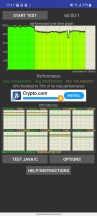
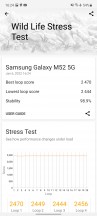
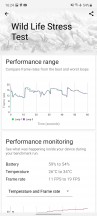
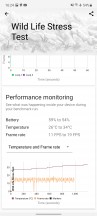
CPU throttling test • 3DMark Wild Life stress test


Tip us
2.1m 180k
RSS
EV
Merch
Log in I forgot my password Sign up