Motorola Edge 70 Max review
Hello UI and Android 16
The Motorola Edge 70 Max runs on Motorola's own take on Android called Hello UI. The underlying Android version is 16. You can expect 3 major OS updates and 5 years of security patches.
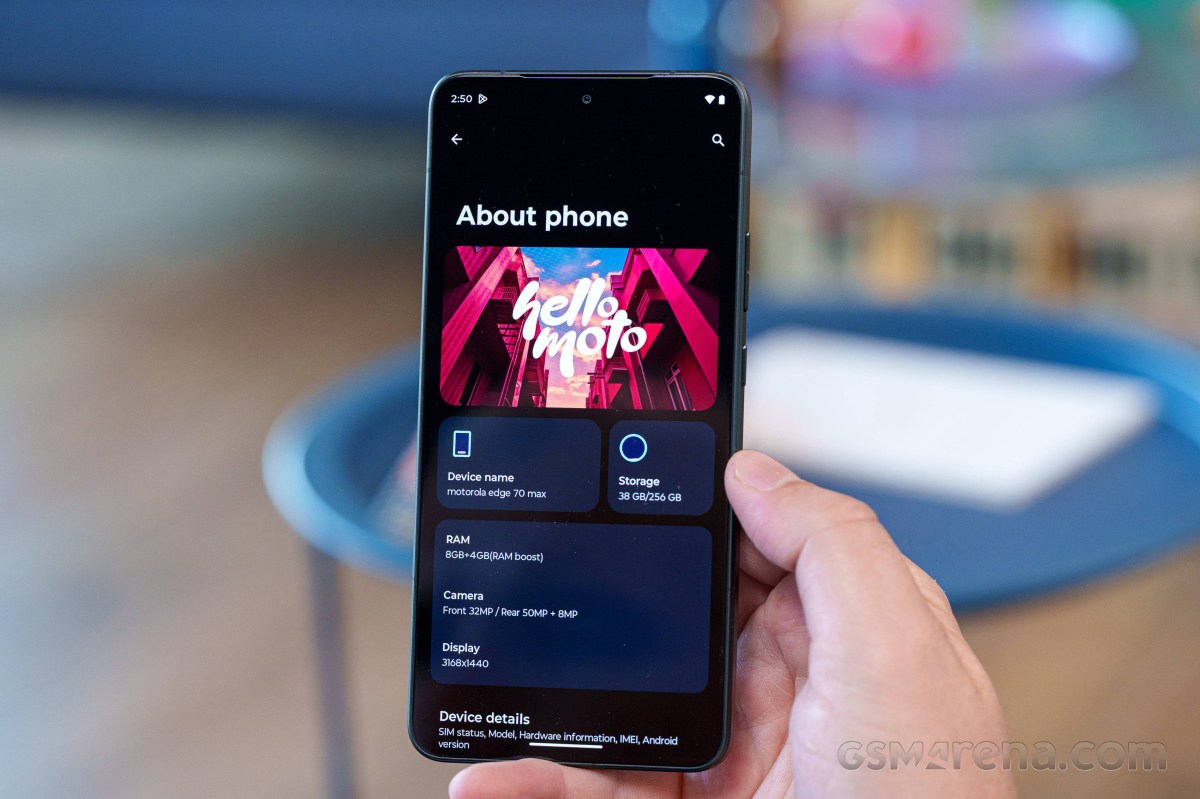
Motorola continues to offer one of the cleanest Android experiences around. Hello UI stays close to stock Android in both looks and behavior, while adding a steadily growing set of proprietary features and customizations. Fortunately, these are generally well thought out and genuinely useful, enhancing the experience without making the software feel bloated or overcomplicated.
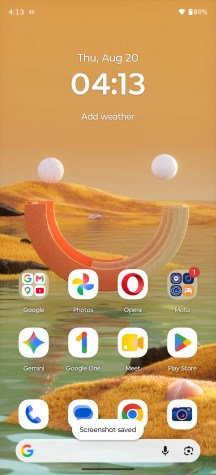
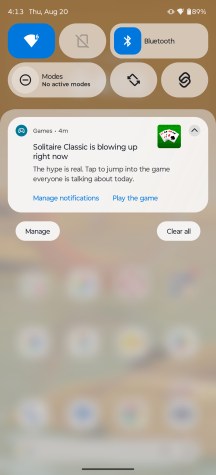
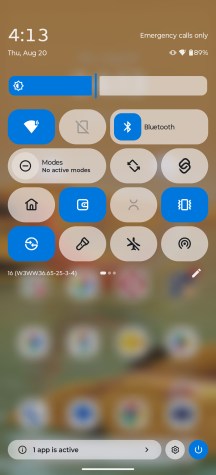
Home screen • Notification shade and quick settings
The custom Motorola typeface helps give the UI a distinct identity despite its otherwise familiar Android look. Meanwhile, the extra software features are neatly grouped inside the Moto app, which Motorola refreshed not too long ago with a cleaner layout and improved navigation. Sections packed with options, such as Gestures, are now organized more efficiently, making it easier to access everything from a single screen.
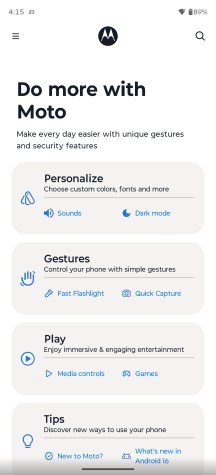
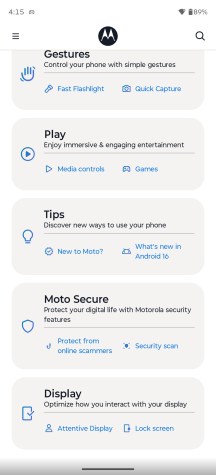
Moto app
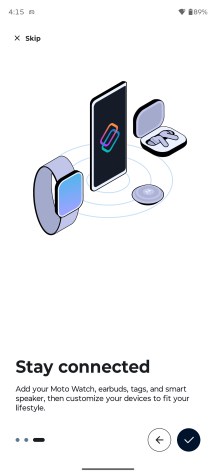
Smart Connect remains Motorola's all-in-one solution for cross-device connectivity. It brings together features like phone-to-PC integration, wireless display casting, desktop mode, file transfers, clipboard syncing, and device control under a single, unified interface. Whether you're connecting to a PC, tablet, or external display over a cable or wirelessly, everything is managed from the same place. Since Android 15, Motorola has also added AI-powered voice commands to Smart Connect, making the experience even more seamless.
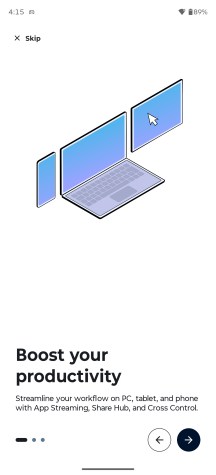
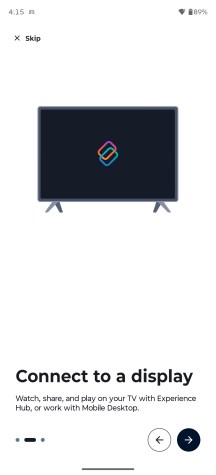
Smart connect
One limitation worth pointing out is that, despite offering the full Smart Connect suite and wireless display casting, the Edge 70 Max does not support native wired display output over its USB-C port. It can't drive an external monitor via a simple USB-C-to-HDMI adapter.
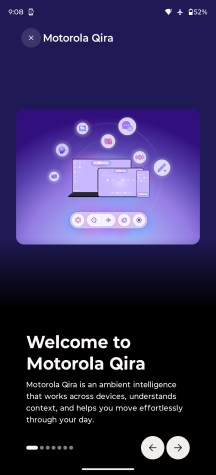
Google Gemini comes preinstalled, but Motorola complements it with its own AI assistant called Motorola Qira. It was previously known as Moto AI, but Motorola has updated some of its devices, including the Edge 70 Max, with the Qira.
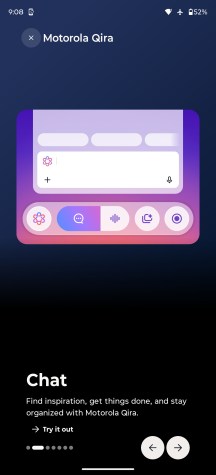
The new assistant doesn't just bring a name change, it also offers expanded functionality. Deeply integrated into the system, Qira is designed to be readily accessible at all times. A dedicated Qira Prompt Bar (also known as Lenovo Prompt Bar on Windows) is permanently available in the app drawer and across various screens. At the same time, a double tap on the back of the phone or the dedicated Moto AI key can invoke the assistant from virtually anywhere in the interface.
Qira AI assistant
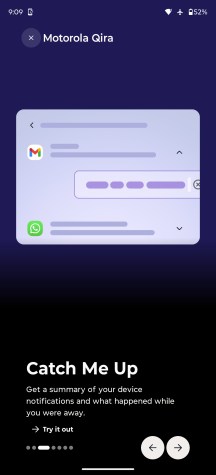
Qira supports a wide range of features, including device-specific actions and contextual assistance. It can summarize notifications, record and transcribe conversations, generate summaries of on-screen content, and save useful information as screenshots, photos, or text notes for later reference. It also includes image generation capabilities, letting users create visuals from simple text prompts. It can even stay ahead of your schedule by knowing what you are doing right now and suggest actions such as a relevant calendar entry, record and transcribe a meeting, etc.
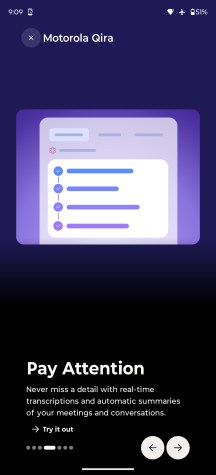
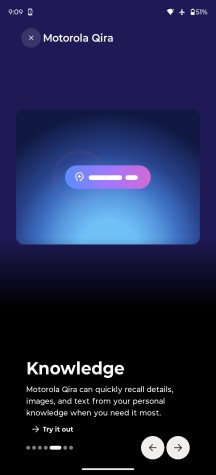
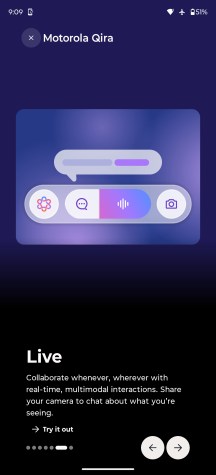
Qira AI assistant
A cool thing about Qira is that it provides a sense of continuity. The assistant is present not only on your Android phone or tablet, but also on your Windows PC. As we said earlier, it's called Lenovo Prompt Bar on Windows and provides basically the same functionality as the Qira Prompt Bar on the phone. So you start off work on the PC and pick up where you left off on your phone, as all files, notes and recordings you saved are synced.
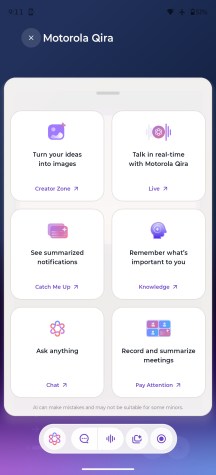
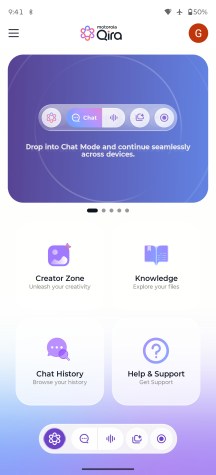
Qira AI assistant
Benchmark performance
The Motorola Edge 70 Max utilizes the Snapdragon 8 Gen 5 (3nm) chip, the second-best Qualcomm SoC after the Elite Gen 5.
The Snapdragon 8 Gen 5 makes some downgrades from the 8 Elite Gen 5. For starters, while the CPU cores have the same 2+6 structure, the Prime cores are clocked 17%+ lower, and the performance cores are clocked 8%+ lower.
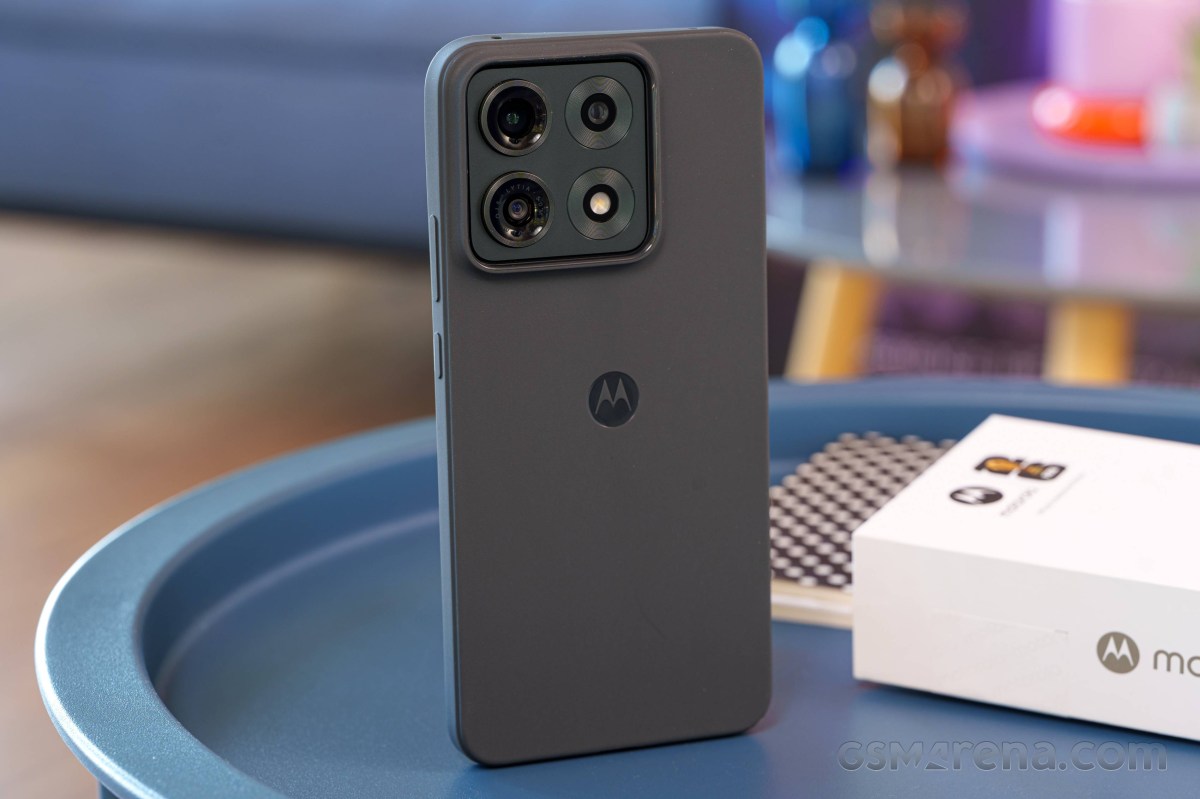
The Adreno 829 GPU is a slightly higher clocked version of the Adreno 825 found on the Snapdragon 8s Gen 4 and nowhere close to the Adreno 840 on the 8 Elite Gen 5 in terms of compute units or graphics memory.
Finally, this chip also gets slower memory compared to the Elite, and the cellular modem is downgraded a bit too.
As far as memory is concerned, the 70 Max arrives in 8GB/256GB and 12GB/256GB configurations, which is rather odd. There's no option to get higher storage, only 256GB, which in 2026 might not be enough for some. At least the storage is fast - UFS 4.1.
GeekBench 6
- Single-core
- Multi-core
 Xiaomi 17T Pro
 Galaxy S26
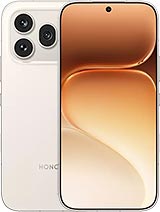 Honor 600 Pro
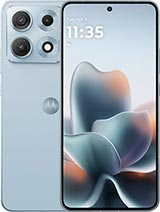 Motorola Edge 70 Max
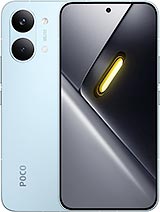 Poco X8 Pro Max
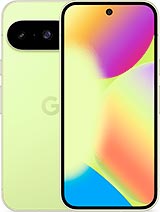 Pixel 10
 Motorola Edge 70 Pro
AnTuTu 11
Xiaomi 17T Pro
Galaxy S26
Motorola Edge 70 Max
Poco X8 Pro Max
Honor 600 Pro
Motorola Edge 70 Pro
Pixel 10
3DMark
- Wild Life Extreme (Highest)
- Wild Life Extreme (Lowest)
- Solar Bay (Ray Tracing)
Galaxy S26
Xiaomi 17T Pro
Poco X8 Pro Max
Motorola Edge 70 Max
Honor 600 Pro
Motorola Edge 70 Pro
Pixel 10
The benchmark results show good CPU and GPU utilization and in this price range, the Edge 70 Max's Snapdragon 8 Gen 5 seems to be very competitive. Motorola's overall performance is above average for its class, falling short only to the Dimensity 9500/9500s chipsets in most scenarios. The similarly-priced Exynos 2600-equipped Samsung Galaxy S26 tops the charts, but that's expected.
All in all, the Edge 70 Max offers a good price-to-performance ratio compared to most, but what about sustained performance?
Sustained performance
Although not a flagship chipset, the Snapdragon 8 Gen 5 is a powerful piece of hardware, so it's no surprise that the Edge 70 Max struggles to maintain high performance during long and demanding workloads.
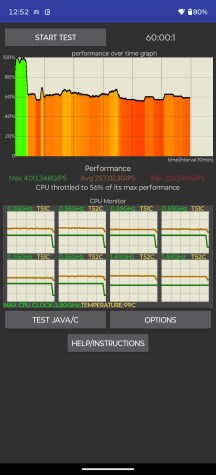
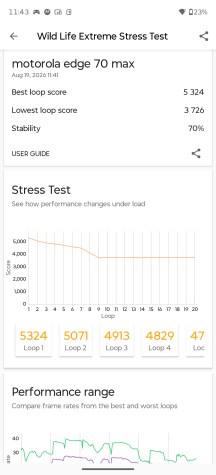
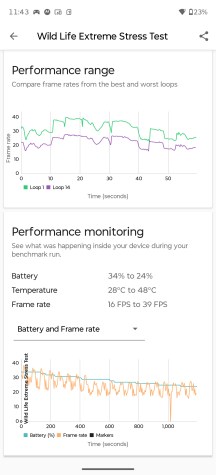
CPU and GPU stress tests
However, heavy throttling occurred about 10 minutes into the CPU stress test, and the system barely maintained about half of the CPU's theoretical performance. The GPU stress test was quite decent, showing 70% stability.


Tip us
2.1m 180k
RSS
EV
Merch
Log in I forgot my password Sign up