Low-Five
Microsoft Lumia 550 review: Low-Five
Windows 10 Mobile
Microsoft Lumia 550 is among the select few to come with Windows 10 Mobile right out of the box. It builds upon the established principles of Windows Phone 8, but comes with an entirely new OS core, very similar to the one inside the full-blown desktop Windows 10 and the Xbox One's Windows 10. This is part of Microsoft's strategy of unification among its device lineup and should help developers easily deploy apps across the different devices.
Windows 10 takes up around 5GB of storage, leaving you with less than 3GB on the Lumia 550. Happily, you can move apps and games to the microSD card.
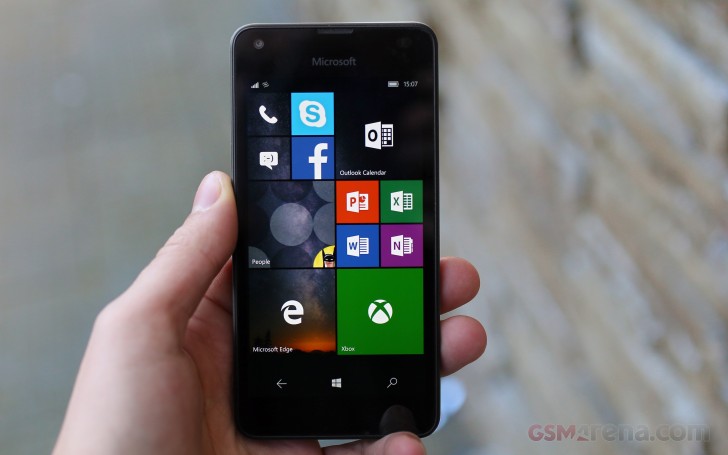
The user interface of Windows 10 Mobile is fairly familiar, though refined and polished. There is the Live Tile homescreen, the all apps list, the action center with toggles, and a tightly organized settings menu. All seems the same and yet once you begin using it, you appreciate the numerous little ways that it's better.
There are a few components of the Windows 10 Mobile UI we'd like to mention, and those are in the order you'll encounter them.
We kick off with the Glance Screen, which is an important feature in Windows 10 Mobile and, while it doesn't looks as good as, say Lumia 950's AMOLED display, it's equally useful on the Lumia 550. It displays a monochrome clock, the date and number of missed notifications. You can opt for night mode (warmer colors), display intervals or always on.
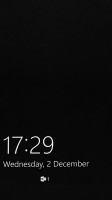
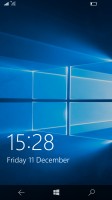
The Glance screen is as useful as ever • The lockscreen looks clean
Windows 10 Mobile supports only two homescreens, just like Windows Phone 7 and 8. The main screen has all your live tiles, static icons and folders, while the second screen has a scrollable list of apps. You can resize the tiles as usual, and pinning a tile is very easy.
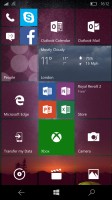
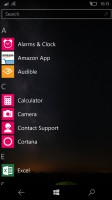
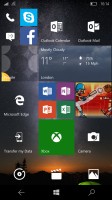
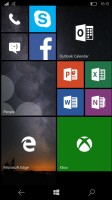
Tile Start Screen • App screen • Full screen wallpaper • Tile wallpaper
The Action Center is your place for four customizable toggles and all notifications in Windows. It works just like on Android OS - you access it by pulling down from the top of the screen and you can dismiss all notifications at once if you like. You can expand all toggles as well with a second swipe down.
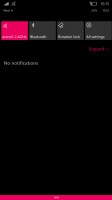
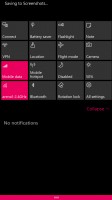
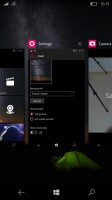
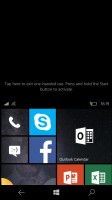
Action center is pulled down with a swipe • Task manager • One handed use
Microsoft likes Apple's way of handling apps running in background - most of the apps are suspended upon hitting the Windows key and will be resumed once you bring them back. There are others, of course, such as Navigation, Cortana and Battery apps, which will continue to run in background unless you specifically forbid them. So, any app, which needs to run in background, will do so, while the rest would get suspended.
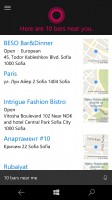
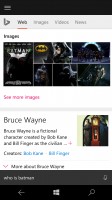
Microsoft's Cortana does what Apple's Siri and Google Now do - it recognizes your voice commands and questions in natural human language and gives you spoken replies and feedback. It shows a very nice summary of your day upon launch (the weather, events and meeting, important news, sports scores), based on your location, search history and predefined interests (in your Notebook, which you can edit any time).
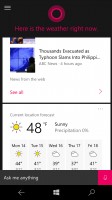
Cortana
Cortana can fully interact with your phone and carry out all kind or commands related to it. Cortana can also track various news topics, makes suggestions for cooking and dinner, plan trips, find places and make reservations, make jokes, among other things.
We like where Microsoft is heading with Cortana - it may have been around for a short time, but it has already caught up quite impressively. Keep in mind that as of the time of writing this review, Cortana is still a regional feature, which may still not be available in your country.
Overall, Windows 10 Mobile is an excellent match with the Lumia 550. The Snapdragon 210, however, isn't the best chipset to make the experience of the new OS as smooth as it should be.


Tip us
2.1m 180k
RSS
EV
Merch
Log in I forgot my password Sign up