Huawei Mate 10 review
EMUI 8 on top of Android 8 Oreo
EMUI is now going from v.5.1 straight to v.8 to match the version of Android it comes with - 8.0 Oreo. And we don't mind that, a little cohesiveness never hurts.
The new EMUI should have at least a few new features, which are powered by the dedicated NPU inside the Kirin 970 chipset, though those won't be exclusive to the Mate 10 series. Most of the machine learning processes are expected to make it to the Mate 9 and P10, though we guess they won't be as fast there.
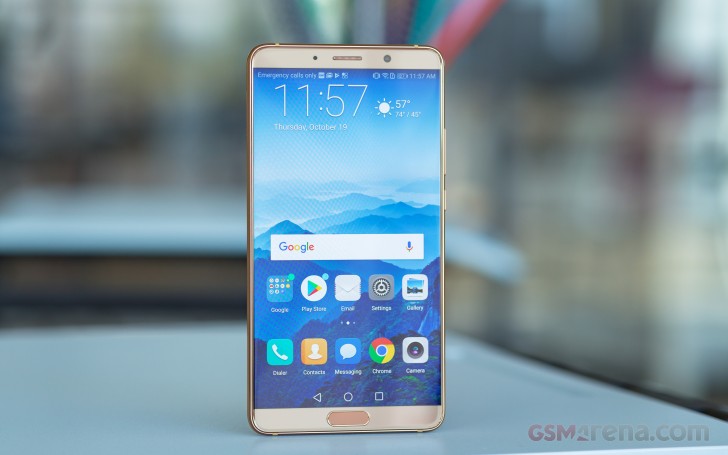
Let's kick off with the EMUI 8 highlight - machine learning. EMUI has been building on-device user behavior models for faster app startups ever since v.5.0 but Huawei is improving this here allowing for up to 12% faster app startups and more intelligent power allocation.
EMUI 8.0 also (intelligently) suggests features based on the environment and the user interaction. For instance, it can offer you to turn on the blue light filter towards the end of the day. Or when a new notification comes while you are watching a video, it offers you to go straight into split-screen mode. Of course, this works only for apps which support it.
Another new feature in EMUI 8 is the desktop mode called Projection. Once you connect the phone to an external screen via an HDMI-to-USB-C cable, you will get the dedicated desktop user interface.
Now, let's get back to EMUI's basics. Starting with the lockscreen - the Magazine unlock style is here to stay, but it's now called Subscription. It puts a different wallpaper every time you wake up the device. Naturally, shortcuts for some quick actions are available on the lockscreen but are non-configurable.
If you opt for a fingerprint unlock method, you probably won't be seeing much of the lockscreen anyway.
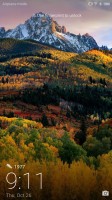
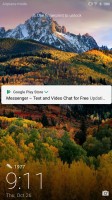
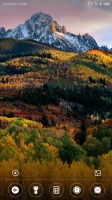
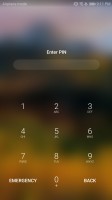
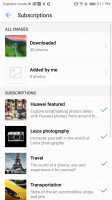
Functional lockscreen
EMUI 8 has an option for two-tiered interface with an app drawer, but it's tucked away in the settings. Huawei prefers the all-apps-on-the-homescreen and it's the default choice for the Mate 10. App badges are supported courtesy of Oreo. Depending on the market you can enable an additional rightmost pane - either Google Now feed or Huawei's HiBoard with various widgets, info, and search field.
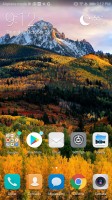
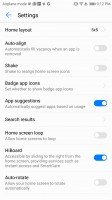
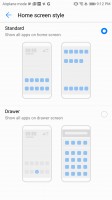
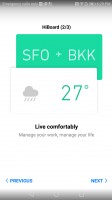
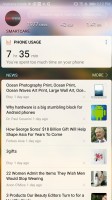
No app drawer by default • Layout settings • You can opt for app drawer • HiBoard • HiBoard
App twins for multiple instances of a single application is available on the Mate 10. Most of the popular social apps are supported, which is the whole idea behind the app twin feature after all.
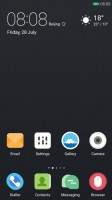
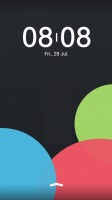
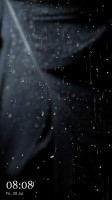
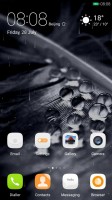
The rich Theme support has always been a popular EMUI feature. The theme store offers a wide selection and some really artsy options that fit in well with the general high-design image of the Mate 10. There are different static and live wallpapers, transition animations, and icon packs.
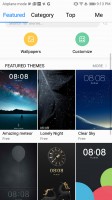
Powerful Theme engine
The notification area is a 50/50 mix between stock Android and EMUI. There are (expandable) quick toggles, brightness bar and auto brightness switch.
The task switcher is the usual rolodex of apps with a kill all shortcut. From here you can also use split-screen mode - just tap and hold on a card to kick it out.
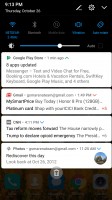
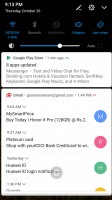
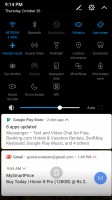
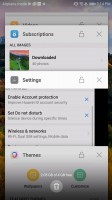
Notification shade • notifications • more toggles • task switcher • Split screen
Huawei's Power Manager app for granular battery, permission, and mobile data control is available, of course. There is a one-key memory cleaner and even a virus scanner powered by Avast.
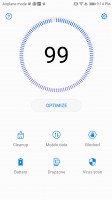
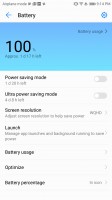
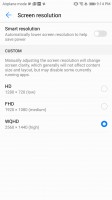
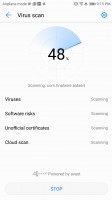
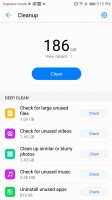
Power manager
The Mate 10 supports various gestures - from motion control to knuckle gestures on the lockscreen. Voice control is onboard, too.
EMUI tries to make the best out of the large screen and you can replace the navigation keys by using the flexible on-screen floating navigation dock. Or you can enable the one-key navigation via the fingerprint scanner below the screen, which we found to be the most practical option.
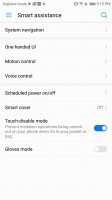
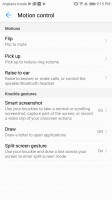
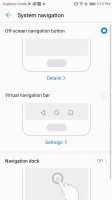
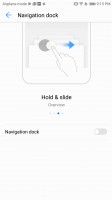
Smart assistance with navigation options
Security is also really important to Huawei, and it plans on providing Google's Android security updates regularly. The company is committed to providing high-end premium phones with these updates every month. Our Mate 10 already got the October security patch, that's a great start.


Tip us
2.1m 180k
RSS
EV
Merch
Log in I forgot my password Sign up