Google Pixel 10 Pro XL review
Display is nice and bright
The Pixel 10 Pro XL is equipped with a 6.8-inch LTPO OLED display that's by all accounts the same as last year, which is no bad thing, mind you. It's got a 1,344x2,992px resolution in a 20:9 aspect ratio (486ppi pixel density), 1-120Hz adaptive refresh rate, and HDR10+ support. That's in addition to the remarkable brightness numbers, of course.
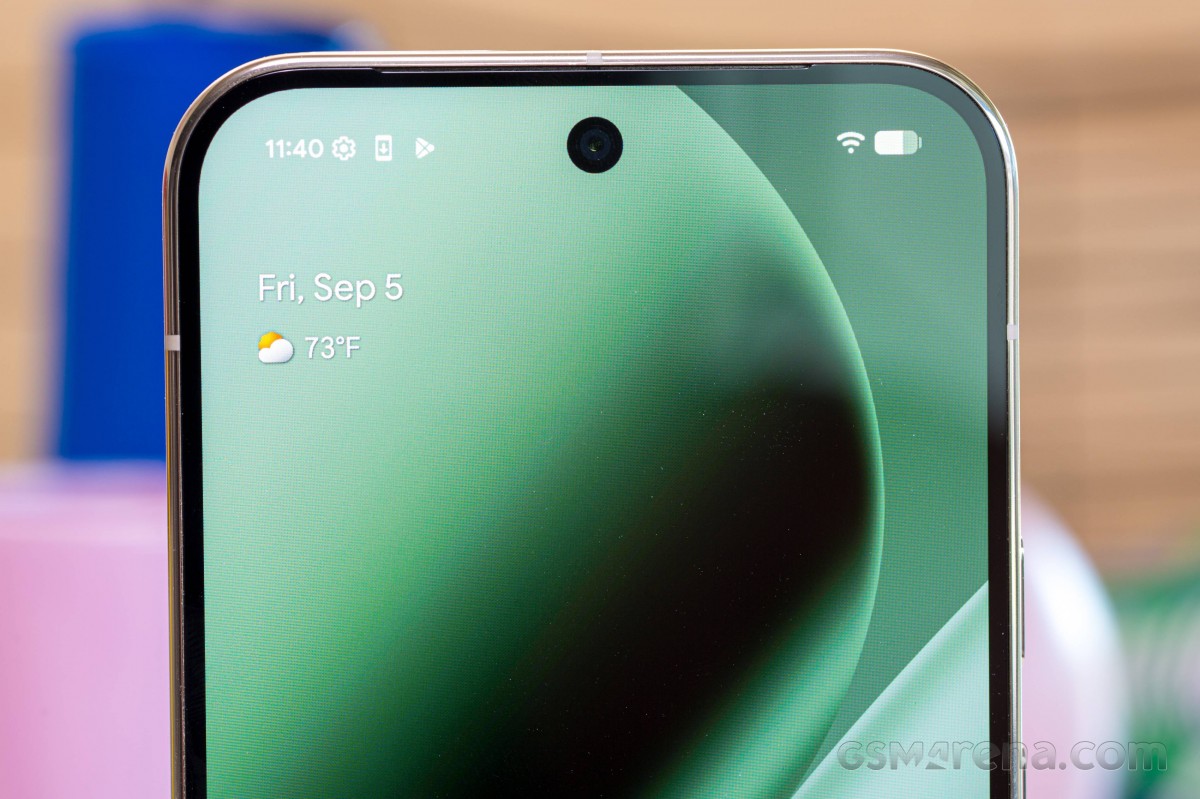
Google's specifications list a 2,200nits maximum in high-brightness mode (with the whole display lit up) - 200nits more than the Pixel 9 Pro XL, which is hardly noticeable at this already very high level. Also increased is the peak brightness for a small window, which is now 3,300nits for 5% coverage (up from 3,000nits on the old model).
In our testing, which is standardized to use a white test pattern taking up 75% of the screen, we measured 2,340nits on the Pixel 10 Pro XL - negligibly less than what we got on the 9 Pro XL. It's a crazy high value either way, and the display is significantly brighter than the competing Galaxy or iPhone (at least the old one), or any of the ultimate Ultras out there.
The Pixel is also extra bright even in manual operation of the slider, the 100% setting giving us 1,366nits - this one is ever so slightly higher than on the previous generation (equally immaterial difference, of course), though we did squeeze out a couple of dozen nits more on the small 10 Pro. Regardless, the Galaxy maxes out at just under 800 nits, while the iPhone 16 Pro Max was good for 900nits (we'll see what the new generation will bring).
Max display brightness test
White test pattern, 75% fill (nits)
- Manual mode
- Auto mode



 Pixel 9 Pro XL
 Pixel 10 Pro
 XL
Pixel 10 Pro
Pixel 10 Pro XL
 Pixel 10
 OnePlus 13
 Oppo Find X8 Ultra
 Huawei Pura 80 Ultra
The minimum brightness is the highest of all of this year's Pixels that we've tested, but at 2.2nits, it is still plenty good enough (1.6 on the Pixel 10, 2.0 on the Pixel 10 Pro).
Refresh rate
Pixels give you little control over the refresh rate handling other than a single Smooth display toggle to enable the 120Hz maximum - otherwise the refresh rate is capped at 60Hz. Either way, you can expect the phone to adapt its refresh rate to content and state.
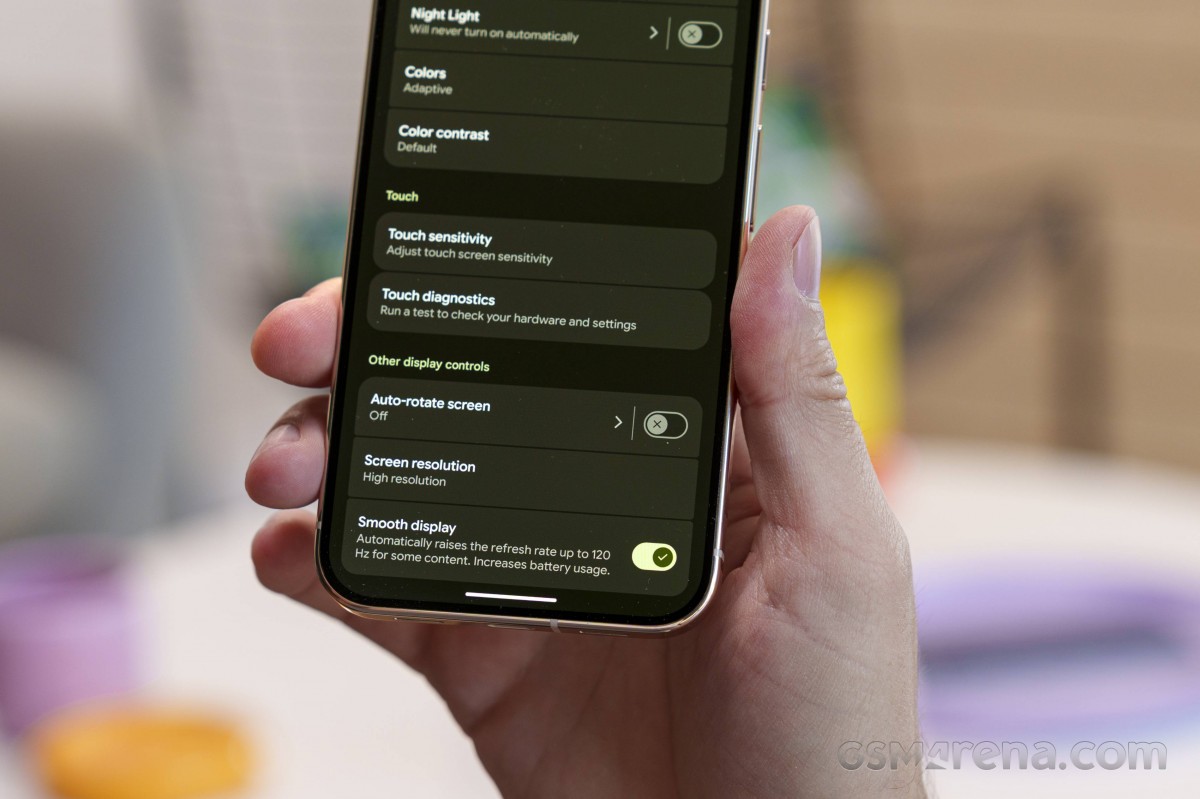
That's to say, if you're not interacting with the phone and nothing is moving on the screen, it will rapidly drop down to 1Hz.
When you have active content on the screen, it will also strive to match the refresh rate to the frame rate of whatever you are viewing, so if it's a 24fps video, the display will maintain 24Hz, and if it's a 90Hz game, the display will maintain 90Hz. If the game were to, say, drop to 47fps or 53fps, then the display will change its refresh rate to match those figures. This ensures correct frame pacing while conserving battery (well, to some extent, at least).
Streaming and HDR
The Pixel 10 Pro XL does not support Dolby Vision, but it does offer HDR10 and HDR10+ compliance. While not ideal, now that Netflix supports HDR10+, the Pixels' lack of Dolby Vision compliance is less of an issue ("issue", really) than it was before.
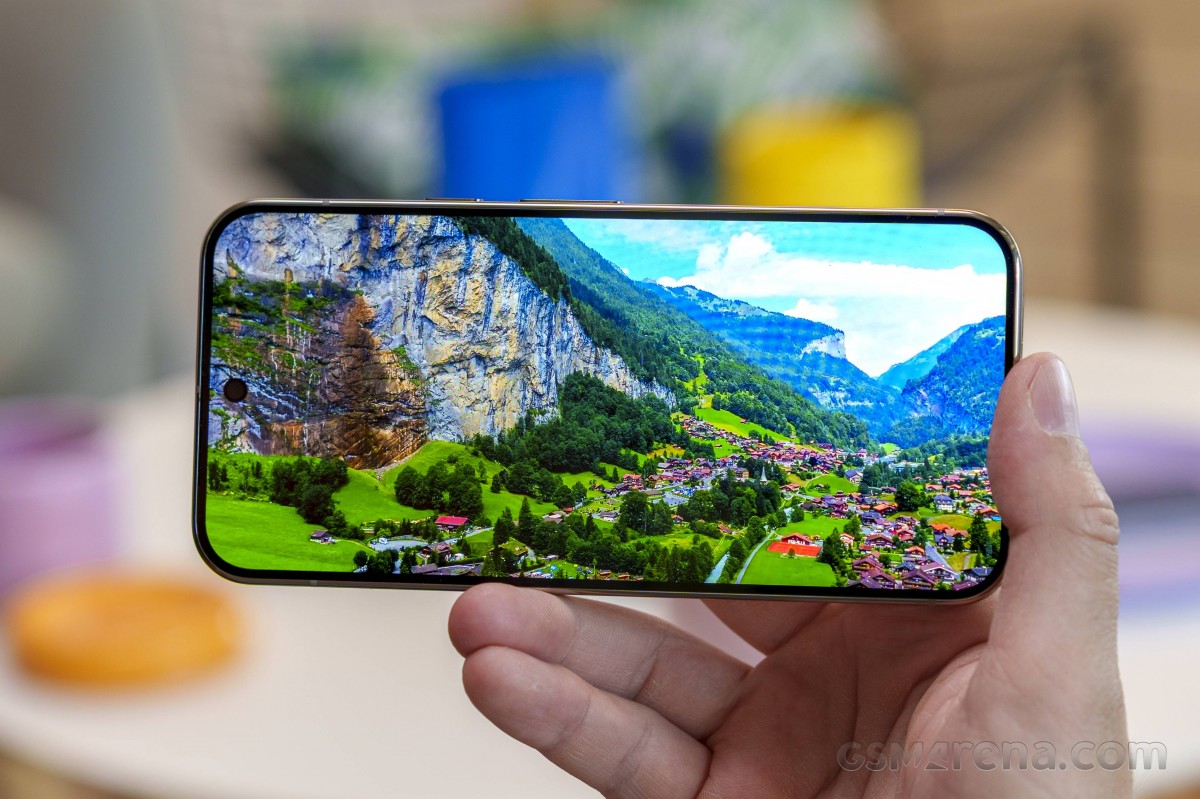
Ultra HDR photos are supported across the board, of course. Whether it's this Pixel's own photos or shots from other compatible devices, you will get the highlight boost for such metadata-enabled images in Google Photos, browsers, and socials alike.
Google Pixel 10 Pro XL battery life
All models in the Pixel 10 generation got a small battery capacity upgrade, with the XL's increase being the smallest - 140mAh, or under 3%, to 5,200mA. It's an unremarkable number, to go with Google's unwillingness to adopt the newer silicon-carbon anode battery tech - not a lot of innovation going on here.
Updated, 28 Oct: We've updated all battery tests after discovering the original lower-than-usual results were caused by excessive location polling by our test automation software. We retested the Pixel 10 Pro XL with the fix applied and are seeing improvements in battery life across the board. The chart below reflects our latest test findings.
Our new Active Use Score is an estimate of how long the battery will last if you use the device with a mix of all four test activities. You can adjust the calculation based on your usage pattern using the sliders below. You can read about our current battery life testing procedure here. For a comprehensive list of all tested devices so far, head this way.
Charging speed
The Pixel 10 Pro XL just might have one advantage over the 10 Pro - in charging speed, as it's rated to charge at up to 45W compared to only 30W on the 10 Pro. Google says that the larger phone should get up to 70% of charge in 30 minutes, compared to the 55% of the small Pro. While we almost got the promised 55% on the smaller Pixel 10 Pro, the larger 10 Pro XL missed the mark and only charged to 64%.
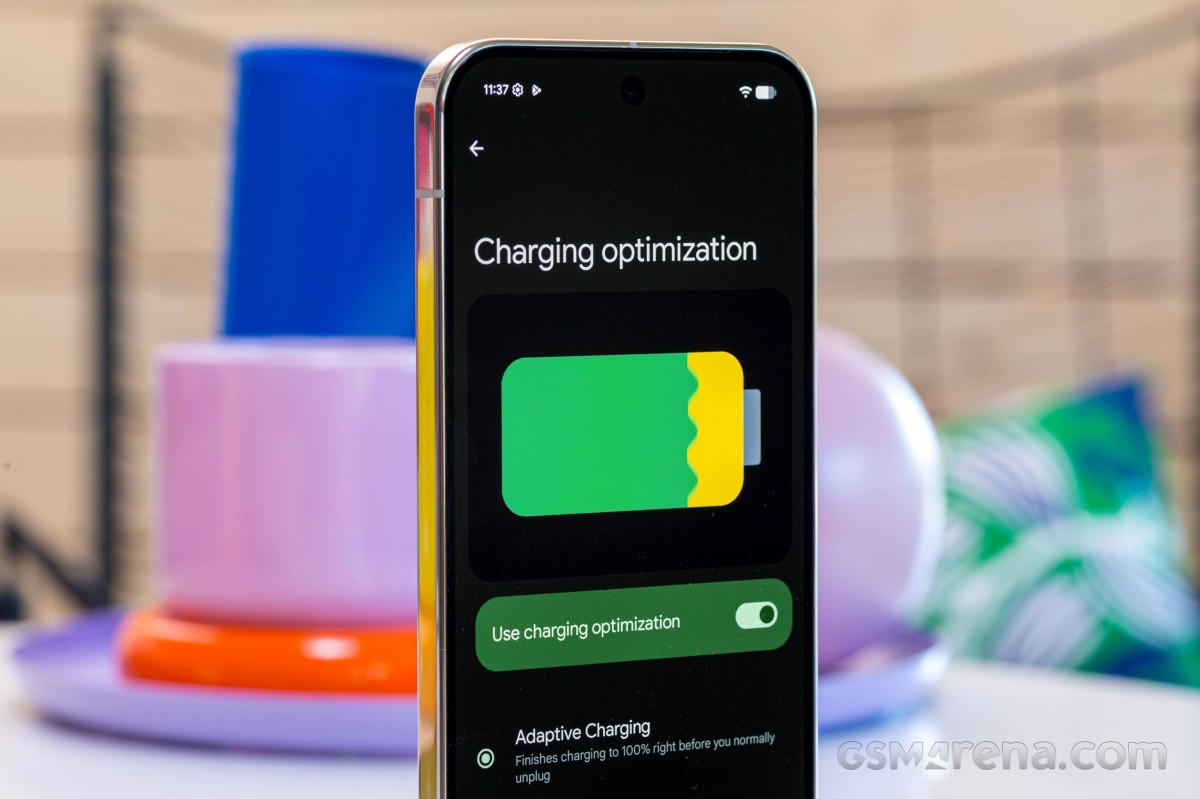
Updated, 28 Oct: While we used a couple of good quality 67W third-party chargers for our initial tests, we obbtained the recently released 67W dual-port Google charger (Amazon link), which brought some improvements in charging speed at the 15-minute and 30-minute marks. The time for full charge remained unchanged. The chart below reflects our latest test findings.
Charging speed
- in 15 min
- in 30 min
- Time to full charge (from 0%)
Oppo Find X8 Ultra
Pixel 9 Pro XL
 vivo X200 Ultra
Pixel 10 Pro XL
vivo X200 Ultra
Pixel 10 Pro XL
 Pixel 10 Pro
 (Qi2 wireless)
Pixel 10 Pro XL (Qi2 wireless)
Pixel 10 Pro
Pixel 10 Pro (Qi2 wireless)
Pixel 10 Pro XL (Qi2 wireless)
It's also worth pointing out that the phone continues to draw power even after it reports 100% state of charge, and it takes a good deal of extra time before it drops below 1W - about 10 minutes, give or take.
Qi2 wireless charging
The Pixel 10s introduce a Qi2 wireless charging capability with full support for magnetic attachment, a feature which Google has branded Pixelsnap. The 10 Pro XL gets the maximum 25W Qi2 power rating, while the 10 Pro and the plain 10 are specced to support 15W. That said, if watt ratings mean little in wired charging, they sure don't mean much in wireless charging, particularly with Google's approach to charging curves.
We had an aftermarket Qi2 charger at the office, and we'd say that the snap attachment does feel very solid. The speeds we got out of it were predictably not great, but we tend not to be too fixated on wireless charging speeds. For what it's worth, the XL peaked at some 23W for a brief instant and somewhat more happily maintained 18-ish watts - those are measured at the input of the Qi2 charger, though.
Pixelsnap is also compatible with Apple's MagSafe chargers (and accessories). According to Google's support pages, if you use one of the original MagSafe pucks released in 2020, the maximum power you can expect on any of the Pixel 10s is 5W, but if you have the updated Qi2-compliant 2024 version of Apple's charger, you can reach 15W (even with the XL, which can otherwise go higher than that). That's provided that you have a powerful enough AC adapter on the other end of the MagSafe puck, of course.
Pixelsnap has seemingly marked the end of reverse wireless charging, however, whether it's temporary and will be brought back in with a subsequent software update, or that's the way going forward, we're not sure. Charging other devices via cable still works.
A less-than-positive development that's gotten plenty of ongoing chatter on the internet is the Pixel 10 Series pre-enabled Battery Health assistance feature, which you now can't disable, in contrast to the 9 Pro XL, where you could. Apparently, that started on the Pixel 9a, and Google has turned it into default behavior going forward. The feature should adjust your battery's maximum voltage (read 'capacity'), as well as charging speed, starting after 200 discharge cycles, to prolong the battery's long-term health, supposedly. We don't really like features that you can't turn off, especially ones related to battery performance.
Speaker test
The Pixel 10 Pro XL employs a speaker setup of the hybrid stereo variety that's by now the standard Pixel approach. There's one bottom-firing unit and another one up top that's facing forward and doubles as an earpiece. The phone will assign the channels dynamically depending on its orientation in space and each speaker will also output the other channel's track as well, at a lower volume.
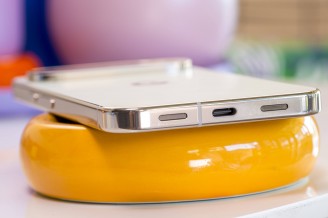
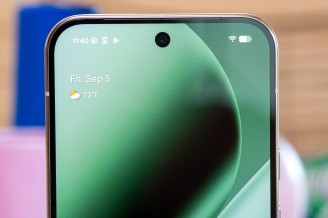
Bottom speaker • Top speaker/Earpiece
The Pixel 10 Pro XL earned a spot in the 'Very Good' group for loudness in our testing, on par with last year's model and this year's smaller Pro, as well as other big-name rivals.
Comparing its output to the iPhone and the Galaxy, the Pixel is good, but not quite on their level - they sound more like actual speakers, while the Pixel is more of a 'phone' in its presentation. It's not half bad at vocals reproduction and there's decent enough bass, but competitors tend to be superior overall.
Use the Playback controls to listen to the phone sample recordings (best use headphones). We measure the average loudness of the speakers in LUFS. A lower absolute value means a louder sound. A look at the frequency response chart will tell you how far off the ideal "0db" flat line is the reproduction of the bass, treble, and mid frequencies. You can add more phones to compare how they differ. The scores and ratings are not comparable with our older loudspeaker test. Learn more about how we test here.


Tip us
2.1m 180k
RSS
EV
Merch
Log in I forgot my password Sign up