Apple iPhone 13 Pro review
Apple iOS 15
All new iPhones come with Apple's iOS 15 out of the box. It's not a significant update over iOS 14, but it does introduce minor cosmetic changes like rounding off many UI elements shapes such as settings menus and icons, notifications, buttons. The new version improves heavily on FaceTime and Messages, Notification management, Safari browser (now with extensions), Wallet and Maps. It also makes Photos and Spotlight even more intelligent - the Photos app can now read and let you copy text in real-time.
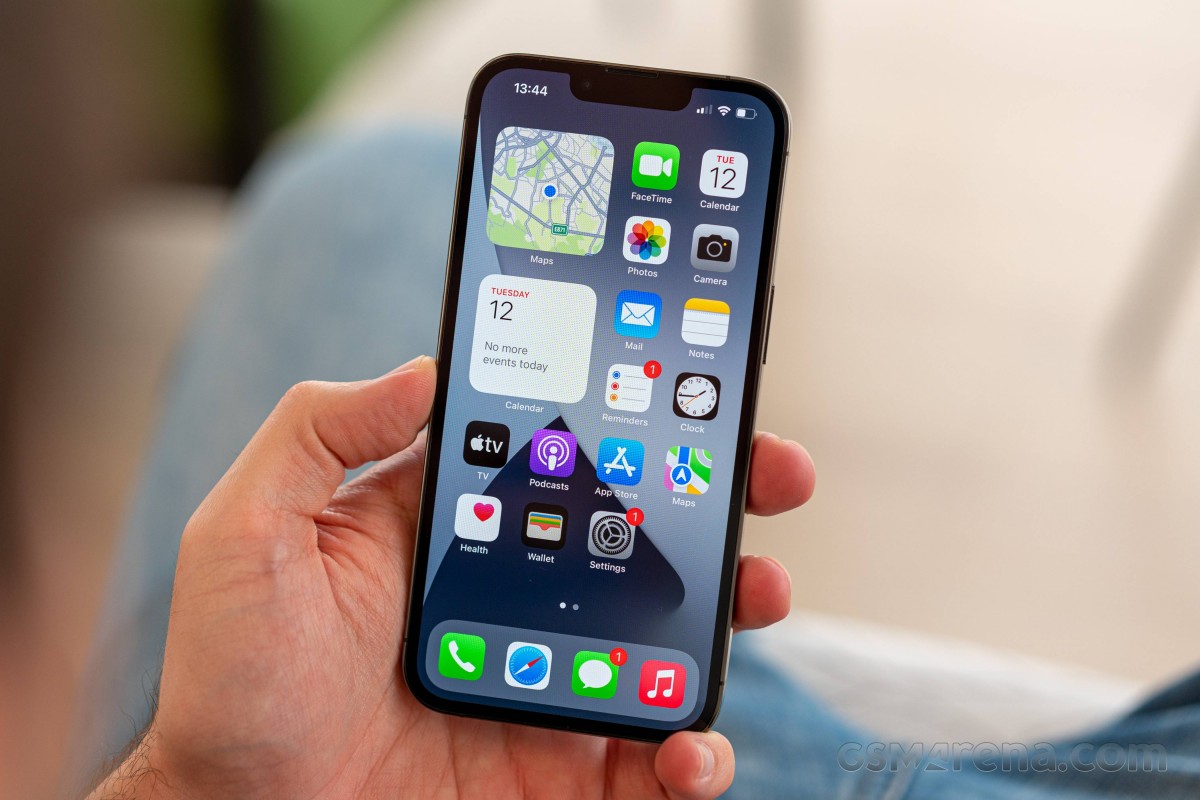
The iOS interface is still based on homescreens populated with apps and stackable widgets. App Library holds all your apps, with automatic sorting and is the de facto app drawer. There are also the familiar Notification Center and Control Center.
Apple's iOS 15 has improved notification profiles based on different automations, which are great for those who receive many notifications per day. There is also a new Summary option to get you up to speed after a silent period.
The navigation gestures stay the same as they were on the iPhone X. Swipe upwards from the bottom line to close an app, swipe and stop midway for task switcher, swipe from the side of the screen for back and forward. You can also swipe on the line left or right to switch to your recently used apps instantaneously.

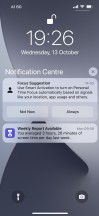
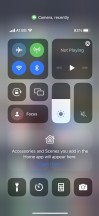
Lockscreen • Homescreen • Widgets • App Library • Notifications • Control Center
One of the most important updates in iOS 15 is in FaceTime. The new app looks more and more like Zoom, and it now supports Grid view. It has a cleaner interface, optional background blur, spatial audio, and most importantly - it can make conference calls, and non-Apple users can join the fun, too, by using an invite link and Chrome or Edge web browser.
Apple users can enhance their microphone with Voice Isolation or Wide Spectrum and let others hear them much better.
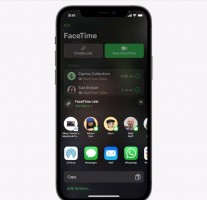
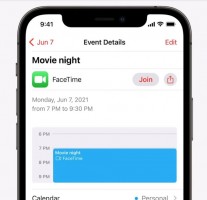
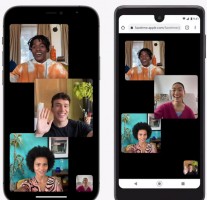
FaceTime
The Safari web browser has seen quite the upgrade. First, the address bar is now at the bottom of the screen, easily accessible, and you can swipe on it left or right to switch tabs (in portrait mode) just like you fast scroll between apps via swipes on the infamous line. And second, Safari now supports extensions; you can download such from the App Store.
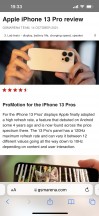
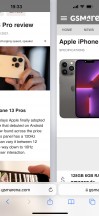
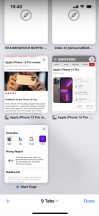
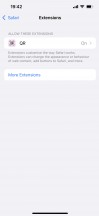


Safari
Siri is Apple's digital assistant used by 400+ million people monthly. Shortcuts is a robust environment for automating tasks which may seem daunting at first but are well worth exploring. Multimedia is handled by Apple's own apps - Photos for your images and video clips, TV for movies and Apple TV+, Music for MP3s and Apple Music, and Maps for navigation.
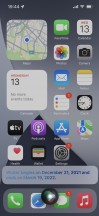
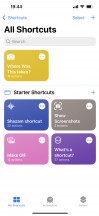




Siri • Shortcuts • Photos • TV • Music • Maps
There is Files for your local files, Books are here for your documents, PDFs, and eBooks. Stocks and News are onboard. There is Weather app, too. Apple also offers its office suite for free - Pages, Numbers and Keynote. iMovie and Clips are also onboard, so you can edit your videos - there is newly added support for Cinematic shorts captured on the new iPhone 13 mini camera.
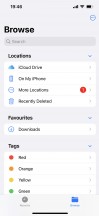




Files • Books • Socks • Weather • Numbers
Performance and benchmarks
The latest Apple A15 Bionic chip powers all iPhone 13 models. It is the second 5nm Apple chip (second-gen 5nm TSMC process) and packs 15 billion transistors - that's 27% more than the A14 within the iPhone 12 phones. It keeps the hexa-core processor architecture with 2 big Avalanche cores maxing out at 3.23GHz and 4 small Blizzard cores.
There is an improved 5-core Apple GPU for the Pro models and 4-core Apple GPU for the non-Pros. The 13 Pros have 6GB of RAM, up from the 4GB of the non-Pros.
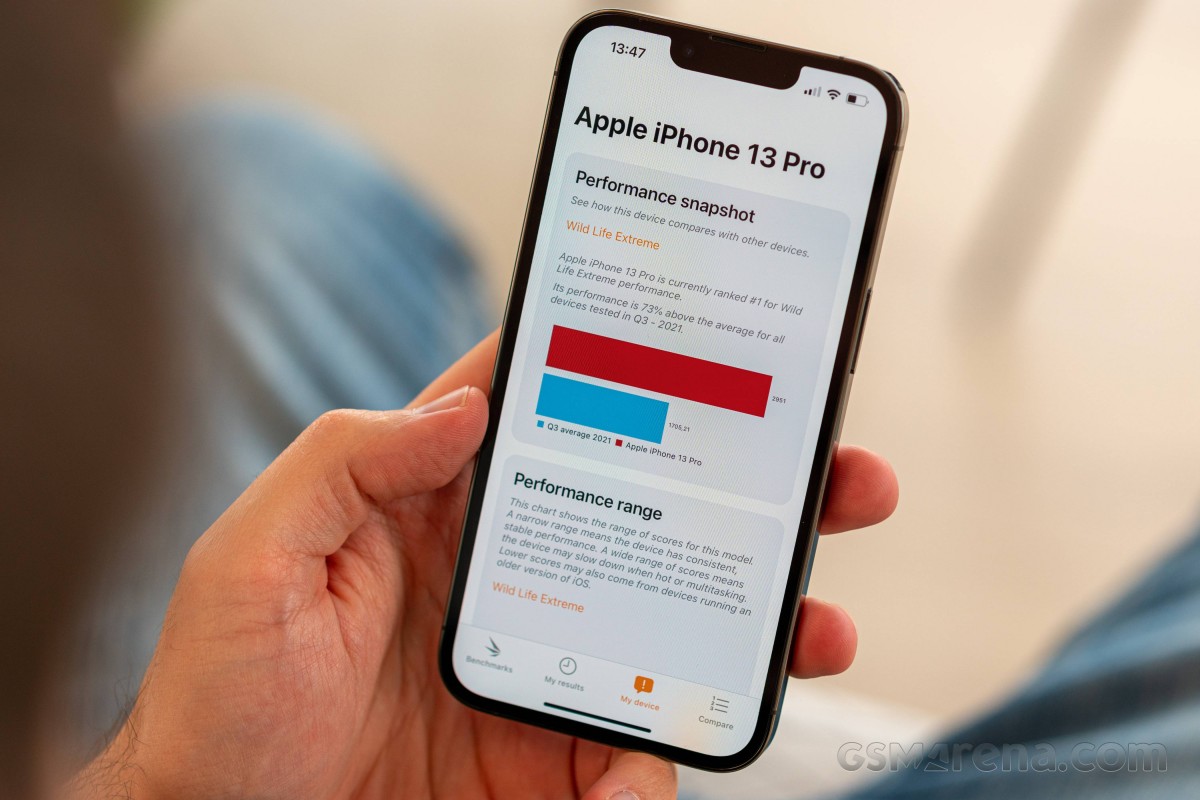
The 13 Pro posted virtually identical numbers to the 13 Pro Max pretty much across our entire benchmarking suite. As expected, its performance under CPU-intense loads is way superior to what you'd get out of any of the latest Androids. Meanwhile, it's not a huge improvement over last year's model, but there is a difference.
GeekBench 5 (multi-core)
Higher is better
-
Apple iPhone 13 Pro Max
4706 -
Apple iPhone 13 Pro
4687 -
Apple iPhone 13
4645 -
Apple iPhone 12 Pro
4056 -
OnePlus 9 Pro
3636 -
Asus ROG Phone 5s Pro
3521 -
Galaxy S21 Ultra 5G
3518 -
Sony Xperia 1 III
3515 -
Xiaomi Mi 11
3489 -
Galaxy Z Flip3 5G
3441 -
Oppo Find X3 Pro
3316 -
Galaxy Note20 Ultra 5G (Snapdragon)
3294 -
Galaxy S21 Ultra 5G (Snapdragon)
3244 -
Galaxy S21 Ultra 5G (Snapdragon)
3244 -
Galaxy Z Fold3 5G
3239 -
Xiaomi Mi 11 Ultra
3191
GeekBench 5 (single-core)
Higher is better
-
Apple iPhone 13 Pro Max
1741 -
Apple iPhone 13
1727 -
Apple iPhone 13 Pro
1709 -
Apple iPhone 12 Pro
1611 -
Sony Xperia 1 III
1130 -
OnePlus 9 Pro
1126 -
Xiaomi Mi 11 Ultra
1126 -
Asus ROG Phone 5s Pro
1117 -
Galaxy S21 Ultra 5G (Snapdragon)
1109 -
Galaxy S21 Ultra 5G (Snapdragon)
1109 -
Galaxy S21 Ultra 5G
1107 -
Galaxy Z Fold3 5G
1095 -
Xiaomi Mi 11
1085 -
Galaxy Note20 Ultra 5G (Snapdragon)
988 -
Galaxy Z Flip3 5G
979 -
Oppo Find X3 Pro
926
Antutu once specifically mentioned cross-platform benchmark comparisons are best avoided, so we'll only compare the 13 Pro against members of its own family. There's a visible year over year improvement, and the A15 is easily the most powerful of the As.
AnTuTu 9
Higher is better
-
Apple iPhone 13 Pro Max
801691 -
Apple iPhone 13 Pro
794348 -
Apple iPhone 13
775519 -
Apple iPad mini (2021)
766065 -
Apple iPhone 12
692020 -
Apple iPad 10.2 (2021)
617292
The iPhone 13 Pro puts out massive numbers in GFXBench, and such GPU-centric loads are where the extra core in the Pro's chip proves to be an advantage over the regular A13's lesser GPU. Again, same as on the 13 Pro Max, we're seeing the 13 Pro is capped at 60fps in the onscreen tests, preventing us from getting the real numbers.
GFX Manhattan ES 3.1 (offscreen 1080p)
Higher is better
-
Apple iPhone 13 Pro
181 -
Apple iPhone 13 Pro Max
178 -
Apple iPad mini (2021)
161 -
Apple iPhone 13
150 -
Apple iPhone 12 Pro Max
135 -
Apple iPhone 12 Pro
132 -
Apple iPhone 12
132 -
Apple iPhone 12 Pro
132 -
Apple iPhone 11 Pro Max
120 -
Apple iPad 10.2 (2021)
104
GFX Manhattan ES 3.1 (onscreen)
Higher is better
-
Apple iPhone 13 Pro Max
60 -
Apple iPhone 13 Pro
60 -
Apple iPhone 12 Pro
60 -
Apple iPhone 13
60 -
Apple iPhone 11 Pro Max
60 -
Apple iPad mini (2021)
60 -
Apple iPhone 12
60 -
Apple iPhone 12 Pro
60 -
Apple iPhone 12 Pro Max
60 -
Apple iPad 10.2 (2021)
55
GFX Car Chase ES 3.1 (offscreen 1080p)
Higher is better
-
Apple iPhone 13 Pro Max
121 -
Apple iPhone 13 Pro
119 -
Apple iPad mini (2021)
108 -
Apple iPhone 13
98 -
Apple iPhone 12 Pro Max
78 -
Apple iPad 10.2 (2021)
70 -
Apple iPhone 11 Pro Max
67 -
Apple iPhone 12 Pro
64 -
Apple iPhone 12 Pro
64 -
Apple iPhone 12
58
GFX Car Chase ES 3.1 (onscreen)
Higher is better
-
Apple iPhone 13 Pro Max
60 -
Apple iPhone 13 Pro
60 -
Apple iPad mini (2021)
60 -
Apple iPhone 13
59 -
Apple iPhone 12 Pro
58 -
Apple iPhone 12 Pro
58 -
Apple iPhone 11 Pro Max
57 -
Apple iPhone 12 Pro Max
55 -
Apple iPhone 12
53 -
Apple iPad 10.2 (2021)
44
GFX Aztek Vulkan High (onscreen)
Higher is better
-
Apple iPhone 13 Pro
60 -
Apple iPhone 13 Pro Max
55 -
Apple iPhone 13
55 -
Apple iPhone 12 Pro
47 -
Apple iPad mini (2021)
47 -
Apple iPhone 12 Pro
47 -
Apple iPhone 12
45 -
Apple iPhone 12 Pro Max
42 -
Apple iPad 10.2 (2021)
33
GFX Aztek Vulkan High (offscreen 1440p)
Higher is better
-
Apple iPhone 13 Pro Max
50 -
Apple iPhone 13 Pro
50 -
Apple iPad mini (2021)
40 -
Apple iPhone 12 Pro Max
40 -
Apple iPhone 13
34 -
Apple iPad 10.2 (2021)
32
3DMark Wild Life Vulkan 1.1 (offscreen 1440p)
Higher is better
-
Apple iPhone 13 Pro
9760 -
Apple iPhone 13 Pro Max
9751 -
Apple iPad mini (2021)
9092 -
Apple iPhone 13
8986 -
Apple iPhone 12
7996 -
Apple iPad 10.2 (2021)
7537
We also got practically the same results for long-term performance out of the 13 Pro that we saw on the 13 Pro Max. That's 77% for CPU stability and 67% for the GPU - hardly breathtaking numbers, but it's good to know that the smaller and thus potentially less capable of heat dissipation handset is on the same level as its bigger brother.
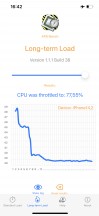
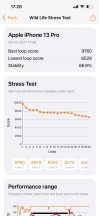
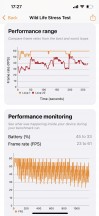
APSI Bench Long-term load CPU test • 3DMark Wild Life stress test


Tip us
2.1m 180k
RSS
EV
Merch
Log in I forgot my password Sign up