Xiaomi 17 Ultra Leica Edition review
Larger and brighter LTPO OLED screen
The Xiaomi 17 Ultra gets a slightly bigger display this year, measuring 6.9" in diagonal, up from the 6.73" on the previous generation. Interestingly, the screen resolution has dropped to 1200 x 2608px in the process, so the pixel density here works out to 416 ppi compared to the 522 ppi on the previous model. Still, we can't say that the display's sharpness left us wanting in any way.
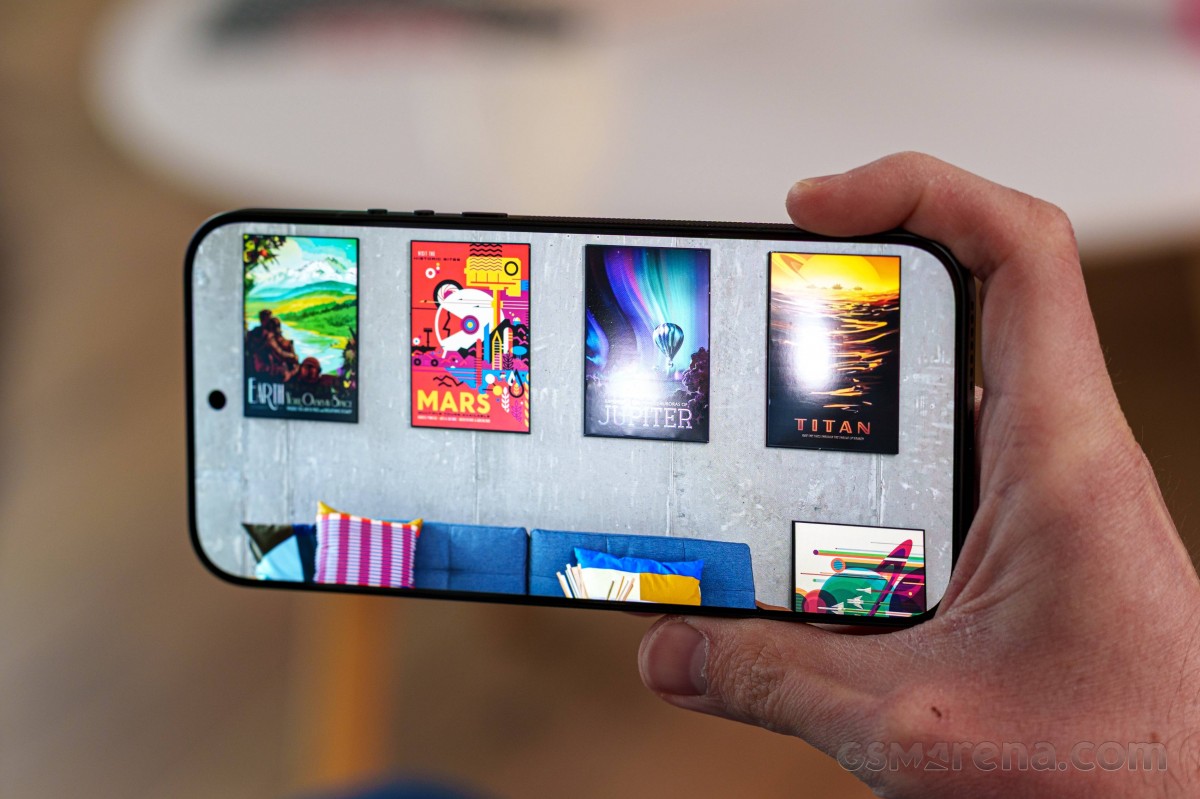
What's interesting is that the AMOLED display here uses an RGB matrix, instead of the traditional PenTile arrangement, which was often blamed for causing text softness. Xiaomi calls this HyperRGB display, likely because it has a full set of sub-pixels per single pixel, while the PenTile's full pixels share some of the sub-pixels between each other. For the user, the HyperRGB panel means better visual and sharper image quality overall, compared to a PenTile panel at the same resolution and PPI. So in a way, the new subpixel arrangement offsets the lower screen resolution.


15 Ultra's PenTile panel • 17 Ultra's HyperRGB panel
Even if there is any difference, it's really hard to spot beyond 400 ppi. You will have to be pixel-peeping to find any real sharpness issues at this screen diagonal.
Refresh rate is again 120Hz, and since it's an LTPO panel, the control over the refresh rate is quite granular. The supported HDR standards are plenty - HDR10+, Dolby Vision and HDR Vivid. Color depth is 12-bit, and Xiaomi advertises high-frequency 2160Hz PWM for dimming, so people with sensitive eyes will appreciate it.
The new display is touted as slightly brighter, but that was only true for peak brightness in HDR scenarios.
When testing with our regular 75% white patch, we only got 639 nits in manual mode and 1,132 nits in Auto mode, and both these numbers are noticeably lower than the 15 Ultra.
With a 10% fill, however, we got 3,674 nits, which was higher than what the 15 Ultra could muster in this scenario. With the 10% patch, we squeezed out even slightly more in the 17 Ultra's Gallery app compared to the web browser - it went as high as 3,790 nits - a boost which was absent on the 15 Ultra.
Max display brightness test
White test pattern (nits)
- Manual (75% fill)
- Auto (75% fill)
- Peak Auto (10% fill)
 vivo X300 Pro
 Honor Magic8 Pro
 Xiaomi 15 Ultra
 Galaxy S25 Ultra
 Oppo Find X9 Pro
 Xiaomi 17 Ultra
 Xiaomi 17 Pro Max
Refresh rate
As we already mentioned, the LTPO OLED display performs a granular control over the refresh rate. You can choose between a Default and Custom refresh rate options. The default one is actually automatic, while the Custom mode lets you cap the refresh rate to either 60 or 120Hz.
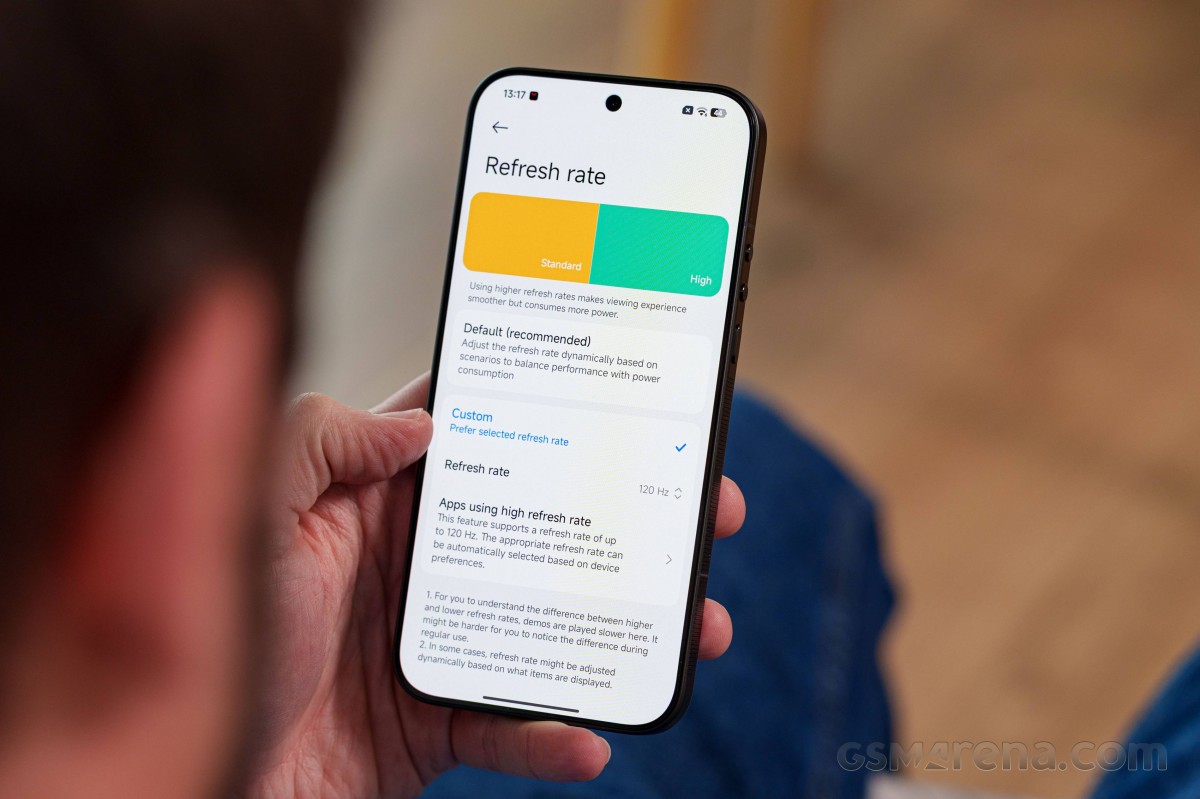
We suggest leaving it on Default because the system is smart enough to choose the correct refresh rate depending on the scenario. When the display is idle, it reduces the refresh rate to 1Hz, while every app or system menu boosts it to 120Hz. That includes Chrome and YouTube.
It's not often that we see the YouTube app refresh at 120Hz when just browsing or reading the comments. Only when you start watching a video will the display refresh rate drop down to match the video's frame rate. We tested 24, 30, and 60 fps videos, and the display was able to match their framerates with its refresh rate successfully.
Battery life
The Xiaomi 17 Ultra relies on a generous 6,800 mAh battery and has the same chipset and display as the Xiaomi 17 Pro Max, so it's no wonder the battery life scores are quite comparable between the two models. Still, the 17 Pro Max comes out on top as it has a bigger 7,500 mAh battery.
Update, 25 Feb 2026: We've updated the battery life scores of the Xiaomi 17 Ultra after further testing since this review was published.
In any case, the 17 Ultra earned an impressive 21:29h Active Use Score with excellent runtimes across the board. The device outlasts many of its direct rivals (its predecessor too), but it only falls short of matching the Oppo Find X9 Pro in some of the individual tests.
Charging speed
The Xiaomi 17 Ultra features a 6,800 mAh battery and supports up to 90W wired charging over Xiaomi's HyperCharge proprietary charging protocol. The handset also supports 50W fast wireless charging using a Xiaomi charging pad, and interestingly, that's a downgrade compared to last year's 15 Ultra, which supports 80W wireless charging.
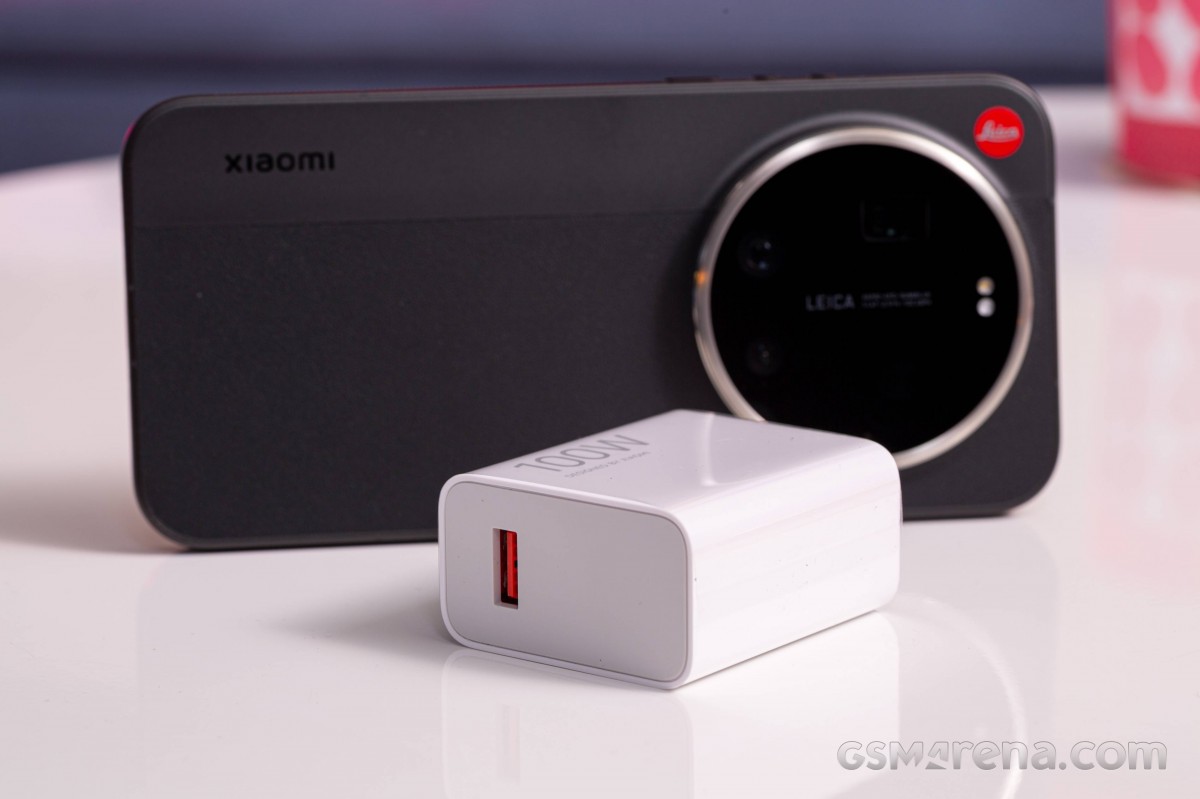
In our tests with the bundled 100W charger, the 17 Ultra did pretty well, although not particularly impressive. The device charged considerably slower than the Xiaomi 17 Pro Max, which supports 100W wired charging and a bigger 7,500 mAh battery.
We saw similar peak charging rates at around 78W on both devices, so our best guess is that the 17 Pro Max's larger battery handles higher charging rates and temperatures better, leading to less thermal throttling and shorter charging times.
In any case, the 17 Ultra is decently fast from 1 to 100% and completes a full charge in 56 minutes. In the first 30 minutes of the charging test, the handset replenished 68% of the battery capacity.
Charging speed
- in 15 min
- in 30 min
- Time to full charge (from 0%)
vivo X300 Pro
Honor Magic8 Pro
Galaxy S25 Ultra
Xiaomi 15 Ultra
Xiaomi 17 Ultra
Xiaomi 17 Ultra (USB-PD)
Oppo Find X9 Pro (USB PD)
We also tested the device using a compatible USB Power Delivery charger that supports 90W. In the first 30 minutes of charging, the Power Delivery charger performed similarly, but got much slower as it approached 100%. A full charge with a compatible PD brick will take 1 hour and 23 minutes.
There are some battery health-oriented features in place. You can limit the charging capacity to 80% or apply smart charging to avoid overcharging as the system learns your charging habits and finishes charging the battery only when needed. You can, of course, disable fast charging altogether.
Speakers
The Xiaomi 17 Ultra has a pair of hybrid stereo speakers with the main one at the bottom of the frame, while the other also acts as an earpiece at the top. As a result, the bottom-firing speaker is notably louder, but doesn't negatively affect the sound experience all that much.
Compared to the previous generation, the Xiaomi 17 Ultra's speakers are quieter, earning a "Good" -26.6 LUFS score. However, the tuning here is nicer as the tracks generally sound fuller and warmer, while the vocals are cleaner.
It's definitely one of the nicest sets of speakers you can get on a smartphone, with only a few handsets offering better speakers. The iPhone 17 Pro Max is one of those. In comparison to most direct rivals like the Oppo Find X9 Pro or the vivo X300 Pro, however, the 17 Ultra has an advantage when it comes to sound quality.
Use the Playback controls to listen to the phone sample recordings (best use headphones). We measure the average loudness of the speakers in LUFS. A lower absolute value means a louder sound. A look at the frequency response chart will tell you how far off the ideal "0db" flat line is the reproduction of the bass, treble, and mid frequencies. You can add more phones to compare how they differ. The scores and ratings are not comparable with our older loudspeaker test. Learn more about how we test here.


Tip us
2.1m 180k
RSS
EV
Merch
Log in I forgot my password Sign up