vivo V7+ review
Software overview
The vivo V7+ runs on Android 7.1.2 Nougat OS with vivo's custom Funtouch v3.2 overlay on top. As with other Chinese manufacturers, that means a single-tiered interface with no app drawer. We hoped for vivo to jettison those iOS looks, but the maker insists on keeping everything as close to iOS as possible.
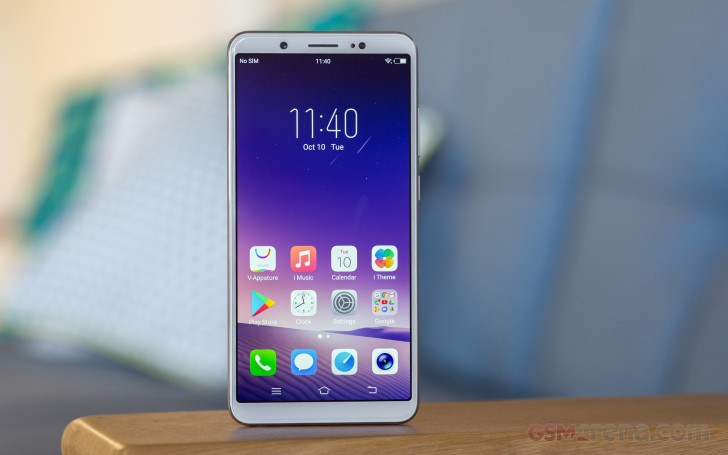
So, Funtouch has a slick user interface with a slew of features, making for an interesting Android skin. There is App Clone, Smart Split and even Face Unlock.
The lockscreen is pretty basic - there is a clock and two shortcuts. It is a part of the theme support, though, so you can freshen it up from the Themes app.
The fingerprint sensor is always-on, very fast and accurate. You can also setup face unlock in addition to fingerprint security, but you will need to wake up the screen in order for it to work.
The face recognition can be fast or regular. The fast option indeed recognizes your face quicker, but it can be fooled with a picture. The other one relies on a more in-depth facial recognition algorithm and vivo says it's more secure. It can't be as safe as Apple's Face ID, but apparently this kind of authentication is now a thing and the Chinese makers are offering it, pretty well at that.

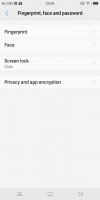
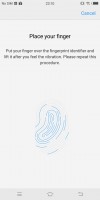
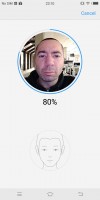
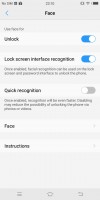
Default lockscreen • Fingerprint security • Setting up • Setting up Face Unlock • Face Unlock
Past the lockscreen you get a single-tier interface with no app drawer. Meanwhile, swiping up from the bottom edge brings out a combined toggles/brightness/tasks drawer, reminiscent of the old iOS Control center. Closing apps works with a cheerful "Speed up" button.
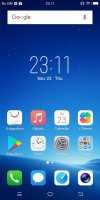
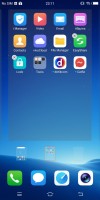
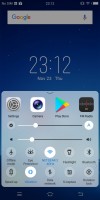
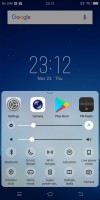
The homescreen • It doubles as an app drawer • Notifications • Toggles • Toggles
The V7+ has its own Themes app and you can choose from a very rich theme store. The theme-able elements are the wallpapers (lock and homescreen, dialer, messenger), and the system font.
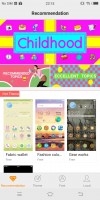
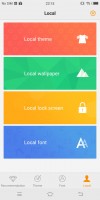
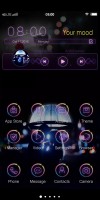
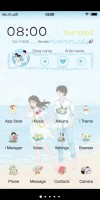
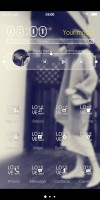
Theme app • elements • a theme • a theme • a theme
The vivo V7+ comes with extensive gesture and motion functionality, found in settings under Smart motion. Smart wake works with the display off and lets you draw letters to launch specific apps, unlock with an upward swipe without lighting the screen beforehand, or launch the camera with a downward swipe. There are multiple settings for flashlight or camera launch with the volume keys, too.
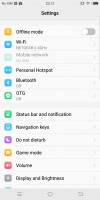
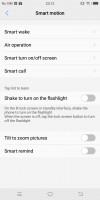
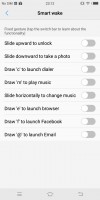
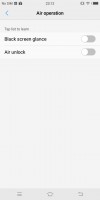
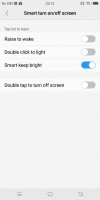
"Smart motion" gestures
There's Smart Split, which allows you to split the display and launch two apps side-by-side. This is only limited to just a few supported messaging apps - Messages, Facebook, Whatsapp. It works only when you are within one of these messengers, say Facebook, and receive a notification from some of the others, say Whatsapp. Then you can expand the Whatsapp floating icon into the full-blown app, which will share the screen with Facebook.
App Clone is available, too, for when you need two active social accounts all the time.
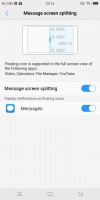
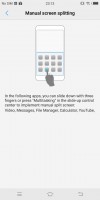
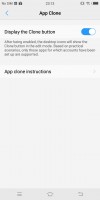
Smart Split • Manual Split • App clode
Vivo has kept things pretty clean regarding preloaded applications and, besides the nowadays obligatory Google suite, there are few pre-installed apps. Also, the things that are included in the mix are well executed, nicely styled and even, quite convenient. We won't explore the mandatory calendar, calculator, clock, and voice recording apps, but they are onboard.
Funtouch OS has an amazing central management hub, called iManager. It is designed to keep your phone in top shape and does a pretty good job of it. It can clean your RAM and storage on request and naturally manage applications.
The phone also comes with a very intuitive file manager. It automatically groups things according to type but also allows traditional folder browsing, as well as searching. Multiple file operations are now possible too.
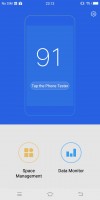
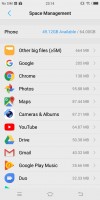
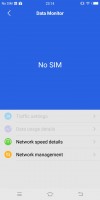
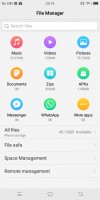
iManager • iManager • iManager • Intuitive file manager


Tip us
2.1m 180k
RSS
EV
Merch
Log in I forgot my password Sign up