Dial M for midrange
Sony Xperia M2 review: Dial M for midrange
User interface
The Sony Xperia M2 comes with Android 4.3 out of the box, while the company has promised the Android 4.4 KitKat update is already in the works. The software package looks very much the same whatever the Android version and that's why everything would feel and seem so familiar if you've ever used a recent Sony smartphone.
There goes our usual demo video to get you started.
The lockscreen is the usual affair - it supports widgets (one per pane), while the rightmost pane will fire up the camera. There are a few available default widgets, but you can always get more from the Play Store. Also third party apps oftentimes come with their own set of extra widgets.
Naturally, you can protect your lockscreen by Face, Pattern, PIN or Password unlock, in ascending order of security.
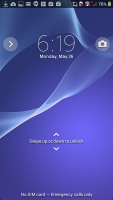
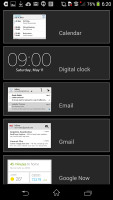
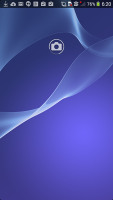
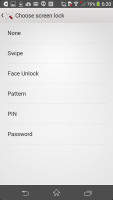
The lockscreen and its options
The Xperia M2 lets you add or remove homescreen panes (you start with five) and set any of them as default. You can't have more than seven panes at any given time though, nor can you change the order they're in.
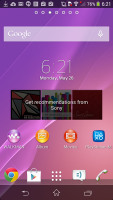
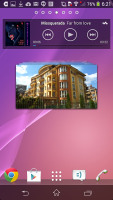
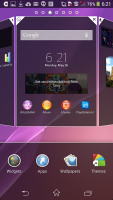
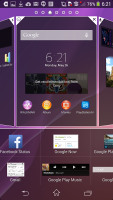
Adding stuff to the homescreens is very easy
Adding stuff on the homescreen is easy, as it is the customization. You can set various live and static wallpapers, add widgets and shortcut, or change the UI theme.
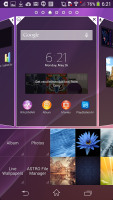
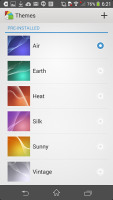
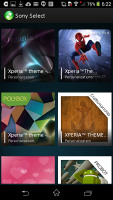
Available UI themes • download more themes
The notification area features a few toggles (Sound, Bluetooth, Wi-Fi and Brightness by default). There's also a quick shortcut to the settings menu. The toggles are customizable and you can choose between 16 different quick toggles and have up to 10 of them visible in the notification area across two rows of shortcuts. You can even opt out of having the Settings key, which is nice.
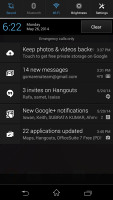
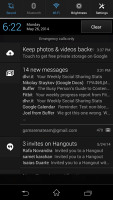
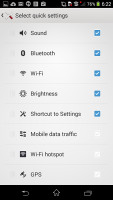
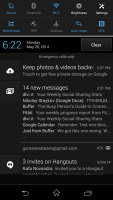
The notification area and settings
The app drawer is laid out across multiple pages and you can sort the apps manually, alphabetically, by the most used or most recently installed. The menu with those settings is accessible via a swipe from the left edge of the screen and you can also search apps and even uninstall apps from there.
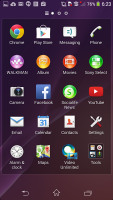
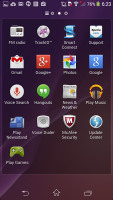
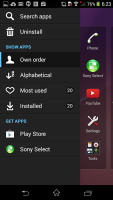
The app drawer
The Xperia M2 uses the stock Android task manager that lets you switch between recently opened apps, as well as terminate them with a side-swipe.
The so-called "small apps" are also available in the Xperia M2 and are accessible via the task manager. They are similar to Samsung's Mini Apps, and pop up tiny widget-like applications on your homescreen, which you can move around and use without having to open the full-fledged app. So far, there's a default set of nine: Active Clip, Chrome Bookmarks, Browser, Calculator, Calendar, Gmail, Timer, Notes, and Voice Recorder. You can launch only one instance of a Small App, but you can open multiple Small Apps simultaneously.
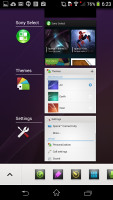
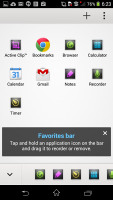
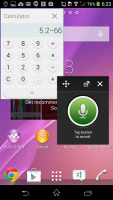
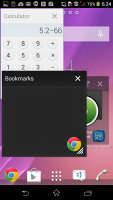
The task switcher • Small Apps list • Small apps in action
You can download more Small Apps off the Play Store or use the option to turn your favorite widgets into Small Apps. Just hit the Plus key at the top of the list and choose a widget.
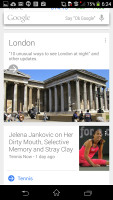
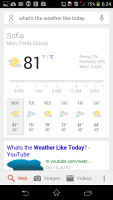
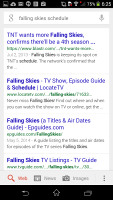
Finally, Google Now integrates with your Google account and can access your daily routine, internet searches, email, etc. and give you information relevant to your interests and daily needs.
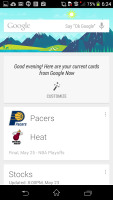
Google Now
It provides traffic information to your work or home, knows the scores of sports teams you follow and gives you the weather forecast for your location. It's great for at-a-glance info, but can handle voice input as well. It also has a dedicated homescreen/lockscreen widget.
The user interface is buttery smooth, there is no visible lag or long loading times. The Sony launcher is lightweight and, combined with the snappy chipset, you'll get great UI experience. The upcoming Android 4.4 KitKat and its optimizations might even make things even faster.


Tip us
2.1m 180k
RSS
EV
Merch
Log in I forgot my password Sign up