Droid at large
Samsung Galaxy Tab 10.1 review: Droid at large
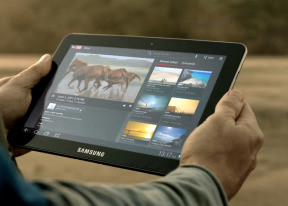
Welcome TouchWiz makeover
The Galaxy Tab 10.1 shipped unskinned initially, but Samsung managed to push its TouchWiz UI to its through an update a couple of months into its live. This means that you'd be getting a few home-backed enhancements in addition to the regular Honeycomb 3.1 stuff. We actually found those to be quite helpful, but you shouldn't expect any changes that run as deep as on the Galaxy S smartphones. These are more of minor touches that should help the Galaxy Tab 10.1 stand out in the Honeycomb crowd.
Here is a video of the user interface in action.
The first one can be noticed right on the homescreen and in the app launcher – the taskbar at the bottom is no longer static. A swipe upwards flips it to its side to reveal six shortcuts. Clicking on any of them opens a widget window that you are free to move around the screen and it stays on top of everything until you close it.
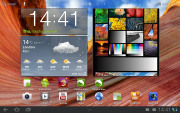
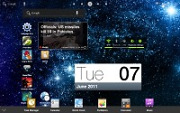
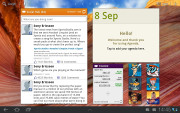
TouchWiz customizations are visible right from the homescreen
All the taskbar-docked shortcuts are the proprietary Samsung apps. They include the in-house task manager, world clock and the PenMemo app, as well as a calendar, calculator and a music player. All of them except the task manager have shortcuts to their respective fullscreen apps. Most of the functionality is overlapping anyway so you might not need to go there too often.
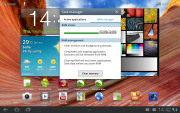
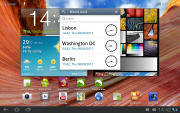
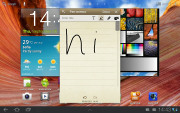
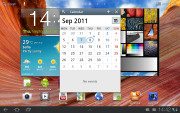
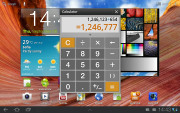
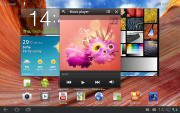
The TouchWiz docked apps
The notification area has been modified too to include the connectivity toggles that we’ve come to know from the smartphone edition of TouchWiz. They offer more functionality than the stock Honeycomb quick settings - including GPS, Wi-Fi and Bluetooth controls - which saves you the extra effort of entering the extended settings menu. The rest of the toggles are Notifications, Sound, Auto-rotation and Flight mode.
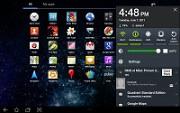
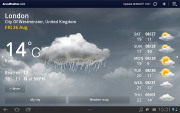
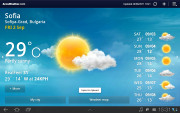
The notification area has been improved too • the fullscreen Weather app
The icons at the bottom left corner also have a new addition. We don’t know how many people other than reviewers and developers will find the new screenshot button useful, but it doesn’t hurt having it.
The functionality of the other buttons has remained unchanged – back, home and task switcher is what you get with stock Honeycomb.
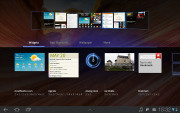
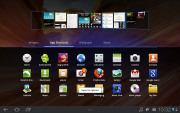
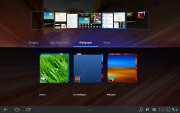
The familiar Honeycomb UI
The search shortcuts (voice and text) are in the top left corner of the homescreen, while the app launcher and homescreen edit buttons stay in the top right. In-between is the final change brought by Samsung – the dots indicating the number of available homescreen panes and the current selection.
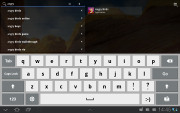
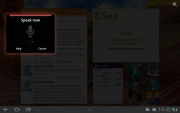
Search is here and is as useful as always
The app launcher has seen no modifications at all, but there are plenty of preinstalled apps that cannot be found on other tablets – Social Hub, Music hub, Pulse reader, AllShare, Polaris Office, Video player and My files. Some of the other apps like the music player and the calendar have been modified as well.
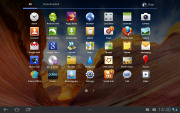
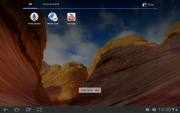
There are more preinstalled apps this time
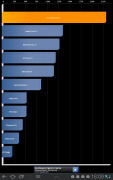
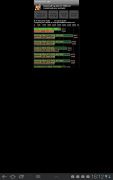
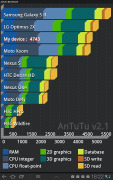
We ran the traditional Android benchmarks on the Galaxy Tab 10.1 and it did pretty well, matching most of the Tegra2 gadgets currently available on the market. The important thing here is the Galaxy Tab 10.1 offers great performance and Android experience and it's what really matters.


Tip us
2.1m 180k
RSS
EV
Merch
Log in I forgot my password Sign up