Oppo Reno15 Pro (mini) review
Display
The Oppo Reno15 Pro (mini) features a 6.32-inch AMOLED screen with 1,216 x 2,640 pixels, 10-bit color depth, 120Hz refresh rate, and HDR10+ support. It is protected by Gorilla Glass 7i.
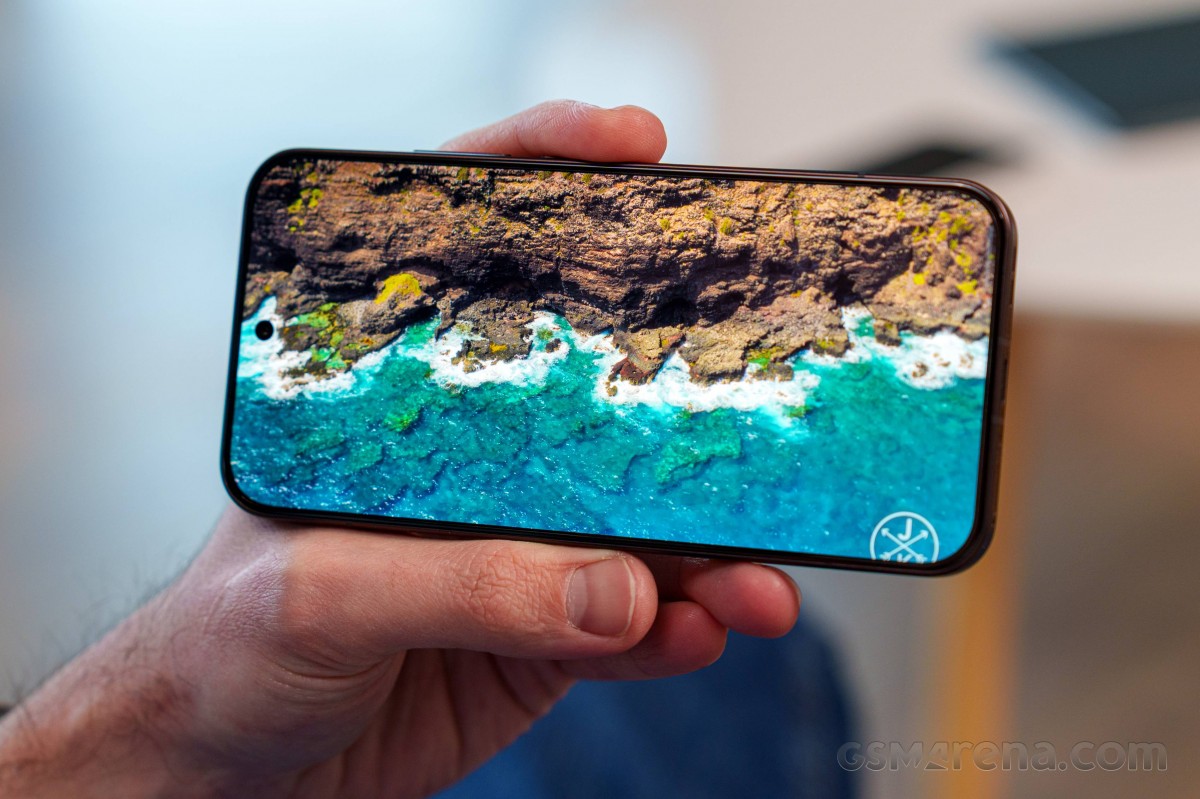
Oppo advertises 600nits of typical and 1,800 nits of high brightness.
We captured 602nits of maximum manual brightness - exactly what Oppo has promised. The minimum brightness on a white screen was 2.1nits.
There is a boost for bright ambient conditions - we measured 1,237nits everywhere except in the gallery, where it boosted even further to 2,214 nits of max automatic brightness.
We tested the peak brightness with a 10% fill, and it turned out to be an even more impressive brightness level of 3,548 nits. Note that it can be achieved only within media apps (Photos, video streaming).
Max display brightness test
White test pattern (nits)
- Manual (75% fill)
- Auto (75% fill)
- Peak Auto (10% fill)
 Oppo Reno15 Pro (mini) gallery
 Realme 16 Pro+
 Poco X7 Pro
 Galaxy S25 FE
Oppo Reno15 Pro (mini)
Galaxy S25 FE
Oppo Reno15 Pro (mini)
 Oppo Reno13 Pro
 iPhone 17 Pro
Refresh rate
The Display Settings of the Reno15 Pro (mini) offer three refresh rate modes - Auto, Standard (fixed 60Hz), and High.
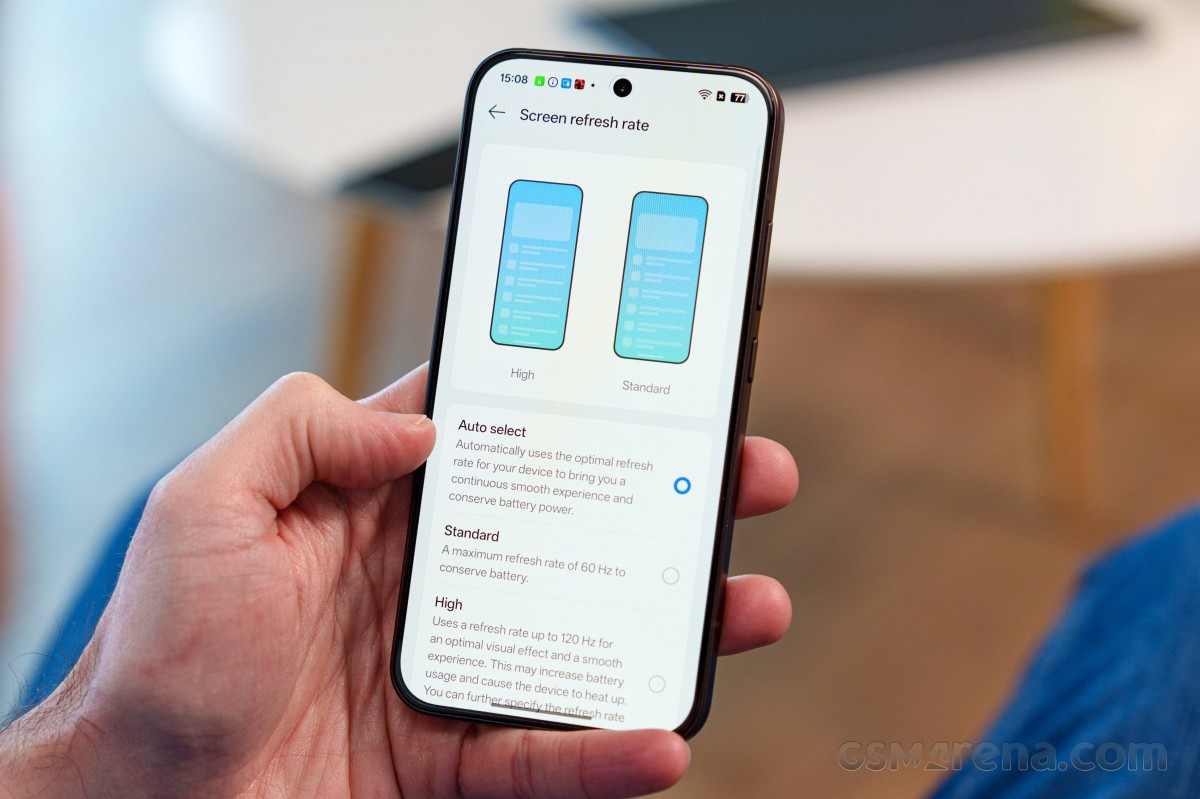
Auto and High behave the same way - 60Hz for idle screen and video playback, 90Hz for web browser and system apps, 60Hz for Netflix, YouTube, Camera, and more, 120Hz for UI, games, and benchmarks.
Upon choosing High, you will be granted access to App Specific Refresh Rate menu, where you can force higher than the automatically chosen refresh rate (if supported). For example, you can choose 120Hz for Chrome, and 90Hz or 120Hz for Netflix.
HDR and streaming
The screen supports HDR10 and HDR10+, and it is successfully recognized by all streaming apps, Netflix included.
As expected, the Reno15 Pro (mini) supports the Android Ultra HDR standard for displaying HDR photos with enhanced tone mapping and a brightness boost for highlights. It's implemented in Oppo's Photos gallery, where you get a button to turn it off on a photo-by-photo basis for comparison, in addition to being able to switch it off globally in settings. It also works in Google Photos (where you don't get the temporary preview button), and in Chrome - for images from other compliant phones, too.
Display enhancements
There are three interesting options as part of the Display settings on the Reno15 Pro (mini).
Image Sharpener boosts sharpness for low-quality photos and videos, while Video Color Boost widens the color gamut for videos (if possible). Both features increase the battery consumption, and both can be enabled only on compatible (mostly Chinese) apps.
There are also resolution settings where you can choose between Standard (1080p) and High (1216p ) resolutions.
Battery life
With a 6,200mAh capacity, the Oppo Reno15 Pro (mini) packs an impressively large battery for its size. And our expectations were through the roof for this compact device.
The Reno15 Pro (mini) not only met our battery life expectations, but it even exceeded them. It scored an outstanding Active Use Score of 17:19h. A single charge can offer either 36h of talk time or nearly 15h of web browsing and social network scrolling, or 25h of video streaming, or even 10h of gaming.
Charging speed
The Oppo Reno15 Pro is rated to support up to 80W SuperVOOC charging and up to 55W USB Power Delivery. We got Oppo's 80W SuperVOOC charger in the box (some markets may not be so lucky) and we used that for this charging speed test.
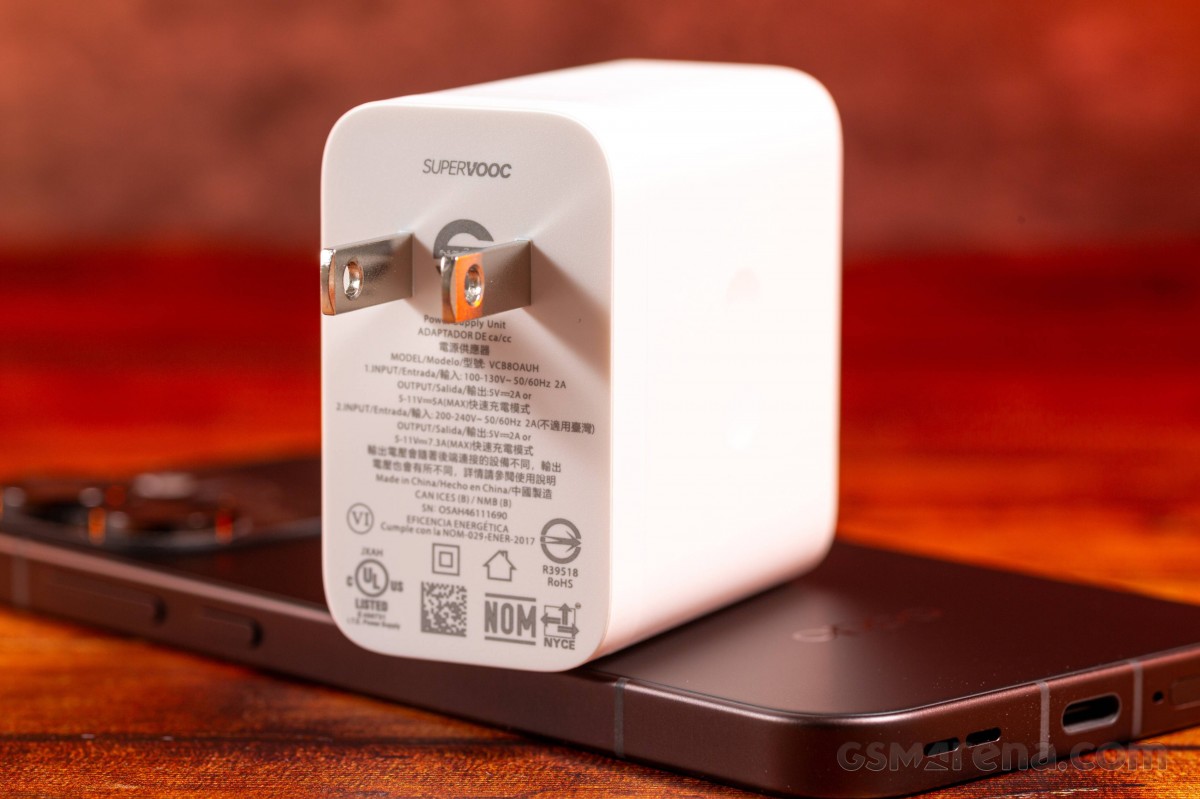
The Oppo offers Smart Rapid Charging option, which increases the charging speed but also makes the phone heat up a bit more. We kept this feature turned on so we can get the maximum possible charging power.
The charging speed is very good, especially considering the battery capacity of 6,200mAh. We clocked a full charge time of 54 minutes with the 80W power adapter. 15 minutes on the said charger gave us 36% of charge, while 30 minutes - 62%. A seemingly solid performance though there are phones out there offering faster charging.
Charging speed
- in 15 min
- in 30 min
- Time to full charge (from 0%)
 Motorola Edge 70
 Motorola Edge 60 Pro
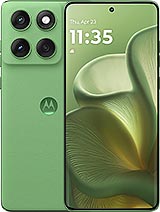 Motorola Edge 60
Oppo Reno13 Pro
iPhone 17 Pro
Motorola Edge 60
Oppo Reno13 Pro
iPhone 17 Pro
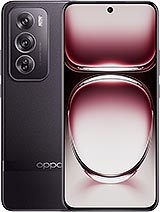 Oppo Reno12 Pro
Galaxy S25 FE
Realme 16 Pro+
Oppo Reno15 Pro (mini)
Oppo Reno12 Pro
Galaxy S25 FE
Realme 16 Pro+
Oppo Reno15 Pro (mini)
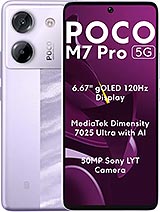 Poco M7 Pro
Bypass charging is available, which will come in handy if you are gaming and don't want to heat up your phone and cripple your performance.
Smart charging and charging limit are recommended options for those wanting to extend the lifespan of the battery.
Speakers - loudness and quality
The Oppo Reno15 Pro (mini) features a dual speaker setup where the earpiece pulls a double duty. The OS offers one extra step of loudness above the maximum marked as 300%. It offers a minor boost in the loudness at the expense of sound quality - meaning high-pitched sounds and poorer vocals.
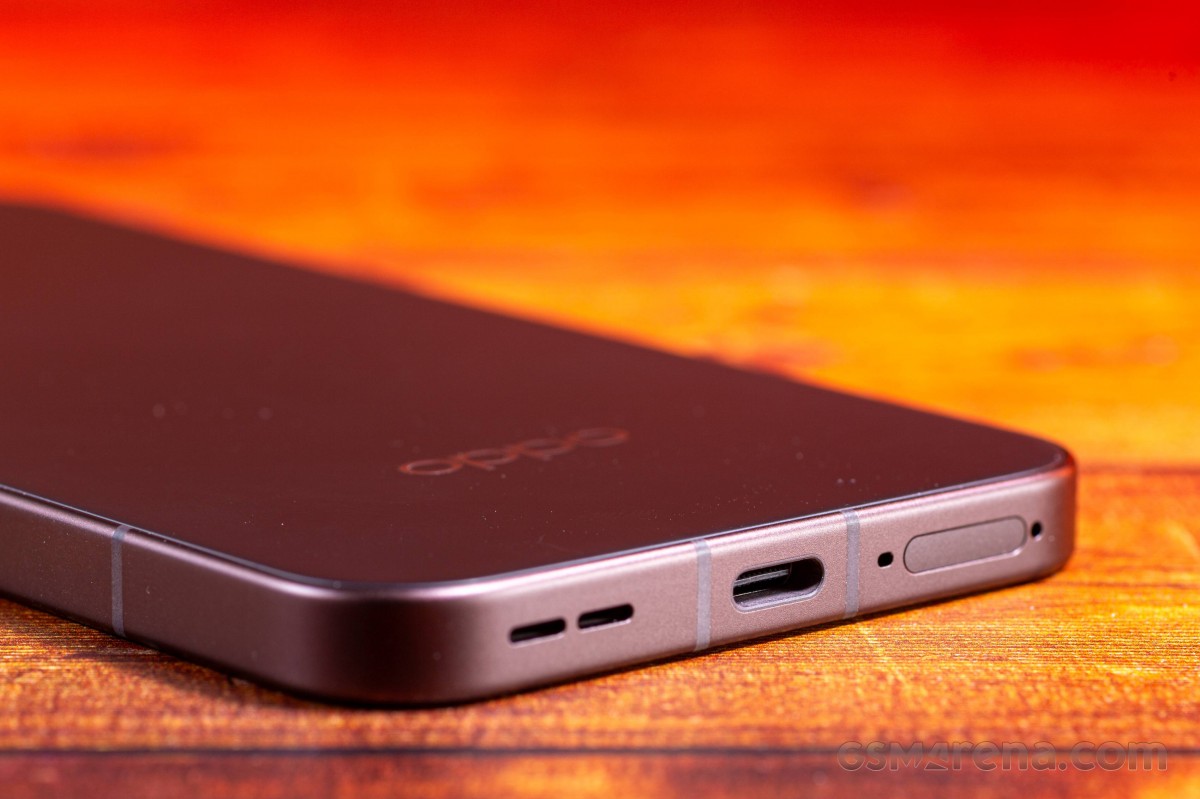
The Reno15 Pro (mini) scored a Very Good mark on our loudness test in both 300% and 100% volume (you will see the 300% volume rating quoted below in LFS). Since audio quality deteriorates when using the audio boost, we recorded the test tracks below at 100% volume.
The audio quality from the speakers at 100% volume is excellent - there is enough bass, superb vocals, and rich but well controlled high-frequency range. The speakers offer deep and rich sound and that's much appreciated.
Use the Playback controls to listen to the phone sample recordings (best use headphones). We measure the average loudness of the speakers in LUFS. A lower absolute value means a louder sound. A look at the frequency response chart will tell you how far off the ideal "0db" flat line is the reproduction of the bass, treble, and mid frequencies. You can add more phones to compare how they differ. The scores and ratings are not comparable with our older loudspeaker test. Learn more about how we test here.


Tip us
2.1m 180k
RSS
EV
Merch
Log in I forgot my password Sign up