Oppo Find N6 review
ColorOS 16 on top of Android 16
The Find N6 boots Android 16 with a familiar and quite powerful skin on top. Oppo calls it ColorOS, which remains very similar to OnePlus' OxygenOS.
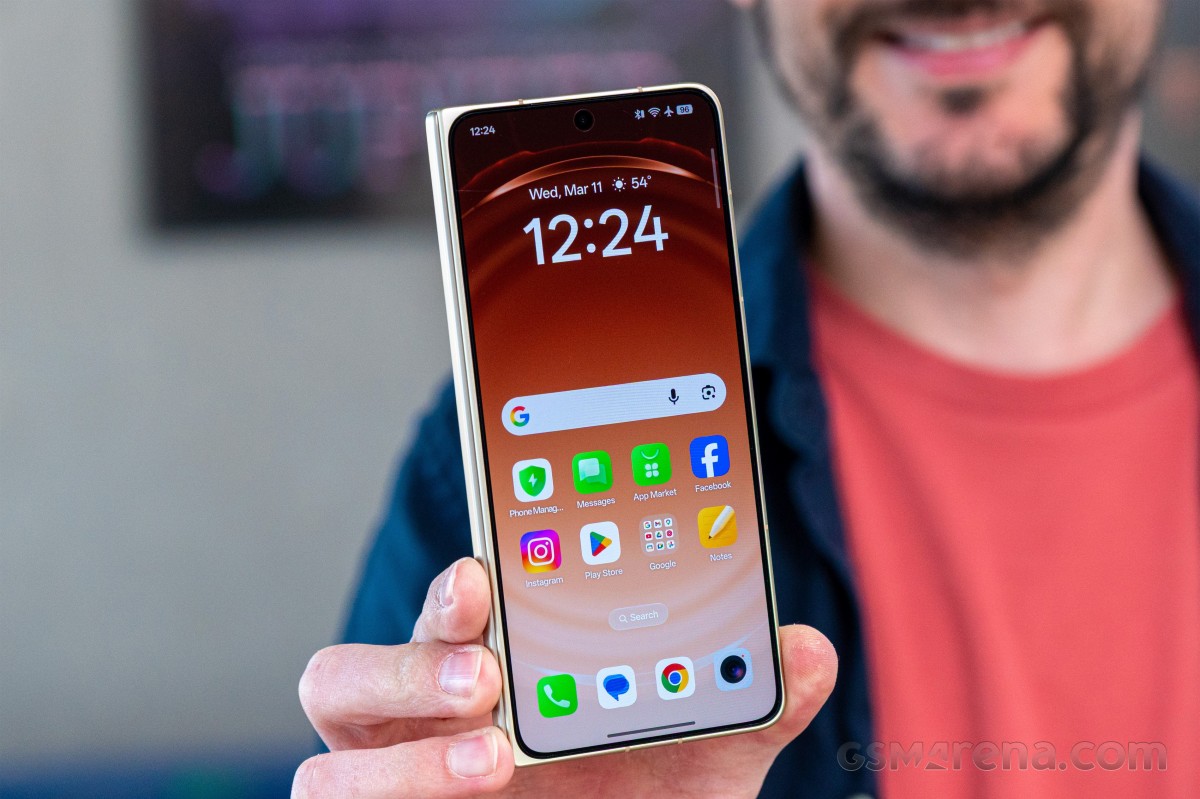
Oppo promises five years of major OS updates and a total of six years of software support (one extra year of security patches) for the Find N6. That's pretty good as far as current support cycles go.
The latest ColorOS isn't much different than the previous version, but there are a handful of additions, some subtle touches here and there, and a bunch of AI-based functionality. The basics remain largely unchanged though, save for a minor redesign of this or that icon.
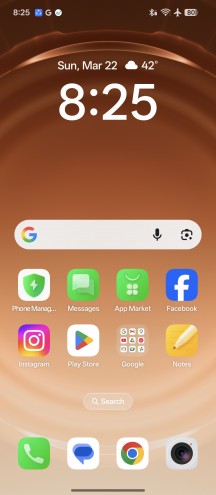
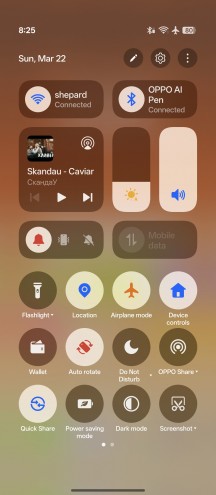
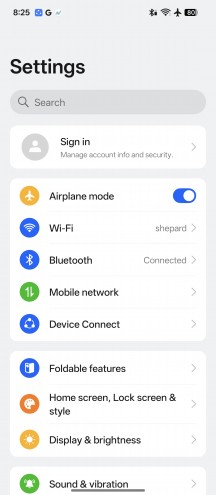
ColorOS on the Oppo Find N6
Among the new additions this year is a wide selection of lockscreen clock styles with a now-ubiquitous 3D-like depth effect where the clock hides behind an element of the image, just like on iOS. Animations aplenty, too.
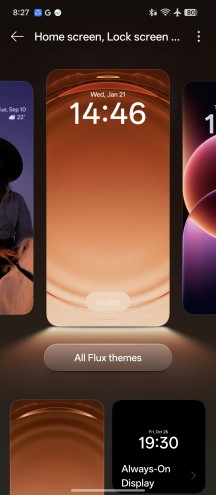
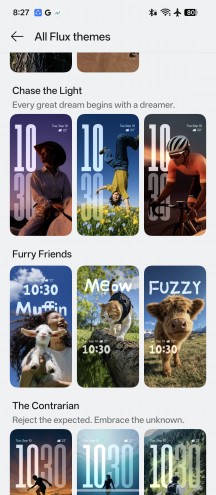
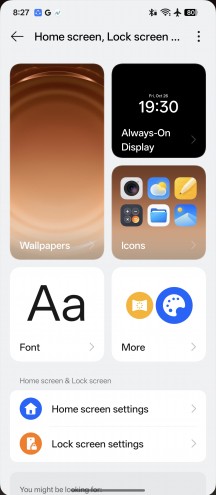
Personalization options on the Oppo Find N6
You also get a new style of category grouping in the app drawer, not unlike a certain other manufacturer's implementation. Different types of large folders are also supported (1x3, 3x1, and 3x3 grids). The Smart sidebar is here to stay too.
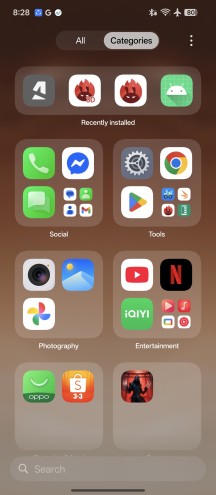
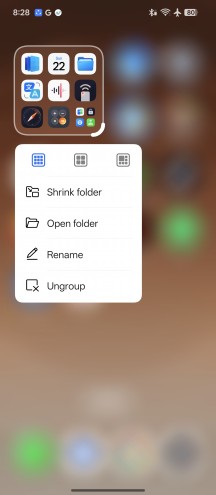
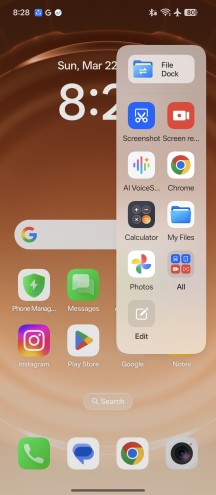
App categories • Large folders • Smart sidebar
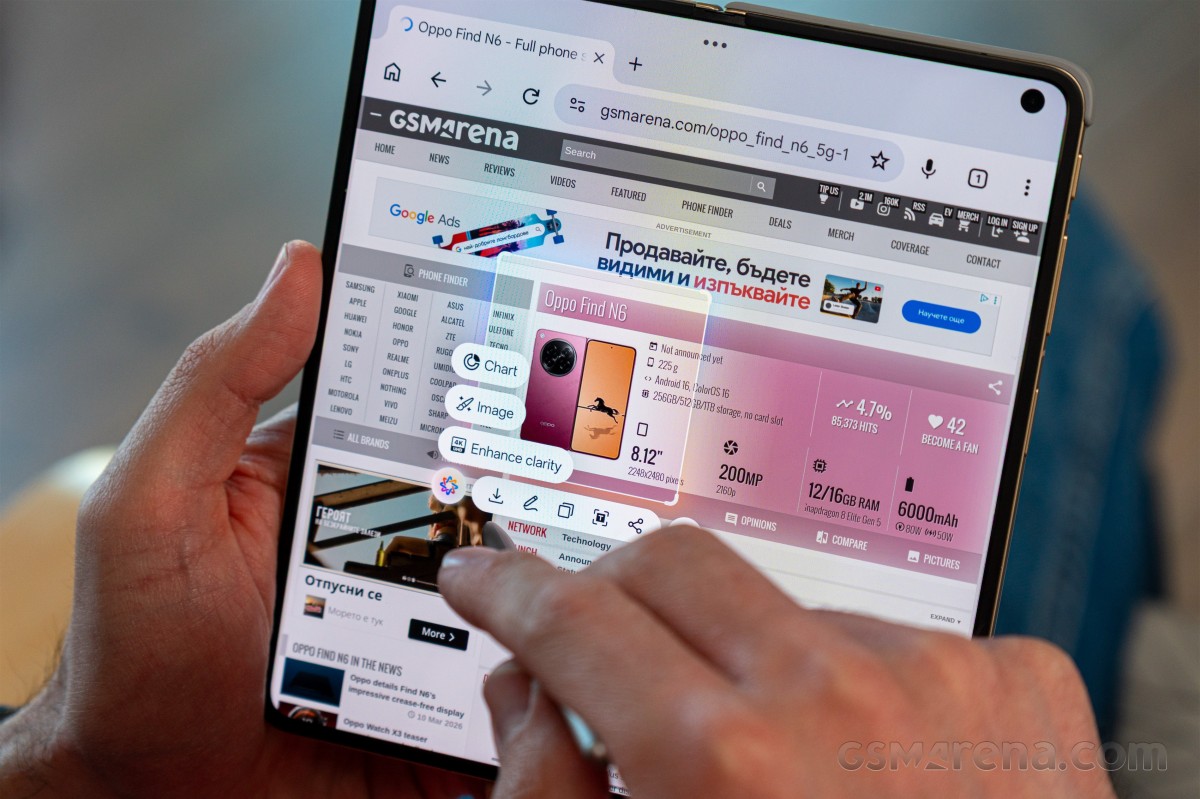
A bunch of Google-supplied AI bits is on board, including the Gemini assistant, Gemini Live, Circle to Search, on-screen translation, and whatnot. A Gemini integration with the Oppo Mind Space app is also a highlight.
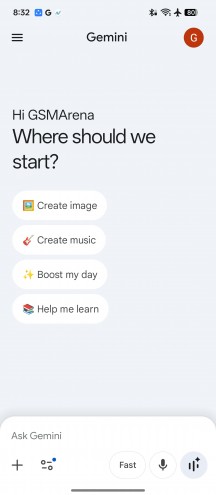
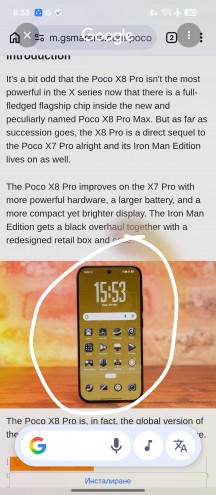
Gemini
There's a wide selection of Oppo's own AI-powered features, of course. AI Speak will read a text out loud, and AI Writer will try to write a text for you. AI Search can sift through supported apps on your phone, AI Translate does what it says, and there's also AI VoiceScribe for summarizing text or images.
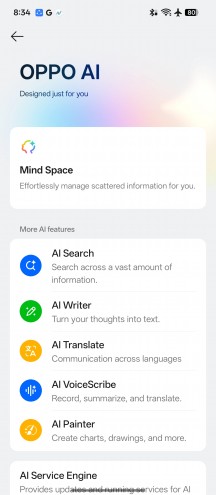
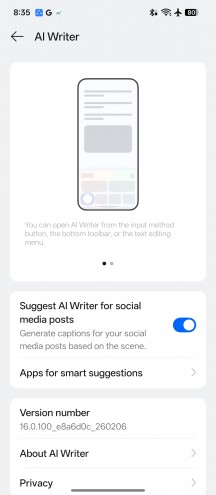
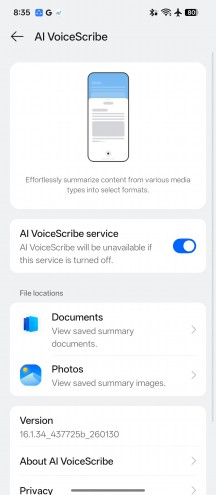
AI stuff
AI-based photo editing tools in the gallery are on board as well. AI Eraser, AI Ultra Clarity, AI Unblur - these are more or less self-explanatory. AI Recompose, AI Relight (for tweaking exposures in portraits), and AI Perfect Shot (for fixing closed eyes) are apparently new additions.
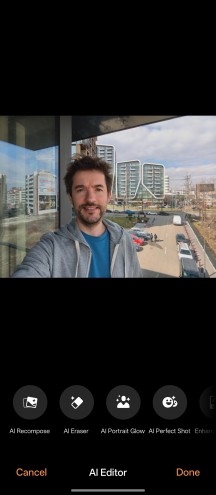
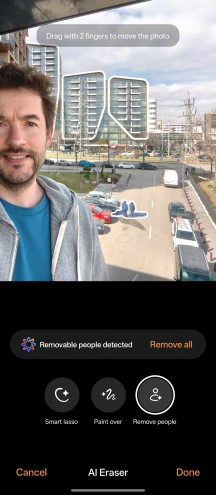
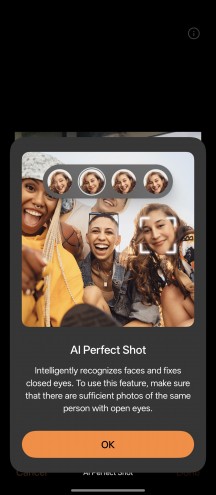
AI Editor
The taskbar is one of the main features of Android's foldable/tablet branch - it's a bar that shows a minimized view of the dock icons when you're away from the homescreen. It displays two shortcuts to the left of the dock icons - App Drawer and Recent Files. It also shows recently used apps (up to three) on the right side of the four Dock shortcuts.
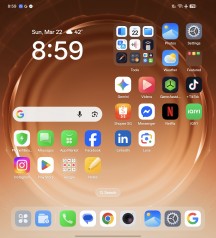
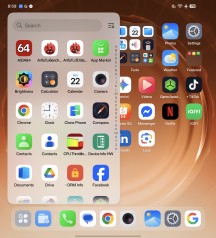
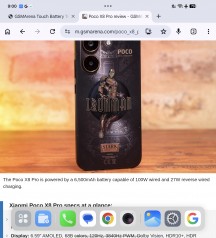
Taskbar
One of the major strengths of Oppo/OnePlus' software package on the large screen is the ability to display several apps simultaneously in a number of configurations. Oppo calls it Boundless View.
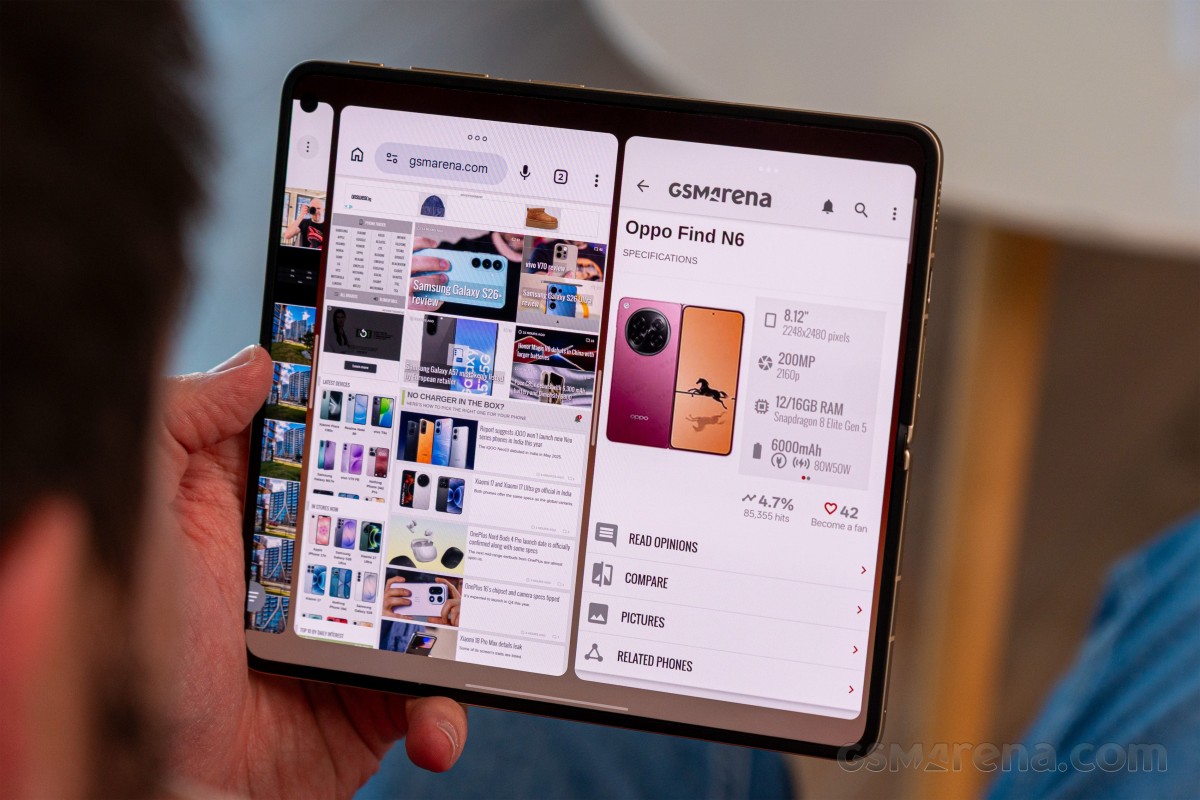
Of course, the casual split-screen multi-window with two apps side by side is here. But then you can add another app next to those two and scroll between the three. You can also have the third app in fullscreen-like view above or below the two-app split.
You cannot have more than three active on-screen apps. You can save multi-app configurations and open them later the same way from an app-like icon on the homescreen or from the Task Switcher.
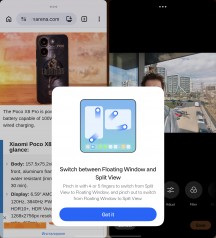
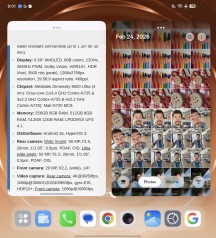
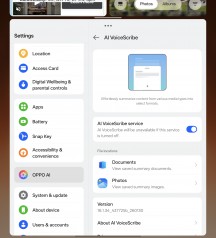
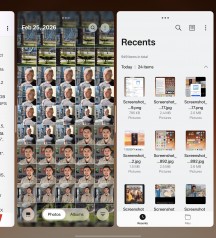
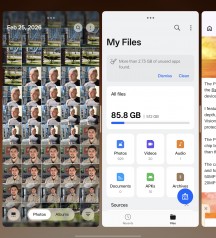
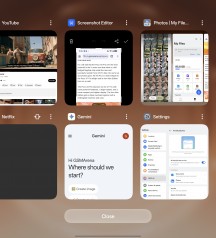
Multi-tasking on the large screen
The UI across various system apps has been optimized to make use of the large screen with a classic two-pane interface with categories on the left.
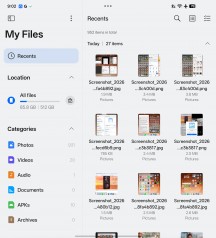
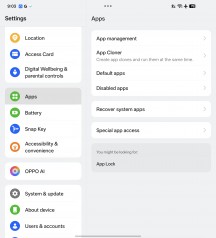
ColorOS apps on the large screen
The Find N6 features a Snap key, which is like the Action button on the iPhones. You can assign various functions to it - Mind Space, DND, Silent, Camera, Torch, Recorder, Translate, Screenshot.
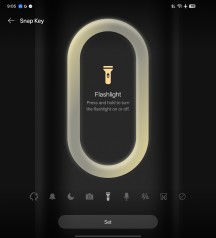
Side key
Besides the Photos and File Manager custom apps, Oppo also offers an IR remote. Thanks to the IR blaster, you can use the Find N6 as a universal remote for your older appliances.
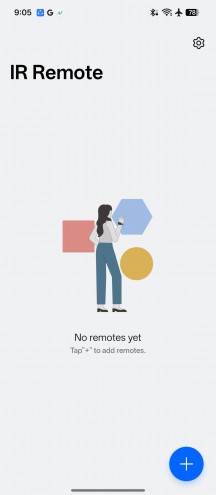
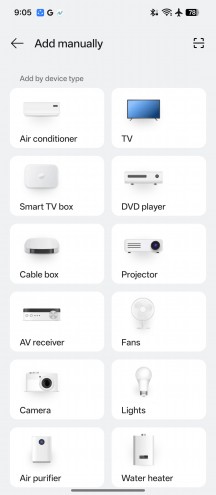
IR Remote
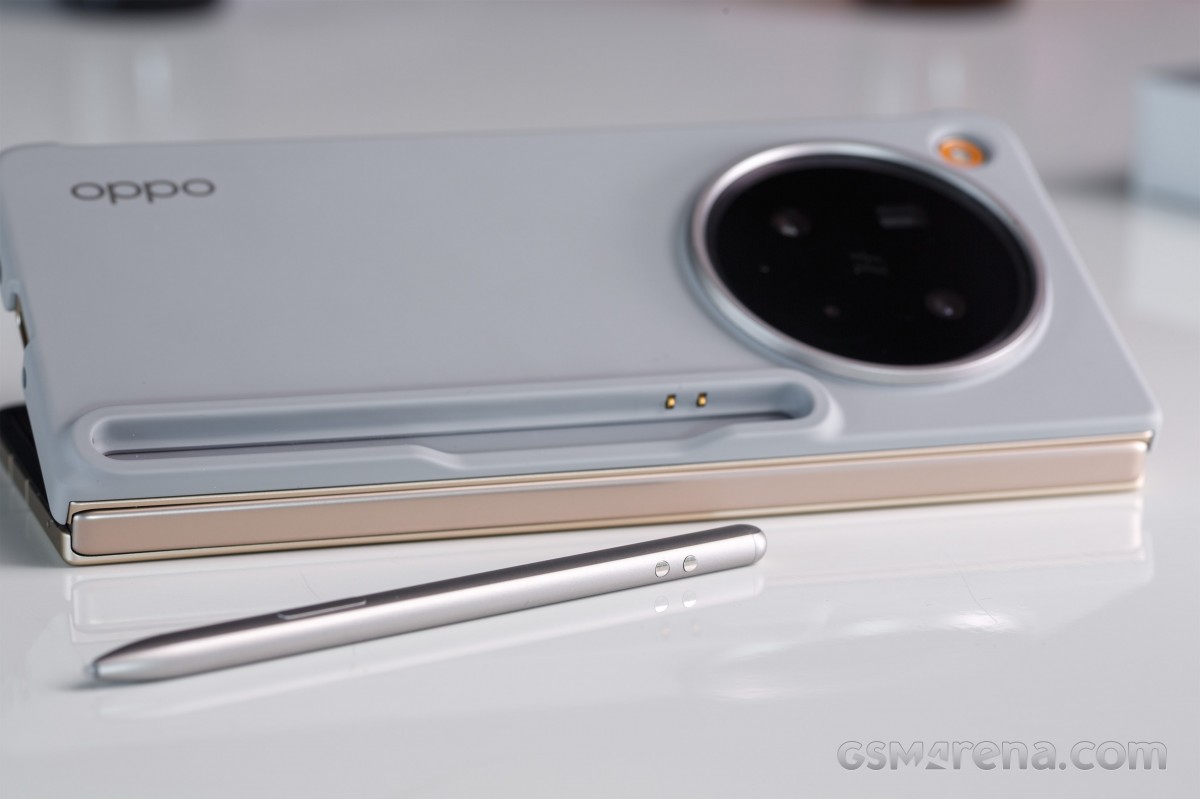
The AI Pen is quite useful for note-taking and drawing on either screen. It is an active pen and works via Bluetooth connection. It also has an action button, which can also be used for quick switching between different drawing tools.
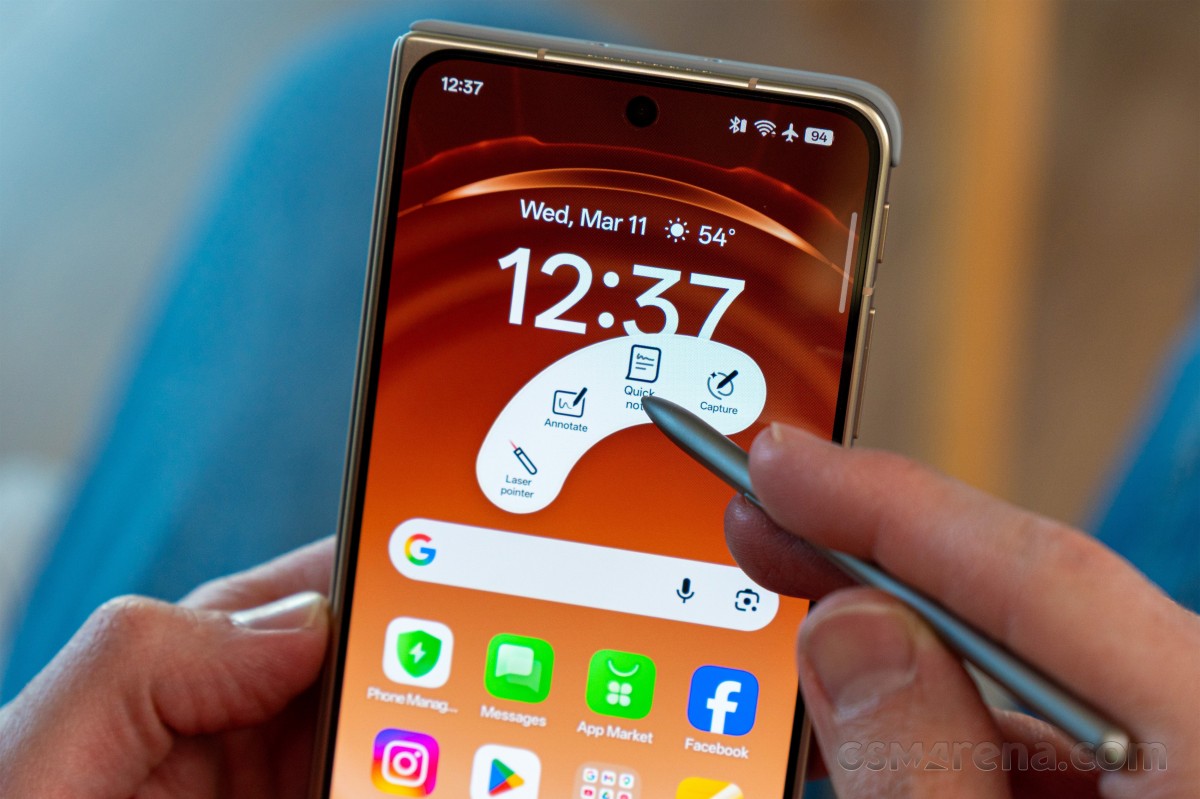
The Pen works like a charm, it is very responsive, and it's quite easy to use. It is a bit small, sure, but it was designed to fit in a very compact charging cradle when not in use.
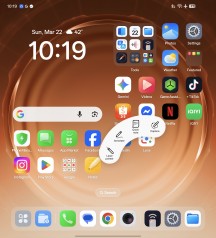
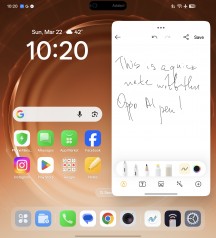
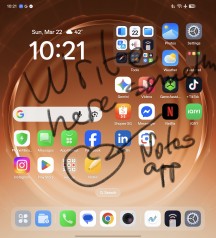
Using the AI Pen
Overall, if you do the occasional note-taking, this might be worth purchasing. It definitely extends the power of the Find N6 further, especially considering that large screen inside.
Performance and benchmarks
The Oppo Find N6 is powered by Qualcomm's latest and greatest – the Snapdragon 8 Elite Gen 5 (3nm), currently the most powerful Android chipset on the market. But just like its predecessor, the Find N5, the N6 gets a trimmed-down variant of the chip with one less CPU core.
This version of the chipset includes an 7-core processor with 2x4.6 GHz Oryon V3 Phoenix L + 5x3.62 GHz Oryon V3 Phoenix M cores. The GPU is Adreno 830.
The Oppo Find N6 is available in three LPDDR5X / UFS 4.1 memory configurations - 12GB/256GB, 16GB/512GB (ours), and 16GB/1TB.
Without further ado, it's benchmark time!
The Find N6 has the most powerful hardware among the current foldable crop and the benchmark scores tell the same story. The only exception is the multi-core CPU test, where the Find N6 trails behind competitors with 8-core processors.
GeekBench 6
- Single-core
- Multi-core
 Oppo Find N6 (cover)
Oppo Find N6 (unfolded)
Oppo Find N6 (cover)
Oppo Find N6 (unfolded)
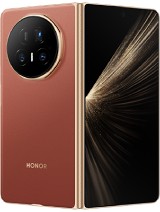 Honor Magic V5
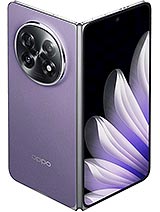 Oppo Find N5
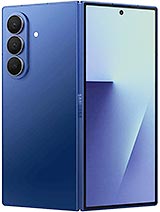 Galaxy Z Fold7
 (Cover display)
Galaxy Z Fold7
Galaxy Z Fold7 (Cover display)
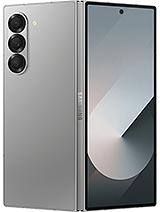 Galaxy Z Fold6
 vivo X Fold5
 (Cover Display)
vivo X Fold5
vivo X Fold5 (Cover Display)
AnTuTu
- v10
- v11
Oppo Find N6 (cover)
Oppo Find N6 (unfolded)
Honor Magic V5 (Cover Display)
Galaxy Z Fold7 (Cover display)
vivo X Fold5
vivo X Fold5 (Cover Display)
Galaxy Z Fold7
Oppo Find N5
Honor Magic V5
Galaxy Z Fold6
3DMark
- Wild Life Extreme (Highest)
- Wild Life Extreme (Lowest)
- Solar Bay (Ray Tracing)
Oppo Find N6 (cover)
Oppo Find N6 (unfolded)
Oppo Find N5 (Cover display)
Oppo Find N5
Galaxy Z Fold7
Honor Magic V5
Honor Magic V5 (Cover Display)
vivo X Fold5
Galaxy Z Fold6
vivo X Fold5 (Cover Display)
The sustained performance is not bad, considering we are talking about a foldable smartphone. When the Find N6 was open, the CPU kept 71% of its maximum performance while the GPU kept 50% of its theoretical maximum.
We also ran the tests on the Find N6 in its closed state. Here, the Find scored lower - 45% on the CPU test and 48% on the GPU stress test.
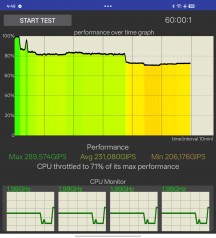
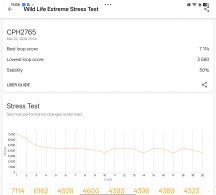
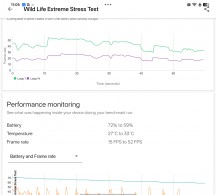
CPU test • GPU test


Tip us
2.1m 180k
RSS
EV
Merch
Log in I forgot my password Sign up