OnePlus Pad 4 hands-on review
Design
The OnePlus Pad 4 design is mostly identical to that of the Pad 3. There are two new colors this year - Dune Glow and Sage Mist - but apart from that, the only visual difference is going to be the repositioning of the pogo pins for the keyboard accessory.
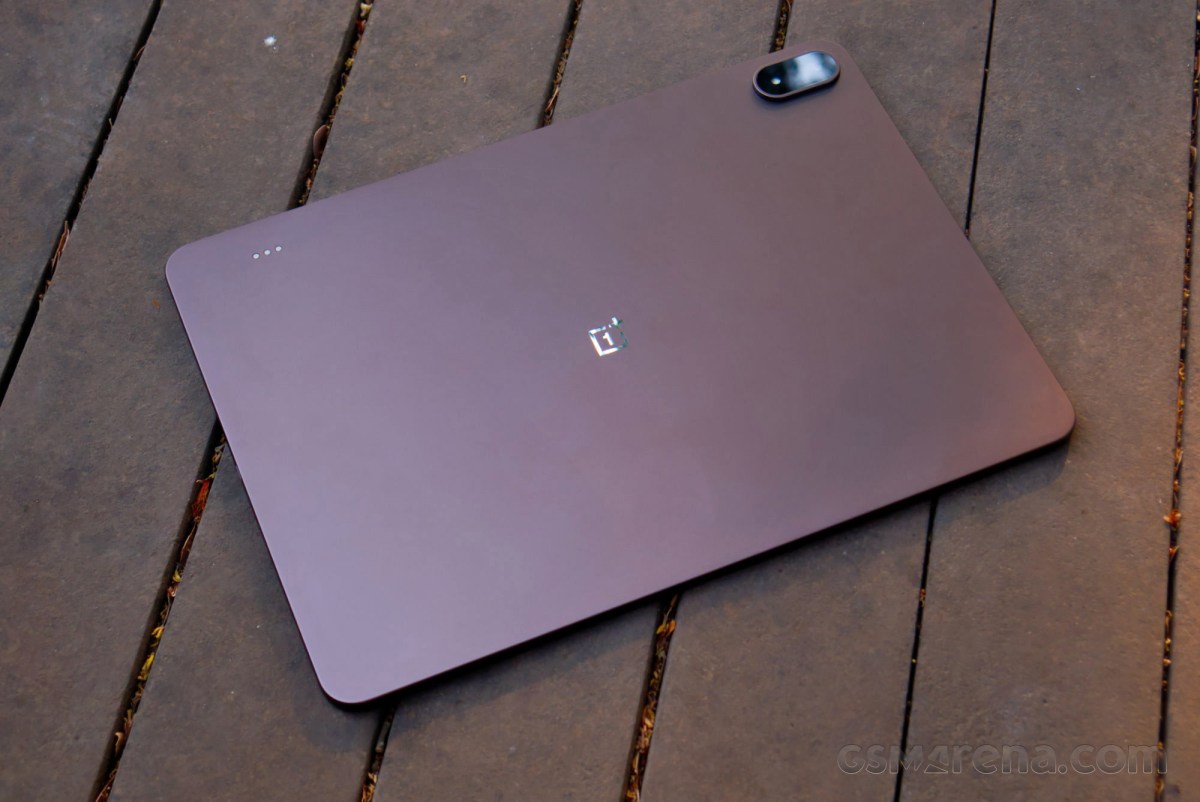
Despite its familiarity, this is still a great-looking design with its clean aesthetic and a vanishingly thin side profile. At just 5.94mm thick, the OnePlus Pad 4 is ever so slightly thinner than even the anorexic iPad Air, although the camera bump sticks out a fair bit. That's probably for the best, though, as it would be quite frustrating picking something this thin and big off a table if it were lying completely flat, especially due to the flat side profile.
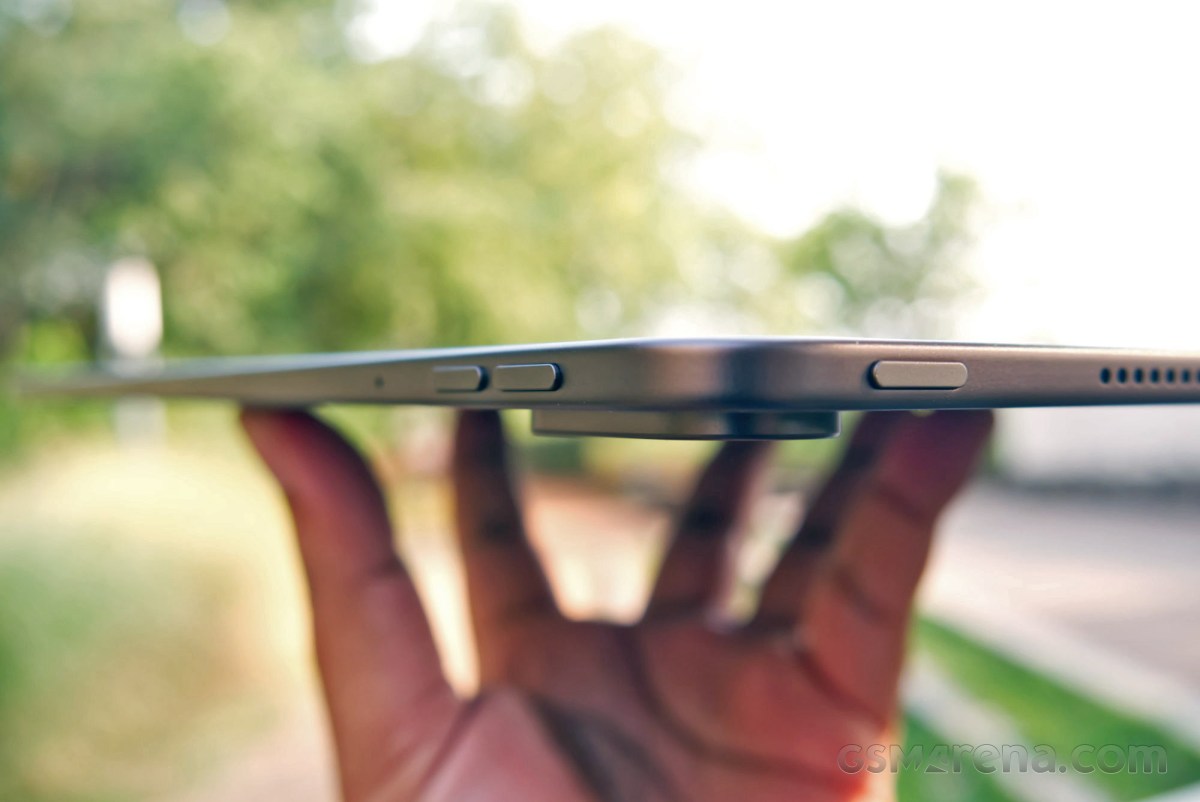
The thinness and the manageable weight make even the otherwise somewhat ungainly size easy to handle. However, the physical buttons around the side are still difficult to access. You can somewhat excuse the power button, as there are other ways to sleep/wake the device, but the volume buttons are just never in a convenient location, no matter how you are holding the device. Why they don't just place them on either one of the short sides instead of the long side is befuddling.
The top edge is also where the stylus attaches magnetically to the tablet. The tablet is actually thinner than the stylus, so if you place it on a surface in a way where the back sits completely flush with the surface, then the stylus gets pushed to the side a bit. It remains firmly attached, however, so you don't have to worry about it coming off, even if you pick up or put down the tablet in such a way that the top edge with the stylus attached leans hard against the surface.
Overall, not a lot is new to discuss here. Whatever you thought of the Pad 3 design should apply to the Pad 4 as well.
Display
The OnePlus Pad 4 has a 13.2-inch, 3392 x 2400 resolution IPS LCD, with up to 144Hz refresh rate support and 12-bit (8-bit + FRC) color depth.
This is the same display that we saw on the Pad 3 last year. OnePlus has done the perfunctory act of increasing the brightness slightly, which is now at 1000 nits peak from the 900 nits prior.
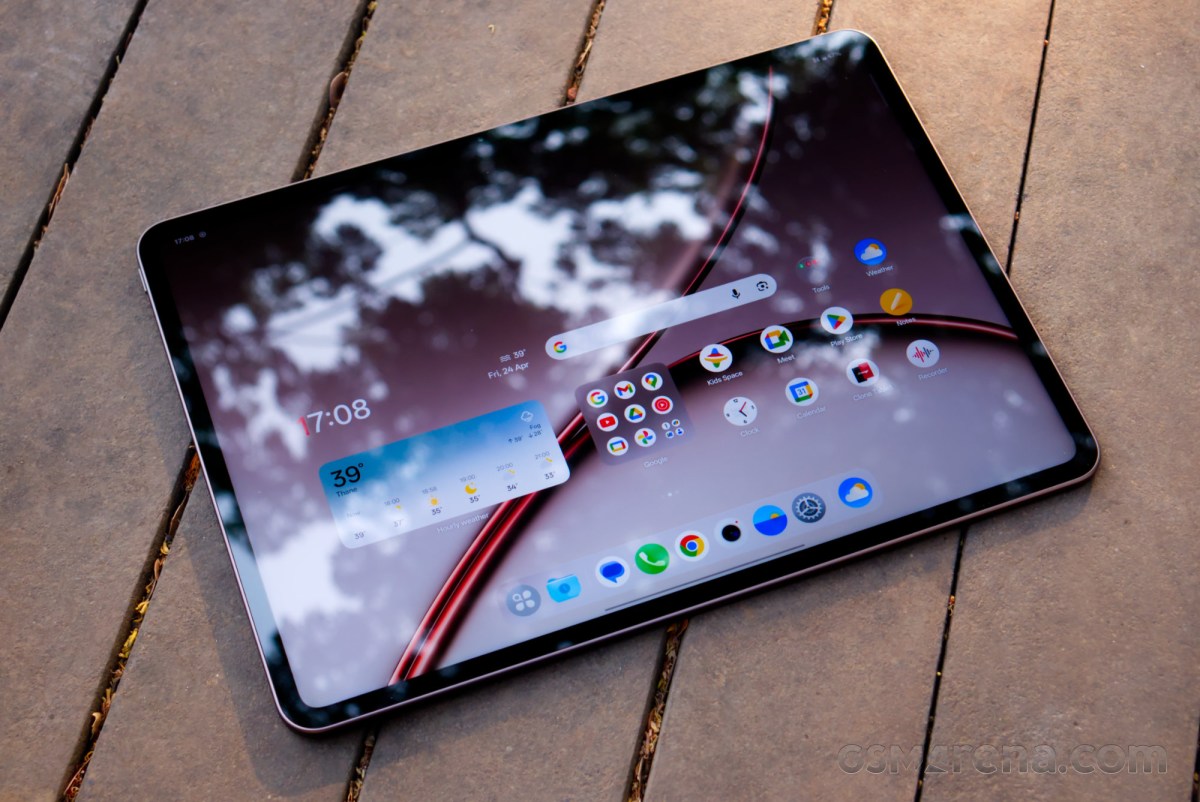
As was the case with the Pad 3, the Pad 4 display impresses with its size, resolution, color accuracy, viewing angles, and brightness. However, at the end of the day, this is still an LCD; there's only so much contrast you can get without per-pixel illumination or local dimming, and the raised blacks are quite noticeable on high contrast scenes. The 7:5 aspect ratio also doesn't do video content much favors by constantly putting black bars around it.
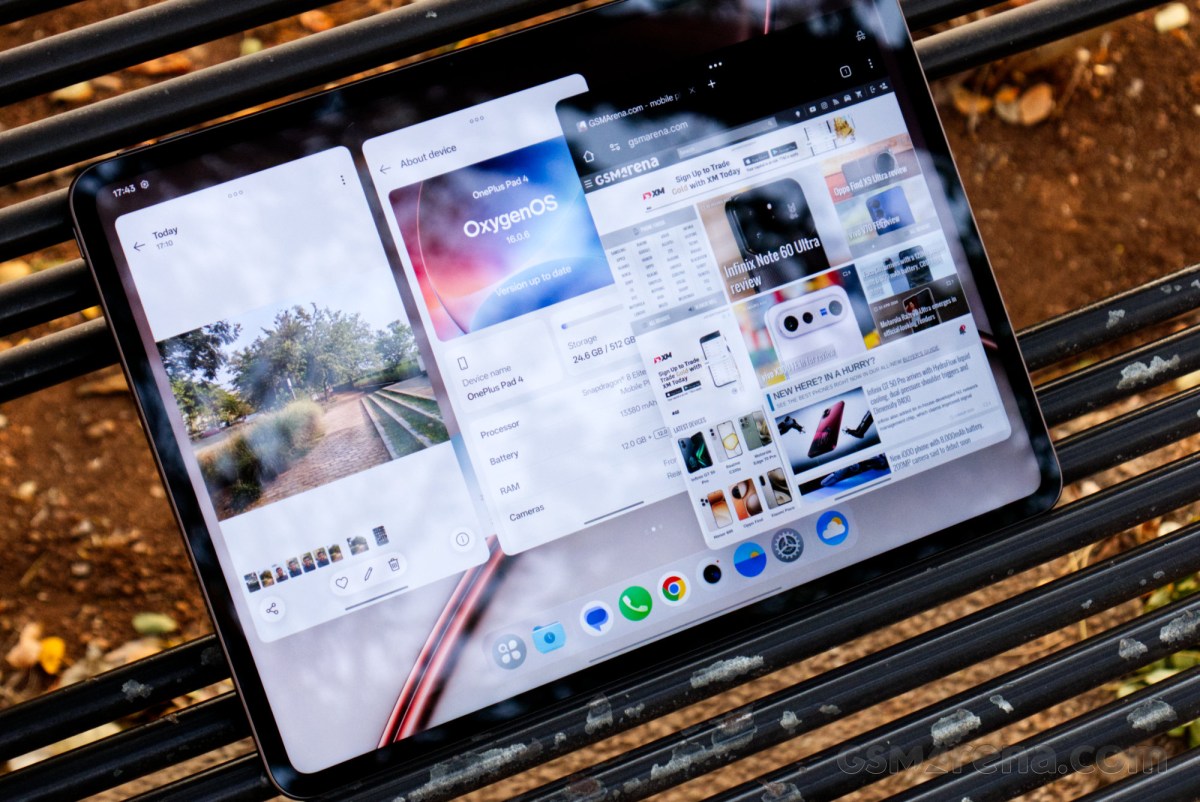
The device does support all the major HDR standards, including Dolby Vision, but there was no way to test this, as the Netflix app on the device could only play in standard definition. This has been a problem with every OnePlus tablet launch, where the Netflix app simply does not do what you expect it to do. Even though the two companies eventually manage to make HD playback work, you never actually get HDR support inside the app. Considering not many other services offer Dolby Vision on Android, its inclusion here feels somewhat pointless for the fourth generation in a row.
The motion performance of the panel also isn't great due to IPS's inherently low response times compared to OLED. Text turns blurry and hard to read while scrolling, especially at higher refresh rates that the display is capable of.
Speaking of higher refresh rates, the panel can hit up to 144Hz. It's mostly accessible in a handful of whitelisted games, but OnePlus is a bit more lenient with where you can access higher refresh rates on the LCD devices, since LCD panels don't use as much power at higher refresh rates as OLED panels. So you can, for example, access the full 144Hz refresh rate while browsing in Chrome.
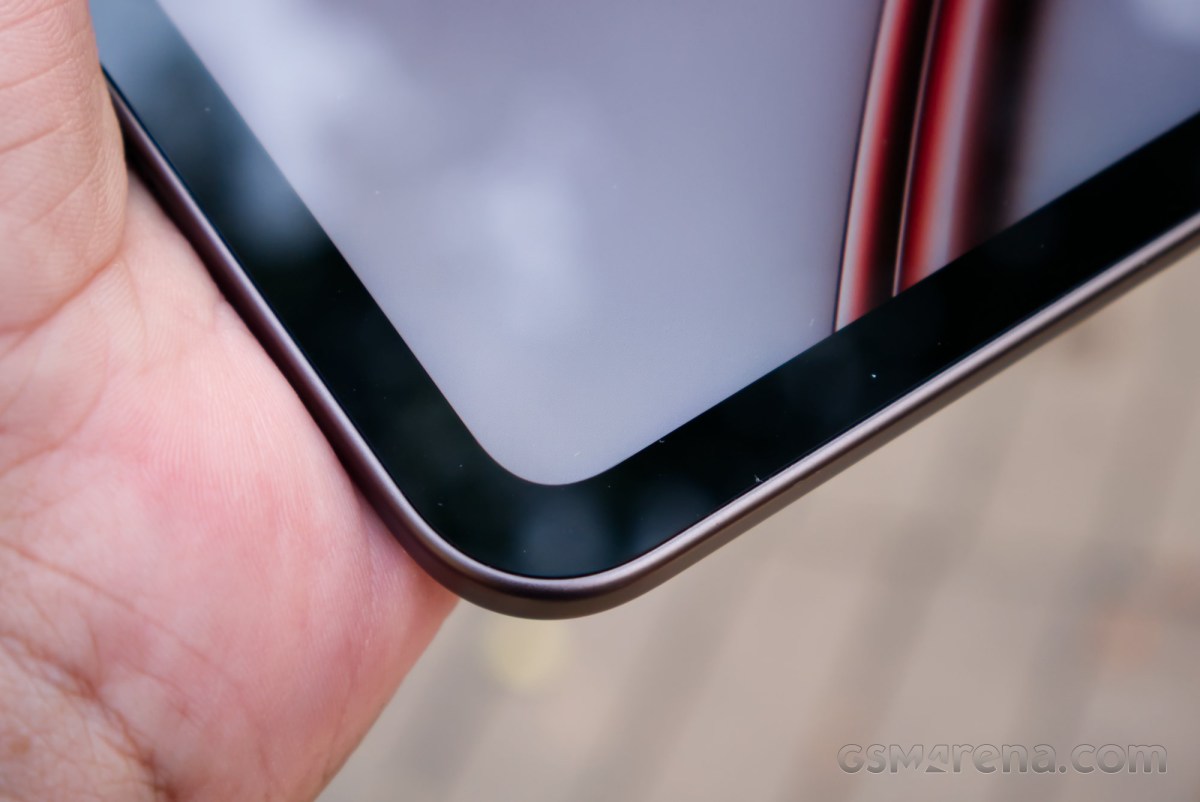
However, easily the worst aspect of the display - that isn't actually the fault of the panel itself - is the complete lack of finger or palm rejection on the touchscreen around the bezels. The OnePlus Pad 4 has these super-thin bezels, which look great in photos and even in real life, but leave little to no room to hold the device. And even if a minuscule portion of your skin ever gets in contact with the touchscreen around the edges, the entire touchscreen stops working.
There is a reason the iPad Air has sizable bezels all around the touchscreen, despite having world-class palm rejection built into iOS. Meanwhile, the OnePlus Pad 4 hits you with the double whammy of no palm rejection and waifish bezels. This was a problem on older OnePlus tablets as well, but at least they had more substantial bezels so you could somewhat avoid the problem. But the OnePlus Pad 4's size and weight make it harder to grab it from just the very edge, and if you grab onto anything more than the 8mm of real estate around the display allocated to you, then good luck trying to do anything with the touchscreen.


Tip us
2.1m 180k
RSS
EV
Merch
Log in I forgot my password Sign up