Motorola Signature review
Display
The Motorola Signature has a great display. It is a 6.8-inch LTPO panel with 10-bit colors, a 165Hz refresh rate, Dolby Vision and HDR10+ certification and an advertised peak brightness of 6,200 nits. The resolution is 1264 x 2780 pixels, which at that diagonal works out to a very sharp 446 ppi.
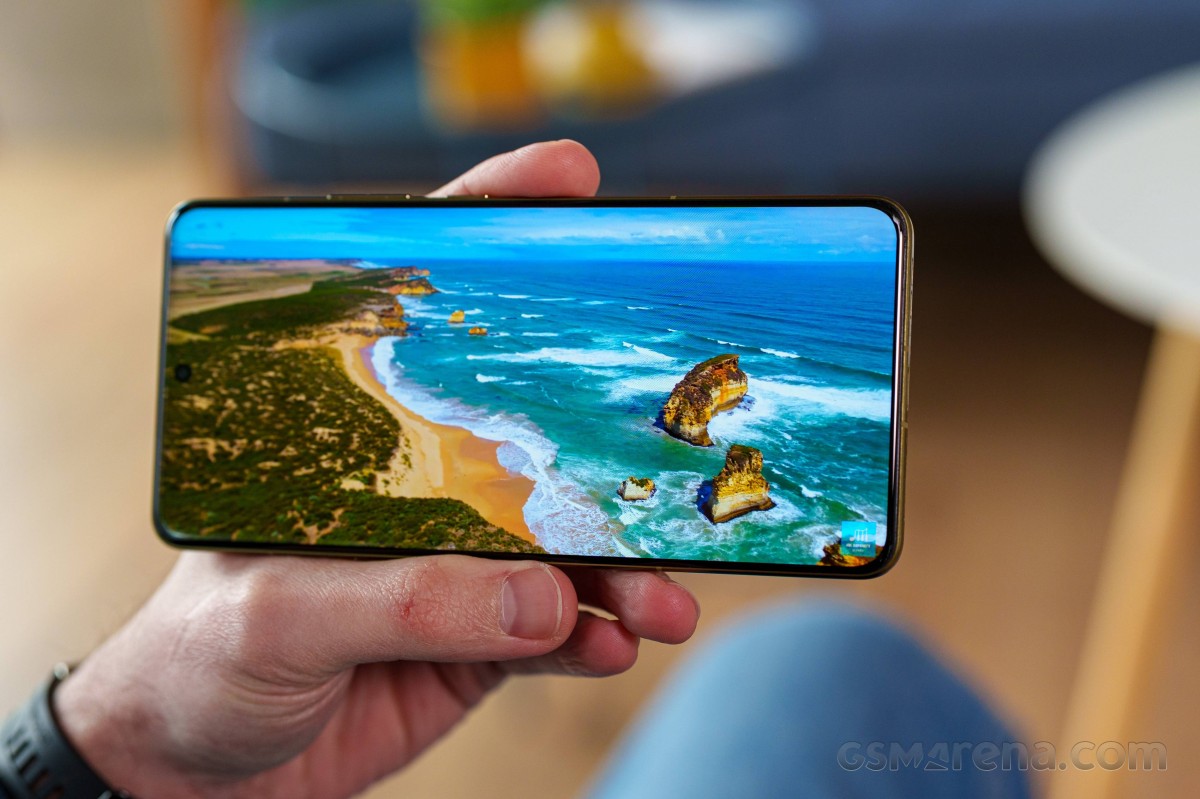
We did our standard set of tests on the display and got around 471 nits of brightness by maxing out the slider. That's not particularly high, and you will definitely want to leave automatic brightness enabled when outdoors. That way, we measured around 1,518 nits in bright conditions. That's much, much better and more than enough to ensure a comfortable experience outdoors and a great HDR experience. Interestingly. On a 10% window, we didn't really manage much higher brightness results.
Max display brightness test
White test pattern (nits)
- Manual (75% fill)
- Auto (75% fill)
- Peak Auto (10% fill)
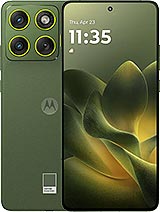
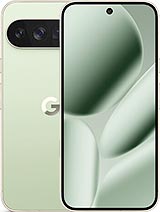 Pixel 10 Pro XL
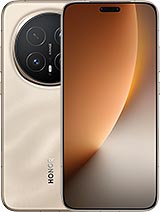 Honor Magic8 Pro
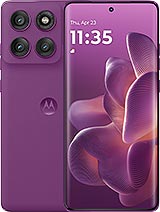 Motorola Edge 60 Pro
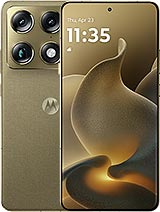 Motorola Signature
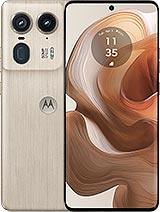 Motorola Edge 50 Ultra
 OnePlus 15R
 Poco F8 Ultra
The display uses LTPO tech, allowing it to dynamically adjust its refresh rate between 0Hz and 165Hz. There are three modes you can use: Smart & balanced, Hyper smooth and Efficiency first. The latter is the easiest to explain - it just caps the refresh rate at 60Hz and still dips all the way down to 0Hz automatically to save power when nothing is happening on screen.
Smart & balanced is the default mode, which can automatically adjust the refresh rate up to 120Hz. The same is true for Hyper smooth mode. The only difference between the two seems to be that Hyper Smooth tends to set a higher refresh rate more often.
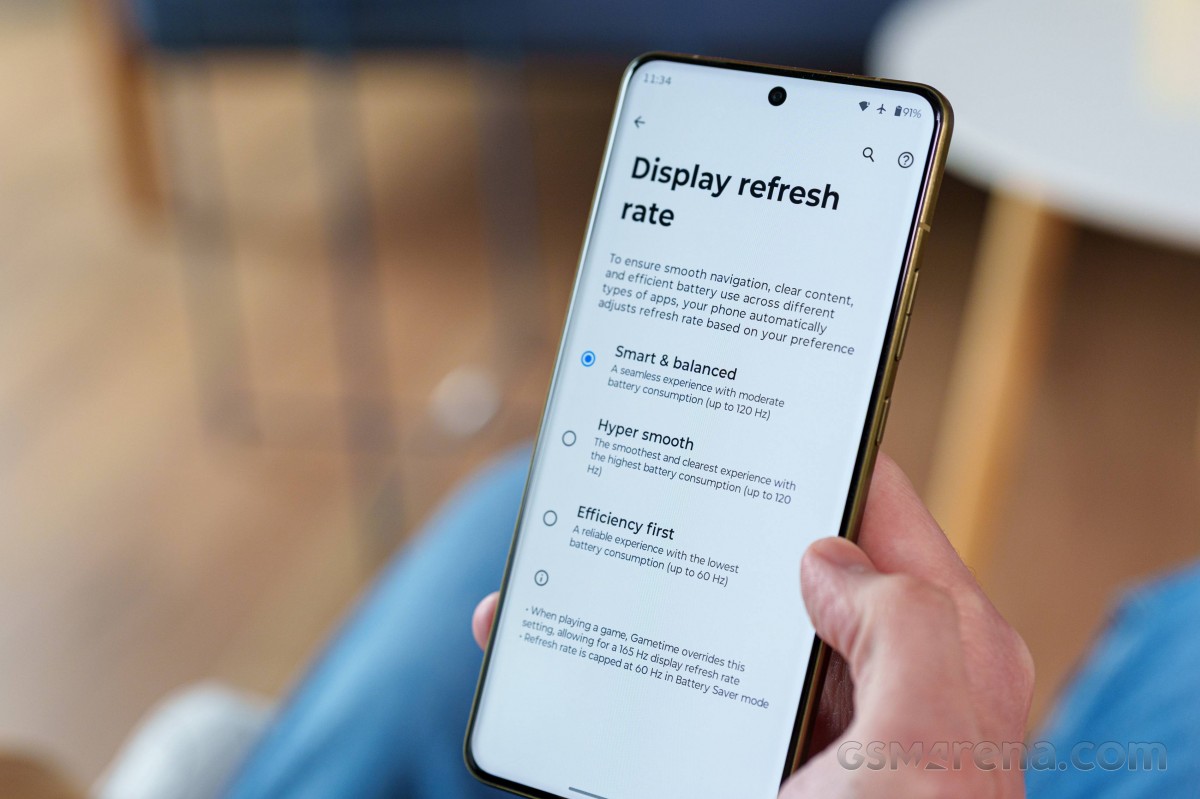
There is no obvious way to set the refresh rate on a per-app basis. That said, the Gametime app controls an "override" mode. This is actually the only way to get a 165Hz refresh rate. You go into a game's profile settings within the app and select a fixed refresh rate of your choosing. The game then runs at that fixed resolution. We tried a whole bunch of games that we know support over 60fps rendering, and all of them successfully ran at 165Hz through this override.
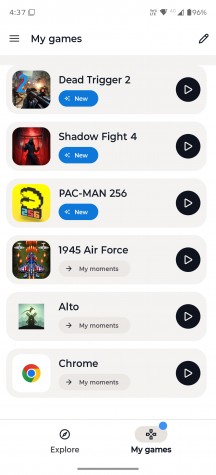
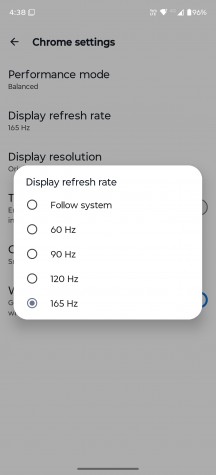
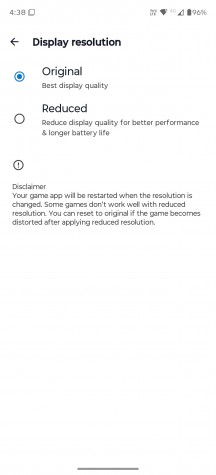
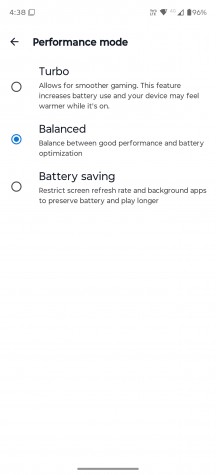
Game mode settings
This method even allows you to set any arbitrary app as a "game" and launch it with fixed refresh rate settings as well. Though we aren't sure that it works exactly as promised, since we tried it with Blur Buster's famous UFO test, and we never managed to sync at anything higher than 82Hz in Chrome while the system indicator was showing a constant 165Hz refresh rate. Make of that what you will, but for high refresh rate gaming purposes, this system works great and is very reliable, even if you might not always be getting 165 frames to saturate the display refresh rate. Speaking of which, the Gametime app profiles also allow you to set a performance profile per app and a custom lower resolution, both of which can help push frame rates higher or save on battery power.
The Motorola Signature display supports Dolby Vision and HDR10+. The phone can also decode practically every popular HDR format, including Dolby Vision, HDR10, HDR10+ and HLG. It is also certified for the highest possible Google Widevine L1 DRM protection, allowing apps like Netflix to offer Full HD streams.
Battery life
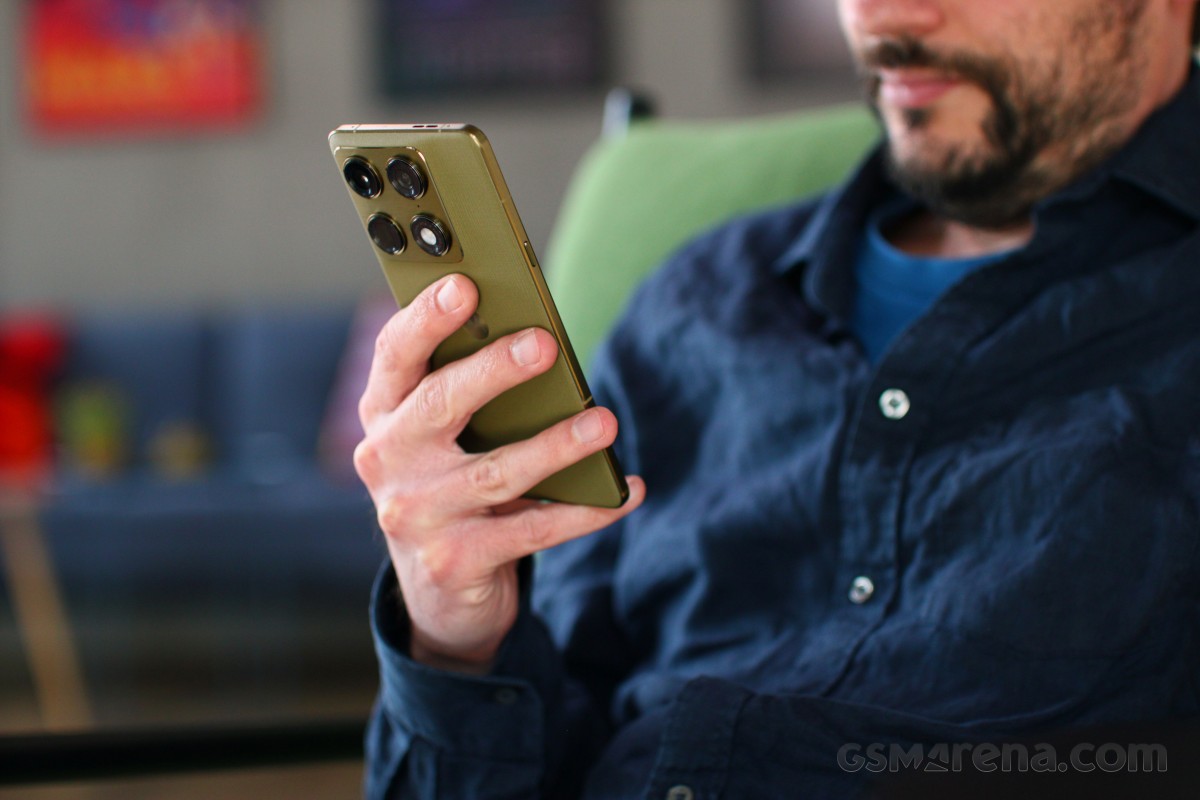
Motorola has been putting 5,200 mAh battery packs in many of its devices recently, and the Motorola Signature is no exception. While we are not complaining about the capacity given the phone's 7mm profile and 186-gram weight, it does claim to use modern Si/C chemistry, and we've seen batteries of that variety push much higher capacities lately.
We ran our usual set of tests, and we got a surprisingly solid Active Use Score of over 16 hours. The Motorola Signature is up against some heavy-hitters in the battery life department. Outside of the Samsung Galaxy S25 Ultra, all the other competitors have battery capacities north of 6,000 mAh, with the OnePlus 15 cramming in a whopping 7,300 mAh. But all in all, it provides a Good to Very good score in this test.
Charging speed
The Motorola Signature supports 90W wired fast charging via Motorola's TurboPower standard, which is basically USB PD with some advanced PPS profiles. We didn't have a Motorola charger at hand to test with, but we did test with an over-specked 120W PD charger. Motorola generally recommends any good 90W PD charger on the box. We are confident that we got everything out of the available charging rate, and with very good results. Honestly, however, we wish Motorola had equipped the Signature with its 125W TurboPower charging. That would have been a lot more impressive.
Charging speed
- in 15 min
- in 30 min
- Time to full charge (from 0%)
Motorola Edge 50 Ultra
Motorola Signature
 Xiaomi 15T Pro
 Galaxy S25 Ultra
Pixel 10 Pro XL
OnePlus 15R
Galaxy S25 Ultra
Pixel 10 Pro XL
OnePlus 15R
 Galaxy S25 FE
Beyond wired charging, the Motorola Signature also supports 50W wireless charging. The Qi2 standard, however, only goes as high as 25W, so you need a proprietary charger to go higher than that, and Motorola used to have a 50W TurboPower Wireless Charger Dock, but it doesn't seem available anymore.
The phone offers 10W reverse wireless and 5W reverse wired charging.
In terms of battery protection features, you get a familiar limiter that can either be manually set to charge up to 80% always or on a schedule, or you can let AI determine your charging habits and only top up the battery an hour before you typically unplug your phone.
Speakers - loudness and quality
The Motorola Signature has an excellent stereo speaker setup. The two drivers are symmetrically positioned, firing up and down on the top and bottom of the phone. This makes for a very balanced output.
The speakers get really loud, earning the phone an Excellent loudness rating in our tests. Not only that, but the audio quality is great. You get nice, clear mids and mostly undistorted highs, even at high volume. The sound stage is nice and wide with a rich output.
There is no shortage of big names associated with this particular audio setup. The speakers are allegedly tuned by Bose. The phone also comes with Dolby Atmos support, which features an equalizer with both presets and full manual controls. And speaking of audio, you also get Qualcomm Snapdragon Sound and 24-bit/192kHz Hi-Res & Hi-Res Wireless support.
Use the Playback controls to listen to the phone sample recordings (best use headphones). We measure the average loudness of the speakers in LUFS. A lower absolute value means a louder sound. A look at the frequency response chart will tell you how far off the ideal "0db" flat line is the reproduction of the bass, treble, and mid frequencies. You can add more phones to compare how they differ. The scores and ratings are not comparable with our older loudspeaker test. Learn more about how we test here.
Connectivity
The Motorola Signature is a 5G device with support for SA/NSA Sub-6 connectivity. Our unit only has a single SIM slot and features eSIM support for DualSIM operation. However, a dual Nano-SIM variant apparently exists as well. The Indian market, for one, gets the dual Nano-SIM variant, but with no eSIM support. So, definitely check with your retailer if this is an important point for you.
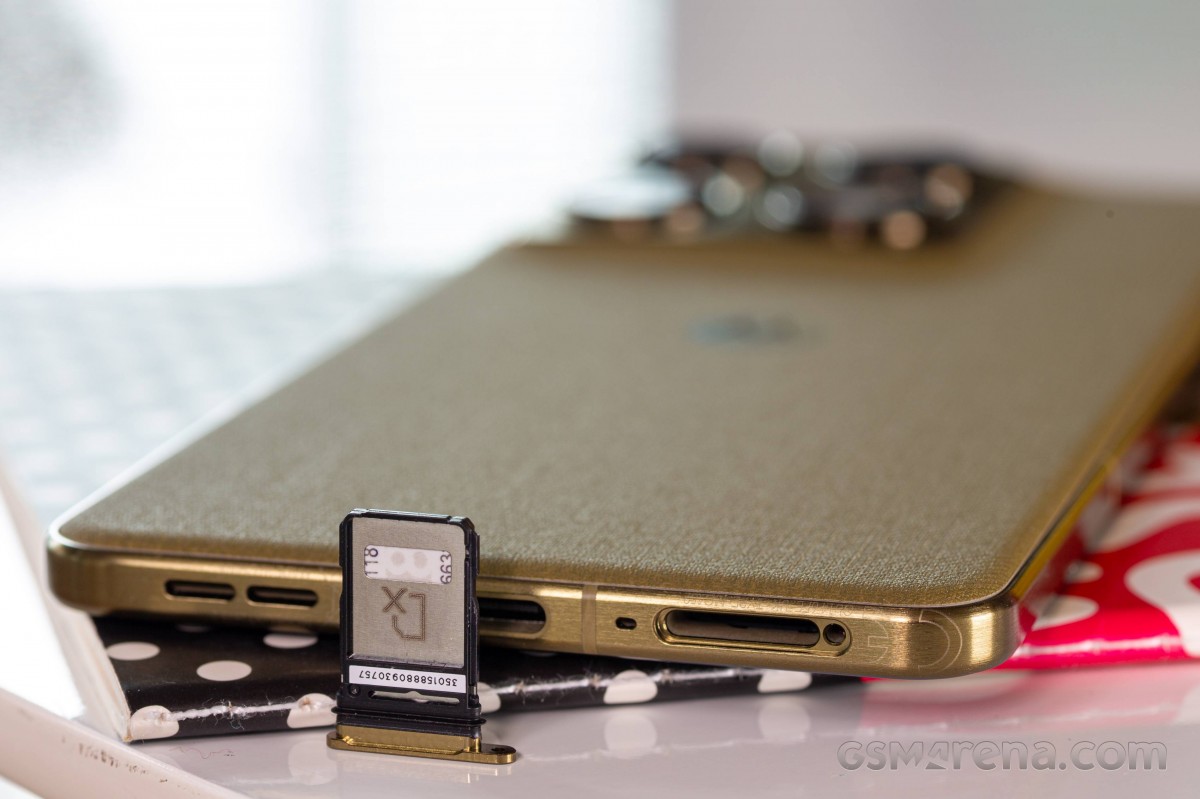
Location services include GPS, GLONASS, GALILEO, BDS and NavIC. Local connectivity is handled by tri-band Wi-Fi 7, so you have access to the still fresh 6GHz band, and Bluetooth 6.0 with LE support. There is NFC on board, but no FM radio, IR blaster or 3.5mm audio jack. The Type-C port is backed up by a USB 3.1 Gen2 connection, which is capable of Super Speed Plus transfers or 10Gbps. There is, of course, support for USB OTG/Host, and the port has USB Alt-mode support for DisplayPort video output. Motorola has one of the better desktop implementations out there for its wired and wireless productivity experience.
The Motorola Signature has a pretty full set of sensors. This includes a TDK-Invensense icm4x6xx accelerometer and gyroscope combo, an akm ak0991x magnetometer and compass combo, and a goodix glsx combo light and hardware proximity sensor. There is no barometer.


Tip us
2.1m 180k
RSS
EV
Merch
Log in I forgot my password Sign up