Motorola Razr 70/Razr 2026 review
Familiar Hello UI on top of Android 16
The Razr 70 ships with Motorola's own Hello UI interface on top of Android 16. Hello UI hasn't really changed all that much in the last little while, so you can take a closer look at some of the more interesting features and aspects in the following video.
While Motorola has extended its software support commitment to seven years, that only applies to its premium Signature and Fold lines. Apparently, the Razr family, even the Ultra model, isn't considered premium enough to get that treatment. Instead, Razr users will only get 3 major OS updates and a total of 4 years of security patches in the US (6 years of security patches in the EU).
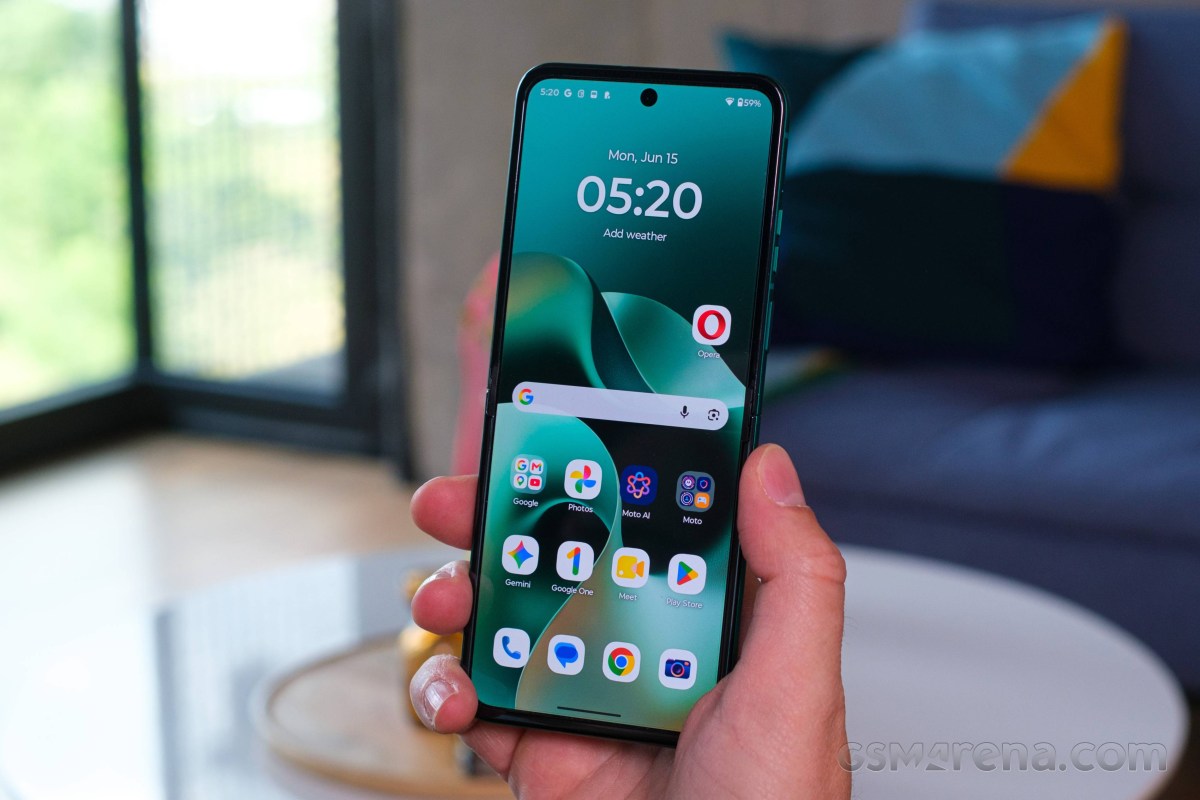
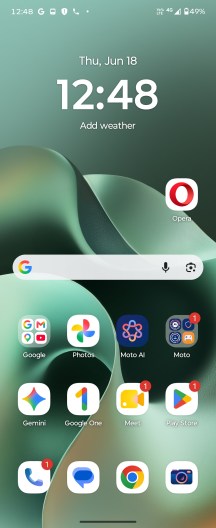
Motorola continues to offer one of the cleaner Android implementations around, combining a largely stock-looking interface with a growing number of proprietary features and enhancements. Thankfully, these additions are generally useful and tastefully implemented, complementing rather than complicating the overall experience.
Hello UI
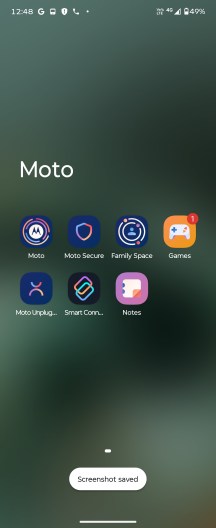
The distinctive font helps Motorola's phones stand out from the crowd despite the otherwise familiar Android interface, while the additional functionality is neatly consolidated inside the Moto app. Motorola refreshed the hub not too long ago, improving its organization and navigation. Categories with a large number of options, such as Gestures, are now laid out more efficiently, making it possible to access everything from a single screen.
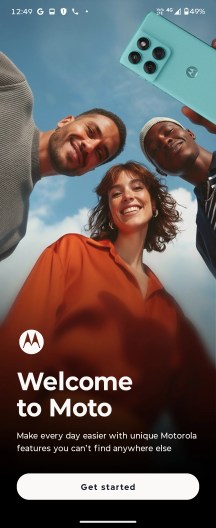
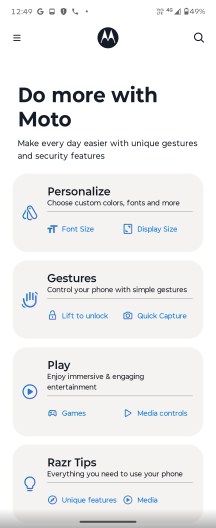
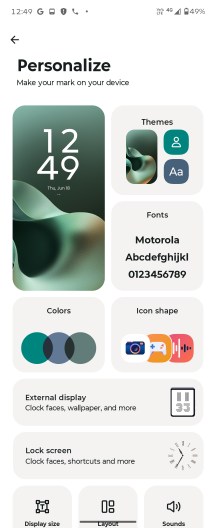
Moto app
Smart Connect is Motorola's umbrella solution for cross-device connectivity, encompassing everything from phone-to-PC integration and wireless display streaming to desktop mode, file sharing, clipboard syncing, and device control features. Whether you're connecting to a computer, tablet, or external display over a cable or wirelessly, all related functionality is conveniently grouped under a single interface. Since Android 15, Motorola has further expanded Smart Connect with AI-powered voice commands for easier interaction.
It's worth noting, however, that while the Razr 70 supports wireless screen casting and the broader Smart Connect feature set, it lacks native wired display output over USB-C.
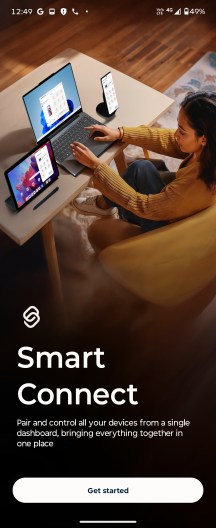
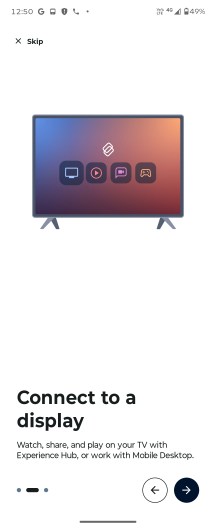
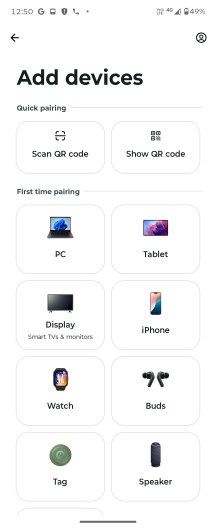
Smart Connect
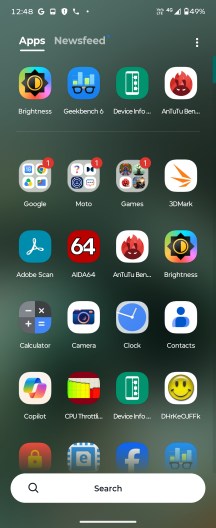
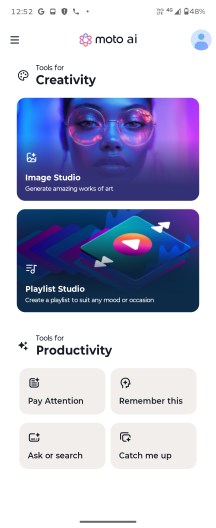
Google Gemini is available out of the box, but Motorola isn't relying solely on Google's AI suite. The company also bundles its own assistant, Moto AI, which is deeply integrated into the system and designed to be readily accessible at all times. A dedicated prompt bar remains visible in the app drawer, while a double tap on the back of the phone can summon Moto AI from virtually anywhere in the interface.
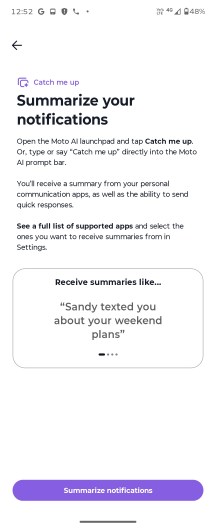
Moto AI can handle a wide range of tasks, including device-specific actions and contextual assistance. It can summarize notifications, record and transcribe conversations, generate summaries of on-screen content, and save information in the form of screenshots, photos, or text notes. It also supports image generation, allowing users to create visuals from simple text prompts.
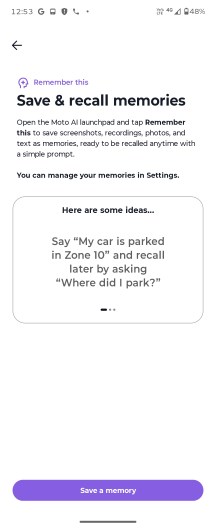
Moto AI
The image generation capabilities are wide-ranging and can be accessed from the Image Studio section inside the Moto AI app. Image Studio was previously its own app, but it appears to have been rolled into Moto AI. The interface and features haven't really changed, though.
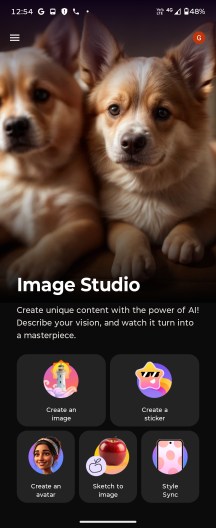
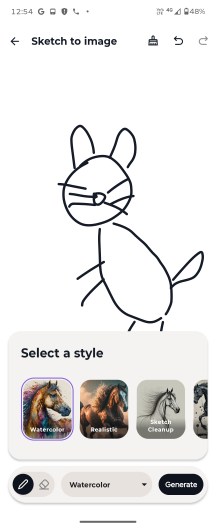
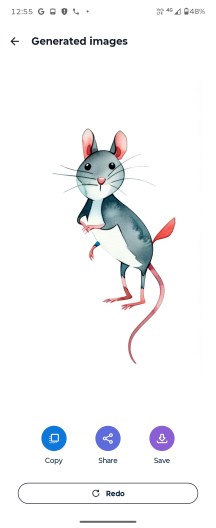
Image Studio
AI features aside, the back-tap gesture is a genuinely useful shortcut in its own right. Motorola calls it Quick Launch, and while it can be configured to invoke Moto AI, it is by no means limited to that purpose. Users can assign it to open a favorite app, control media playback, return to the home screen, switch to the previously used app, and more.
Motorola also continues to offer its familiar set of motion-based gestures, which remain among the most intuitive implementations in the Android world. These include the classic double-chop motion for toggling the flashlight and the quick wrist-twist gesture for launching the camera, both of which are as convenient as ever.
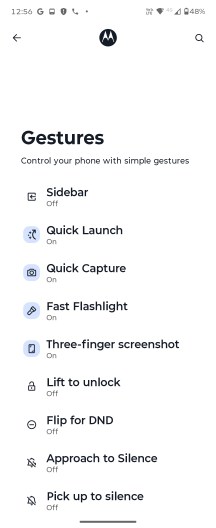
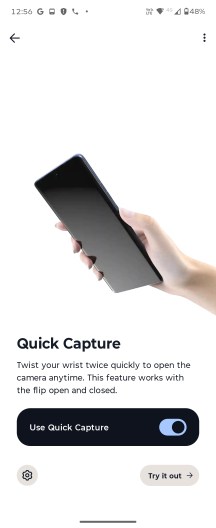
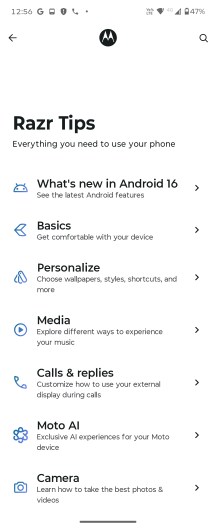
Gestures
Cover screen usability has long been one of the Razr series' strongest advantages, and the Razr 70 continues that tradition. Motorola's implementation remains among the most capable in the flip-phone segment, offering access to a fully featured quick settings panel, rich notifications, and a growing selection of optimized apps.
Popular applications such as Google Maps, Gmail, Google Photos, and Gemini can run directly on the external display, allowing users to navigate, manage emails, edit and share photos, or interact with AI features without opening the phone. Beyond the pre-approved selection, Motorola also lets users enable most third-party apps for cover screen use, greatly expanding the functionality of the external display and making it useful for far more than quick glances and notifications.
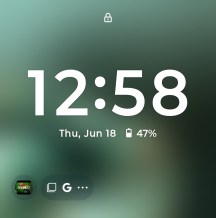
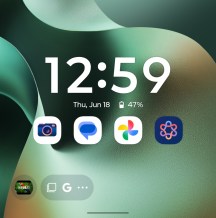
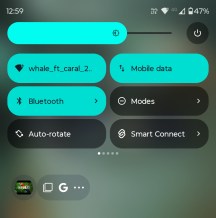
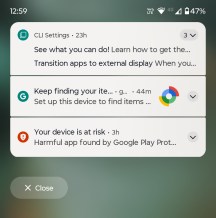
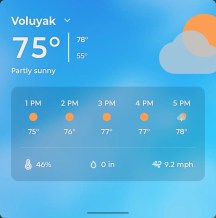
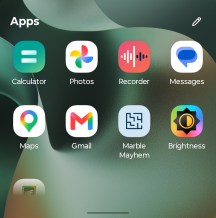
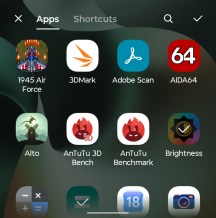
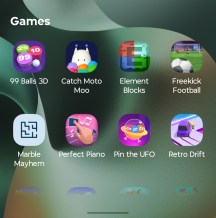
Cover screen UI
Benchmarks and performance
The Razr 70 technically gets a chipset upgrade over its predecessor. We only say technically because the Dimensity 7450X is not much different from last year's Dimensity 7400X. It is based on the same 4nm TSMC manufacturing node, and it has the same octa-core CPU setup with four Cortex-A78 cores, clocked at 2.6 GHz and another four Cortex-A55 cores, working at up to 2.0 GHz. The GPU is the same - the Mali-G615 MC2.
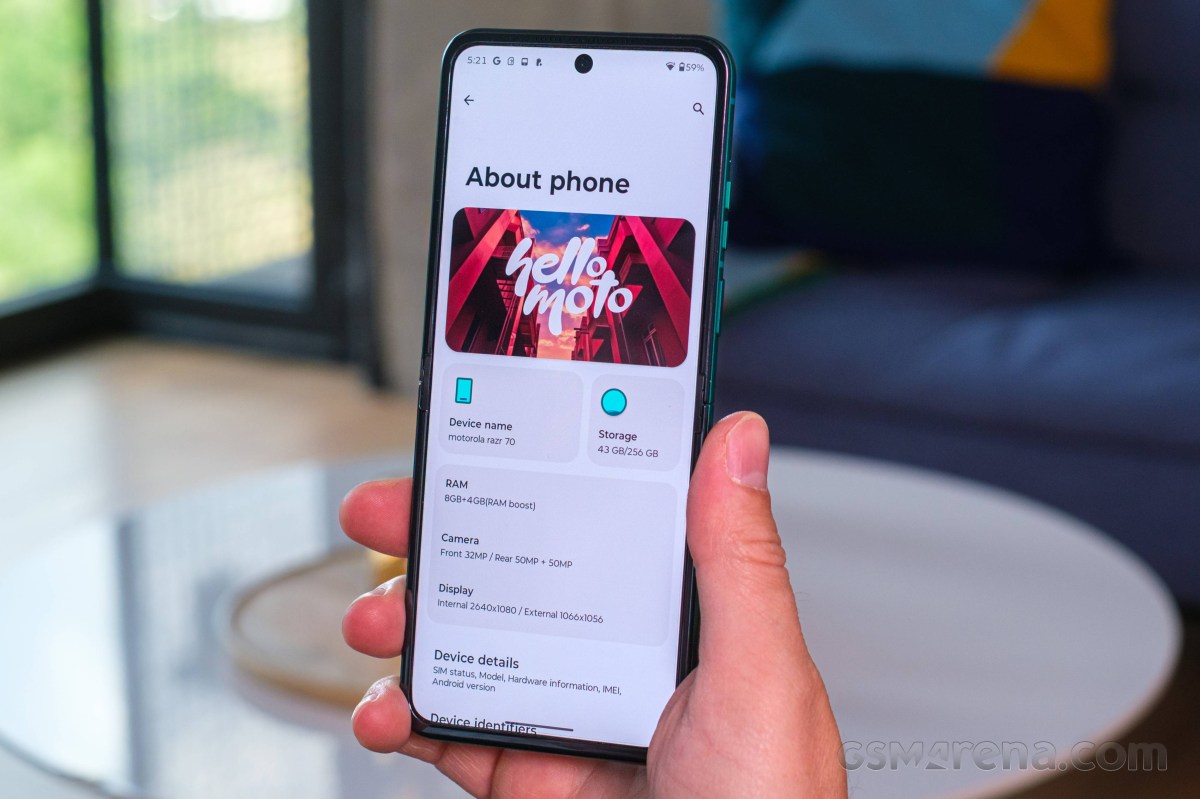
So, you are essentially getting the same chipset as last year's Razr 60. What has changed is the memory configuration. For some reason, Motorola decided to remove the 12GB RAM option entirely from the Razr 70. You can only get it with 8GB of RAM. On the plus side, the storage options, which include 128GB, 256GB and 512GB, all use faster UFS 3.1 chips than last year.
Looking at some actual benchmark numbers, while we are not saying the Razr 70 is starved for power, it certainly has enough of it to run a mostly smooth, even if slightly slow, UX; that's about as much praise as we can offer.
Objectively, the Dimensity 7450X is not a very powerful chip, and you don't need to look that hard before you find other devices in the foldable clamshell niche and/or the general under EUR 800 smartphone niche that perform way better. And we're not just talking about outliers like the Poco F8 Ultra with its proper flagship Snapdragon 8 Elige Gen 5 chipset either.
GeekBench 6
- Single-core
- Multi-core
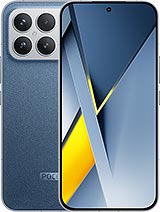 Poco F8 Ultra
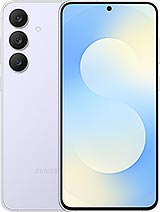
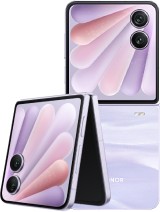
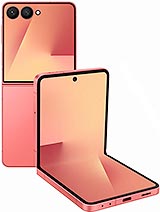
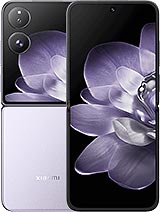
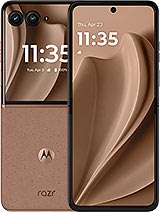
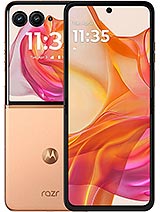
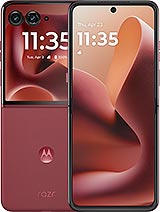
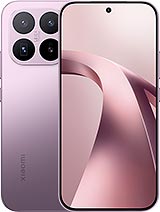
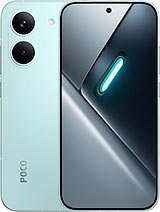
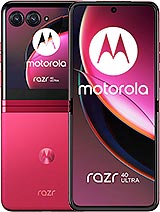
 Honor 600
 vivo V70
 Motorola Razr 70
 Motorola Razr 2025
 Motorola Razr 50
 Motorola Razr 40
AnTuTu
- v10
- v11
Poco F8 Ultra
Honor 600
 Galaxy A57
Motorola Razr 70
Motorola Razr 2025
Motorola Razr 50
Motorola Razr 40
Galaxy A57
Motorola Razr 70
Motorola Razr 2025
Motorola Razr 50
Motorola Razr 40
3DMark
- Wild Life Extreme (Highest)
- Wild Life Extreme (Lowest)
Poco F8 Ultra
Honor 600
Galaxy A57
Motorola Razr 70
Motorola Razr 2025
Motorola Razr 50
Motorola Razr 40
Thermal-throttling
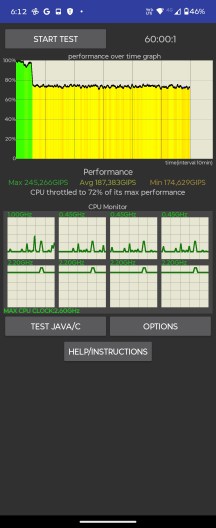
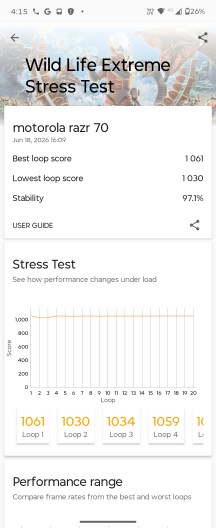
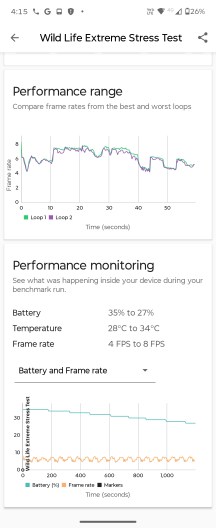
As we already noted, the Dimensity 7450X is not a particularly powerful chip. On the plus side, it doesn't kick out too much heat either. That said, the clamshell foldable form factor does still pose some particular challenges and limitations in the cooling department, and you can definitely feel some heat coming off of the Razr 70 and particularly its metal frame after some torture testing.
Thermal-throttling
That said, performance loss due to thermal-throttling is practically a non-issue. Plus, the phone never actually got anywhere near too uncomfortable to hold.


Tip us
2.1m 180k
RSS
EV
Merch
Log in I forgot my password Sign up