Droid cravings
HTC Desire S review: Droid cravings
HTCSense.com integration
HTCSense.com offers some premium features for free (a bit like HTC Locations). The Phone locator can be used to locate your phone if it’s stolen and you can lock it or even erase all the data from it.
And don’t worry – HTCSense.com will back up your Desire S contacts and messages (though contacts should already be safe and sound in the Google cloud).
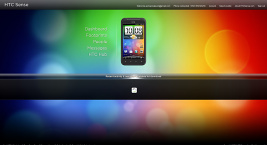
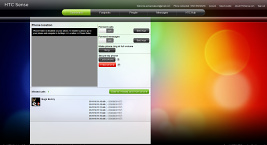
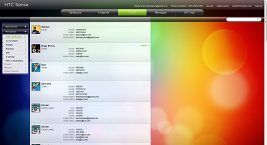
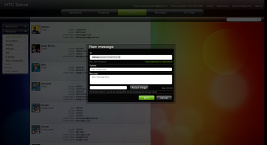
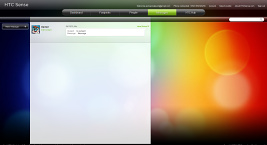
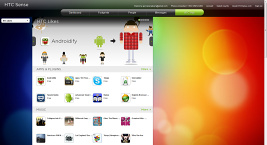
The HTCSense.com website
Some other handy features include ring phone (if you’ve lost it in your room and can’t find it), toggles for call and message forwarding. The site also lets you view and edit contacts and view messages. You can compose SMS and MMS messages too – so you can use the big computer keyboard and you don’t even have to have the Desire S in front of you to send a couple of messages.
You can also view your and your friends’ Footprints. Finally, HTC Hub lets you browse apps and games on the computer and mark them, which makes them easier to find on the phone later (in HTC Likes). You can’t initiate an app download from the site though.
The site is a bit heavy but if you’re using an updated browser you should be fine. However, HTCSense.com failed to load properly in Internet Explorer 9 but it worked once we enabled Compatibility Mode.
Navigate the Google or the HTC way
The HTC Desire S has a built-in GPS receiver, which managed to get a lock in a minute and 10 seconds (with A-GPS switched off). If all you need is a rough idea of where you are (within 150 meters) you can use the Cell-ID and Wi-Fi network lock, which is very fast.
Google Maps is a standard part of the Android package and we’ve covered it many times before. It offers voice-guided navigation in certain countries and falls back to a list of instructions elsewhere. You can plan routes, search for nearby POI and go into the always cool Street View.
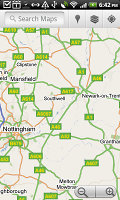
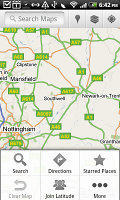
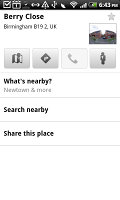

Google Maps is an inherent part of the Android platform • Street view
The HTC Desire S also comes with HTC Places, an app developed in cooperation with TomTom (provider of the software) and Route66 (providing the maps).
With HTC Locations you can download country maps for free, or just cache maps as you browse. Google Maps has caching enabled too, but the best part about Locations is that it can calculate routes even when offline – and Gmaps can’t (it can only reroute you, not calculate a new route).
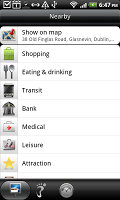
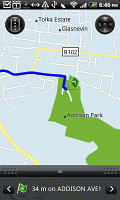
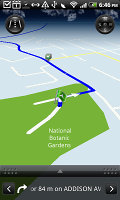
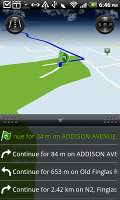
Plotting a route with HTC Locations
It doesn’t do voice-guided navigation for free like Ovi Maps though – but still, you can use the list of instructions and tap the next and pervious arrows to see the next turn. Not ideal but it’s a great addition, especially since it’s free.
HTC Locations has a regular 2D view and a 3D view, which is convenient because it gives you a better look of what’s ahead. It’s just as easy to work with as Google Maps and has POI too (including your Footprints) and also 3D buildings.
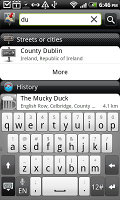
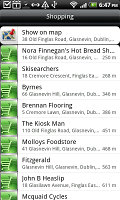
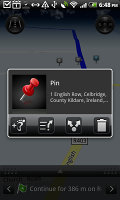
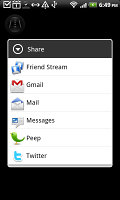
HTC Locations has plenty of features
Pinch zoom works in both 2D and 3D modes and you can turn on compass mode – at first it seems choppy, but that’s only to avoid wobbling (digital compasses are not the most accurate things in the world).
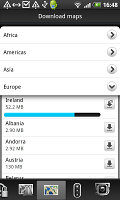
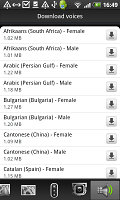
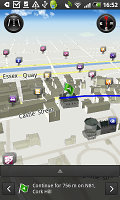
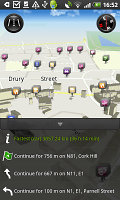
Downloading maps and voices • Check out the 3D buildings
The car panel offers big, easy to hit buttons so that you don’t get too distracted while driving. A handy option is “mark this location” – great for those who often forget where they parked their car.
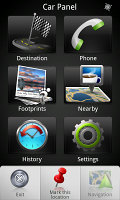
The Car Panel has big, easy to hit buttons
If you take the plunge and pay extra for the voice-guided navigation, the HTC Desire S can very successfully double s a SatNav unit. The screen is big enough and has broad viewing angles but sunlight legibility is less than perfect.


Tip us
2.1m 180k
RSS
EV
Merch
Log in I forgot my password Sign up