Samsung Galaxy Z Flip7 FE review
Notched cover display, 6.7-inch bendy panel
The Z Flip7 FE, being sort of like a Flip6 reissue, uses last year's displays - the 'real' Z Flip7 got the screen updates. In that sense, the FE is also not too different from the Z Flip5, so if you have a two-year-old Galaxy clamshell and you're looking to replace it with something that will feel the same, the Z Flip7 FE is just that.
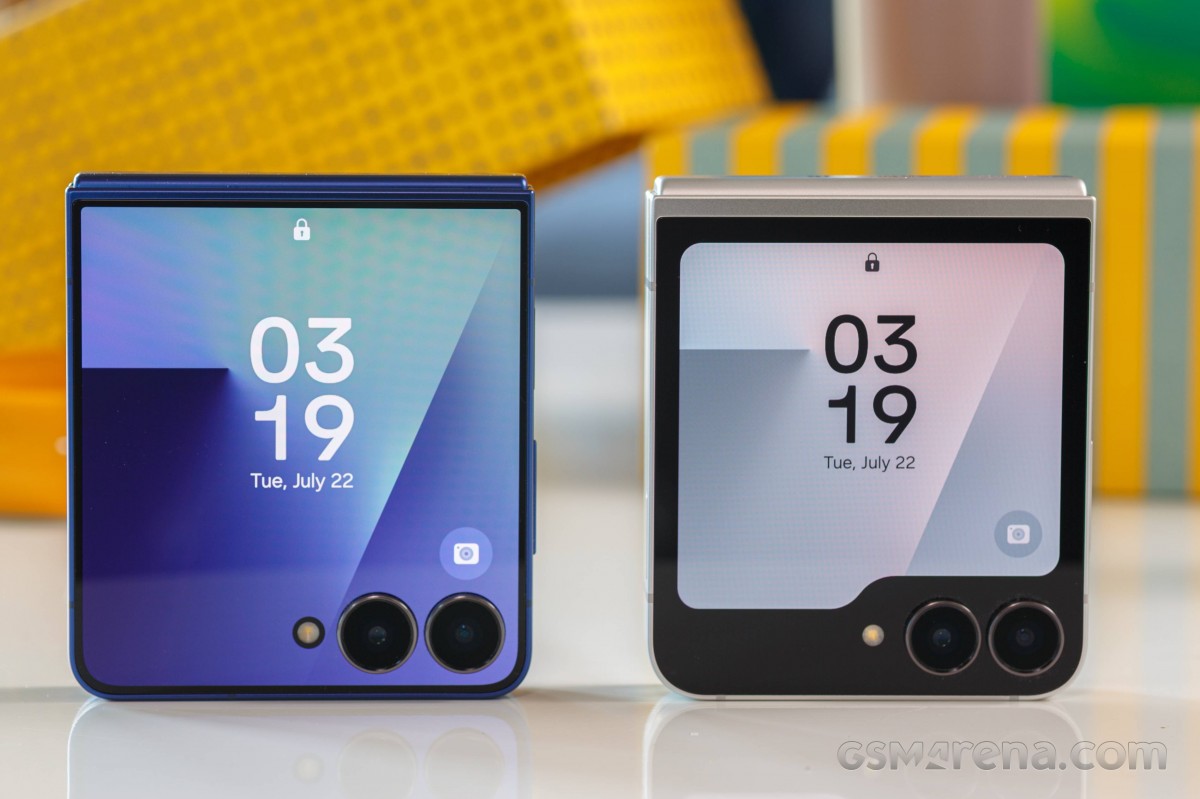 Edge-to-edge cover display on the Z Flip7, notched panel on the FE
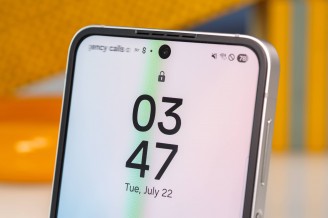
The cover display has a 3.4-inch nominal diagonal with a notch that makes the pixels stop short of the cover cameras. The resolution is 720x748px and the refresh rate is the 'standard' 60Hz, as opposed to the Z Flip7's 120Hz. Samsung does promise the same maximum 2,600nits as on Z Flip7's cover display - a largely immaterial upgrade over the 1,600nits on the Z Flip6's cover screen.
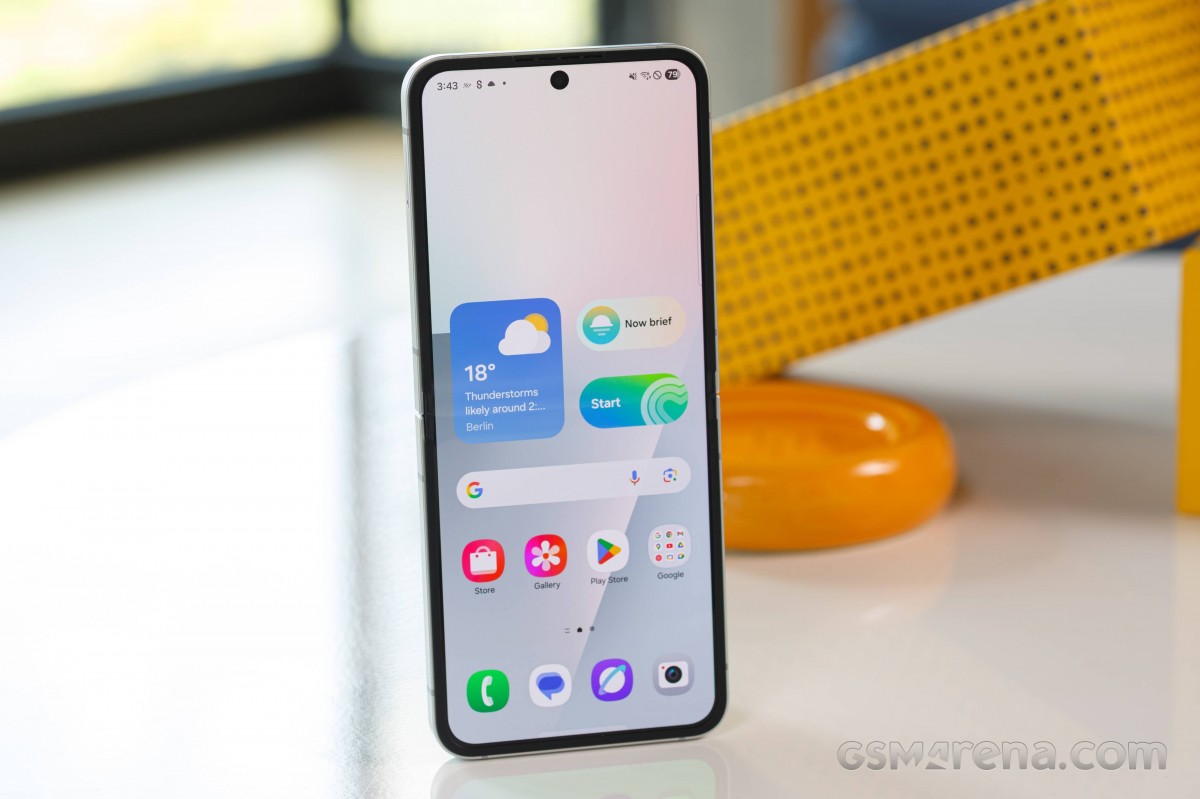
The foldable display inside has a 6.7-inch diagonal, as on the Z Flip6 and in contrast to the Z Flip7's 6.9-inch unit. It's the taller 22:9 aspect too (21:9 on the Z Flip7), with a 1,080x2,640px resolution. This one does support 120Hz refresh rate and is HDR10+-compliant (no Dolby Vision, of course).
Both panels are OLED, as expected.
On the FE's internal display, we measured virtually the same brightness levels as on the Z Flip7 non-FE - 1,444nits in bright ambient conditions with adaptive brightness enabled, and 740nits in manual operation, with the Extra brightness toggle enabled (448 with no Extra). In that sense, the Galaxies are typically brighter than the Razrs.
Max display brightness test
White test pattern, 75% fill (nits)
- Manual mode
- Auto mode
 Pixel 9
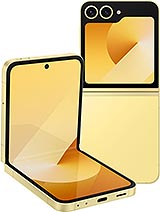 Galaxy Z Flip6
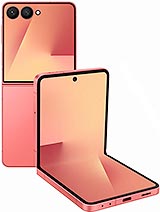 Galaxy Z Flip7
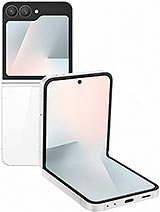 Galaxy Z Flip7 FE
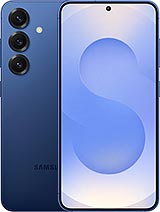 Galaxy S25
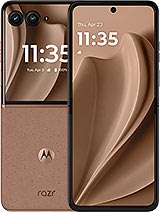 Motorola Razr+ 2025
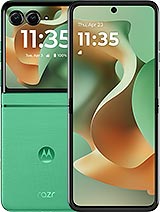 Motorola Razr 2025
Looking at the cover displays, the one on Z Flip7 FE doesn't go as bright as that of the non-FE, and the Razrs have a small advantage too. Again, there's no Extra brightness for the cover screen, hence the more modest result in manual operation.
Max display brightness test
White test pattern, 75% fill (nits)
- Manual mode
- Auto mode
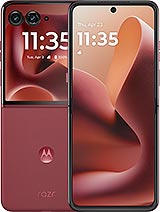 Motorola Razr 60 Ultra (Cover display)
Galaxy Z Flip7 (Cover display)
Motorola Razr 2025 (Cover display)
Motorola Razr+ 2025 (Cover display)
Galaxy Z Flip7 FE (Cover display)
Motorola Razr 60 Ultra (Cover display)
Galaxy Z Flip7 (Cover display)
Motorola Razr 2025 (Cover display)
Motorola Razr+ 2025 (Cover display)
Galaxy Z Flip7 FE (Cover display)
Refresh rate
Samsung's refresh rate implementation remains unchanged and it's pretty simple from a user's perspective. There are two modes - Adaptive and Standard - each of which sets a ceiling to what's either way an adaptive behavior. The phone will continuously monitor your activity, content, brightness level, and whatnot, and adjust the refresh rate accordingly.
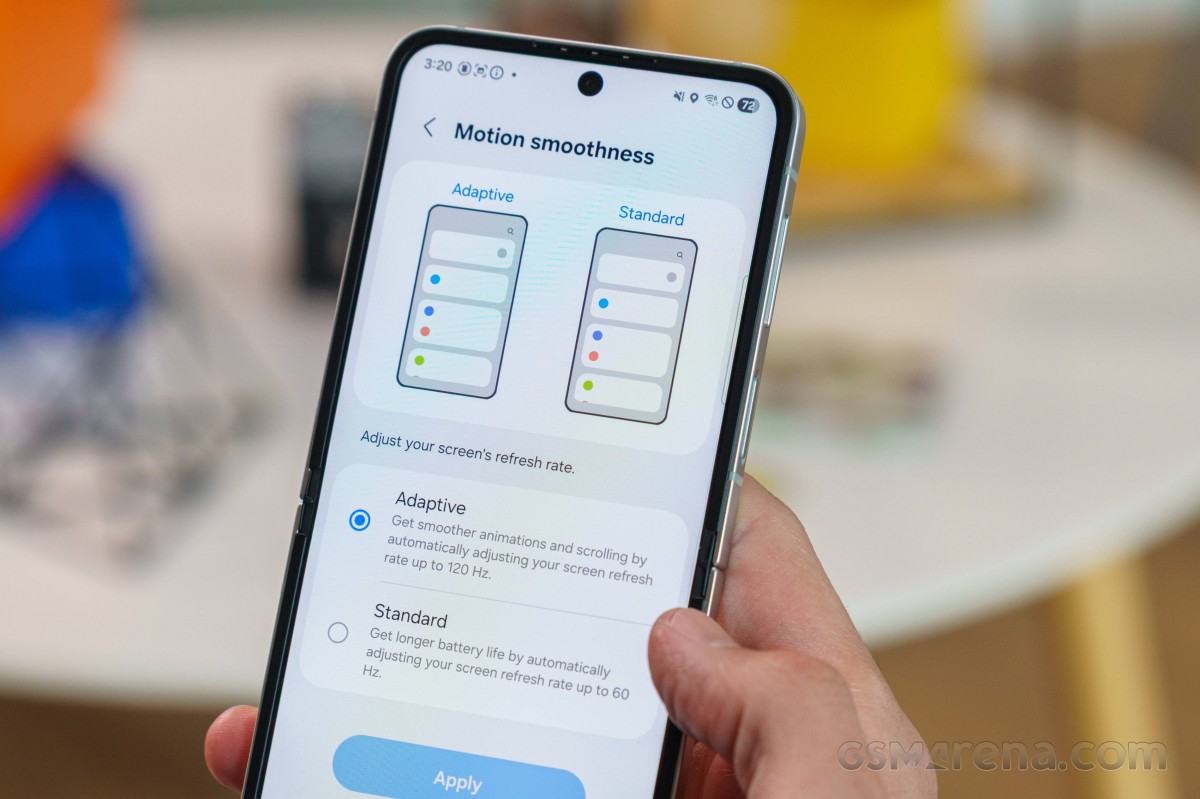
In either mode, the phone will adjust to match frame rates when playing back videos (24, 30, 48, and 60Hz). Browsers and social media apps idle at 60Hz, when there's moving content, but they will get 120Hz for scrolling. When the picture is static, the phone reports "--" which sounds like 1Hz to us. High frame rate gaming is also supported if you set the phone to Adaptive mode.
None of that applies to the cover display - it works at a fixed 60Hz refresh rate.
Streaming and HDR
The Z Flip7 FE supports HDR10 and HDR10+, but not Dolby Vision - standard Samsung behavior. We got HDR10 streams in Netflix, which also allowed for FullHD playback thanks to the Widevine L1 compliance. YouTube also served HDR content.
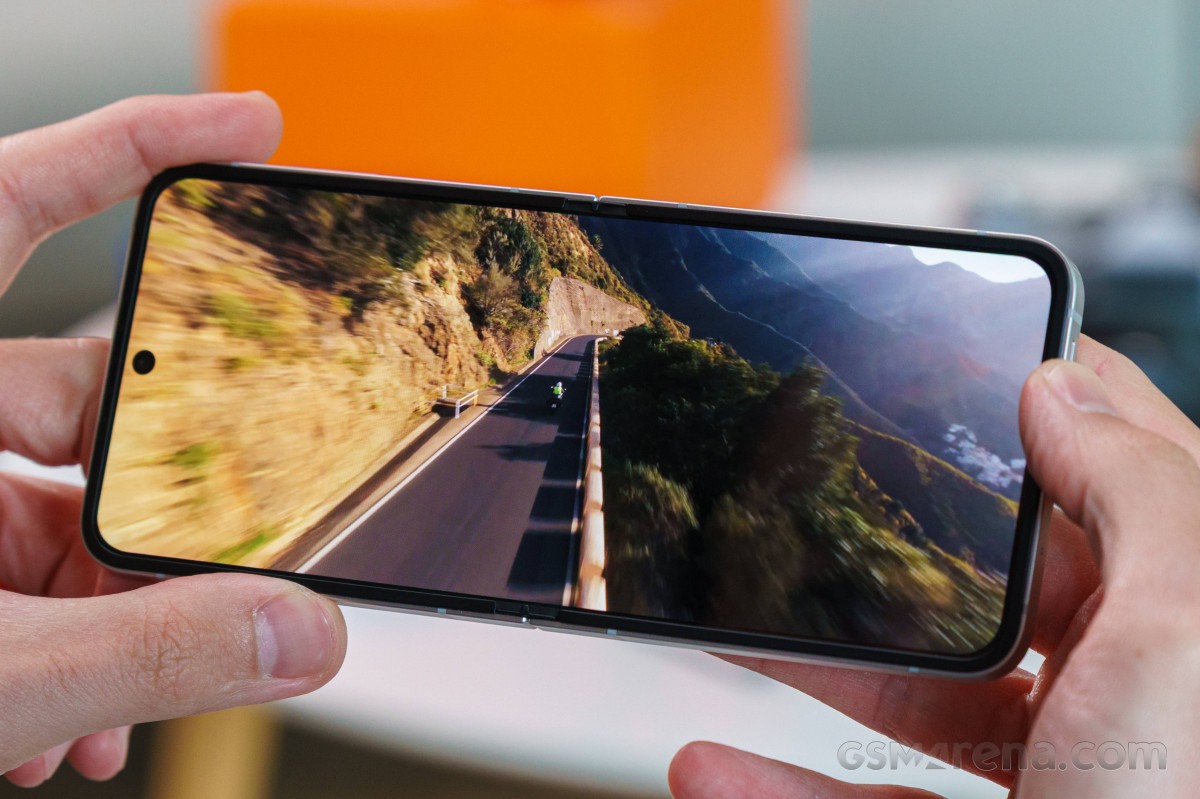
Google's Ultra HDR photo standard for metadata-based brightness boost of images in gallery apps or browsers is also supported, and even though this is kind of like a Z Flip6, things work a little better here than they did when that other model came out. Ultra HDR works in the in-house Gallery app and in Google Photos, as well as Chrome, and now in the Samsung Internet browser too.
Samsung Galaxy Z Flip7 FE battery life
The Z Flip7 got a battery capacity upgrade compared to the Z Flip6, but the Z Flip7 FE makes do with the same battery as last year's model - 4,000mAh. For comparison, you'd be getting 4,500mAh on the 'low'-tier Razr 60/Razr 2025, while compact non-bendy offerings like the Xiaomi 15 offer quite a bit more (5240mAh). Then again, Samsung's own Galaxy S25 is also at 4,000mAh, like the Z Flip7 FE.
We can't say we're particularly thrilled with the endurance we got out of the FE, though it's roughly on par with the Flip6, so maybe we should have known better than to expect more. The web browsing result is especially disappointing, at under 9 hours, and the 6 hours in gaming aren't great either, though fairly okay in the clamshell context. Video playback is decent, at a little over 15 hours, but even that is at the lower end of the spectrum for the class.
In the end, the Z Flip7 FE's Active Use Score worked out to just over 10 hours - not great, not a dealbreaker.
Our new Active Use Score is an estimate of how long the battery will last if you use the device with a mix of all four test activities. You can adjust the calculation based on your usage pattern using the sliders below. You can read about our current battery life testing procedure here. For a comprehensive list of all tested devices so far, head this way.
Charging speed
The Z Flip7 FE on the 25W tier of Samsung's largely meaningless charging ratings. As is the Galaxy norm, you can expect generally slow charging from the Flip7 FE, with the added slowness introduced by the foldable form factor (not in general, that it, but in Samsung's world).
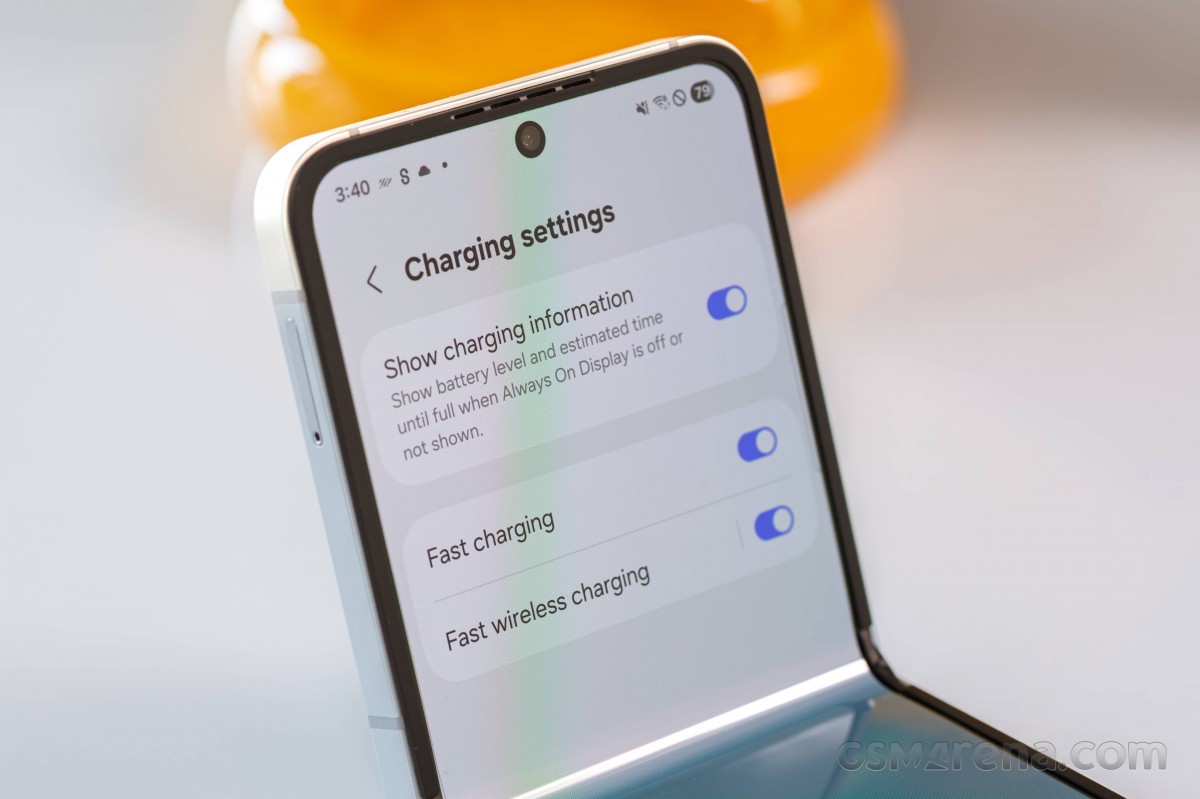
We picked up one of the company's 25W adapters for our testing, but you should be able to get similarly long charging times with any modern USB Power Delivery charger rated for 25W or more.
We clocked 89 minutes from 1% to 100% with the battery indicator showing 54% at the half-hour mark. For what it's worth, that's quicker than the Z Flip6, and about as quick as the S25 in the early stages. Still though, (repeated line) if you want a fast-charging clamshell, get a Razr.
Charging speed
- in 15 min
- in 30 min
- Time to full charge (from 0%)
 Xiaomi 15
 iPhone 16
Galaxy S25
Pixel 9
Galaxy Z Flip7 FE
Galaxy Z Flip6
Galaxy Z Flip7
iPhone 16
Galaxy S25
Pixel 9
Galaxy Z Flip7 FE
Galaxy Z Flip6
Galaxy Z Flip7
The Z Flip7 FE features wireless charging support. As we already observed on the Z Flip7 non-FE, the FE is also certified for the Basic Power Profile, while older models had Extended Power Profile compliance. In theory, that should mean that the Z Flip7 FE will max out at 5W with standard charging pads though it may still get 15W with Samsung's own. In practice, WPC listings aren't always 100% accurate or indicative of real-world performance. Either way, buying a Samsung charging pad sounds like your best bet for getting the 'Fast Wireless Charging 2.0' that is listed in the Z Flip7 FE's specs.
As with other recent Samsungs, the Z Flip7 FE has a set of battery care features, grouped under a single toggle in the battery settings. The 'Basic' setting prevents constantly charging to 100% if you keep your phone plugged in for a long time - instead, it waits for the battery level to drop below 95%, and then starts to charge again. The 'Maximum' setting limits the charging level to a custom limit such as 80%/85%/90%/95%, while 'Adaptive' uses 'Maximum' during the night (or, you know, whatever your sleeping habits are) and switches to 'Basic' just before you wake up. There are also toggles to disable fast charging (separate settings for wired and wireless).
Speaker test
The Z Flip7 FE adopts the same speaker arrangement as all recent Galaxies. It's got one bottom-firing speaker in the bottom half, and another one in the top section that's directed towards the front and also serves as an earpiece for voice calls. The top speaker gets the left channel in portrait orientation, while in landscape, the tracks are assigned dynamically depending on which way the handset is turned.
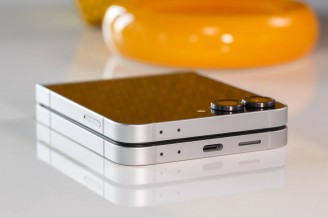
Bottom speaker • Top speaker/earpiece
The Z Flip7 FE doesn't stray from the Flip pack and is good for a 'Good' rating for loudness in our test - just like the regular Z Flip7 and the Z Flip6. To our ears, it sounds a lot like the Z Flip6, which is no bad thing, though the Z Flip7 has a bit of an advantage. The FE has the upper hand over competing Razrs though, we reckon.
Use the Playback controls to listen to the phone sample recordings (best use headphones). We measure the average loudness of the speakers in LUFS. A lower absolute value means a louder sound. A look at the frequency response chart will tell you how far off the ideal "0db" flat line is the reproduction of the bass, treble, and mid frequencies. You can add more phones to compare how they differ. The scores and ratings are not comparable with our older loudspeaker test. Learn more about how we test here.


Tip us
2.1m 180k
RSS
EV
Merch
Log in I forgot my password Sign up