Samsung Galaxy S26+ review
One UI 8.5 and an AI-powered Bixby
Just like the rest of the Galaxy S26 lineup, the S26+ ships with One UI 8.5 out of the box, running on top of Android 16. While it isn't a dramatic overhaul compared to the original One UI 8.0 introduced alongside the Samsung Galaxy Z Fold7 and Samsung Galaxy Z Flip7 in mid-2025, version 8.5 brings a number of refinements and several new AI-powered features. As expected from a point-update release, the changes are mostly incremental rather than revolutionary.
Samsung continues to lead the Android space in terms of long-term software support. The Galaxy S26 series is promised seven major Android upgrades and seven years of security patches, ensuring the device remains supported well into the next decade.
As with previous Galaxy flagships, much of the spotlight falls on Samsung's expanding suite of Galaxy AI features.
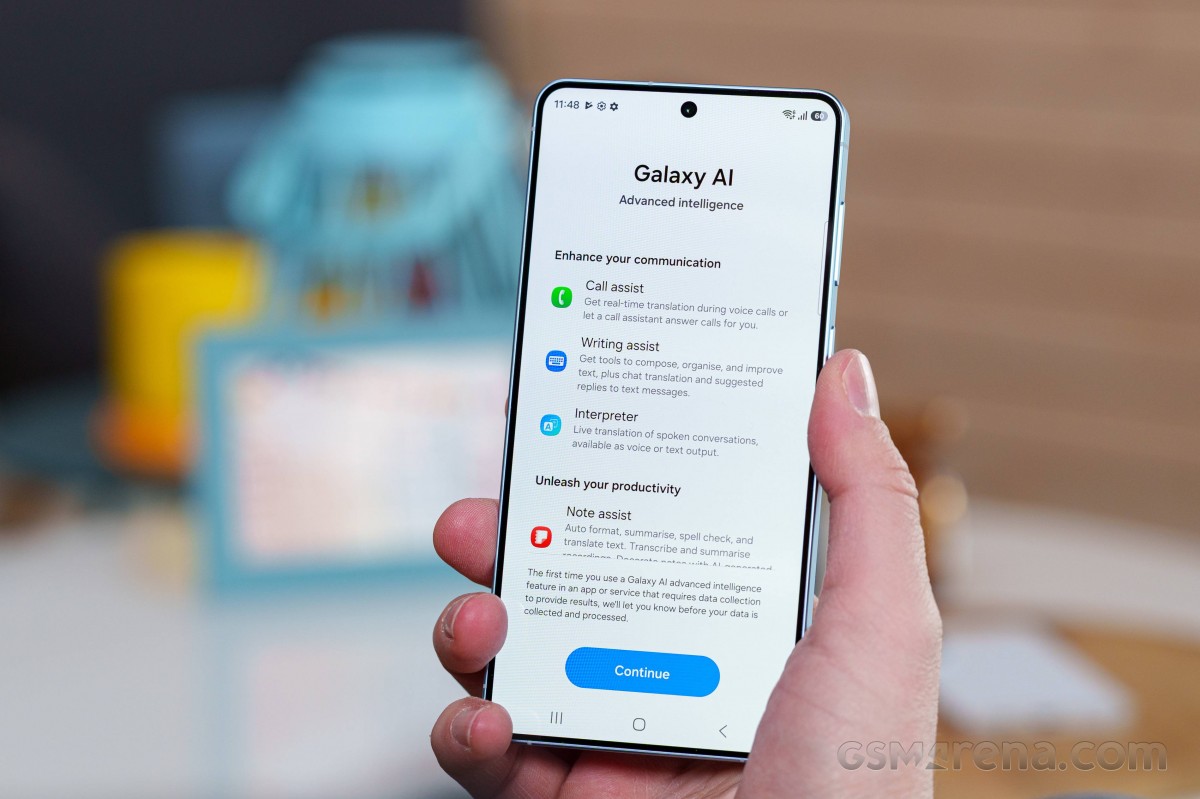
One of the more notable upgrades comes to Bixby. Samsung's assistant is now considerably more capable, with improved natural language understanding and contextual awareness. It can perform live web searches and pull up current information directly within the Bixby interface.
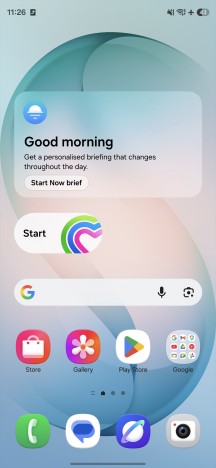
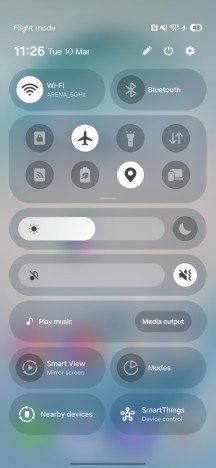
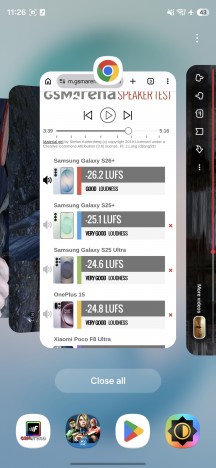
Home screen • Quick toggles • Recent apps
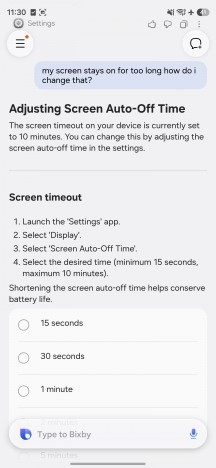
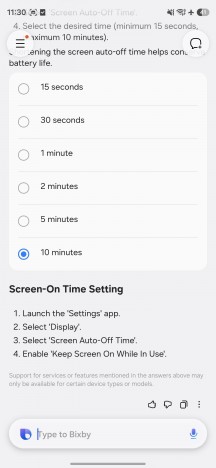
More importantly, Bixby can now guide you directly to relevant system settings and apps when troubleshooting a problem. Instead of simply explaining what to do, it can take you straight to the exact menu or toggle you need. You don't even have to know the name of the setting in question - describing the issue is usually enough.
For example, you could be having issues with notification or ringer volume and simply call up Bixby and say something like "I am having trouble hearing my phone when it rings". The assistant will then surface the relevant volume settings.
Bixby
Samsung has also introduced deeper integration with Perplexity AI. Saying "Hey, Plex" launches Perplexity, allowing you to initiate a quick search or conversation. The assistant can also interact with system and third-party apps to execute multi-step tasks. In one example, we asked Perplexity to create a calendar event and send the details via email, which it handled without any issues.

Perplexity AI
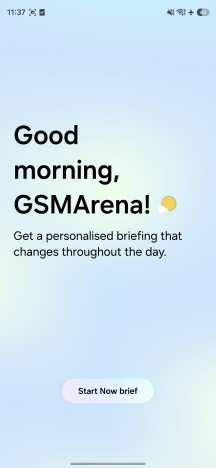
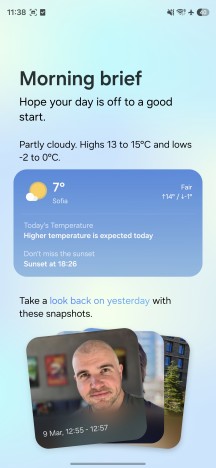
The Now Brief feature introduced with One UI 8.0 has also received some improvements. It now pulls information from a wider range of apps, allowing it to deliver more contextual summaries throughout the day.
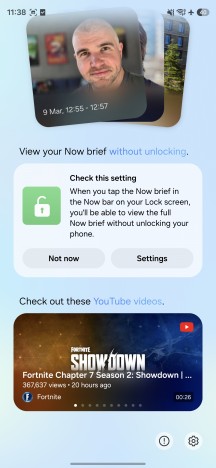
Now Brief
Samsung is also introducing a new feature called Now Nudge. This tool monitors messages on your screen and suggests relevant actions based on the conversation. If you're discussing plans with a friend, for instance, Now Nudge may offer to add the meeting to your calendar or even suggest making a reservation at the venue you agreed upon.
Naturally, such functionality raises privacy concerns. Samsung says that the data for this feature is processed locally on the device unless you explicitly agree to share it with Samsung or its partners to improve recommendations. As always, it's worth paying close attention to permission prompts when enabling these types of features.
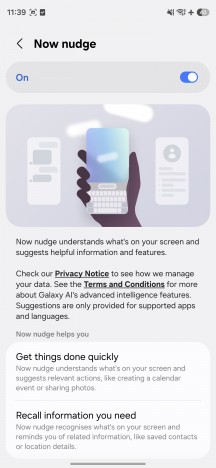
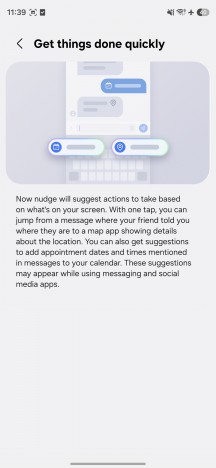
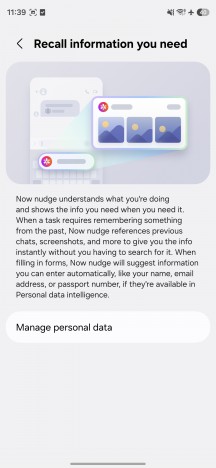
Now Nudge
At launch, Now Nudge works with a selection of supported messaging apps, including Samsung Messages, Google Messages, Google Chat, WhatsApp, WhatsApp Business, KakaoTalk, LINE, Signal, Instagram DMs, Tango, NTT Docomo Messages, KDDI Messages.
Circle to Search has also received an upgrade. While it's no longer exclusive to Galaxy and Pixel devices, Samsung's newest phones appear to be among the first to get the improved functionality.
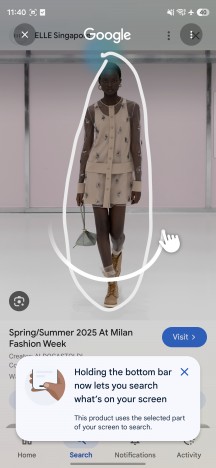


Circle to Search
The updated version can now recognize and search for multiple objects simultaneously. For example, circling a photo containing both a coat and a pair of shoes will prompt the system to search for both items at the same time. The use cases seem to mostly be limited to clothing at the moment. We expect this expanded functionality to reach more Android devices in the near future.
Samsung has also enhanced the Photo Assist tool in the default Gallery app. It now supports natural language commands, allowing users to perform edits using simple descriptions. In theory, the feature can even handle complex requests. For instance, you could take a photo of yourself, find another picture of a shirt in your gallery, and ask Galaxy AI to swap the clothing to see how it would look on you.
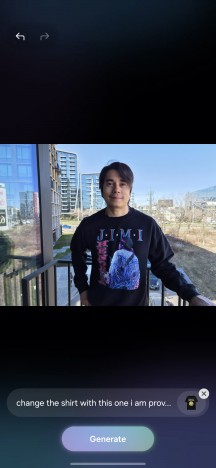
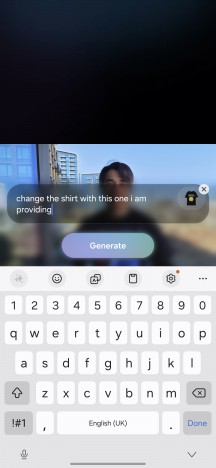
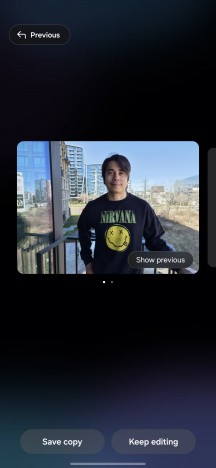
Photo Assist tool
In practice, the results can be somewhat inconsistent. While the feature occasionally produced convincing edits, it sometimes struggled to perform the requested changes correctly or at all.
Another useful addition inside the Gallery is AI-powered screenshot search. The system analyzes the contents of your screenshots and allows you to search for specific elements or keywords. The search bar also suggests quick tags to help you find screenshots faster - a welcome addition if you tend to accumulate hundreds of them.
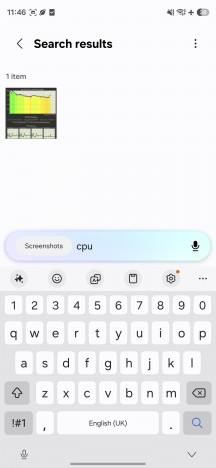
AI-powered screenshot search
The Audio Eraser feature is also expanding beyond Samsung's own apps. Originally limited to videos recorded with the phone's camera, it can now enhance voices in media from third-party apps such as Instagram, YouTube, and Netflix. Samsung says support for additional apps is expected in the future.
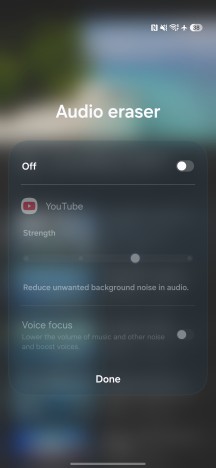
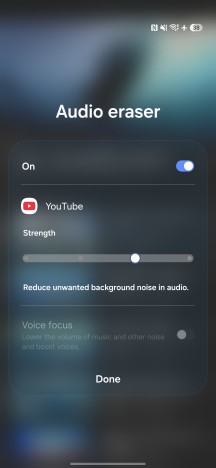
Audio Eraser
Finally, Samsung is introducing a new Document Scanner mode within the Camera app. When the camera detects a document in the viewfinder, it suggests optimizing the shot by sharpening the text, boosting contrast, and adjusting perspective so the image resembles a proper scan. The AI can even remove fingers holding the paper and smooth out wrinkles. Multiple pages can be combined into a single document and exported as a PDF.
While the growing list of Galaxy AI features certainly sounds impressive on paper, their usefulness will ultimately depend on language and regional support. Since many of the tools currently work with only a limited number of languages, the experience may vary significantly depending on where you live.
Chipset and performance
As noted on multiple occasions, the Galaxy S26+ really isn't all that different from the S25+. One could argue that the biggest change is the chipset swap. This year, for better or worse, Samsung decided to go back to its two-chipset strategy. The US, China and Japan get a Qualcomm Snapdragon 8 Elite Gen 5, whereas the rest of the world gets Samsung's Exynos 2600 chip (our review unit).
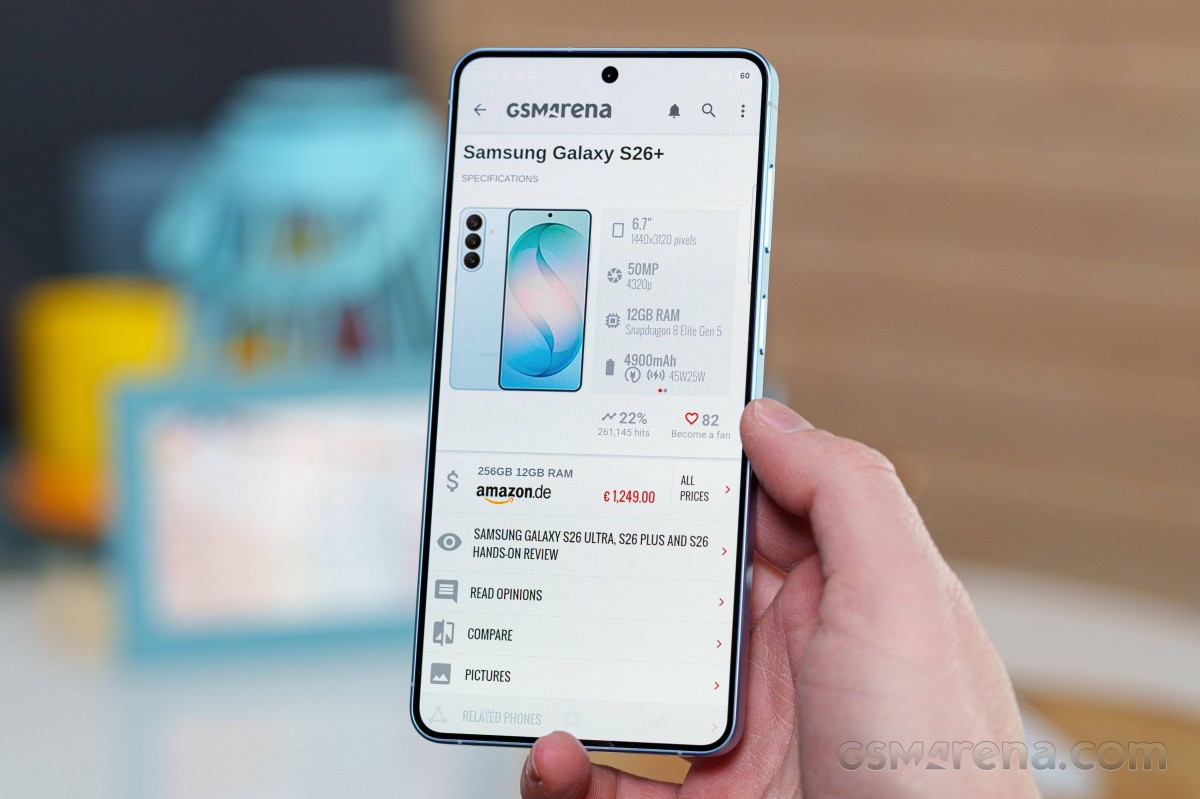
The Exynos 2600 is a cutting-edge chip manufactured on a 2nm process and designed with a strong focus on accelerating AI workloads while improving efficiency.
The chipset relies on the latest ARM CPU architecture and adopts an interesting core configuration. Instead of the traditional big-middle-little cluster arrangement, Samsung replaces the small efficiency cores with mid-tier cores, aiming to deliver better sustained performance while maintaining high efficiency for lighter tasks. According to Samsung, the new CPU delivers up to 39% higher computing performance compared to its predecessor - we're guessing they mean the Exynos 2500, which only saw the light of day in the Galaxy Z Flip7.
AI processing is handled by a significantly upgraded NPU, which Samsung claims offers up to 113% higher AI performance, alongside lower latency and improved power efficiency - an increasingly important aspect as more on-device AI features become integrated into the system.
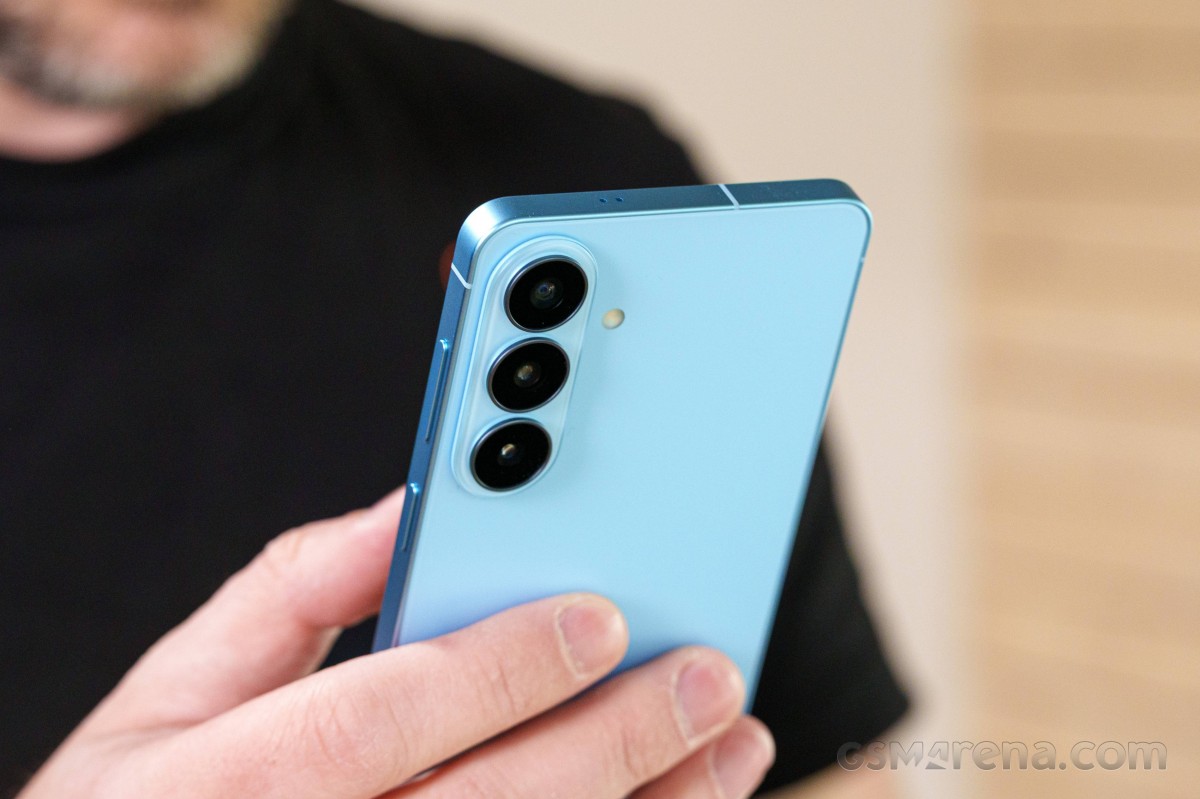
Graphics duties fall to the new Xclipse 960 GPU, which promises a major leap forward as well. Samsung claims up to twice the computing performance, along with as much as 50% better ray tracing performance, further strengthening the chip's capabilities for gaming and advanced graphics workloads.
The chipset is paired with 12GB of fast quad-channel LPDDR5 RAM and fast UFS 4.X storage chips. We can't say for sure what the "X" stands for here, but going by the storage speeds we tested on our 512GB unit, we believe Samsung used UFS 4.2 chips. Even if they are 4.1 ones, the performance difference is negligible.
GeekBench 6
- Single-core
- Multi-core
 Galaxy S26 Ultra

 vivo X300 Pro
 Oppo Find X9 Pro
 Galaxy S26+
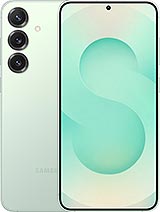 Galaxy S25+
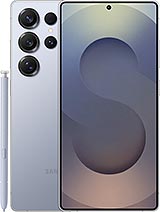 Galaxy S25 Ultra
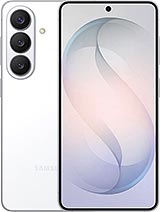 Galaxy S26
AnTuTu
- v10
- v11
vivo X300 Pro
Oppo Find X9 Pro
Galaxy S26 Ultra
Galaxy S26+
Galaxy S26
Galaxy S25 Ultra
Galaxy S25+
3DMark
- Wild Life Extreme (Highest)
- Solar Bay (Ray Tracing)
Galaxy S26 Ultra
vivo X300 Pro
Galaxy S26
Galaxy S26+
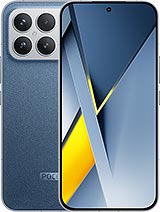 Poco F8 Ultra
Galaxy S25 Ultra
Galaxy S25+
Poco F8 Ultra
Galaxy S25 Ultra
Galaxy S25+
Nothing gets us as happy as examining the performance of a new camera or a new silicon, but the Exynos 2600 started off a bit underwhelming in our benchmark tests. In some of these, it was even hard for it to get any lead on the scores from last year's Snapdragon 8 Elite. Ouch!
In the multi-core CPU scores, the Exynos 2600 was able to match the Snapdragon 8 Elite Gen 5 inside the S26 Ultra just fine. We saw an average of 10% improvement over last year's Snapdragon 8 Elite inside the S25 & S25+.
However, looking at the single-core scores, the Exynos 2600 barely performed any better than last year's crop of chips.
There's more of that to be seen in Antutu, too. Version 10 of the test showed some lead of the Exynos 2600 over last year's chips, but in Version 11, it surprised us by scoring just about the same. A look at the subscores in Antutu 11 showed that the Galaxy S26 Ultra and its Snapdragon 8 Elite Gen 5 was scoring much higher in the Graphics and UX sub-categories of the test in particular.
And finally, getting to the strictly graphics part of the tests (3D Mark), the Exynos 2600 did show some improvement over the 8 Elite inside the S25 & S25+, but it also scored much lower than the Snapdragon 8 Elite Gen 5 inside the S26 Ultra.
So to sum up, when it comes to raw performance, the Exynos 2600 doesn't seem like a very exciting upgrade. While it did show some improvements over last year's devices in tests like Geekbench multi-core and 3DMark framerates, in other tests, it couldn't get any lead on them at all, which was disappointing (Geekbench single-core and Antutu graphics). And even in the test where it showed some performance advantage, it wasn't huge, and usually the Snapdragon 8 Elite Gen 5 inside the S26 Ultra fared noticeably better (single-core CPU tasks and graphics in general).
So while we are sure the dual-chip strategy will work well for Samsung, just like it did a couple of years ago, we still see a big gap between the devices equipped with the two chipsets, and we hate to say it, but it feels that consumers in Europe and Asia are once again on the wrong side of this divide.
Then again, the Exynos 2600 is still a powerful chip that will handle pretty much everything you throw at it. So from the user standpoint, it's not that big of a deal - it's just that we expected more out of it, given it's one of the very few upgrades in this year's Galaxy S26+.
Sustained performance
With a flagship chip on our hands, we expected it to run hot and to throttle fast. Surprisingly, however, the S26 Plus was able to maintain a solid amount of CPU performance through our prolonged stress test.
In the GPU department, however, we saw the expected thermal behavior. In the 3D Mark stress test, the S26 plus' chipset throttled down to about half of its peak performance.
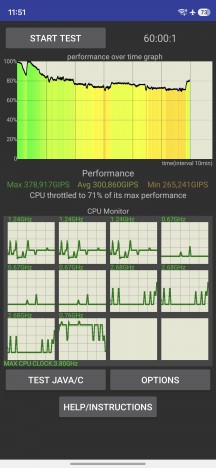
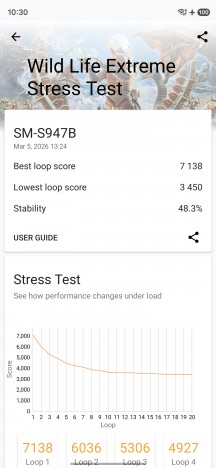
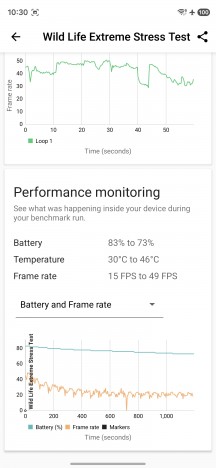
CPU stress test • GPU stress test


Tip us
2.1m 180k
RSS
EV
Merch
Log in I forgot my password Sign up