Oppo Reno15 review
ColorOS 16 based on Android 16
The Oppo Reno15 comes with ColorOS 16 on board, the company's overlay running on top of Android 16. Oppo promises that the new Reno15 series will receive 5 years of major ColorOS updates (that wording is avoiding the particular number of updates, though) and 6 years of security updates.
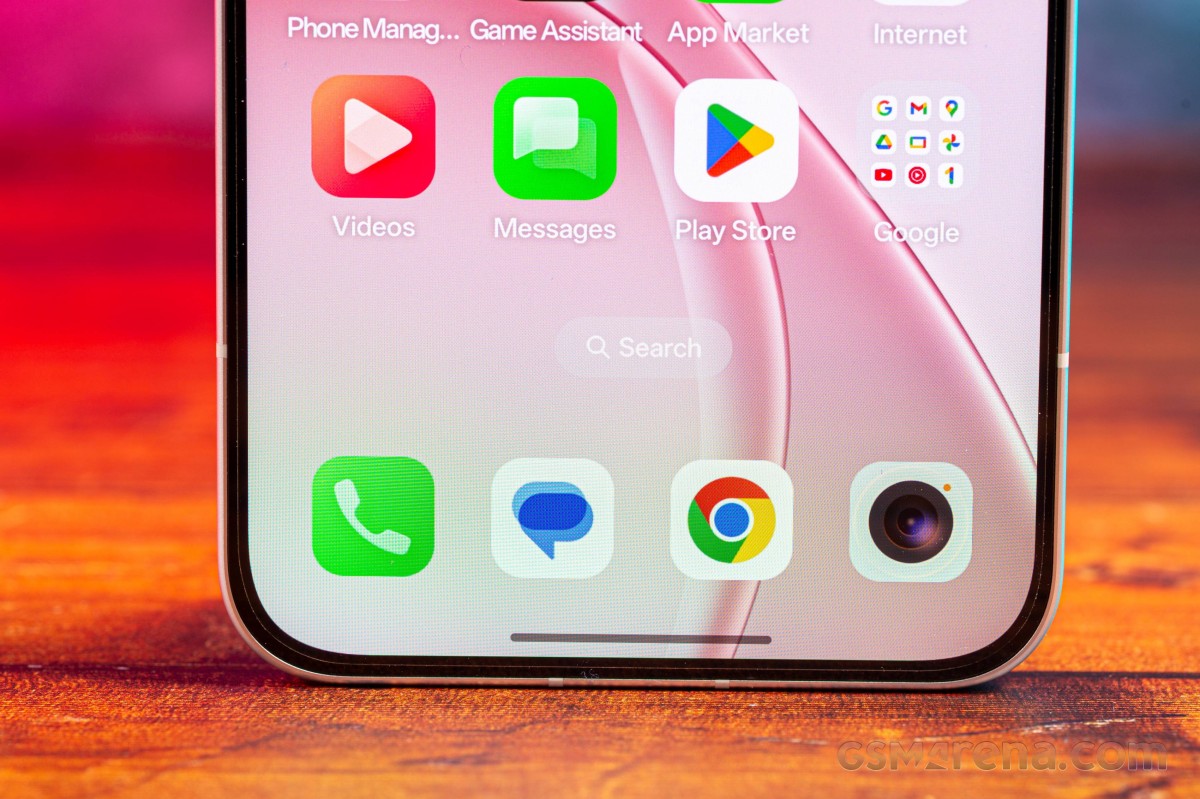
The latest ColorOS isn't much different than the previous version, but there are a handful of additions, some subtle touches here and there, and a bunch of AI-based functionality. The basics remain largely unchanged, though, save for a minor redesign of an icon or two.
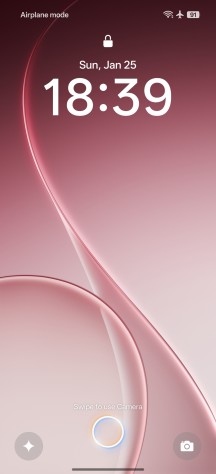
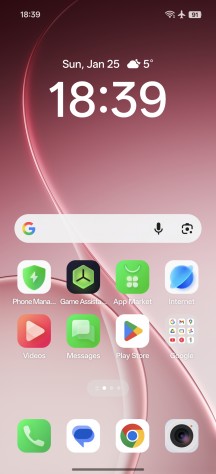
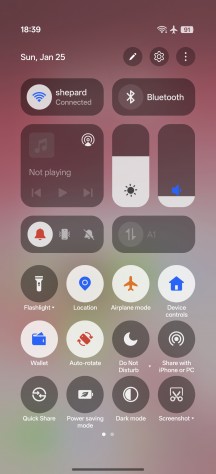
ColorOS on the Oppo Reno15
Among the new additions this year is a wide selection of lockscreen clock styles with a now-ubiquitous 3D-like depth effect where the clock hides behind an element of the image, just like on Apple's iOS. Animations aplenty, too.
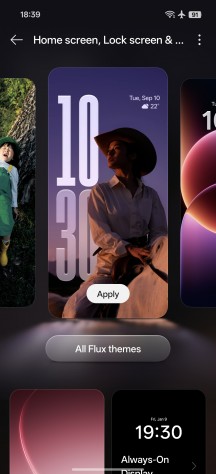

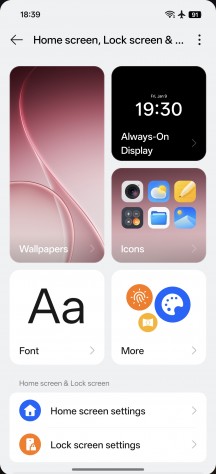
Personalization options on the Reno15
You also get a new style of category grouping in the app drawer, not unlike a certain other manufacturer's implementation. Different types of large folders are also supported (1x3, 3x1, and 3x3 grids). The Smart sidebar is here to stay, too.
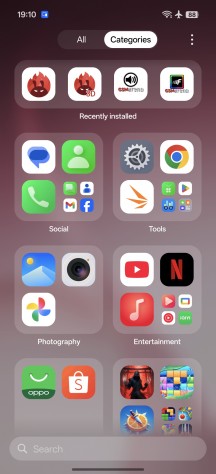
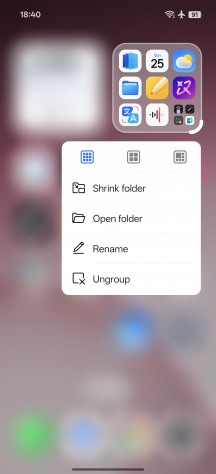
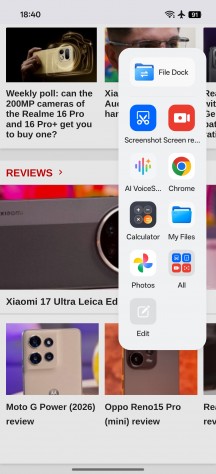
App categories • Large folders • Smart sidebar
A bunch of Google-supplied AI bits are on board, including the Gemini assistant, Gemini Live, Circle to Search, on-screen translation, and whatnot. A Gemini integration with the Oppo Mind Space app is also a highlight.


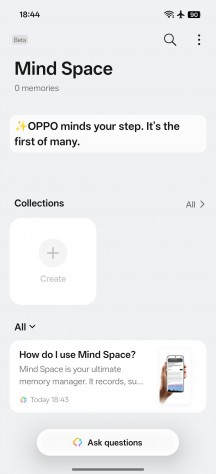
Gemini
There's a wide selection of Oppo's own AI-powered features, of course. AI Speak will read a text out loud, and AI Writer offers to write texts for you. AI Search can sift through supported apps on your phone, AI Translate does what it says, and there's also AI VoiceScribe for summarizing text or images.
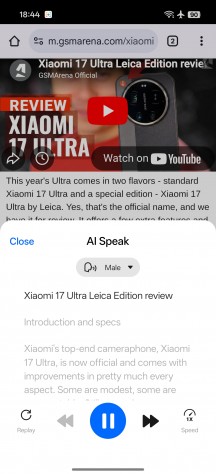

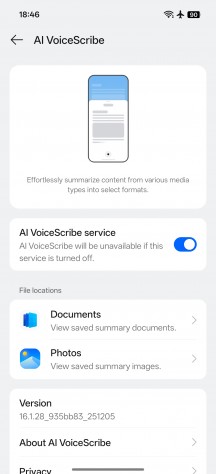
AI stuff
An AI Studio app is also present. It uses cloud-based generative AI to render photorealistic images or animations in different styles based on a photo of yourself. It's not unlimited, but you get a bunch of credits when you first sign up, and you can replenish them by being a regular on the app.
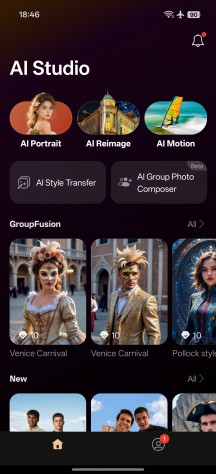
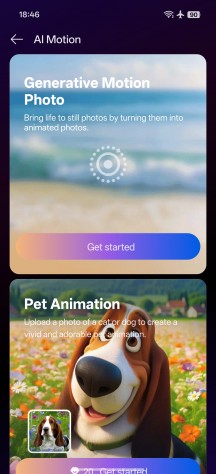
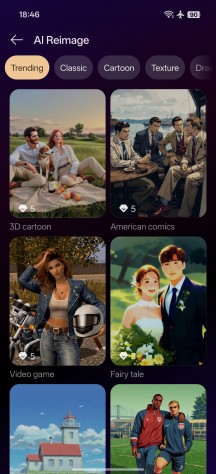
AI Studio
AI-based photo editing tools in the gallery are on board as well. AI Eraser, AI Ultra Clarity, AI Unblur - these are more or less self-explanatory. AI Recompose, AI Relight (for tweaking exposures in portraits), and AI Perfect Shot (for fixing closed eyes) are apparently new additions.



AI Editor
Other notable ColorOS features include O-Connect, which allows users to use AirDrop sharing with Apple devices. Repair mode is also neat - it enters the phone into a repair-friendly mode without deleting your stuff.
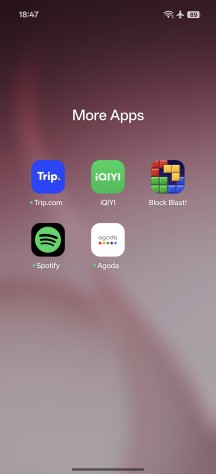
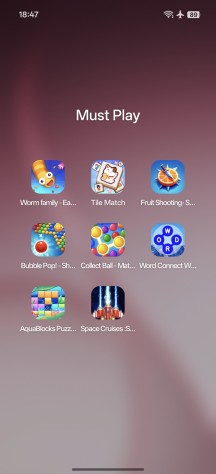
ColorOS 16 is not filled with that much bloatware, but it's not without bloat either. You get apps such as Netflix, Facebook, Instagram, TikTok, Shopee, LinkedIn, Trip.com, Spotify, Agoda, and 9 arcade games. You can uninstall everything, of course.
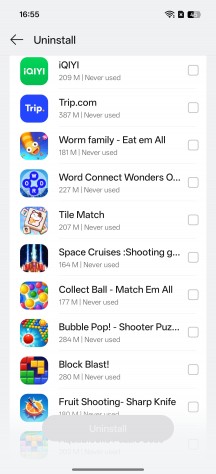
Bloatware
Performance and benchmarks
The Oppo Reno15 utilizes Qualcomm's Snapdragon 7 Gen 4 (4nm) chipset. It is paired with 8GB or 12GB LPDDR5X RAM and 256GB or 512GB of UFS 3.1 storage.
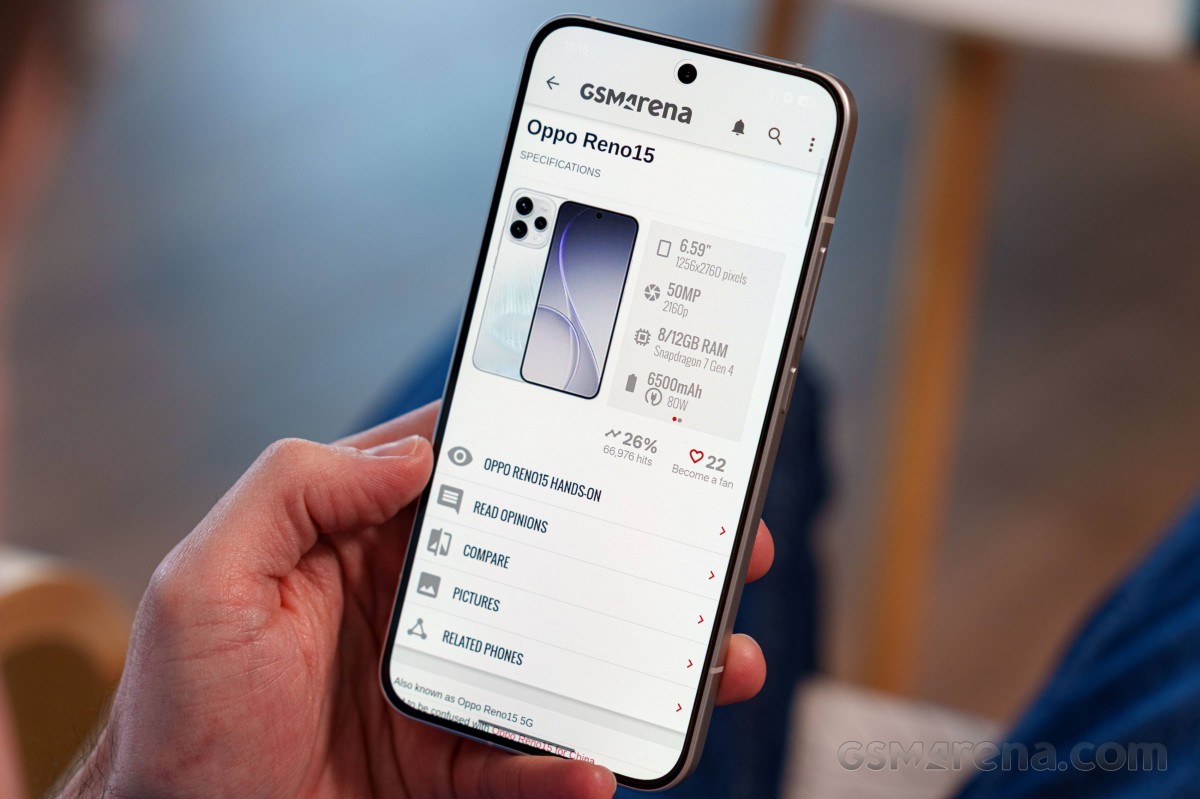
The SD7G4 chip packs an 8-core processor with 1+4 +3 configuration. There's a Cortex-720 prime core clocked @ 2.8GHz, plus 4x performance Cortex-720 cores @ 2.4GHz and 3x efficiency Cortex-520 cores @ 1.8GHz.
The Adreno 722 GPU clocked at 1150 MHz handles all graphics. It features select Snapdragon Elite Gaming features, including its Adaptive Performance Engine 4.0. The GPU also supports the HDR10, HDR10+, HDR Vivid and HLG codecs.
And now, it's time for benchmarks!
The Reno15 and its Snapdragon 7 Gen 4 processor offer adequate performance for this class, in line with most of its peers by chip and price.
GeekBench 6
- Single-core
- Multi-core
 Oppo Reno15 Pro (mini)
 Oppo Reno13
 Motorola Edge 70
 Realme 16 Pro+
 Redmi Note 15 Pro+
 vivo V60
 Poco M8 Pro
 Oppo Reno15
 Motorola Edge 60
 Redmi Note 15 Pro 5G
The same can be said about its GPU performance - it's neither the slowest, nor the fastest - a good place for a midranger to be.
3DMark
- Wild Life Extreme (Highest)
- Wild Life Extreme (Lowest)
Oppo Reno15 Pro (mini)
Oppo Reno13
Realme 16 Pro+
Motorola Edge 70
Oppo Reno15
vivo V60
Redmi Note 15 Pro+
Poco M8 Pro
Redmi Note 15 Pro 5G
Motorola Edge 60
Finally, the compound AnTuTu tests put the Oppo Reno15 across the higher-scoring devices.
AnTuTu
- v10
- v11
Oppo Reno15 Pro (mini)
Oppo Reno13
Realme 16 Pro+
Motorola Edge 70
Oppo Reno15
vivo V60
Redmi Note 15 Pro+
Poco M8 Pro
Motorola Edge 60
Redmi Note 15 Pro 5G
The Oppo Reno15 provides not only acceptable, but we'd say above-average performance for this class.
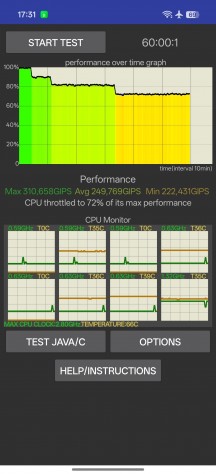
Update, 04 Feb: We've updated the thermal throttling charts below after further testing, which showed better thermal stability in the CPU test and outstanding thermal stability in graphics-heavy loads.
Even after retesting, the sustained performance on the Reno15 remains lower than ideal. While it did not throttle on the GPU test, it kept only about 70% of its maximum CPU performance. Sure, 70% is far from bad, but we've reviewed other Snapdragon 7 Gen 4-featuring phones that did better.
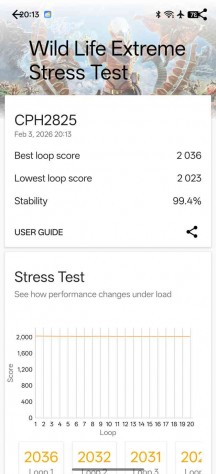
CPU test • GPU test
The Reno15 may occasionally get warm, slightly hot even, during those stress tests. It never becomes unbearably hot, but the aluminum frame may have some spots that you may find rather unpleasant to touch.
Overall, the Reno15 has the power to get the job done hassle-free in pretty much every task - be it UI-related, office apps, or even gaming. And that's more than enough.


Tip us
2.1m 180k
RSS
EV
Merch
Log in I forgot my password Sign up