Nothing Phone (3) review
Nothing OS on top of Android 15
In keeping with tradition, the Nothing Phone (3) runs on the company's own Nothing OS. In this particular case, on our review unit, it is version 3.5, sitting on top of Android 15.
The Nothing Phone (3) comes with the promise of up to five major Android updates, which is quite good.
Nothing focuses heavily on style in Nothing OS, but it's still more than just a skin for Android. There are also custom features and optimizations in place.
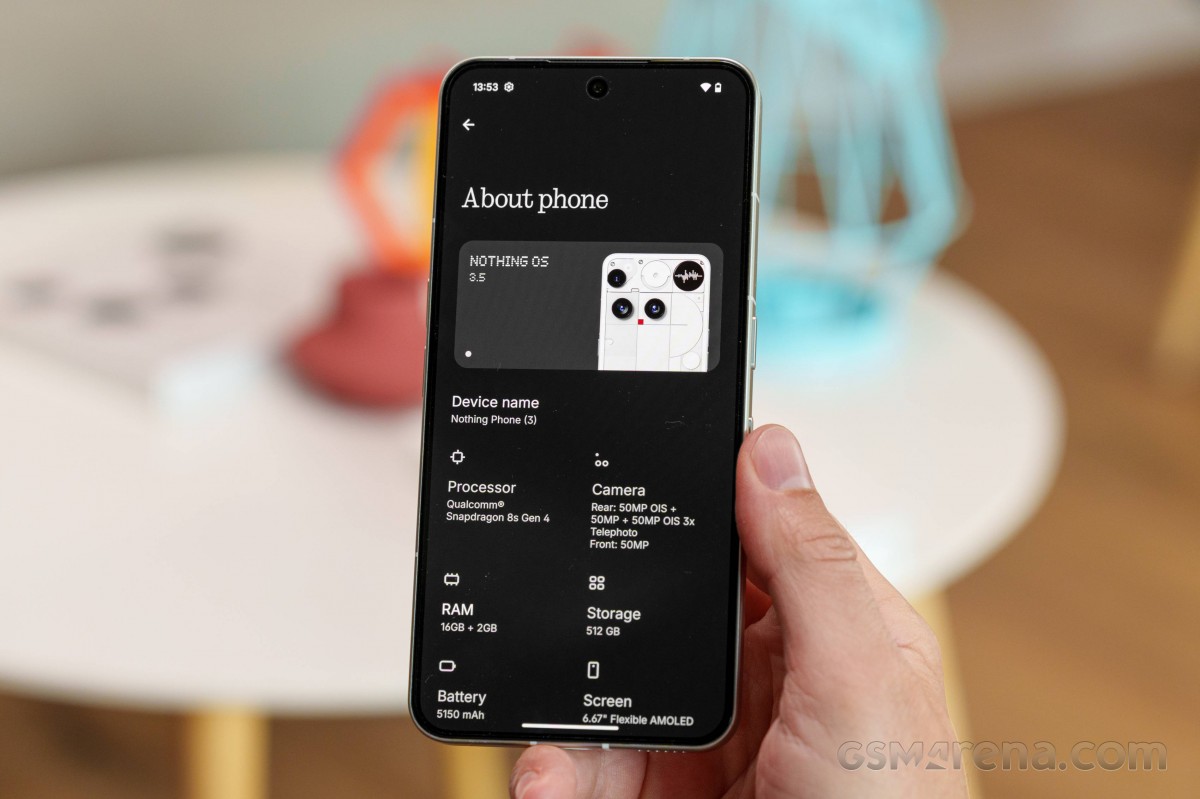
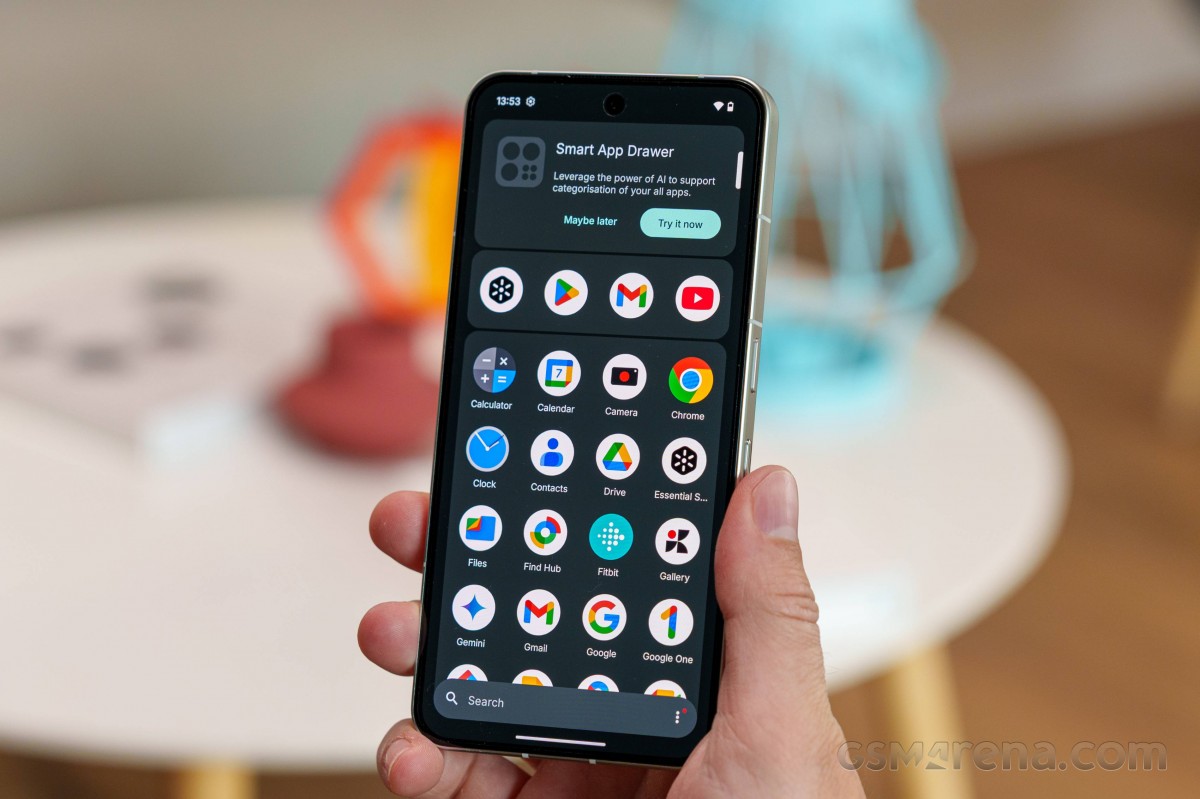
Nothing OS remains minimalist in terms of functionality and stays close to stock Android (AOSP), but it carries a distinct visual identity. The UI is heavily styled with Nothing's characteristic dot matrix font and design language.
Users can access 18 custom widgets, covering essentials like clocks, calendars, contacts, and weather, all designed to maintain a cohesive aesthetic.
It is worth noting that the CMF Phone 2 Pro, by Nothing, had 24 custom widgets in its arsenal, so the number appears to be decreasing rather than increasing.
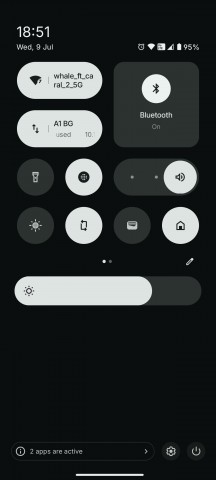
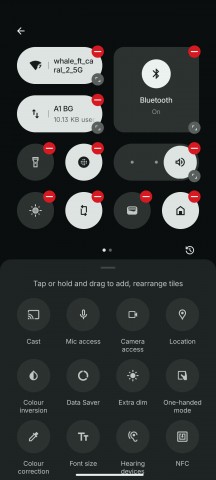
The notification shade and quick settings strike a balance between stock Android and Nothing's customizations. Starting with Nothing OS 2.5, the top two large quick toggles switched from circular to rounded-square designs, a change retained in version 3.5.
Another recent feature is the custom icon pack, which sticks to a uniform monochrome style, in line with Nothing's design ethos.
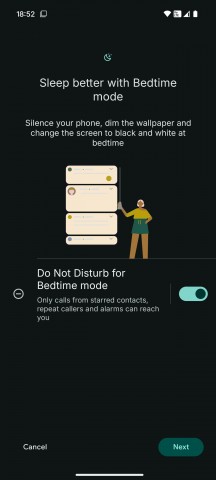
Nothing OS 3.5
The Nothing Phone (3) features an always-on display option, albeit a basic one with only a clock and a few notification icons, and no customization options.
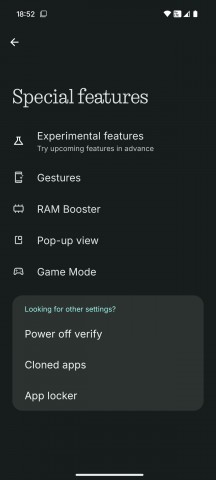
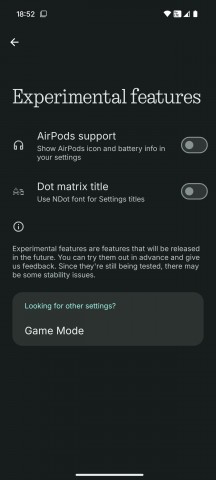
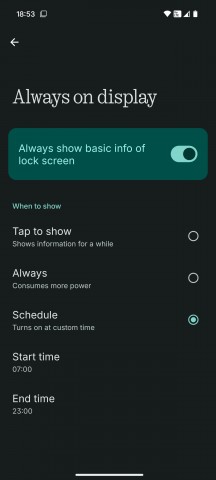
Special features and Always on display
Nothing OS includes a Monochrome UI mode for users seeking an even more distinctive interface. While it ties into features like Do Not Disturb and Bedtime, it can be configured independently. Importantly, this is a visual effect only - screenshots and photos will still appear in full color.
The Nothing X app provides seamless integration with several audio products, including the Ear (1), Ear (stick), Ear (2), CMF Buds, Neckband Pro, and Buds Pro.
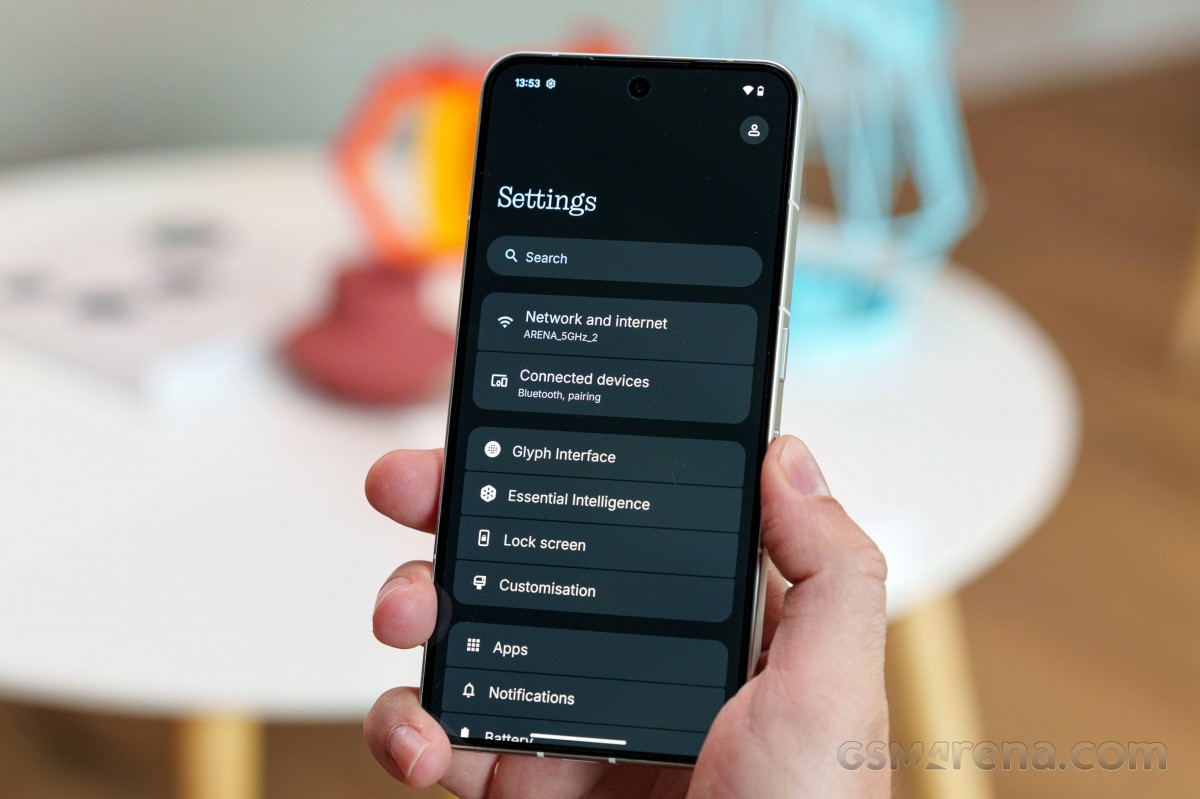
Probably the most interesting bit of customization on the Nothing Phone (3) is the new Glyph Matrix. It gets its own dedicated menu in settings. You can adjust the intensity of the LED, and there is even an auto brightness option. Flip to glyph is the default behavior for the display, but don't expect it to be overly busy.
Currently, there is no option to just have an adle animation or something similar showing on the display. The main idea is to have it light up when needed, for example, for incoming calls and notifications.
Each of the Nothing ringtones has a unique Glyph Matrix pattern associated with it, so this system can be used to identify callers with unique graphic identifiers even when the ringer itself is muted.
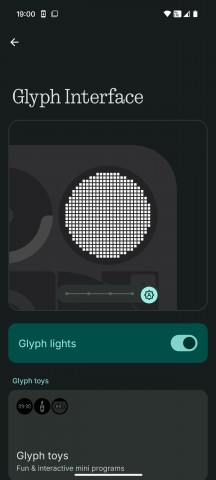
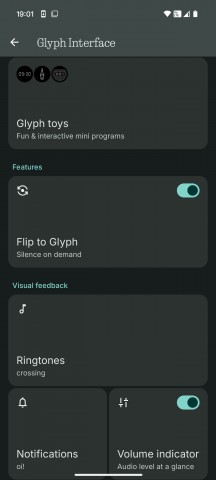
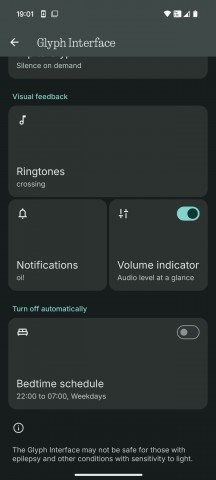
Glyph Matrix options
There is some intractability to the Glyph Matrix. As mentioned, the small circle underneath the LED display on the back of the phone (located about midway) is actually a capacitive touch area.
It seems to recognize single and long presses. A long press will enable the so-called "toys," which you can then cycle through with a single press. The toys themselves seem to be able to accept a long press as an "input". It's a fairly limited setup, but Nothing still found things to do with it, such as displaying the phone's battery level and the actual battery percentage with a long click, displaying a digital clock, or playing a rudimentary game of spin the bottle.
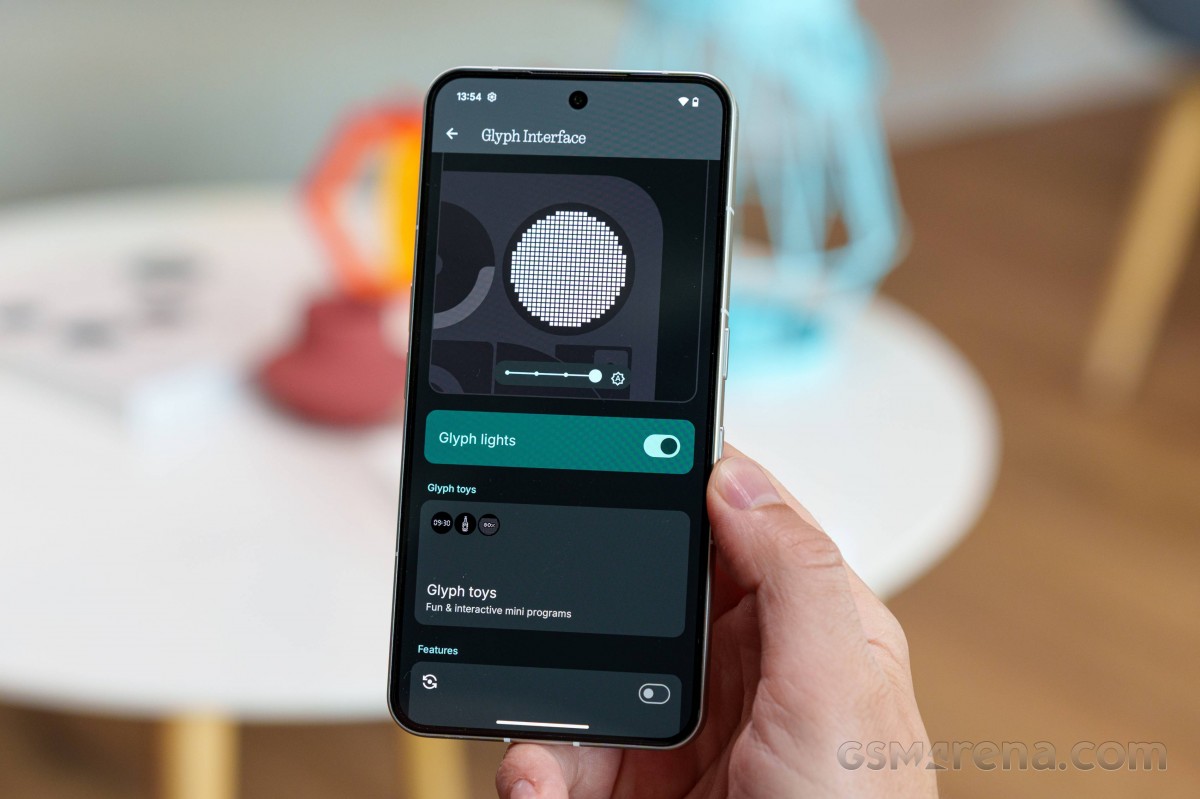
Nothing says there is an API for devs to control the Matrix Display, so we can probably expect more toys to come out from third-party developers at some point. Perhaps even third-party app integrations, which would be nice, since in its current iteration, the Glyph Matrix is one step behind the old Nothing Glyph Interface, which had Uber, Zomato, and Google Calendar integrations.
There is plenty of AI on board the Nothing Phone (3), as is the current trend. Most of it is neatly organized in a central location in settings called Essential Intelligence.
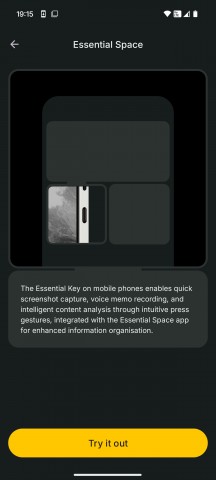
The Essential Space is an AI-powered hub designed to help you organize your daily tasks. As we understand it, you can send screenshots or photos to it with a single click of the Essential Key, located right underneath the power button, and annotate them as needed.
Alternatively, you can double-tap the key to record a voice memo, which is later automatically transcribed by AI.
You can also set reminders for yourself, and everything is organized intelligently.
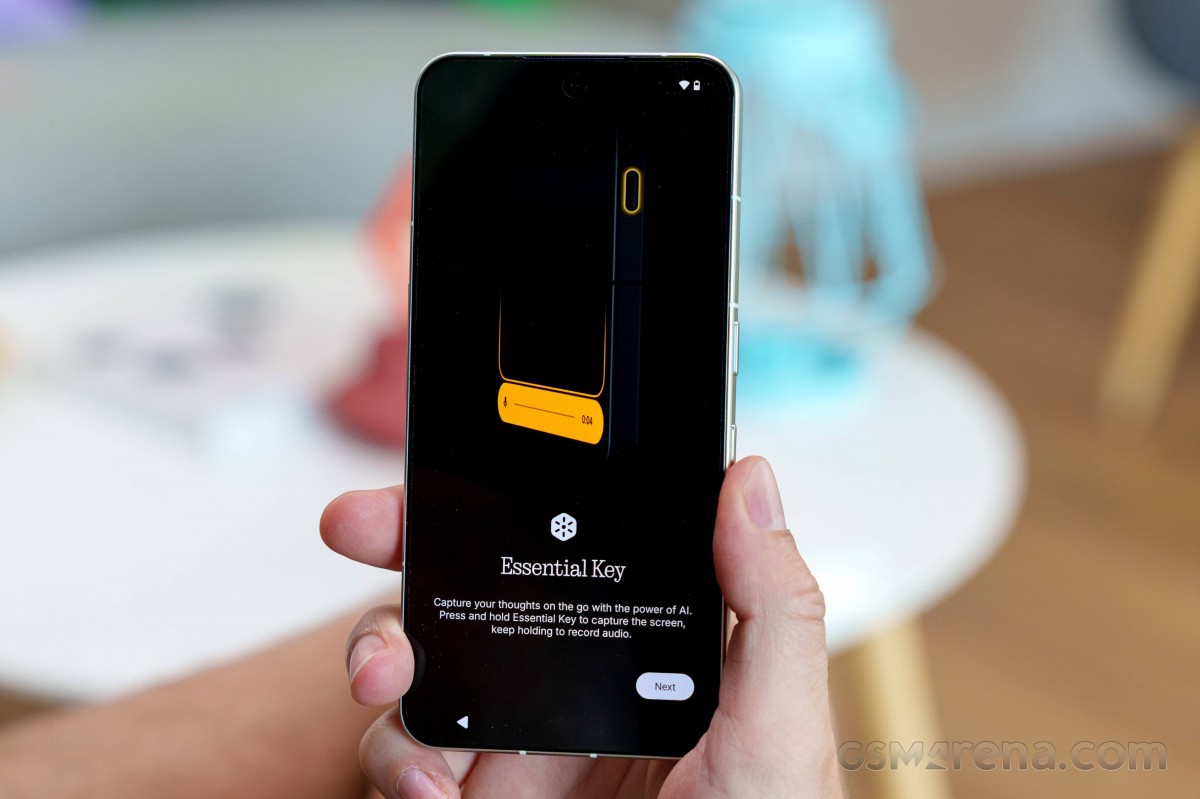
While the concept seems interesting, it appears to be tailored toward users with specific note-taking habits. We're not sure it will be one of the phone's major selling points, and the prominent hardware key may not be the most user-friendly solution for everyone. We wish Nothing offered the option to map the key to a different function, just for the added versatility.
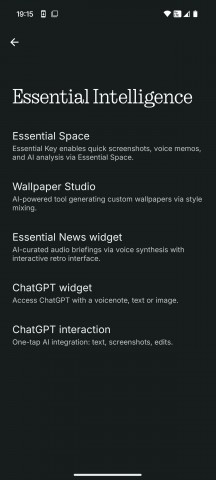
Essential Intelligence
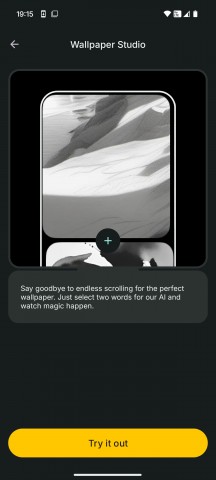
Wallpaper studio is a nice bit of generative AI. It's dead simple to operate; you just select two words, and the AI does its job.
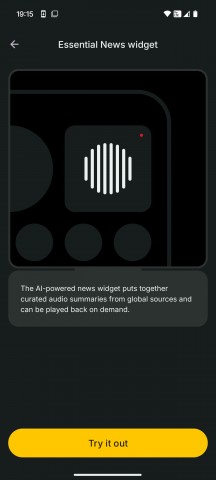
The Essential News widget is kind of cool. You can't pick and choose sources, just news topics, but it still does a pretty good job of automatically selecting and summarizing news articles and reading them out loud. Honestly, we can't quite be sure whether the feature is based on an AI narrator or actual audio news sources. Either way, it sounds and works well.
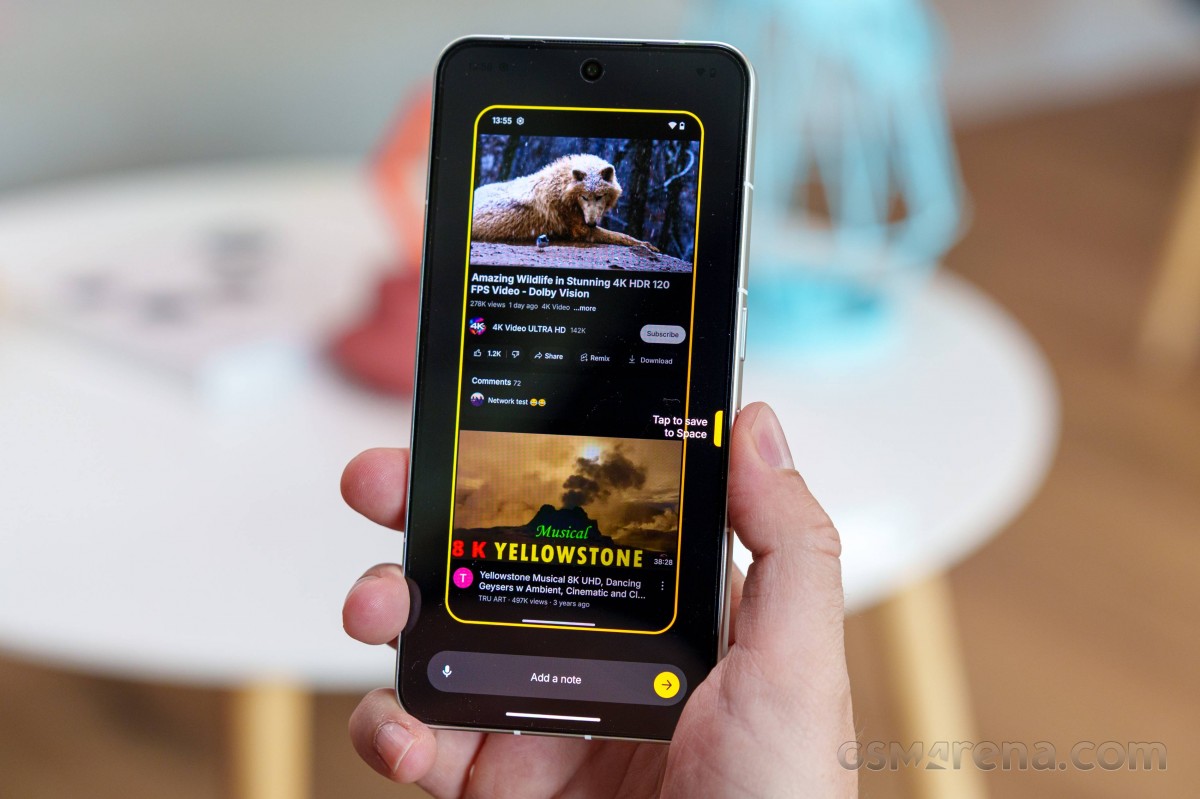
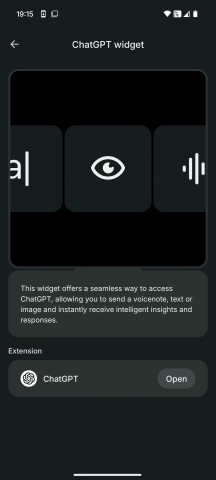
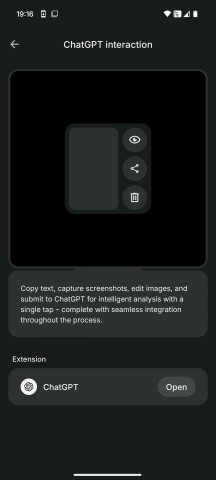
The ChatGPT integration features are quite convenient, especially the one that allows you to send a screenshot directly to ChatGPT for analysis. That is really convenient.
Benchmarks and performance
Nothing pushed its mainline device series to the flagship realm with the Phone (2) and its proper flagship Snapdragon 8+ Gen 1 chipset. While still arguably rocking a "flagship-grade" chip, the new Phone (3) does take a bit of a step back by incorporating an "s" variant of the Qualcomm top-tier silicon - the Snapdragon 8s Gen 4.
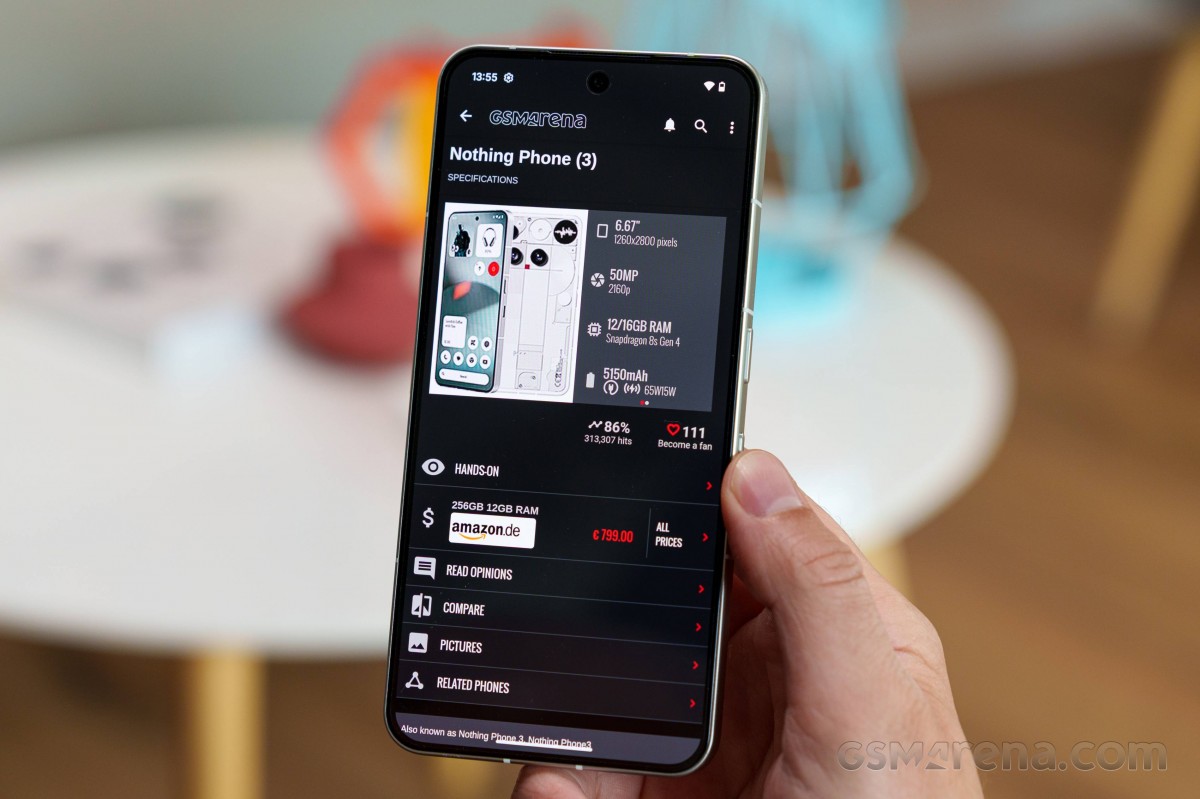
To be clear, the Snapdragon 8s Gen 4 still represents a major performance upgrade over the Snapdragon 8+ Gen 1. It is a great 4nm chip with a 3.21 GHz ARM Cortex-X4 at its helm, backed by three Cortex-A720 cores, clocked at up to 3.0 GHz, and four Cortex-A720 cores, with two operating at up to 2.8 GHz and the other two at up to 2.0 GHz. The onboard GPU is a capable Adreno 825.
Nothing has paired the Snapdragon 8s Gen 4 with 12GB or 16GB of RAM. The first variant comes with 256GB of UFS 4.0 storage, while the 16GB variant features 512GB. Storage is non-expandable, sadly.
Examining actual benchmarks, we can clearly see that the Snapdragon 8s Gen 4 delivers impressive burst performance. The chip performs similarly to the Snapdragon 8 Gen 3 and MediaTek Dimensity 9400e in terms of CPU performance. It easily leaves the Snapdragon 8+ Gen 1 inside the Nothing Phone (2) in the dust.
As mentioned, the Adreno 825 GPU is a strong performer. It is nearly on par with the Adreno 750 inside the Snapdragon 8 Gen 3 and noticeably better than the Adreno 735 inside the Snapdragon 8s Gen 3.
AnTuTu and its broader set of benchmarks is also quite favorable towards the Nothing Phone (3). The phone can definitely hold its own in benchmarks.
GeekBench 6
- Multi-core
- Single-core
 Galaxy S25+

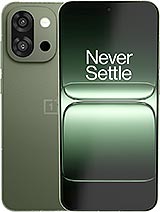 OnePlus 13s
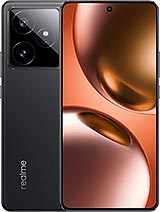 Realme GT 7
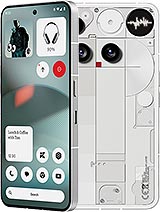 Nothing Phone (3)
 OnePlus 13R
 Nothing Phone (2a) Plus
 Nothing Phone (2a)
AnTuTu 10
 vivo X200 Ultra
Galaxy S25+
OnePlus 13R
Nothing Phone (3)
vivo X200 Ultra
Galaxy S25+
OnePlus 13R
Nothing Phone (3)
 Honor 400 Pro
Nothing Phone (2a) Plus
Nothing Phone (2a)
Honor 400 Pro
Nothing Phone (2a) Plus
Nothing Phone (2a)
3DMark
- Wild Life Extreme (2160p)
- Solar Bay (1440p)
vivo X200 Ultra
OnePlus 13R
Honor 400 Pro
Nothing Phone (3)
 OnePlus Nord 5
 Nothing phone (3a)
 Nothing phone (3a) Pro
Thermal-throttling
The Snapdragon 8s Gen 4 is a fairly powerful chip, but it also generates a significant amount of heat. The Nothing Phone (3) doesn't do a particularly good job of cooling the chip. The device aggressively thermal-throttles during stress testing, losing a significant portion of its peak performance.
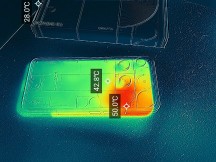
Phone surface temperature
The throttling is so bad, in fact, that the phone can't even get through a 3Dmark Wild Life Extreme stress test. Additionally, the phone's surface, especially its frame, becomes very hot under prolonged stress loads, to the point that holding the phone is quite uncomfortable.


Tip us
2.1m 180k
RSS
EV
Merch
Log in I forgot my password Sign up