Motorola Razr Fold review
Displays
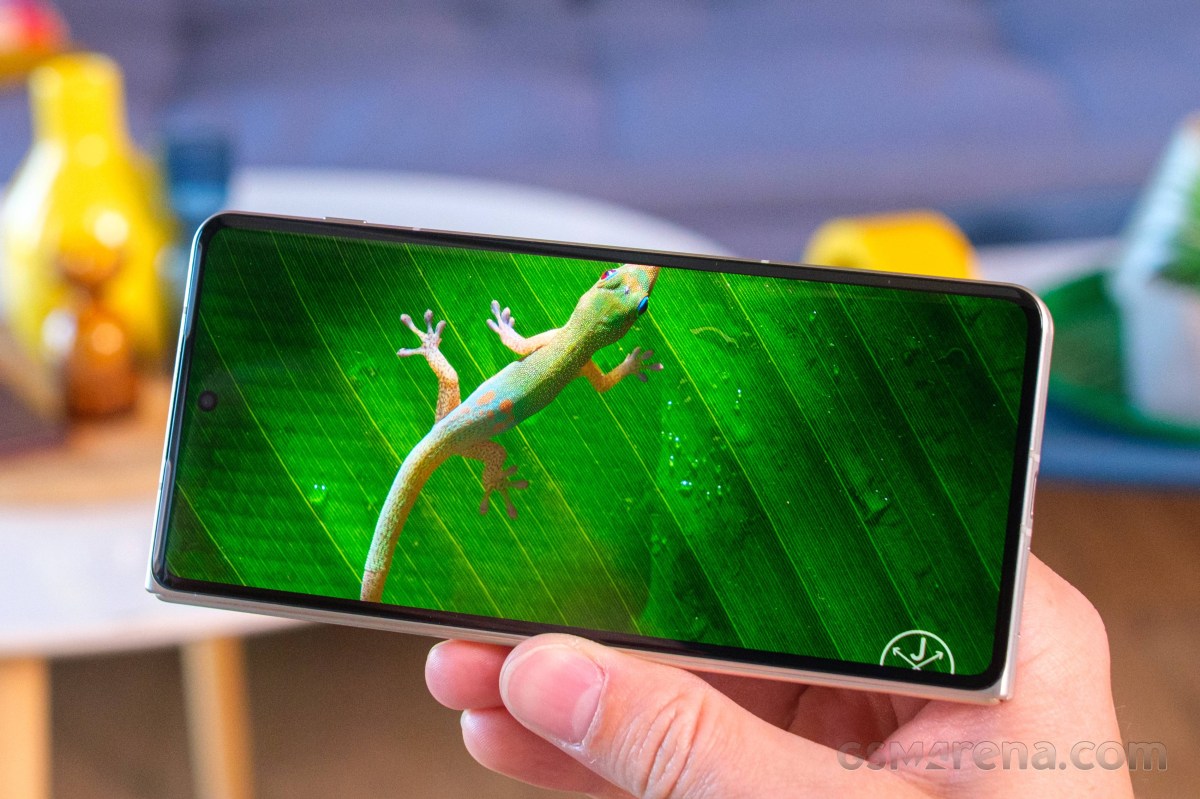
The Motorola Razr Fold has two high-end displays - a 6.6-inch cover OLED on the outside, and an 8.1-inch foldable OLED on the inside.
The foldable screen has a resolution of 2,232 x 2,484 pixels (410ppi) and support for 10-bit color depth, 120Hz refresh rate, HDR10+ and Dolby Vision. The advertised peak brightness for this panel is 6,200 nits.
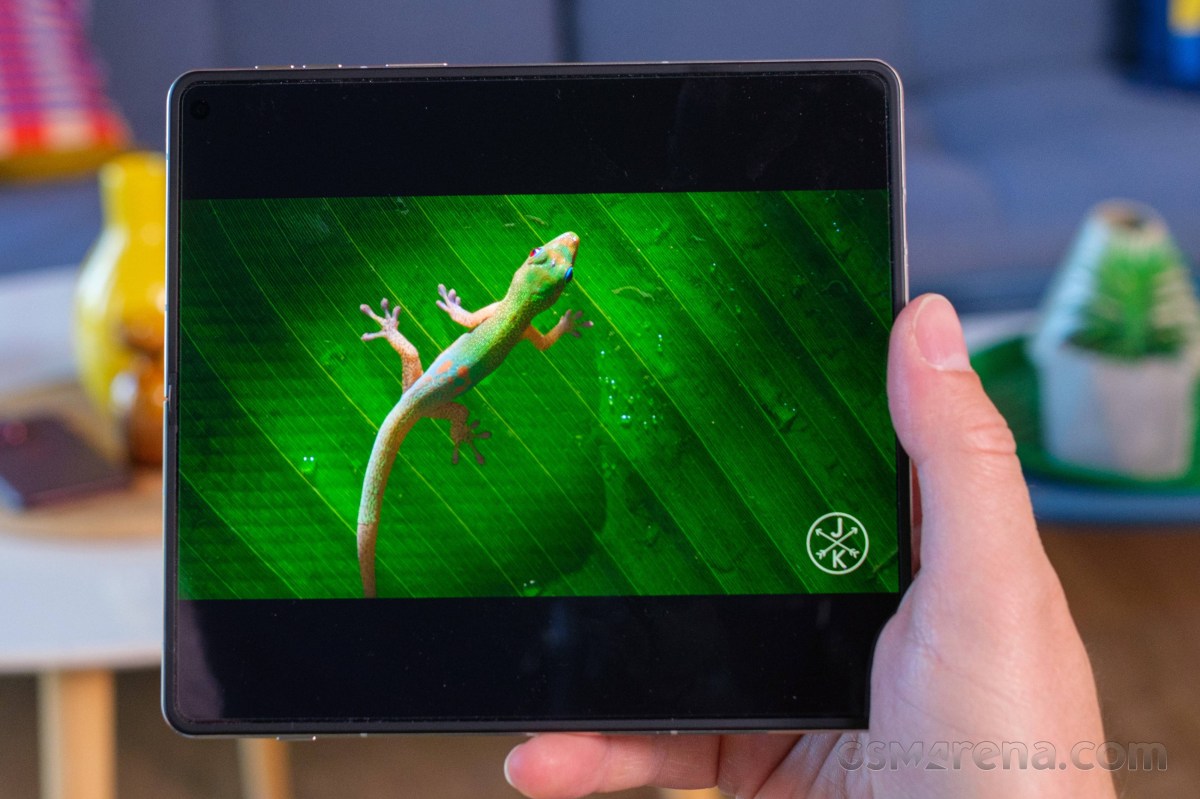
The cover screen has 1,080 x 2,520 pixel, 10-bit color depth, 165Hz refresh rate, HDR10+ and Dolby Vision supports. Its peak brightness as per the official specs is 6,000 nits.
Both screens support the Motorola Pen Ultra, which is bundled with the Razr Fold.
We have completed our brightness measurements on both screens. As far as manual maximum brightness is concerned, the Razr Fold is fairly unimpressive - we observed 503nits on the foldable and 482 nits on the cover screen.
The maximum automatic brightness is solid across both panels - 1,478 nits on the foldable and 1,510 nits on the cover screen.
Finally, the Razr Fold posted some of the highest numbers we've captured for peak brightness (10% patch) across the book-style foldables - about 2,860nits on both screens.
You can see for yourself that the brightness performance was kept identical on both displays, which is quite rare. Even the minimum brightness was below 3 nits for both panels (2.9 nits for the foldable and 2.7 nits for the cover).
Max display brightness test
White test pattern (nits)
- Manual (75% fill)
- Auto (75% fill)
- Peak Auto (10% fill)
 Oppo Find N6 (cover, gallery)
 Honor Magic V6 (cover display)
Oppo Find N6 (gallery)
Honor Magic V6 (cover display)
Oppo Find N6 (gallery)
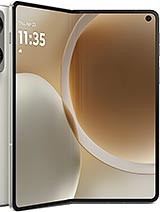 Motorola Razr Fold (cover)
Motorola Razr Fold
Motorola Razr Fold (cover)
Motorola Razr Fold
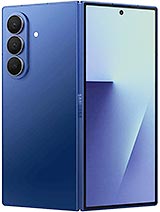 Galaxy Z Fold7 (Cover display)
Galaxy Z Fold7
Honor Magic V6
Oppo Find N6 (cover)
Oppo Find N6
Galaxy Z Fold7 (Cover display)
Galaxy Z Fold7
Honor Magic V6
Oppo Find N6 (cover)
Oppo Find N6
Refresh rate
There are three refresh rate modes as part of the Display settings - Smart & Balanced, Hyper Smooth, and Efficiency first.
The default mode is Smart & Balanced. It allows for up to 120Hz across the UI and HRR-reliant apps such as games and benchmarks, but uses 90Hz for most menus and apps such as Play Store, Gallery, Chrome, YouTube, etc. We also saw 30Hz and 60Hz used across various occasions. The refresh rate drops to 1Hz when idling.
Hyper Smooth behaves the same way as Smart & Balanced, but all compatible apps are rendered in 120Hz instead of 90Hz or 60Hz.
Efficiency First caps the refresh rate at 60Hz, but it still drops to 30Hz and 1Hz when needed.
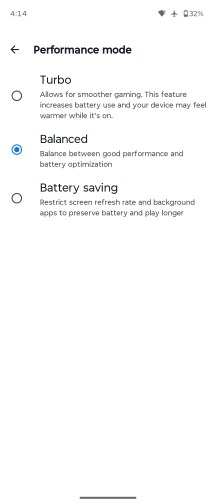
The cover screen supports 165Hz, but it's not available from the Display settings. In fact, there is no obvious way to set the refresh rate on a per-app basis. This is done via the Games app, which holds an "override" mode.
This is the only way to get a 165Hz refresh rate on the cover screen. You go into a game's profile settings within the app and select a fixed refresh rate of your choosing. The game then runs at that fixed resolution. We tried a whole bunch of games that we know support over 60fps rendering, and all of them successfully ran at 165Hz through this override.
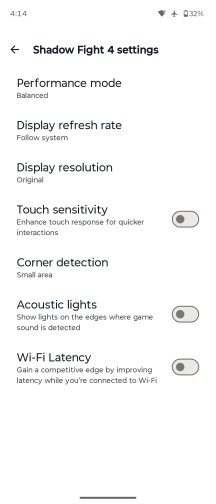
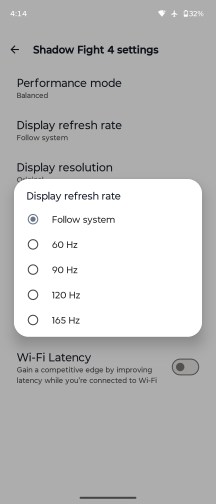
Game settings
HDR and streaming
Both screens on the Motorola Razr Fold support HDR10+ and Dolby Vision. While they are successfully recognized by the hardware scanning apps and some streaming apps such as YouTube, Netflix does not recognize either screen as HDR-capable.
Android HDR Ultra is supported on both displays.
Battery life
The Motorola Razr Fold is powered by a 6,000mAh Si/C battery, plenty for a book-style foldable. We've completed our battery life routines on both screens and the results are in.
The Motorola Razr Fold and its 8.1-inch large screen aced our battery life test. The phone gauged 16:03 hours Active Use Score and did incredibly well across all four battery life tests. This means that the Razr Fold is the leader in the current crop of book-style foldables.
The endurance on the cover screen turned out similarly impressive. Here, the Razr Fold posted 20:17h Active Use Score, a thoroughly impressive one.
Charging speed
The Motorola Razr Fold support 80W UPB-PD fast wired charging and 50W fast wireless charging. There is also support for reverse wireless charging (up to 5W).
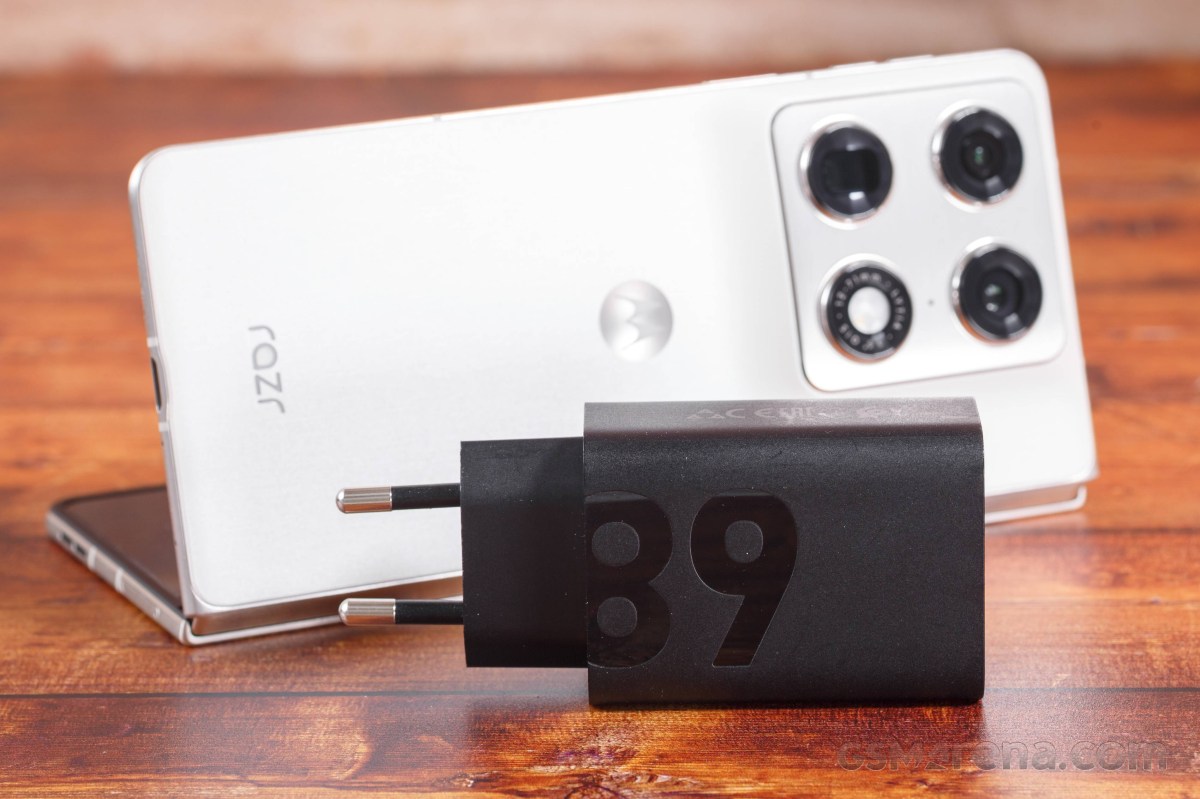
We have carried out the charging tests on both screens with a 125W Motorola power adapter and with the Charge Boost turned on (that's the default setting). You can use any USB-PD 80+W charger really, they would work just fine and 80W TurboPower is detected.
The Razr Fold recharges quite fast. In its open state, the one Motorola recommends, we got 36% in 15 mins, 66% in 30 mins, and it reached 100% on the 60min mark.
Even when closed, the Razr Fold still offers quite fast charging - 34% in 15mins, 55% in 30mins, and 100% in 66mins.
Charging speed
- in 15 min
- in 30 min
- Time to full charge (from 0%)
Oppo Find N6
 vivo X Fold5
Oppo Find N6 (folded)
Motorola Razr Fold
Honor Magic V6 (cover)
Motorola Razr Fold (cover)
Galaxy Z Fold7
vivo X Fold5
Oppo Find N6 (folded)
Motorola Razr Fold
Honor Magic V6 (cover)
Motorola Razr Fold (cover)
Galaxy Z Fold7
In terms of battery protection features, you get a familiar limiter that can either be manually set to charge up to 80% always or on a schedule, or you can let AI determine your charging habits and only top up the battery an hour before you typically unplug your phone.
We want to circle back to the wireless charging. The Razr Fold does not cover the Qi2 standard Which means it relies on a proprietary charger to go higher than the usual 15W, and Motorola used to have a 50W TurboPower Wireless Charger Dock, but it doesn't seem available anymore.
Speakers
The Motorola Razr Fold has a pair of stereo speakers placed symmetrically on its top and bottom when close and diagonally, when open.
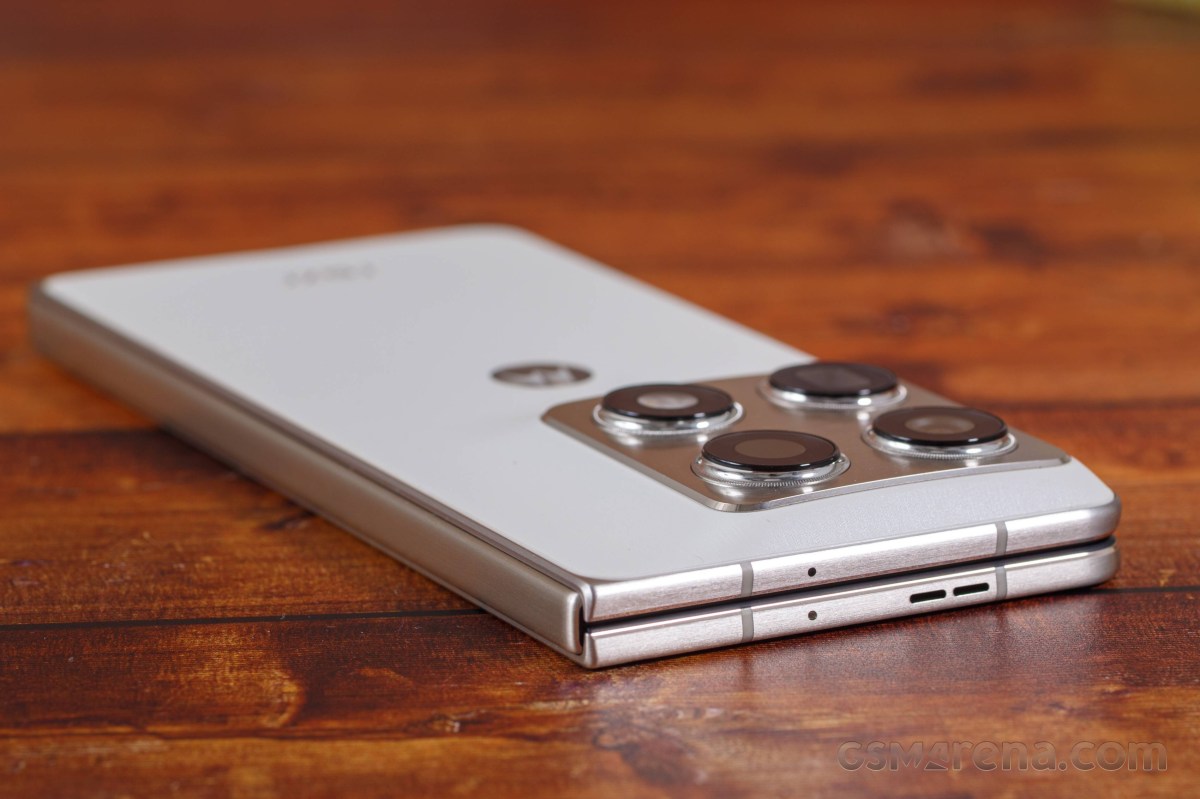
The two speakers sound quite nice and balanced no matter how you are using the Fold.
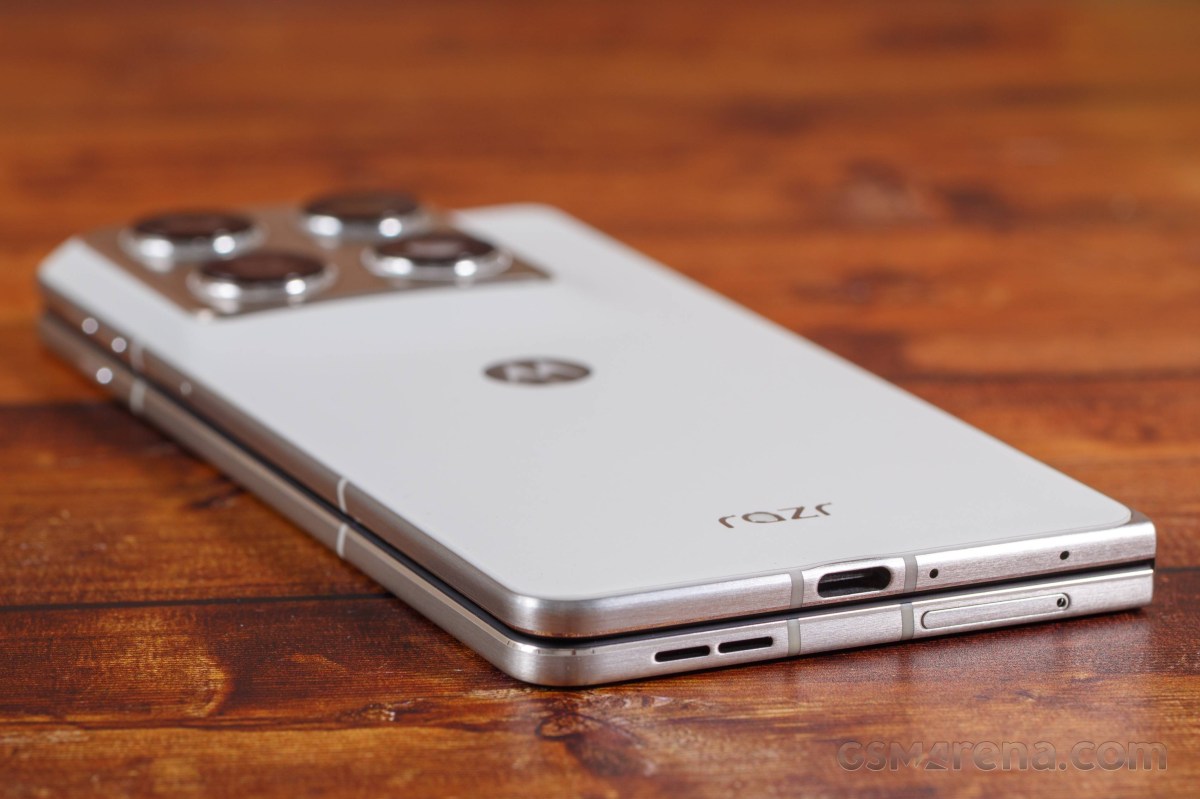
The speakers scored an Average mark on our loudness test. While the setup sounds alright, indeed we have heard louder.
The audio quality is good - there is adequate bass, good rendition of the high frequencies, but the vocals are average.
Use the Playback controls to listen to the phone sample recordings (best use headphones). We measure the average loudness of the speakers in LUFS. A lower absolute value means a louder sound. A look at the frequency response chart will tell you how far off the ideal "0db" flat line is the reproduction of the bass, treble, and mid frequencies. You can add more phones to compare how they differ. The scores and ratings are not comparable with our older loudspeaker test. Learn more about how we test here.


Tip us
2.1m 180k
RSS
EV
Merch
Log in I forgot my password Sign up